

Voice Memo Reminder: Braindump
Voice Memo Reminder: Braindump · Voice & Language · Productivity
Voice Memo Reminder: Braindump is an Android voice notes app that records speech and turns it into written text, summaries, and reminders. It's an AI voice recorder for people who think faster than they type and want voice memos to text instead of a folder full of unnamed recordings. What makes it stick is the language range. The app leans on speech recognition that handles over 98 languages, so a single memo can mix languages and still come out readable.
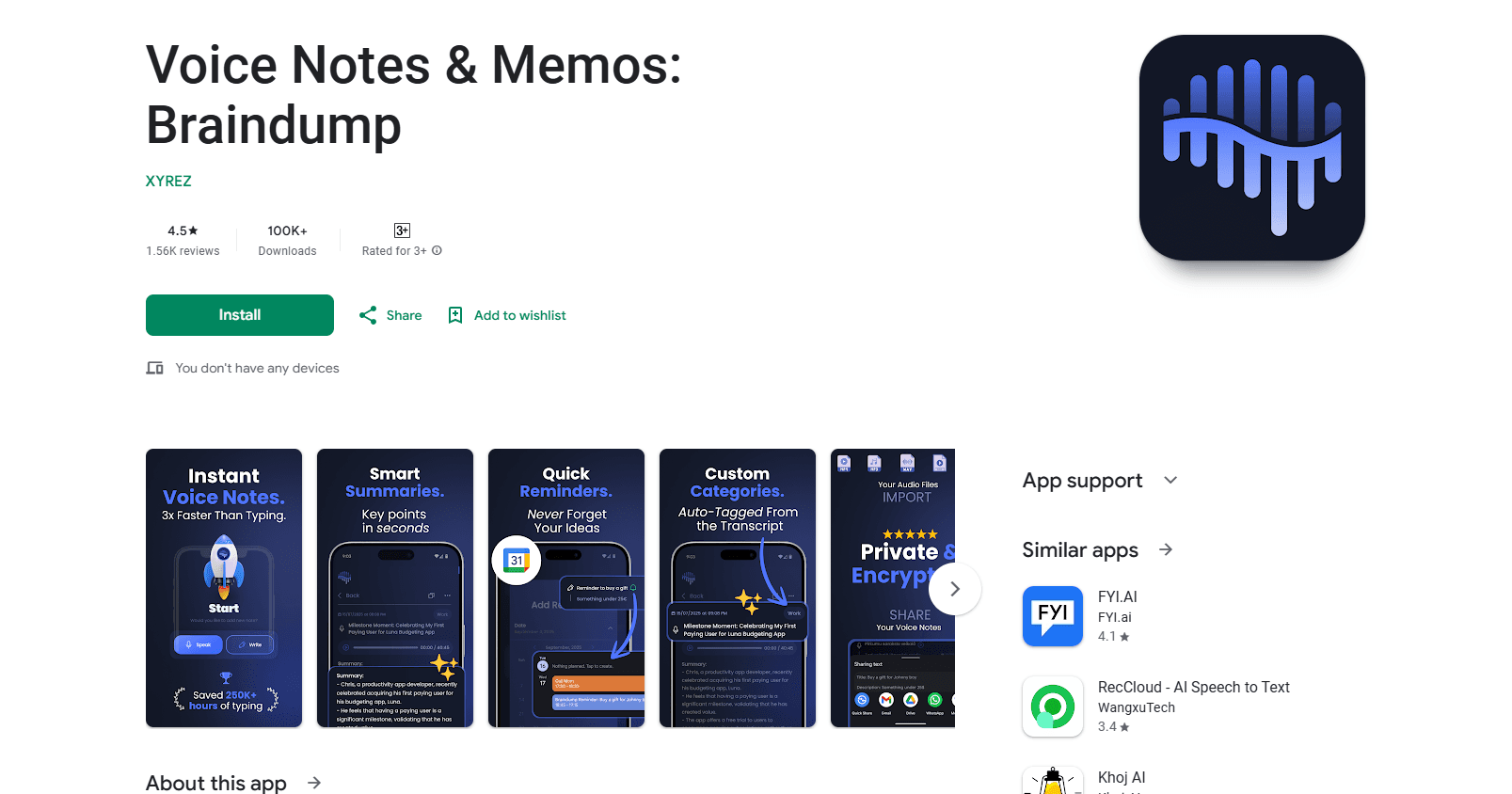
About Voice Memo Reminder: Braindump
What Is Voice Memo Reminder: Braindump
Voice Memo Reminder: Braindump is a speech to text app built around one idea: get a thought out of your head before it disappears. You talk, the app writes it down, and it pulls the useful parts out on its own. That means a quick ramble about tomorrow's errands can land as a clean transcript, a short summary, and a couple of items worth acting on.
The main draw is accuracy across languages. The recording handles 98+ languages, which matters if you switch between two of them mid-sentence or dictate in something other than English. It's the kind of tool that suits voice memos, meeting scraps, and half-formed ideas more than polished writing.
Know the boundary before you commit. Because transcription and summaries run on AI, the app needs a connection and, in most cases, an account to keep your notes synced, which is worth checking if you work somewhere with patchy signal or you would rather keep everything on the device in your pocket. Free tiers for tools like this also usually cap how much you can record or transcribe each month.
Getting Started
- Install the app and sign in or create an account so your notes have somewhere to live.
- Grant microphone access, then grant notification access if you want reminder alerts.
- Tap record and speak a test memo, mixing in a to-do if you have one.
- Open the transcript and check the AI summary, then confirm the extracted tasks or reminder.
- Adjust the reminder time if the app guessed wrong, and save the note to your list.
Product Information
A quick look at Voice Memo Reminder: Braindump's pricing, supported platforms, and performance.
Best for
The users, tasks, and scenarios where this tool fits best.
Users
- Busy professionals
- Students
- Multilingual speakers
Tasks
- Turning a voice memo into a to-do list
- Summarizing a long recording
- Setting spoken reminders
Scenarios
- Capturing an idea on a walk or commute before it slips away.
- Jotting a shopping or errand list hands-free while doing something else.
- Recording post-meeting notes right after you leave the room, while it's still fresh.
Key features
Speech to Text Transcription
The core of the app is converting what you say into readable text. It's built to handle everyday speech rather than careful dictation, so you can ramble and still get a transcript you can use. Accuracy is the selling point. The app claims 99.9% across its supported language set.
Multi-Language Recording
Voice Memo Reminder: Braindump works across more than 98 languages and can deal with more than one inside the same recording, which helps bilingual users who don't want to stop and think about which language they're speaking before they press record. You talk naturally, and the transcript sorts itself out.
AI Summaries
Instead of a wall of transcript, the app produces a shorter summary of what the recording was about. This is the feature that makes long memos reusable, since you can skip the full text and still know what mattered. That's the point. It's aimed at recaps, meeting notes, and idea dumps.
To-Do and Task Extraction
The app looks for tasks inside your speech and pulls them out as a list. Say a few things you need to do and they show up cleanly rather than buried in prose. A note you never reopen becomes a list you actually work from.
Custom Reminders
You can attach reminders to your notes so a memo resurfaces when it's useful. The reminder ties the thought to a time, which turns a passive recording into something that nags you at the right moment. Permissions for notifications matter here, so set them on first launch.
Voice-First Workflow
Everything is designed around talking, not typing. The app keeps recording, transcription, and organizing in one place so you don't bounce between a recorder and a notes app. Recording, transcription, and organizing all live together here. For people who think out loud, that single flow is the whole reason to keep it installed.
Pros and cons
Pros
- High claimed transcription accuracy across a large language list.
- Summary and task extraction turn raw speech into something reusable.
- Handles multiple languages inside one recording.
- Reminder support connects a spoken note to a real time and date.
- Android voice notes app with a straightforward record-first interface.
Cons
- AI transcription and summaries depend on a connection, so offline use is limited.
- Free tiers for this kind of app usually cap monthly recording or transcription minutes.
- No public API, so you can't wire it into your own tools.
- Reminder alerts need notification permission, which some users skip by accident.
Frequently asked questions
Voice Memo Reminder: Braindump is a voice notes app that records your speech and turns it into text, a summary, and a task list. It's meant for people who would rather talk than type. The app then lets you attach reminders so the note comes back when you need it.
Related content
Explore related tools, skills, and articles for Voice Memo Reminder: Braindump.
Voice Memo Reminder: Braindump Alternatives

Foley
Hanamori Labs, LLC · Voice & Language · Productivity · AI AssistantFoley is a voice to-do list that turns a spoken sentence into a filed task, complete with project, date and time, then helps you plan the day around what is already there.

HireKey
HireKey · Voice & Language · Productivity · LeaningHireKey is an AI job search copilot built by a former tech recruiter. It checks role fit, tailors resumes, runs interview practice and tracks every application.

Fluence
Yay Software (Yannick Huchard) · Writing · Voice & Language · ProductivityFluence is an Android app that reads PDFs, EPUBs, Word files and web articles aloud, follows each sentence as it speaks, and answers questions about the text on the phone itself.