

VoiceCanvas
ITUSI · Voice & Language
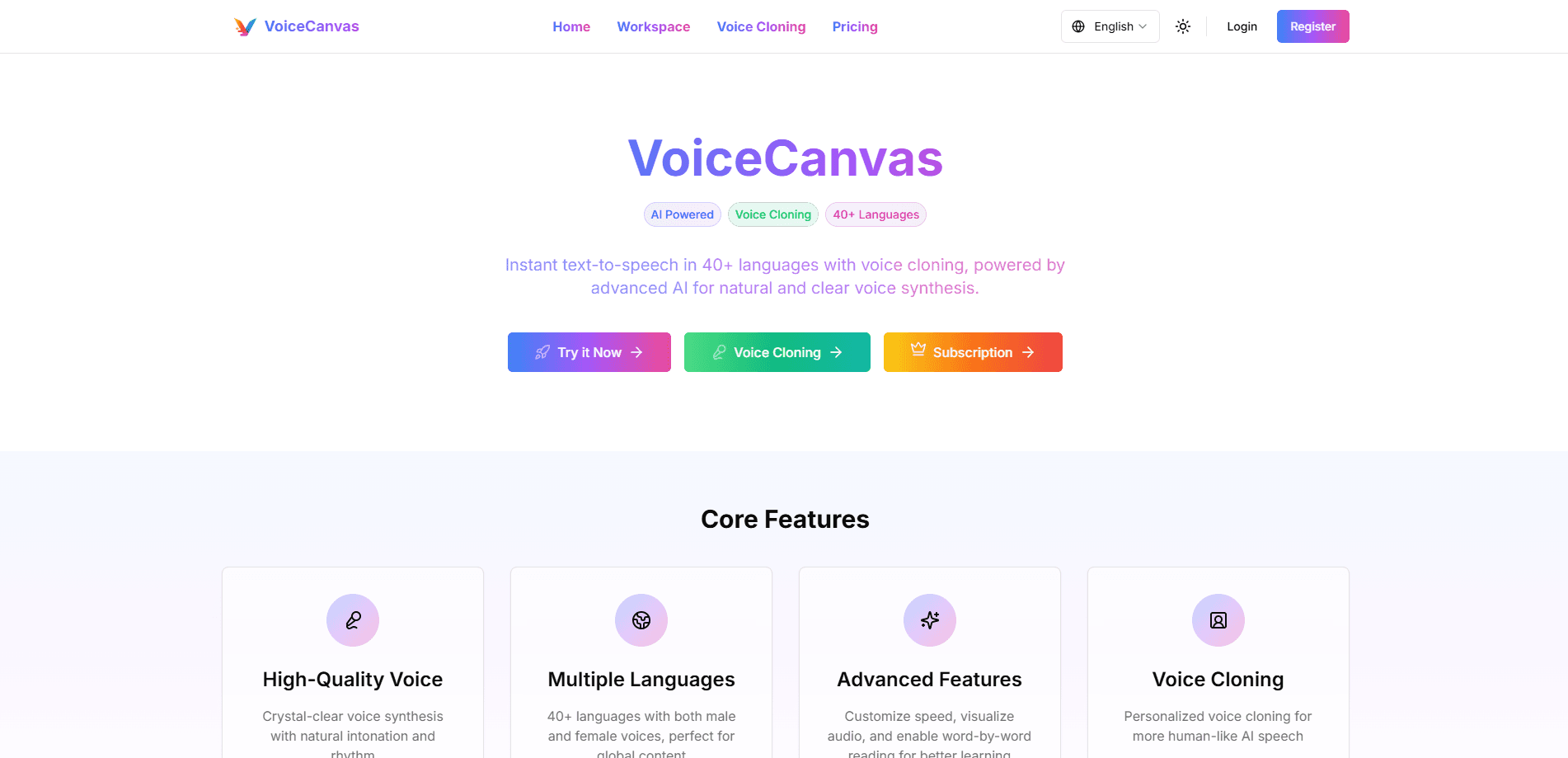
VoiceCanvas is an AI voice synthesis and voice cloning platform that turns text into natural speech in 50+ languages, with voice design and AI podcast tools for creators. A 7-day trial starts free.
About VoiceCanvas
What Is VoiceCanvas
VoiceCanvas is a web-based platform for AI voice work. You type or upload text, pick a voice, and get back audio you can download and use in videos, courses, or podcasts. It's built by ITUSI and runs on a mix of speech engines, including OpenAI TTS, AWS Polly, and MiniMax.
The main draw is breadth plus personalization. You get 50+ languages and both male and female voices, then you can clone a specific voice from a short sample or design a new one from a text description. That combination covers most everyday jobs, from narrating a lesson to voicing a podcast with two hosts.
The limits are worth knowing up front. Cloning needs clean audio, and the free trial caps you at 100 characters, so it's really a test drive rather than a working allowance. There's no public API listed, which rules out programmatic pipelines for now.
Getting Started
- Create an account on voicecanvas.org with an email, Google, or GitHub login.
- Pick a mode: text to speech, voice clone, voice design, podcast, or story voiceover.
- Paste or upload your text, then choose a language, voice, and playback speed.
- Preview the audio, adjust the tone or speed, and download the file when it sounds right.
The whole loop takes a few minutes once your voice is set. Cloning adds one extra step: upload a roughly 10-second sample and wait for the model to build the voice.
Product Information
A quick look at VoiceCanvas's pricing, supported platforms, and performance.
Best for
The users, tasks, and scenarios where this tool fits best.
Users
- Content creators
- Podcast hosts
- Teachers and trainers
- Audiobook producers
Tasks
- Voiceover for videos
- Multilingual dubbing
- Story narration for kids
- Creating learning audio
Scenarios
- Turning a blog post into an audio version
- Producing a short podcast draft
- Building classroom listening exercises
- Cloning your own voice for recurring content
Key features
Multilingual Text to Speech in 50+ Languages
VoiceCanvas is a multilingual TTS engine covering more than 50 languages and dialects, with male and female voices and regional accents such as US and UK English. You paste text, pick a voice, and get audio with natural intonation. This AI voice generator is the base layer for everything else on the platform.
Voice Cloning From a Short Sample
Upload around 10 seconds of clean audio and the platform builds a reusable voice that keeps the original emotion and character. Cloning is cross-language, so a single sample can speak other languages. The clone stays valid permanently, which suits anyone who wants a consistent voice across projects.
Voice Design for Custom Tones
Instead of cloning an existing voice, you can describe the voice you want in plain language and generate it. VoiceCanvas previews the result in real time so you can audition before saving. Saved designs are kept for reuse, which helps when you need one voice for a whole series.
AI Podcast Generator
Feed the tool content and this AI podcast generator builds interview-style dialogue between a host and a guest, then reads it in synthesized voices. It's aimed at people who want a professional-sounding podcast without recording two people live. You still need to review the script, since the AI writes the conversation from your input.
AI Story Voiceover
This mode turns a story into audio and lets you assign different voices to different characters. That makes it practical for children's stories and audiobooks where one narrator voice would flatten the material. It supports custom story input and editing before you generate.
Speed Control and Word-by-Word Reading
You can slow down or speed up the delivery, and a word-by-word reading mode highlights text as it's spoken. That's built for language learners and anyone following a script closely. You can also download audio files with one click once they're ready.
Pros and cons
Pros
- 50+ languages with male and female voices and regional accents, so one platform covers most localization needs.
- Voice cloning needs only about a 10-second sample and is valid forever, which keeps a personal voice consistent over time.
- The free trial and low entry pricing ($3 for a single clone) let you test before committing.
- Podcast and story voiceover modes handle multi-voice content that plain text to speech tools can't.
Cons
- No public API, so you can't wire VoiceCanvas into an automated pipeline or app.
- The free trial offers just 100 characters, which is barely enough to hear a sample.
- Voice cloning depends on clean audio; a noisy or short sample will lower the quality of the clone you get.
- Character quotas on paid plans will run out faster than expected for long-form work like audiobooks.
Frequently asked questions
It's used to turn text into spoken audio and to create custom voices. Common uses include voiceovers, multilingual dubbing, podcasts, and narrated stories.
Related content
Explore related tools, skills, and articles for VoiceCanvas.
VoiceCanvas Alternatives

Foley
Hanamori Labs, LLC · Voice & Language · Productivity · AI AssistantFoley is a voice to-do list that turns a spoken sentence into a filed task, complete with project, date and time, then helps you plan the day around what is already there.

HireKey
HireKey · Voice & Language · Productivity · LeaningHireKey is an AI job search copilot built by a former tech recruiter. It checks role fit, tailors resumes, runs interview practice and tracks every application.

Fluence
Yay Software (Yannick Huchard) · Writing · Voice & Language · ProductivityFluence is an Android app that reads PDFs, EPUBs, Word files and web articles aloud, follows each sentence as it speaks, and answers questions about the text on the phone itself.