

VoiceInk
Pax (Beingpax) · Voice & Language
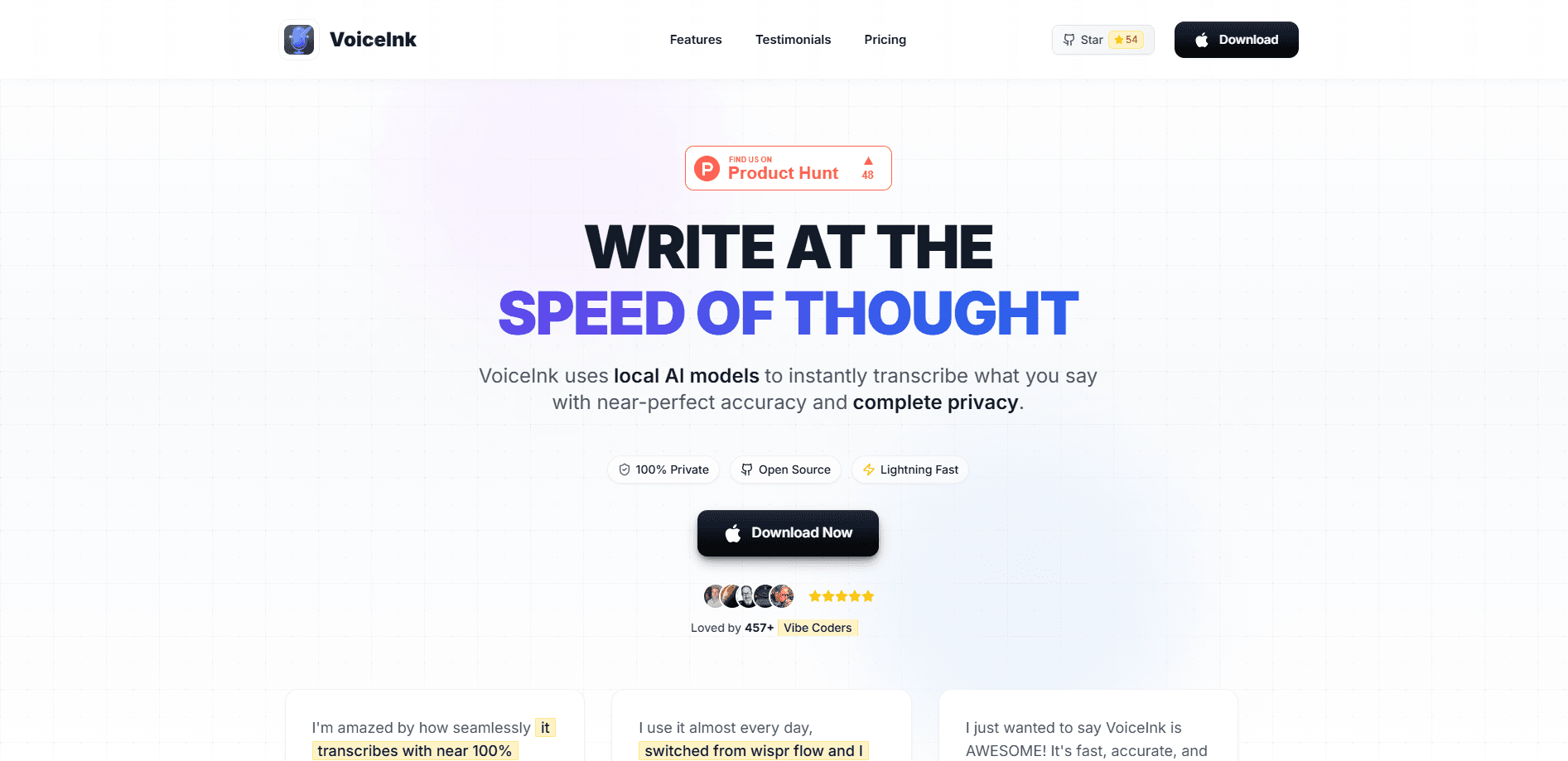
VoiceInk is an open-source dictation app for Apple Silicon Macs that turns speech into clean text using local AI models, so your audio stays on your device.
About VoiceInk
What Is VoiceInk
VoiceInk is a native macOS dictation app, or voice to text tool, built by an independent developer, Pax. You press a hotkey, speak, and finished text lands in whatever app has your cursor, from Gmail to Slack to a code editor. The pitch is privacy: transcription runs on local AI models, so your voice never leaves the machine.
That local-first design is the main reason people pick it over cloud tools. Offline transcription means nothing gets uploaded, and you can audit the code because the project is open source. If you want extra polish, an optional Cloud Enhancement step can clean up the text using providers like Groq, Cerebras, or Gemini with your own API keys. Only the text goes out in that case, never the audio.
The catch is the hardware requirement. This macOS dictation software runs only on Apple Silicon Macs and needs macOS 14.4 or later, so older Intel machines are out. There's no monthly plan either, which is great for cost but means there's no free tier to try before you buy beyond the refund window.
Getting Started
- Download VoiceInk from the official site or install it with Homebrew, then open the app.
- Grant microphone and accessibility permissions when macOS asks, since the app needs them to capture audio and paste text into other programs.
- Pick a local model in settings and choose a hotkey for recording.
- Hold the hotkey, speak, and release to paste the transcript into the active window.
- Create custom modes or a personal dictionary to match how you write for different apps.
Product Information
A quick look at VoiceInk's pricing, supported platforms, and performance.
Best for
The users, tasks, and scenarios where this tool fits best.
Users
- Writers and bloggers
- Developers and vibe coders
- Students
- People with RSI or mobility limits
Tasks
- Replying to email
- Drafting long notes
- Rewriting selected text
- Writing AI prompts
- Journaling
Scenarios
- Learning shortcuts to avoid typing
- Drafting at your desk
- Editing on the go
Key features
Local AI Transcription
VoiceInk runs speech recognition on your own Mac using local models, so transcription works without an internet connection and your audio stays private. You can pick from a range of models to trade speed against accuracy depending on the machine you own.
Cross-App Dictation
The app pastes text into any application that accepts keyboard input, from email clients and chat apps to code editors and terminals. There's nothing to configure per app, which means one hotkey covers your whole workflow.
Custom Modes and Personal Dictionary
Modes let you set different rules for different contexts, such as meetings, interviews, or quick messages. A personal dictionary teaches the transcription and cleanup models the names, product terms, and unusual spellings you actually use.
Smart Replace and Snippets
Smart Replace expands a short spoken phrase into exact text or swaps one word for another. It's a small feature that saves real time when you repeat the same address, signature, or boilerplate line all day.
Optional Cloud Enhancement
If you want cleaner output, an optional step can route only the transcribed text through cloud providers such as Groq, Cerebras, or Gemini using your own API keys. The audio itself never leaves the device.
Open-Source Codebase
The project is built in public on GitHub, so anyone can read, audit, or build it themselves. For privacy-conscious users, that open-source dictation model is a bigger selling point than any feature list.
Pros and cons
Pros
- Transcription runs locally, so voice data never leaves your Mac by default.
- One-time pricing with no subscription, which undercuts most monthly dictation rivals.
- Open source, so the privacy claims are verifiable rather than just marketing.
- Works in any app through a single hotkey, with custom modes and a personal dictionary.
- Lifetime updates are included in the purchase.
Cons
- Only runs on Apple Silicon Macs with macOS 14.4 or later, so Intel Mac owners can't use it.
- No free plan, and the refund window is the only way to test it before committing.
- Cloud Enhancement needs your own API keys from a third-party provider, which adds setup work.
- Local models consume RAM and battery, and accuracy depends on the model you pick.
Frequently asked questions
VoiceInk turns spoken words into text on macOS. You hold a hotkey, talk, and the transcript is pasted into whatever app is open, using local AI models for privacy.
Related content
Explore related tools, skills, and articles for VoiceInk.
VoiceInk Alternatives

Foley
Hanamori Labs, LLC · Voice & Language · Productivity · AI AssistantFoley is a voice to-do list that turns a spoken sentence into a filed task, complete with project, date and time, then helps you plan the day around what is already there.

HireKey
HireKey · Voice & Language · Productivity · LeaningHireKey is an AI job search copilot built by a former tech recruiter. It checks role fit, tailors resumes, runs interview practice and tracks every application.

Fluence
Yay Software (Yannick Huchard) · Writing · Voice & Language · ProductivityFluence is an Android app that reads PDFs, EPUBs, Word files and web articles aloud, follows each sentence as it speaks, and answers questions about the text on the phone itself.