

VoiceOS
WakoAI, Inc. · Voice & Language · Productivity
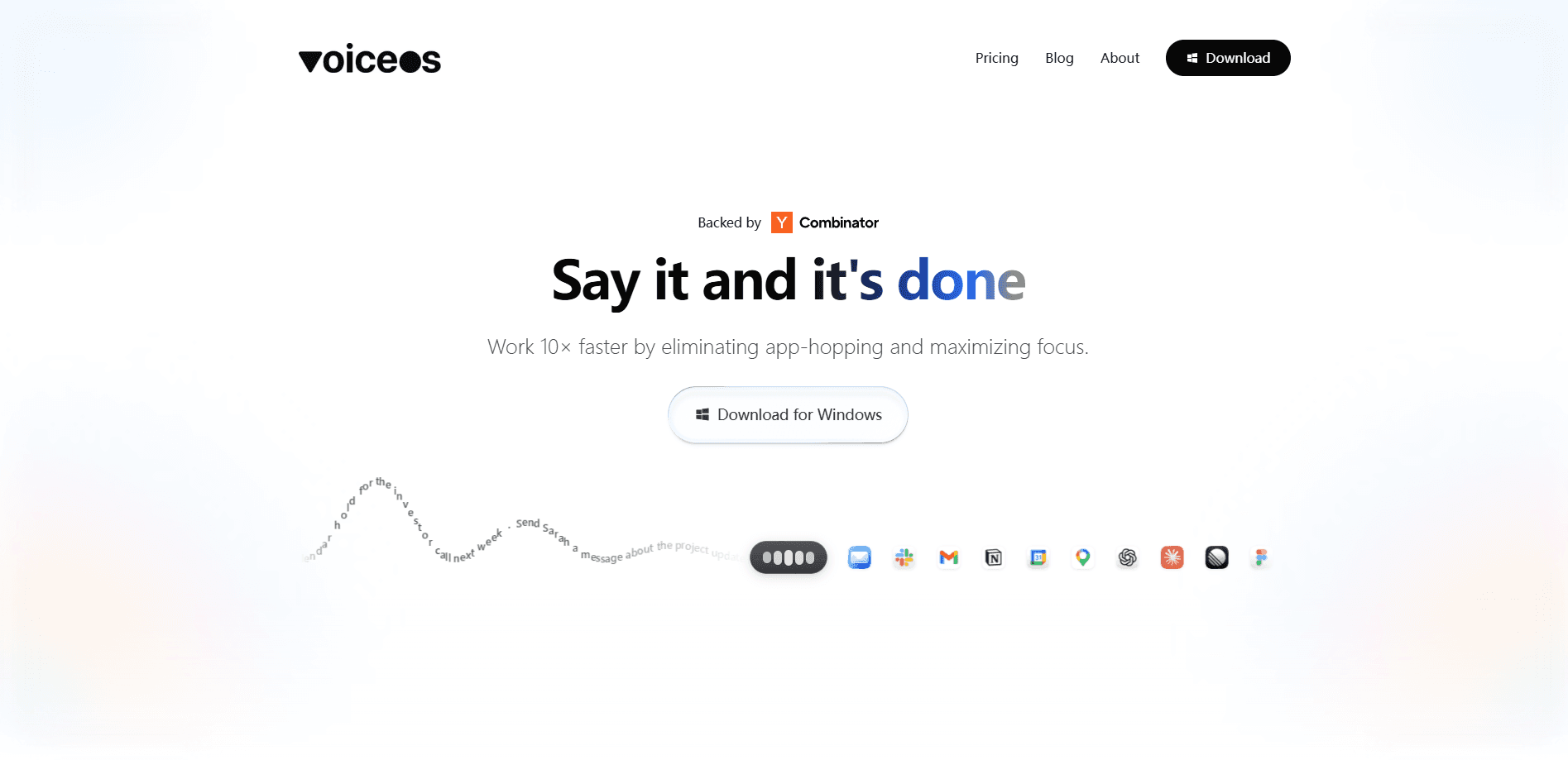
VoiceOS is an AI voice assistant for Mac and Windows that turns spoken words into polished text and finished tasks across the apps you already use. It pairs fast speech-to-text with an Agent Mode that can send emails, schedule meetings, and pull up files on command. Founders, writers, and developers use it to skip typing and keep working inside whatever window is open. You point at something on screen, ask, and it handles the rest.
About VoiceOS
What Is VoiceOS
VoiceOS is a desktop voice interface built by WakoAI, Inc. It runs as a layer over your operating system, so you talk instead of typing and the result lands in the right app. Two modes do the heavy lifting. Dictation turns speech into clean text wherever your cursor sits, and Agent Mode carries out multi-step tasks like drafting a reply, scheduling a call, or finding a document you only half remember. That second mode is what most people sign up for.
It targets people whose hands and thoughts don't move at the same speed. If you write long emails, file tickets, or live in Slack and code editors, the pitch is simple. Say it once and move on. VoiceOS isn't a phone feature and it isn't a browser extension. It asks for a real desktop, because that's where most knowledge work still happens.
The main limitation is platform coverage. Right now VoiceOS runs on macOS and Windows only. iPhone and Android apps are listed as coming soon, so mobile users can't take it with them yet. There's also a learning curve around Agent Mode, since granting an assistant permission to act in your apps takes some trust.
Getting Started
- Download VoiceOS for macOS or Windows from the official website and install it.
- Create an account and start the 7-day Pro trial, which unlocks full access for a week.
- Grant the permissions VoiceOS needs for dictation and app integrations, then set your activation hotkey.
- Press the hotkey, speak naturally, and watch text appear in the active field.
- Switch to Agent Mode when you want VoiceOS to carry out a task rather than just type for you.
Product Information
A quick look at VoiceOS's pricing, supported platforms, and performance.
Best for
The users, tasks, and scenarios where this tool fits best.
Users
- Founders and small teams who write a lot
- Writers and content creators
- Developers and support staff
Tasks
- Sending routine messages
- Finding misplaced files
- Tracking follow-ups
Scenarios
- Clearing a backed-up inbox each morning
- Moving between docs, browsers, and chat all day
- Getting ideas down before they slip
Key features
Dictation Mode
Dictation Mode converts speech to text directly in whatever app has focus. No shuffling text from a separate window. It handles punctuation, formatting, and polish, and it supports around 100 languages with custom vocabulary for names and jargon. For plenty of users this dictation software for Mac or Windows is the whole reason they switch. You can also edit selected text by voice, which is handy when a phrase needs fixing rather than rewriting.
Agent Mode
Agent Mode is where VoiceOS separates itself from plain dictation tools. It reads your screen, understands context, and takes action: sending an email, scheduling a meeting, or filing a ticket. This voice-to-action layer is the core of the product. Sessions run up to 25 times a week on the free tier and without limits on Pro. And it asks before it acts on anything important, so you stay in control.
App Integrations and MCP Servers
The app connects to the tools you already run and supports your own MCP servers, which lets it reach past a fixed integration list into the odd corners of your particular setup, and it can pull live web results with sources when a task needs current information instead of a guess. This is the feature that turns a voice tool into something closer to a workflow assistant.
Screen Awareness and Pointing
Point anywhere on your screen and your cursor becomes the context. Instead of explaining which window or which line you mean, you point and ask, and VoiceOS works from what's visible. Simple. No describing. It's a small interaction change that removes a lot of the friction in voice control.
Reminders and Scheduling
Ask VoiceOS to keep track of something and it holds the task, then brings it back at the right moment. Nothing has to sit in your head waiting for a free second. It just waits. For anyone juggling several threads at once, and especially for people who keep a dozen half-finished tasks open across different apps all day, this alone can replace a pile of sticky notes. Hand it off. Forget it.
Privacy and Security
VoiceOS keeps transcripts on your device and offers a private mode. Audio isn't stored on the company's servers or used to train models, according to the official privacy page. Your words stay yours. Enterprise customers get zero data retention, SOC 2 Type II, and SSO/SAML support. On-device handling matters if your work involves anything sensitive.
Pros and cons
Pros
- Turns speech into finished actions, not just text, through Agent Mode.
- Doubles as a dependable voice productivity tool for everyday writing.
- Works as a layer over Mac and Windows, so it fits the apps you already use.
- Around 100 languages with custom vocabulary for names and technical terms.
- Strong privacy stance: transcripts stay on your device and audio isn't used for training.
- Asks for confirmation before important actions, which keeps you in the loop.
Cons
- No iPhone or Android app yet, so it won't follow you off the desktop.
- The free tier's weekly session limits (25 Agent Mode, 100 dictation) run out fast for heavy users.
- Pro costs $11.99 a month when billed annually, and there's no cheaper monthly option listed.
- Agent Mode needs broad permissions for app integrations, which some users won't want to grant.
Frequently asked questions
VoiceOS is a voice assistant for Mac and Windows. It converts speech to text in any app and, through Agent Mode, carries out tasks like sending emails, scheduling meetings, and finding files. Think of it as dictation plus a capable assistant. Type less. Talk more.
Related content
Explore related tools, skills, and articles for VoiceOS.
VoiceOS Alternatives

Foley
Hanamori Labs, LLC · Voice & Language · Productivity · AI AssistantFoley is a voice to-do list that turns a spoken sentence into a filed task, complete with project, date and time, then helps you plan the day around what is already there.

HireKey
HireKey · Voice & Language · Productivity · LeaningHireKey is an AI job search copilot built by a former tech recruiter. It checks role fit, tailors resumes, runs interview practice and tracks every application.

Fluence
Yay Software (Yannick Huchard) · Writing · Voice & Language · ProductivityFluence is an Android app that reads PDFs, EPUBs, Word files and web articles aloud, follows each sentence as it speaks, and answers questions about the text on the phone itself.