
VoiceX
VoiceX · Voice & Language
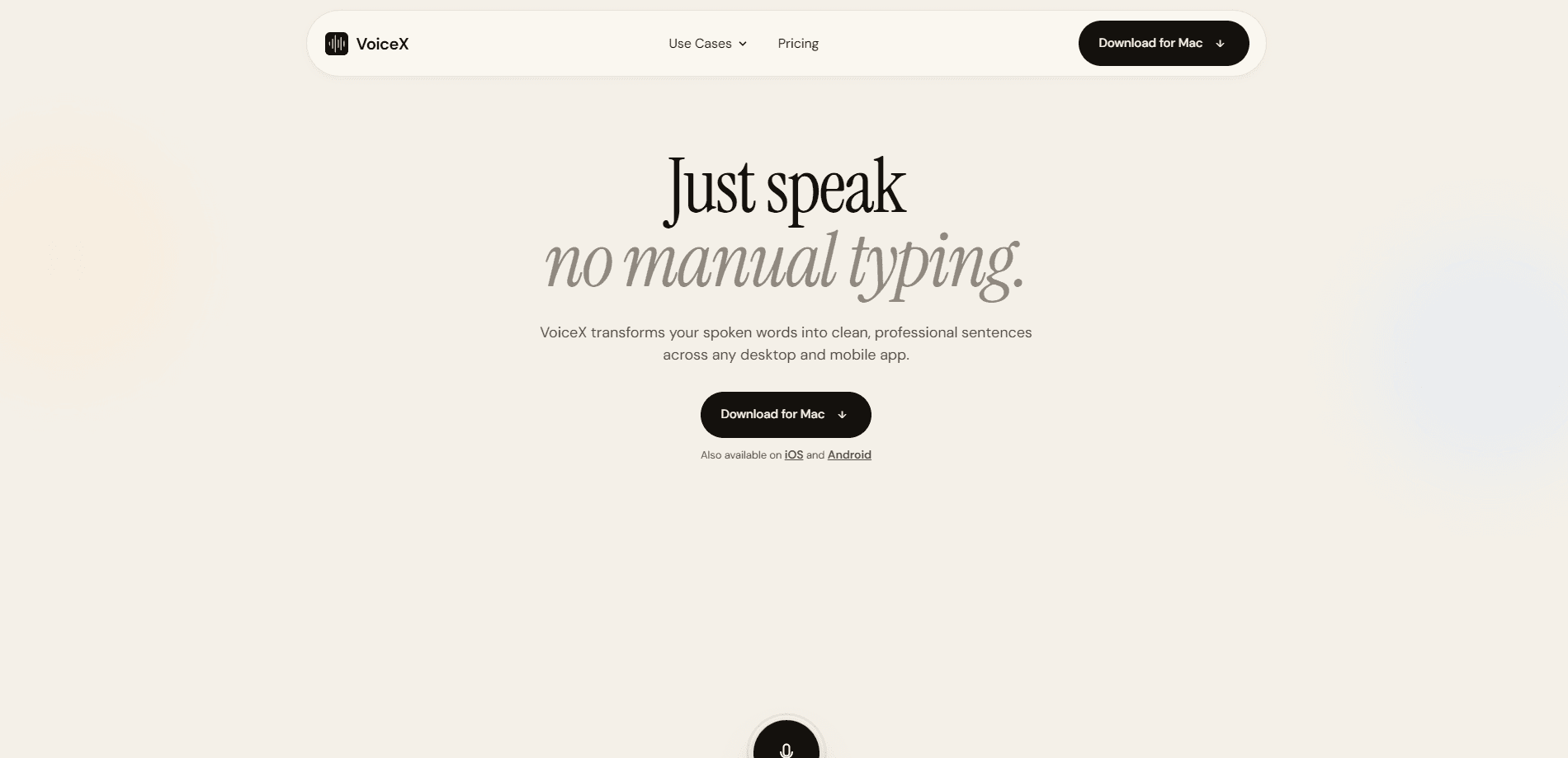
VoiceX is an AI dictation tool that turns your spoken words into clean, professional sentences inside any desktop or mobile app. You open the app you're already working in, press the Fn key, and speak. VoiceX handles the punctuation, filler words, and grammar, then drops polished text right where your cursor is. It runs on Mac, iOS, and Android, with a free tier and a $10 per month Pro plan for unlimited dictation. It's dictation that cleans up after itself, so the only thing you have to do is talk.
About VoiceX
What Is VoiceX
VoiceX is a speech to text app built for people who write all day and would rather talk than type. It sits quietly in the background and waits for one hotkey press, then turns casual speech into text that reads like you sat down and wrote it carefully. The pitch is simple. Remove the friction of typing without making you fight a transcription tool.
Most voice typing tools are either fast and messy or slow and accurate. VoiceX aims for both by combining speech recognition with an AI polishing layer that strips out the "ums", fixes the run-ons, and adds punctuation and paragraph breaks on its own. You speak naturally, and what lands in your email, chat, or doc is already presentable.
Privacy is the other half of the story. VoiceX handles on-device transcription, so recordings don't leave your computer and aren't used as training data. That's a real advantage if you dictate sensitive work like legal notes or client details.
The main catch is platform coverage. The desktop app is Mac-only right now. Windows, iPhone, and Android all show up as "coming soon" in the company's comparison table. If you live on Windows, VoiceX isn't a daily driver yet.
Getting Started
- Download VoiceX for Mac from the official site, or grab the iOS or Android app from the respective stores.
- Sign in and grant the microphone and accessibility permissions the app asks for.
- Open any app with a text field, such as Mail, Slack, or Notion.
- Press the Fn key and start speaking. VoiceX waits for your voice and ignores silence.
- Stop talking, and the polished text appears at your cursor. Edit or send as usual.
Product Information
A quick look at VoiceX's pricing, supported platforms, and performance.
Best for
The users, tasks, and scenarios where this tool fits best.
Users
- Writers and journalists
- Product managers
- Developers
Tasks
- Writing emails and Slack replies
- Drafting docs and PRDs
- Taking meeting notes
Scenarios
- Long writing sessions where typing causes wrist strain
- Working between meetings or on the move
- Sensitive work that can't go to the cloud
Key features
Hotkey Dictation in Any App
VoiceX doesn't ask you to open a separate transcription window. It works inside whatever app has your cursor, whether that's Email, Slack, Linear, Notion, or a chat tool. One press of the Fn key starts the mic, and your words land at the insertion point. This cross-app dictation approach is what separates it from tools that only cover one or two programs. No window juggling. No copy-paste.
AI Grammar Polishing
Speech rarely comes out clean. VoiceX runs your words through an AI layer that fixes grammar, removes filler, and shapes rambling sentences into something you'd actually send. The difference is visible when you dictate a messy memo and get structured prose back. The company calls this advanced grammar polishing, and it's the core reason the output reads professionally.
Privacy-First On-Device Processing
Audio streams are processed locally, used and thrown away. VoiceX says voice recordings are never stored and never used as training data, and connections use TLS 1.3 encryption. For anyone dictating client calls, health notes, or legal work, that matters more than raw accuracy numbers.
Support for 100+ Languages
The Pro plan unlocks dictation across more than 100 languages, which makes VoiceX useful for multilingual teams and writers who work in more than one market at the same time. Language support sits behind the paid tier, so free users are limited to the core experience.
Context Awareness
VoiceX adjusts its polish to the app you're in and the kind of text you need. A Slack message and a spec doc don't call for the same tone, and the tool accounts for that difference. Context awareness is what keeps the output from reading like the same paragraph everywhere.
Team and Admin Controls
Enterprise adds centralized billing, SSO and SAML, admin controls, and shared dictionaries, plus an MSA and DPA for procurement teams that need paperwork before they'll sign off on a new tool. The company says 4,000+ companies already use it, and security features like ISO 27001 and SOC 2 Type II are advertised for the higher tiers.
Pros and cons
Pros
- Works inside any app with a cursor, so there's no copy-paste between tools.
- On-device processing keeps voice data off the cloud, which suits sensitive work.
- The AI polishing layer turns messy speech into send-ready text without manual cleanup.
- Free tier with 2,100 words per week lets you test the workflow before paying.
- Pro at $10 per month is cheap compared to many dictation subscriptions.
Cons
- The desktop app is Mac-only for now. Windows is listed as coming soon, which leaves PC users without a native option.
- Language support and unlimited words sit behind Pro, so free users hit a weekly cap fast.
- There's no public API, so you can't wire VoiceX into your own scripts or tools.
Frequently asked questions
VoiceX is an AI dictation tool for turning speech into written text across your apps, a voice to text workflow for people who write a lot, such as emails, docs, chat messages, and notes, and would rather speak the first draft than type it.
Related content
Explore related tools, skills, and articles for VoiceX.
VoiceX Alternatives

Foley
Hanamori Labs, LLC · Voice & Language · Productivity · AI AssistantFoley is a voice to-do list that turns a spoken sentence into a filed task, complete with project, date and time, then helps you plan the day around what is already there.

HireKey
HireKey · Voice & Language · Productivity · LeaningHireKey is an AI job search copilot built by a former tech recruiter. It checks role fit, tailors resumes, runs interview practice and tracks every application.

Fluence
Yay Software (Yannick Huchard) · Writing · Voice & Language · ProductivityFluence is an Android app that reads PDFs, EPUBs, Word files and web articles aloud, follows each sentence as it speaks, and answers questions about the text on the phone itself.