

Vois
Vois · Voice & Language
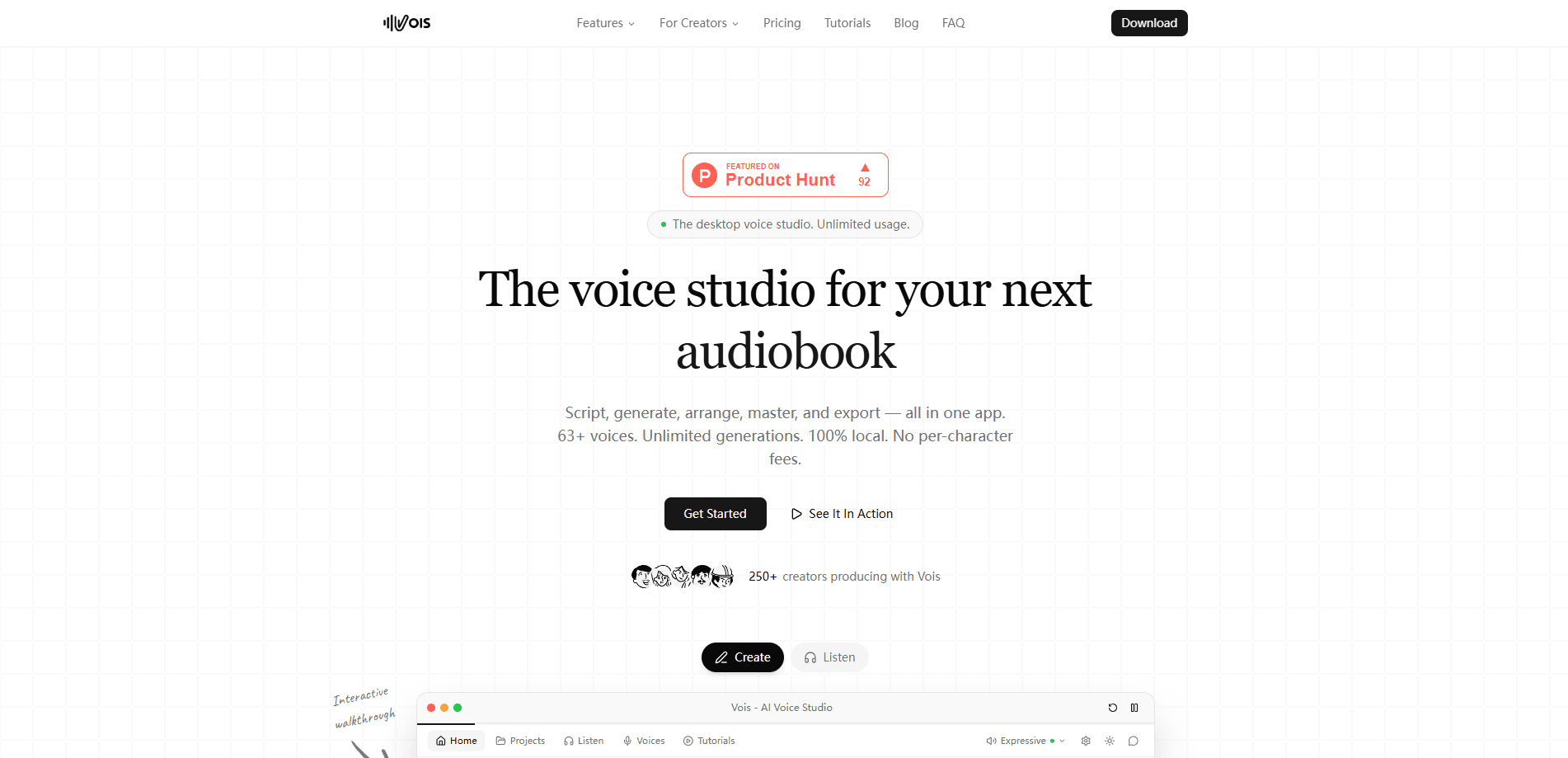
Vois is a desktop AI voice studio that turns scripts into finished audio for audiobooks, podcasts, and voiceovers. It runs on your own computer, so generation is unlimited instead of metered by credits. The app bundles a script editor, a multi-track timeline, mastering tools, and voice cloning, with over 100 voices across 23 languages. One flat price. No meter. That's the whole idea.
About Vois
What Is Vois
Vois is a desktop voice studio built around one idea: turning text into finished audio without a cloud meter running. It's an AI voice generator and text to speech app for people who produce long-form spoken content, from indie authors narrating their own books to podcasters and video creators cutting an AI voiceover.
The problem it solves is the cost of revision. Token-based tools charge every time you press generate, which punishes you for fixing a name or trying a different voice. Vois runs locally on Windows and macOS, so you can regenerate a line ten times before it sounds right and pay nothing extra. It also keeps your script on your machine rather than uploading it to a server. Why does that matter? Because retention and access stay under your control, not a vendor's policy.
The catch is hardware. Local TTS leans on your own CPU and GPU, and the top-quality Omni model needs a capable GPU to run. Vois handles this with a 7-day trial that confirms the app works on your machine before you pay. If your laptop is old or light on graphics power, that's the first thing to check. Test it before you commit.
Getting Started
- Download the Vois desktop app from the official site and install it on Windows 10/11 or a Mac with Apple silicon.
- Start the 7-day trial, which runs without a card, and confirm generation works on your hardware.
- Paste your script into the editor and assign a voice to each speaker.
- Adjust pauses, pronunciation, and pacing until the read sounds right.
- Arrange chapters, music, and effects on the timeline, then export with a platform preset.
Product Information
A quick look at Vois's pricing, supported platforms, and performance.
Best for
The users, tasks, and scenarios where this tool fits best.
Users
- Self-publishing authors who want to narrate an audiobook without hiring a studio reader, as long as their machine can handle the load that local generation puts on the CPU and GPU.
- Podcasters producing scripted episodes who need to re-record lines often and don't want per-character fees stacking up every time a sentence changes.
- Video creators and course builders who need clean voiceovers in several languages from one tool.
Tasks
- Audiobook narration
- Podcast voiceover
- Multi-language dubbing
Scenarios
- An author running a 20-hour audiobook project who revisions the same chapter many times before publishing and would rather not pay for every failed take.
- A solo creator shipping a weekly scripted show and cutting voiceover time out of the edit.
- A small team that needs voiceovers for product videos without paying per character on every take.
Key features
Unlimited Local Generation
The core pitch is simple. Because Vois runs on your computer, you generate as much audio as you want, with no credits or character limits. A chapter that needs four or five takes to sound right costs the same as one that lands first try. Heavy rewriters win the most. That's where the money gap opens against cloud tools that bill per character.
Voice Cloning and Voice Design
Vois clones your voice from a short recording, so you can narrate in your own tone without booking studio time. Voice Design goes further and creates new voices from a text description, which is useful when a fiction project needs a distinct voice per character. On the Pro plan, cloned voices also carry across the wider language set. That last part matters more than it sounds.
Script Editor with Multi-Speaker Support
The built-in script editor handles dialogue, not just blocks of text. You assign a voice to each speaker, so a two-host podcast or a novel with a full cast stays organized in one document. A pronunciation dictionary lets you correct names and invented words, which matters for fantasy and technical material.
Multi-Track Timeline and Mastering
Once a read is done, the timeline is where a project comes together. You can arrange narration, pauses, music, and sound effects on separate tracks, then balance them with EQ and loudness tools. It saves a step versus generating audio in one app and mastering it in another. Save tonight, finish tomorrow. The project waits for you.
Export Presets for Major Platforms
Export is built for publishing, not just file output. Vois ships presets for Spotify, YouTube, Apple Podcasts, and other stores that accept audio files, and you can save each chapter as a separate file. Loudness and peak controls sit right before export, so what you publish meets each platform's expectations.
Offline Workflow and CLI Access
Once the app and your voices are installed, Vois keeps working with no connection at all. That's handy on a plane or in a studio with no reliable network. There's also command-line access for automation, which lets you script batch jobs if you'd rather drive the tool from a terminal than click through the interface.
Pros and cons
Pros
- Flat pricing means no per-character fees, so heavy revision and previewing stay free, which suits anyone who reworks a script more than once.
- Generation runs locally, and your script isn't uploaded to be turned into audio, so retention and access stay under your control.
- A single app covers scripting, editing, mastering, and export instead of four subscriptions.
- The script editor and pronunciation dictionary handle multi-speaker fiction and dialogue cleanly.
- Offline generation and CLI access suit creators who work without a steady connection.
Cons
- There's no free plan, only a 7-day trial, so you can't keep using it indefinitely for nothing.
- Local generation depends on your hardware, and the Omni model needs a capable GPU.
- It's a desktop app only, with no mobile or browser version for quick edits on the go.
- API availability isn't clearly documented, which makes programmatic integration harder to plan.
Frequently asked questions
Vois is a desktop AI voice studio for creating audiobooks, podcasts, and voiceovers. It combines a script editor, a multi-track timeline, mastering tools, and voice cloning, and it generates audio locally so usage isn't metered by credits.
Related content
Explore related tools, skills, and articles for Vois.
Vois Alternatives

Foley
Hanamori Labs, LLC · Voice & Language · Productivity · AI AssistantFoley is a voice to-do list that turns a spoken sentence into a filed task, complete with project, date and time, then helps you plan the day around what is already there.

HireKey
HireKey · Voice & Language · Productivity · LeaningHireKey is an AI job search copilot built by a former tech recruiter. It checks role fit, tailors resumes, runs interview practice and tracks every application.

Fluence
Yay Software (Yannick Huchard) · Writing · Voice & Language · ProductivityFluence is an Android app that reads PDFs, EPUBs, Word files and web articles aloud, follows each sentence as it speaks, and answers questions about the text on the phone itself.