

Vokabulo
Tathros GmbH · Writing
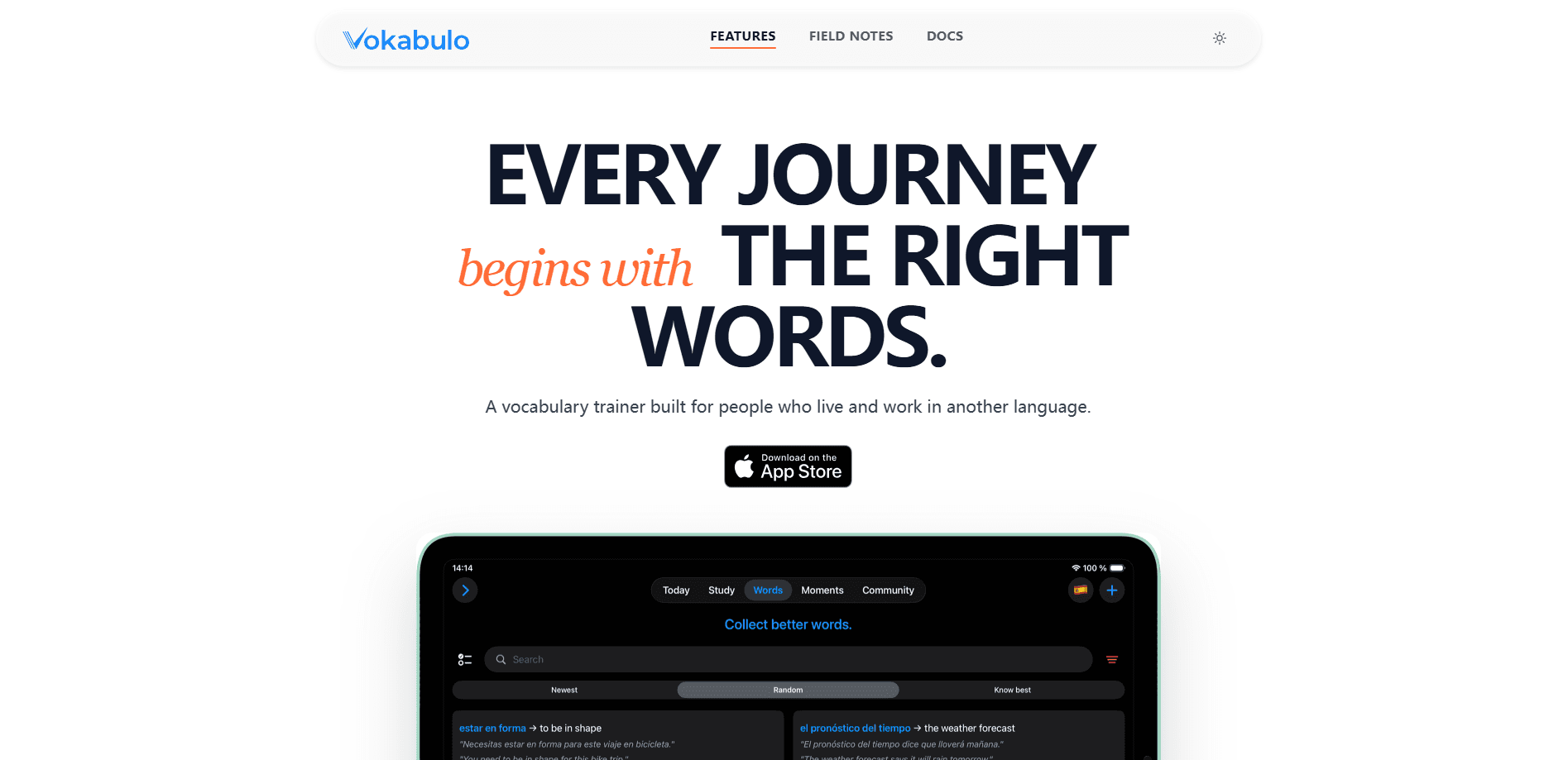
Vokabulo is an AI vocabulary trainer for people who already speak a language but want to sound more articulate. It helps you learn vocabulary from your own life, not a generic word list. It captures the words you meet, adds translations and example sentences, and schedules reviews so they stick. Want to learn vocabulary that actually matters to you? That's the whole pitch. The app covers more than 100 languages and runs on iPhone and iPad, with a free tier to start.
About Vokabulo
What Is Vokabulo
Vokabulo is a vocabulary learning app built by Tathros GmbH for learners who are past the beginner stage. It sits in the gap most courses leave open: apps teach you grammar and the first thousand words, then stop. Around B1, the problem changes. You can hold a conversation, but you keep reaching for a word that isn't there. Vokabulo is aimed squarely at that moment, taking you from B1 to C2 with vocabulary that reflects your actual life rather than a textbook.
The core idea is simple. After a certain point, vocabulary becomes personal. Your job, your friends, the shows you watch, and the towns you visit all push different words at you. The app lets you capture those words as you encounter them. It then adds a translation and a real example sentence. The meaning sticks to a situation, not just a list entry.
The biggest limitation is platform. Vokabulo is iOS only, so Android users are out of luck for now, and there's no desktop version either, which means anyone who studies mainly on a laptop or an Android phone has to look elsewhere for now. The word capture model also leans on you noticing and saving words in the first place, since nothing gets added automatically as you read or listen. It's a tool for deliberate learners, not a passive one.
Getting Started
- Download Vokabulo from the App Store and open the app on your iPhone or iPad.
- Pick the language you're learning and set your current level so the app knows where to start.
- Add your first words: type a word or a phrase you've been trying to remember, and let the app fill in the translation and an example sentence.
- Run a practice session to review the words it brings back to you.
- Upgrade to a paid plan whenever you want more headroom beyond the free tier.
Product Information
A quick look at Vokabulo's pricing, supported platforms, and performance.
Best for
The users, tasks, and scenarios where this tool fits best.
Users
- Intermediate to advanced learners
- Professionals using a second language at work
- Self-directed learners who hate generic word lists
Tasks
- Capturing words on the fly
- Building themed vocabulary
- Daily review
Scenarios
- Living in a country and picking up local expressions as they come up.
- Preparing for a specific event, like a job interview or a salary negotiation, in another language.
- Reading in your target language and stopping to bank new words so they don't evaporate.
Key features
Real-life word capture
Add any word or phrase you come across and Vokabulo fills in a translation plus a relevant example sentence, so the word arrives with context attached. It works across the 100+ languages the app supports. No barren lists.
AI-generated context
The app generates example sentences that fit a word's actual usage, which is what separates a remembered word from a forgotten one. Instead of a bare translation, you get a line showing the word in a situation you can picture. That matters more than it sounds. This is the AI layer doing the work most flashcard decks leave to you.
Spaced repetition reviews
Once you've saved a batch of words, Vokabulo schedules when each one comes back for review, leaning on words you keep forgetting. You can practice a small set at a time rather than grinding an endless deck. Ten words, five minutes. The payoff is steady progress from short daily review sessions.
Scenes for real situations
Scenes let you tell the app what you're trying to do, like making friends after a move, and it surfaces words that fit that goal. It's a way to point your study at an outcome instead of a topic. Good if you know the situation you're walking into.
Curated vocabulary sets
Ready-made sets cover practical ground such as banking and payments, business negotiation, customer service, or family life with kids. They're a fast way to load up on a domain without hunting for each word yourself. Great when you want structure to fall back on. No guesswork.
Personal word library
Everything you save lives in one library you can filter and revisit. Words are tagged by register, so you can tell colloquial phrases apart from literary ones. Over time it becomes a record of the language you actually use. Yours, nobody else's.
Pros and cons
Pros
- Focuses on vocabulary after B1, a stage most language apps ignore.
- AI adds translations and example sentences so you're not writing flashcards by hand.
- Spaced repetition keeps learned words from fading.
- Supports 100+ languages with a free tier to start.
- Curated sets cover practical situations like interviews and banking.
Cons
- iOS only, so there's no Android or web version yet.
- The approach depends on you noticing and saving words, which takes effort.
- No public API, so it can't plug into other study tools or workflows.
Frequently asked questions
It's an AI vocabulary trainer for intermediate and advanced learners. You save words you meet in real life, the app adds a translation and an example sentence, and spaced repetition brings them back for review until they stick.
Related content
Explore related tools, skills, and articles for Vokabulo.
Vokabulo Alternatives

Claude for Google Workspace
Anthropic · Writing · Productivity · BusinessClaude for Google Workspace puts Claude in a sidebar inside Google Docs, Sheets, and Slides, where it reads the file you have open and edits it in place.

Claude Haiku 5.5
Anthropic · Writing · Coding · ChatbotClaude Haiku 5.5 is Anthropic's fastest and cheapest small model, built for high volume tasks at $0.10 per million input tokens with a 1M token context window.

NoteWorthy
Suman Hansada · Writing · Productivity · AI AssistantNoteWorthy is a notes app for iPhone, iPad and Mac that writes titles, tidies formatting, summarizes long notes and files each one with on-device AI. No account, no upload, no network requests.