

VTT for Mac
Ihor · Writing
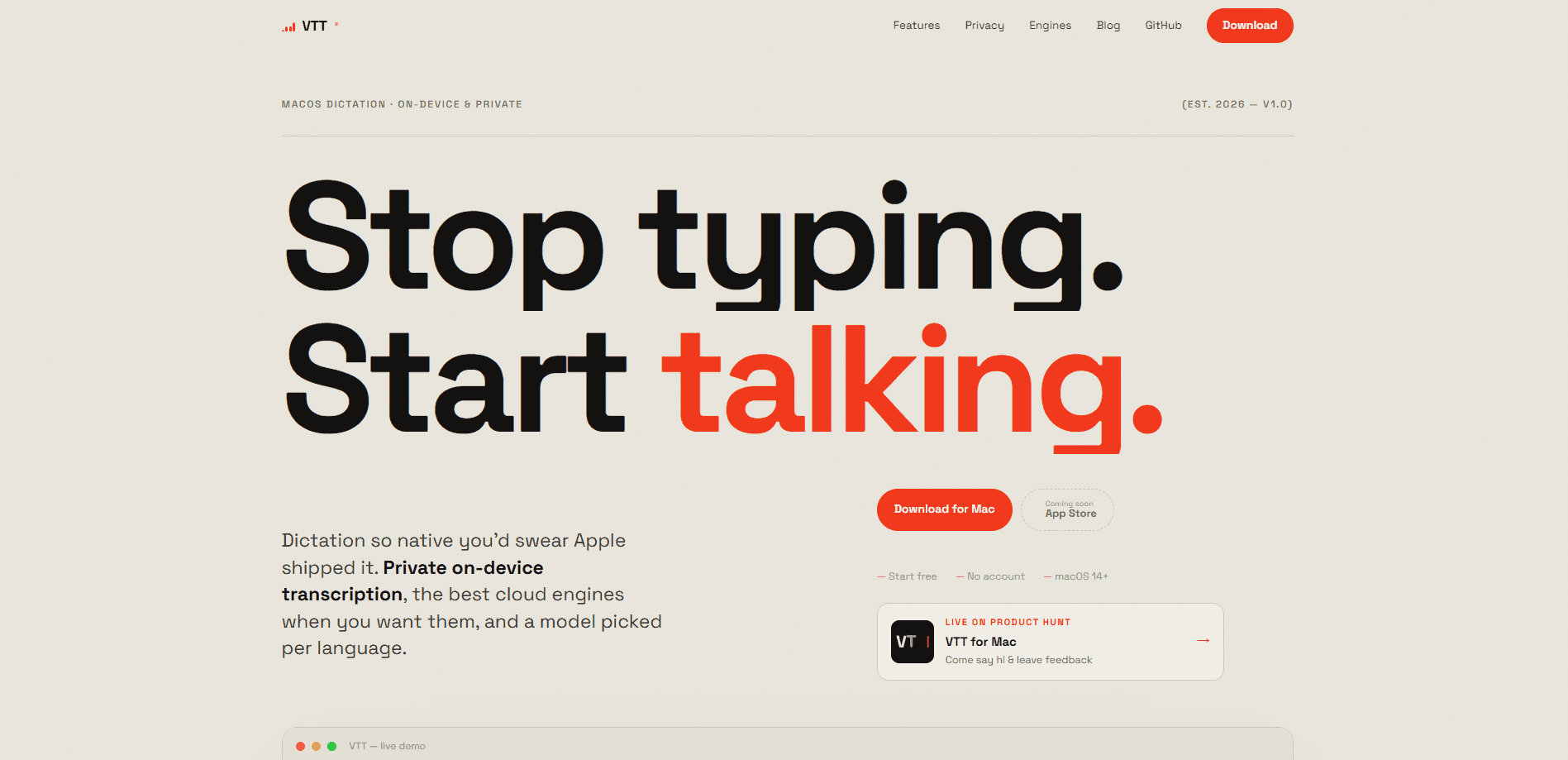
VTT for Mac is a menu-bar voice to text for Mac app, and it does the transcription on your own machine by default, which means the recording never has to travel anywhere before it turns into words. You press a global hotkey, talk, and the words land in whatever app you're already typing in. Want more accuracy? Plug in your own API key for a cloud engine like OpenAI Whisper, Deepgram, or ElevenLabs. There's no account to create, and your audio stays local unless you choose otherwise. It's a dictation software for Mac that skips the cloud round-trip.
About VTT for Mac
What Is VTT for Mac
VTT for Mac is a native speech to text Mac app built with Swift and AppKit, not an Electron wrapper ported from Windows. It lives in your menu bar, listens through a global hotkey, and inserts the transcript straight into the field you're working in. The whole point is speed and privacy. Dictation that feels like it shipped with the system.
The app leans on Apple's on-device Speech engines, including the newer macOS 26 models, so your voice never has to hit a server before it turns into text. That's private speech to text in the truest sense. It matters if you dictate client notes, medical details, or anything you'd rather not ship to a company you don't control. There's no sign-in, no tracking, no analytics quietly reporting back.
The trade-off is honest. On-device engines are quick and private, but a strong accent or a noisy room can trip them up. They won't match the raw accuracy of a large cloud model. VTT solves that by letting you route specific languages to a cloud engine when you want the extra polish. The catch: once you switch to cloud, your audio leaves your Mac and goes to that provider, billed on your own key. So why bother with both modes? Because a private default and an accurate fallback cover far more situations than either one alone. The app itself costs nothing either way.
Getting Started
- Download VTT for Mac from the official site and drop it into your Applications folder.
- Launch it and grant microphone and accessibility permissions, which it needs to hear you and to type into other apps.
- Open the settings and pick your engine per language. Keep Apple Speech for offline use, or paste an API key for Deepgram, OpenAI, or ElevenLabs.
- Optionally pre-download on-device language models so dictation starts the instant you press the hotkey.
- Set your global hotkey, then start talking anywhere. Review past transcripts from the local history whenever you need one back.
Product Information
A quick look at VTT for Mac's pricing, supported platforms, and performance.
Best for
The users, tasks, and scenarios where this tool fits best.
Users
- Writers and bloggers
- Professionals handling sensitive notes
- Non-native English speakers with a strong accent
- Multilingual users
Tasks
- Drafting long-form text by voice
- Capturing meeting notes
- Dictating messages and email
- Recovering a lost transcript
Scenarios
- Working in a café or on a plane with no reliable Wi-Fi
- Switching between languages mid-session
- Repetitive typing days
Key features
On-Device Transcription That Stays Private
VTT transcribes using Apple's on-device Speech engines, so audio never has to leave your Mac in the default setup. There's no account, no sign-in, and no analytics running in the background. If you handle anything confidential, this is the whole reason to pick it over a web-based transcriber. Nothing to sign. Nothing to trust.
Truly Native macOS App
It's written in Swift and AppKit, which makes it small and instant to launch. No Electron shell. No hundreds of megabytes, no half-second delay every time you open it. The app is macOS only, and the developer says it always will be.
Menu-Bar Hotkey and Auto-Insert
A global hotkey triggers dictation from anywhere, with a live waveform showing that it's listening, so you can tell at a glance whether the app actually caught your key press. When you stop, the text is inserted directly into the active app, so you don't copy and paste between windows. It fits into whatever you're already doing instead of demanding its own window. No new habit to learn. Just press, talk, done.
Bring Your Own Cloud Engine
You can connect Deepgram, OpenAI, or ElevenLabs using your own API key and pick the exact model per provider. OpenAI Whisper dictation, for example, handles accents and noisy recordings far better than a small on-device model could ever manage with the same clip. That's how you trade a bit of privacy for a jump in accuracy on hard audio. Because it's your key, you pay the provider directly at pay-as-you-go rates. No subscription sits in the middle marking up your usage.
Per-Language Engine Routing
VTT lets you send each language to the engine that handles it best, automatically or by hand, which is a bigger deal than it sounds if you regularly switch between languages during a workday. Follow your keyboard input source and the right language comes back, with no engine quietly translating your words into something you never asked for.
Downloadable On-Device Models
You can pre-fetch the on-device language models so dictation is ready the moment you press the key. That avoids the first-use pause when a model has to load, which is a small thing you notice every single day once it's gone. Dictation should start the moment you press the key, and this makes that happen.
Local Transcript History
Every dictation lands in a local history, newest first, so nothing you've recorded or copied can actually get lost when an app closes or a paste goes to the wrong window. You can re-paste any recent one with a click or grab the latest straight from the menu bar.
Pros and cons
Pros
- On-device dictation keeps your audio private by default. No account, no tracking, nothing leaving the Mac.
- Native Swift and AppKit build stays fast and lightweight compared with Electron-based dictation tools.
- Per-language engine routing handles multilingual users better than a single fixed engine.
- Bringing your own API key means no subscription markup on cloud transcription.
- Local transcript history saves you when auto-insert drops text in the wrong place.
Cons
- No public API, so you can't build VTT into your own automation or scripts.
- Cloud engines send audio to a third-party provider, which cancels the privacy benefit while they're active.
- macOS only, so Windows and Linux users are out of luck.
Frequently asked questions
Yes, by default. It uses Apple's on-device Speech engine, so your audio stays on your Mac and there's no account, sign-in, or analytics. If you switch on a cloud engine, audio goes straight to that provider through your own API key, and you're relying on their policy at that point.
Related content
Explore related tools, skills, and articles for VTT for Mac.
VTT for Mac Alternatives

Google EmbeddingGemma 2
Google DeepMind · Writing · Image · CodingGoogle EmbeddingGemma 2 is a 740M-parameter open model that turns text, code, images, audio, and video frames into vectors in one 768-dimension space, running on phones and laptops.

MePersona
MePersona, Inc. · Writing · Productivity · MarketingMePersona is an AI unified inbox for creators. It learns your voice, drafts replies to fan messages from 12 platforms, and sends only what you approve.

Fluence
Yay Software (Yannick Huchard) · Writing · Voice & Language · ProductivityFluence is an Android app that reads PDFs, EPUBs, Word files and web articles aloud, follows each sentence as it speaks, and answers questions about the text on the phone itself.