

wafer
Wafer · Coding
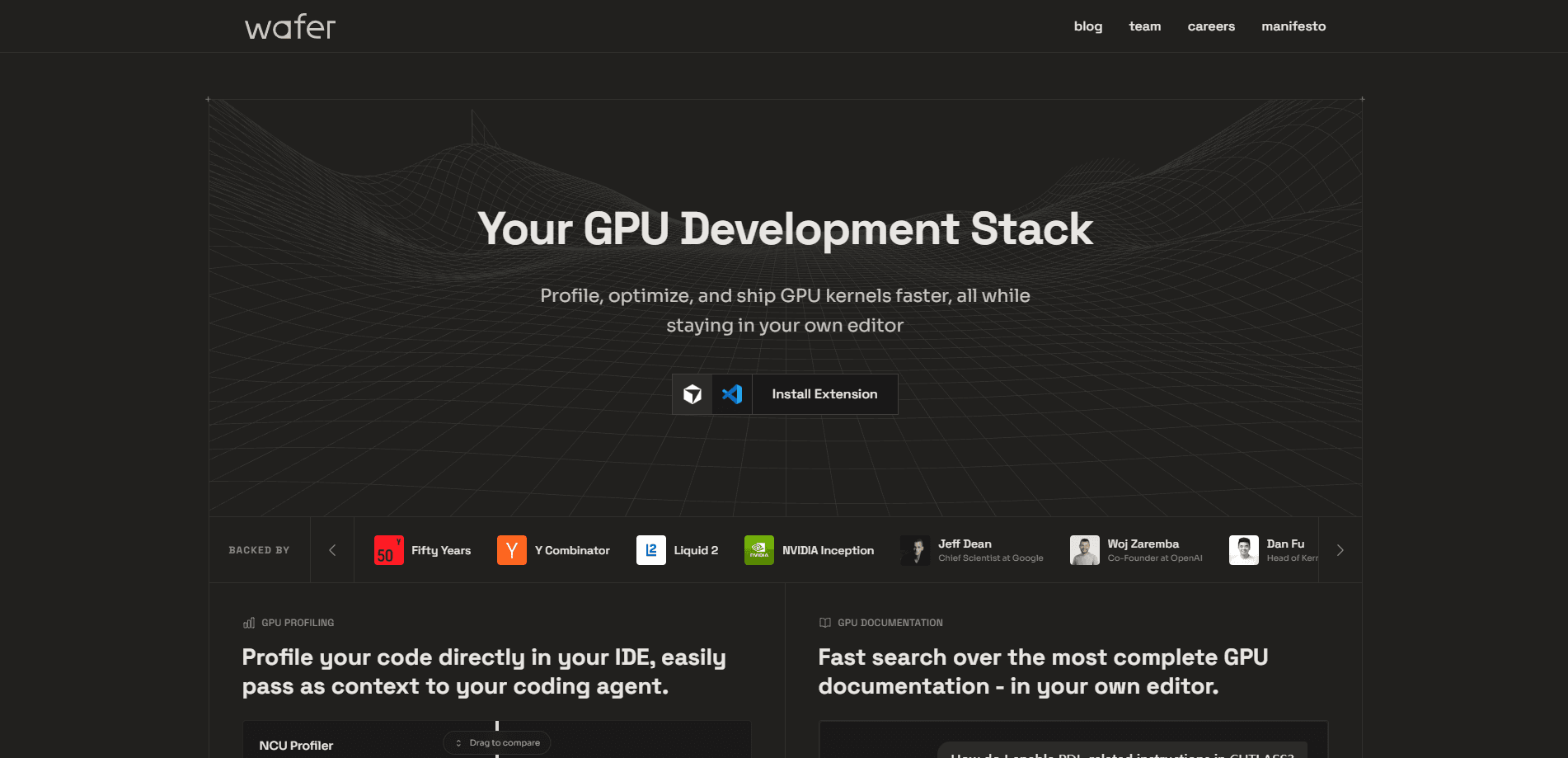
Wafer is an AI inference optimization platform that tunes the whole GPU serving stack around your actual traffic rather than a generic benchmark. Instead of flipping one switch and hoping for the best, it profiles where latency and throughput are really going, generates candidate setups across kernels, engines, batching, and quantization, then deploys only the configurations it has measured to be faster. The focus is LLM inference at a scale where cost and latency matter. Teams bring a model, a traffic shape, and a service-level objective, and Wafer keeps the endpoint tuned as load and hardware change.
About wafer
What Is Wafer
Wafer is a managed inference platform built by the team behind Continual Inference. The pitch is narrow on purpose: the fastest setup for a language model is rarely a single setting you turn on. Kernel choices, serving-engine behavior, batching, quantization, hardware, and traffic shape all push against each other, so tuning one layer often breaks another.
That's the problem Wafer attacks. Its agent profiles your stack to figure out whether the bottleneck lives in scheduling, decoding, kernels, memory pressure, or hardware fit, then searches across candidate configurations and measures each one to see which combination actually wins on your traffic. Only changes that hold up get shipped. The whole loop is designed to keep running after launch. Traffic shifts. Models get updated. New hardware keeps landing. Does a one-time tune survive all that? No.
The main limits are worth being upfront about. Wafer is aimed at teams running AI at a scale where inference cost matters, not at someone tinkering with a local model. It's also a dedicated, hands-on service: you bring your model and real traffic, not a self-serve drag-and-drop product. If you just want to call a hosted open-source model with a few clicks, this isn't that.
Getting Started
- Create an account on Wafer's web app and open the dedicated deployment area.
- Share your model, the shape of your real traffic, and the service-level objective you need to hit.
- Let the agent profile the stack and generate candidate configurations across batching, decoding, quantization, engines, kernels, and hardware.
- Review the measured results and deploy the fastest configuration that preserves correctness and your reliability targets.
- Keep profiling production traffic so Wafer can adapt when load, models, or hardware change.
Product Information
A quick look at wafer's pricing, supported platforms, and performance.
Best for
The users, tasks, and scenarios where this tool fits best.
Users
- ML platform teams
- Startup engineering teams
- Backend and performance engineers
Tasks
- Cutting LLM serving costs
- Hitting a latency target
- Tuning MoE models
Scenarios
- A model already in production that costs too much to run
- Moving a workload to new hardware
- Preparing a launch
Key features
Across-the-Stack Profiling
Wafer's agent profiles the full serving path rather than a single layer, pinpointing whether latency or throughput is coming from scheduling, decoding, kernels, memory pressure, or an awkward hardware fit. That diagnosis drives everything that follows, so changes target the real bottleneck instead of a guess. For a team stuck at a latency plateau, it's the difference between guessing and measuring. No more blind tweaks.
Candidate Configuration Search
The agent generates many candidate setups across batching, decoding, quantization, serving engines, kernels, and hardware, and then it measures each one under conditions close to your real workload so the winner reflects what your traffic actually does rather than a clean lab result. Nothing ships on theory alone. This is the core reason the platform exists: what looks fast on paper often loses to a different combination in practice. Trust the numbers, not the intuition.
Custom Kernel Generation
Wafer writes fused ops, attention paths, GEMM variants, and decode kernels tuned to a specific model shape and hardware target. These are CUDA kernels and their equivalents, and the same approach covers HIP, Triton, and NKI, so it spans NVIDIA, AMD, and other accelerator stacks. Custom kernels matter most when an off-the-shelf path leaves performance on the table.
Serving Engine Auto-Tuning
Serving engines get tuned for the exact model, traffic shape, memory pressure, and latency target, covering scheduler behavior, KV cache handling, and runtime settings. Auto-tuning here removes the manual sweep most teams would otherwise run by hand. It also keeps the engine aligned with how your workload actually behaves. Less babysitting, more throughput.
Decode Strategy Search
Wafer compares speculative decoding, FP8 and FP4 quantization, batching strategies, and expert sharding for MoE models. These choices interact heavily, so testing them together beats tuning them one at a time. For anyone serving large models, decode strategy is often where the biggest wins hide. Skip it and you leave money on the table.
Reliable by Design
Every candidate has to preserve correctness and meet your reliability targets before it can ship. That guardrail matters when optimization and quantization can quietly change outputs. You get the speedup without silently trading away the results your users depend on. That's the whole point.
Continual Re-Tuning
The platform stays in the loop after deployment. When traffic shifts, models update, or new hardware arrives, Wafer measures again and adapts. Inference performance drifts, so a one-time tune tends to go stale. Continual re-tuning is what keeps an endpoint competitive over months rather than days.
Pros and cons
Pros
- Optimizes the whole serving stack instead of one layer, so it catches bottlenecks that single-setting tools miss.
- Ships only configurations it has measured, which reduces the risk of a regression from an untested change.
- Covers modern decode strategies like speculative decoding, FP8/FP4 quantization, and MoE expert sharding.
- Continues tuning in production as load, models, and hardware change, so results don't go stale.
- The startup program offers $500 in free credits plus 1:1 matching up to $10,000, which softens the cost of getting started.
Cons
- It's a dedicated, hands-on service, so there's no instant self-serve path if you just want to deploy a model quickly.
- The value depends on real traffic and scale; a small project with light inference load may not see enough of a win to justify the effort.
- Deep tuning across kernels and quantization assumes an engineering team comfortable with serving internals.
- Public pricing isn't listed on the site, so cost has to be worked out through a conversation with the team.
Frequently asked questions
Wafer tunes the entire LLM serving stack for your workload and deploys only the configurations it has measured to be faster. It profiles the stack, searches across candidate setups, and keeps re-tuning in production.
Related content
Explore related tools, skills, and articles for wafer.
wafer Alternatives
Forefront
Forefront · CodingForefront is a web platform for building with open-source AI. It lets you fine-tune leading open-source language models on your own data, evaluate how they perform, and run them through an API or export them to host yourself. Developers who want the convenience of a closed-source platform but insist on owning their models and data are the target audience here.

Startkit
StartKit.AI · CodingStartkit is a boilerplate for building AI SaaS and AI wrapper products. Think of it as an AI startup boilerplate with the boring parts already wired up: authentication, Stripe and Lemon Squeezy payments, usage limits, transactional email, and an AI API starter that talks to OpenAI, Anthropic, Groq, or Llama. You clone the repo, set your price, and start on the part of your product that people actually pay for. It's Next.js under React and Tailwind, so most of the boilerplate code already feels familiar.
Testim
Tricentis · CodingTestim is an AI-powered test automation platform for building and running end-to-end tests across web, mobile, and Salesforce applications. It leans on machine learning to keep tests stable when an interface changes, so teams spend less time fixing broken selectors. Not bad for an automated testing tool you can start using today. You create tests by recording actions in a browser, then optionally add JavaScript when you need more control. It's a solid pick for busy QA teams.