

Walter AI
Walter Writes AI · Writing · Productivity
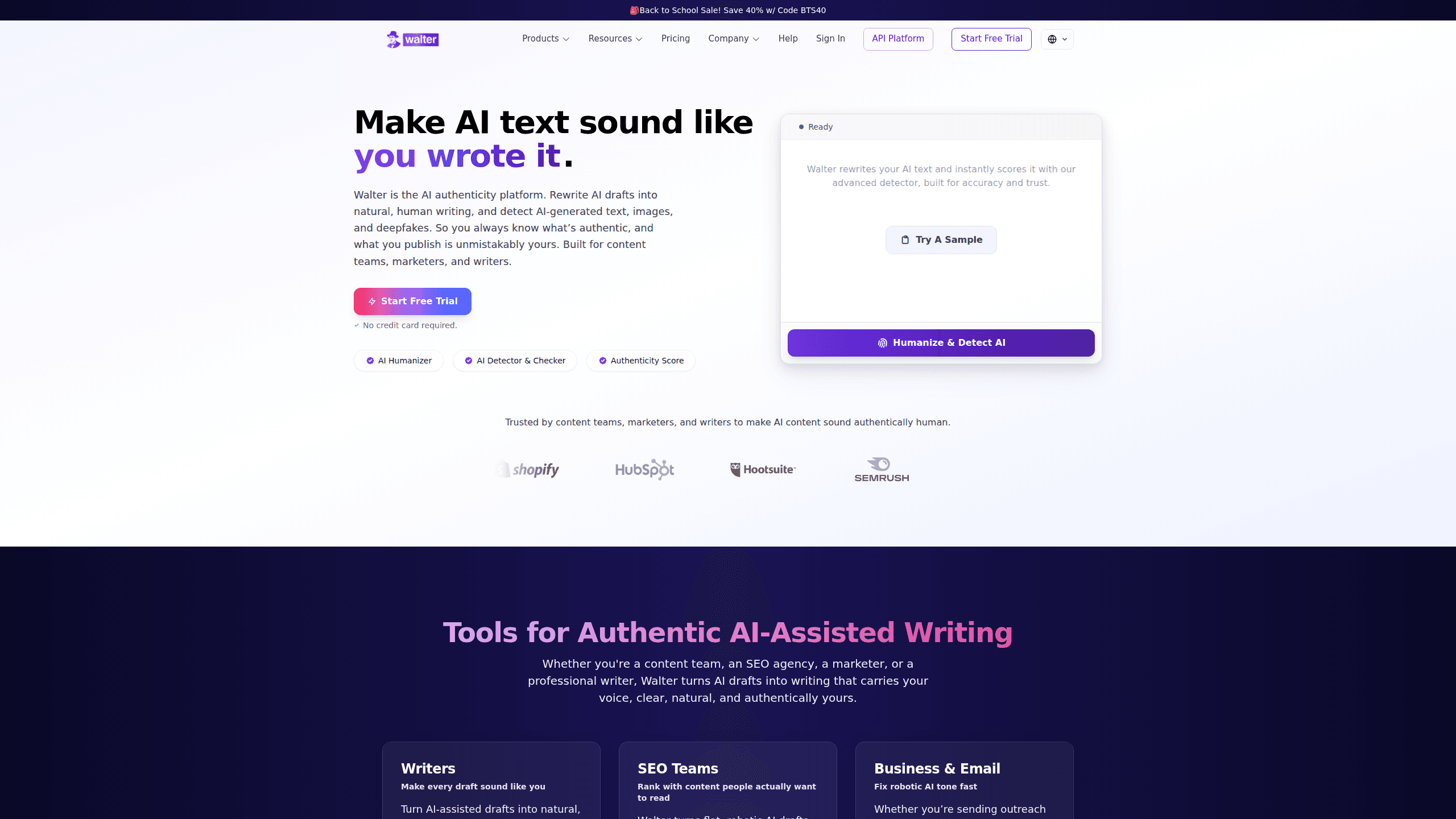
Walter AI is an AI writing tool that rewrites machine-generated drafts from ChatGPT, Claude, or Gemini into text that sounds like a person wrote it. It targets students finishing essays, marketers turning outlines into publish-ready copy, and writers polishing AI-assisted work before it goes out. Instead of generating content from scratch, it works as a finishing pass over text you already have, adjusting tone and phrasing while keeping your meaning intact.
About Walter AI
What Is Walter AI
Walter AI is a rewriting tool built for people who draft with a chatbot and then want the result to read like their own voice. The problem it solves is a familiar one. Classwork, blog posts, and client emails move faster with an AI assistant open in another tab. Yet the drafts that come back carry a flatness readers notice. Walter AI targets that gap by reshaping phrasing, varying sentence rhythm, and stripping out the stiff constructions chatbots fall into.
It's not a content generator. That distinction matters. The tool doesn't research topics or invent ideas for you. Its job starts once you have a draft. You paste the text, choose a tone, and review the rewritten version side by side with your original. For anyone who writes in a normal document or email client, it slots into that habit rather than replacing it.
The main limitation is that it's an editing aid, not a guarantee. A rewrite can smooth awkward sentences, but meaning can drift. So a read-through before you submit or publish is still on you. Treating the output as a starting point gets the most out of it.
Getting Started
- Create a free account on the official Walter AI site, or open the Android app and sign in.
- Produce a first draft in your usual writing tool, whether that's a chatbot, a document, or an email.
- Paste the draft into Walter AI, or upload the document if that's quicker.
- Select the tone or style that matches where the text will appear, such as formal, academic, or casual.
- Start the rewrite, then read the result next to your original, fix anything that lost its meaning, and save the version you want to keep.
Product Information
A quick look at Walter AI's pricing, supported platforms, and performance.
Best for
The users, tasks, and scenarios where this tool fits best.
Users
- Students
- Marketers
- Professional writers
Tasks
- Rewriting chatbot drafts
- Adjusting tone
- Cleaning up emails
Scenarios
- Finishing an essay the night before it's due
- Reusing one draft across channels
- Preparing client-facing copy
Key features
AI Text Humanizer
Walter AI takes a pasted draft and returns a version that reads more like everyday writing. That means varied sentence length, plainer connective phrasing, and fewer of the stiff constructions chatbots fall into. For a student who outlined an essay with an AI helper, running the final draft through the tool can make the paragraphs sound like the work of one person rather than a template. The rewrite keeps your arguments and structure in place. You're editing tone, not rebuilding the piece. That last part is the whole appeal. Most people don't want a tool to take over their writing. They want it to clean up what they already have. Simple as that.
Tone and Style Control
Not every piece calls for the same register, and Walter AI lets you steer the output. A support email, a conference abstract, and a casual blog update each need a different feel. The tool adjusts phrasing to match the one you choose. In practice, you paste the text, pick the tone that fits the job, and review the result side by side with the original. This matters most when the same content gets reused across channels. One draft can serve a formal report and a friendlier landing page.
Built for Non-Technical Users
Walter AI doesn't ask you to write prompts or tune settings. You paste text or upload a document, choose an option or two, and read the rewritten version. That simplicity is the point for the audience it serves: a student cleaning up a draft the night before it's due, or a marketer who needs finished copy without learning a new workflow. The process is a single pass over existing text. There's little to learn before the first useful result.
Fits Into a Normal Writing Routine
Most people already write in a document, a chat window, or an email client. Walter AI slots into that habit rather than replacing it. You keep using the tools you know, then bring the text over when it needs a human-sounding pass. That keeps the learning curve low. The workflow stays familiar. It's often what decides whether a writing tool gets used at all.
Works With Drafts From Major Chatbots
The tool is designed around drafts from ChatGPT, Claude, and Gemini, the assistants most people already have open when they write. You don't have to change where you draft. So why pair a separate tool with your chatbot at all? Because rewriting and generating are different jobs. A chatbot optimizes for putting words on the page. Walter AI optimizes for making those words sound like you. Keeping them separate means each one does what it's good at.
Pros and cons
Pros
- Rewrites AI text into a more natural, human-sounding voice
- Simple workflow that needs no prompt writing or technical setup
- Tone controls let one draft serve several channels
- Works with drafts from ChatGPT, Claude, and Gemini
- Free trial lets you test the rewrite on your own writing
Cons
- Rewrites only; it doesn't generate ideas or research topics for you
- Output still needs a read-through, since meaning can drift on awkward sentences
- Plan details and current limits aren't published in one fixed figure
Frequently asked questions
Walter AI rewrites AI-generated text so it reads more naturally while keeping your meaning. It's a rewriting pass for drafts you bring from a chatbot or your own notes, not a tool that produces ideas or research from scratch.
Related content
Explore related tools, skills, and articles for Walter AI.
Walter AI Alternatives

Google EmbeddingGemma 2
Google DeepMind · Writing · Image · CodingGoogle EmbeddingGemma 2 is a 740M-parameter open model that turns text, code, images, audio, and video frames into vectors in one 768-dimension space, running on phones and laptops.

MePersona
MePersona, Inc. · Writing · Productivity · MarketingMePersona is an AI unified inbox for creators. It learns your voice, drafts replies to fan messages from 12 platforms, and sends only what you approve.

Fluence
Yay Software (Yannick Huchard) · Writing · Voice & Language · ProductivityFluence is an Android app that reads PDFs, EPUBs, Word files and web articles aloud, follows each sentence as it speaks, and answers questions about the text on the phone itself.