

Wandesk
Wandesk · Coding
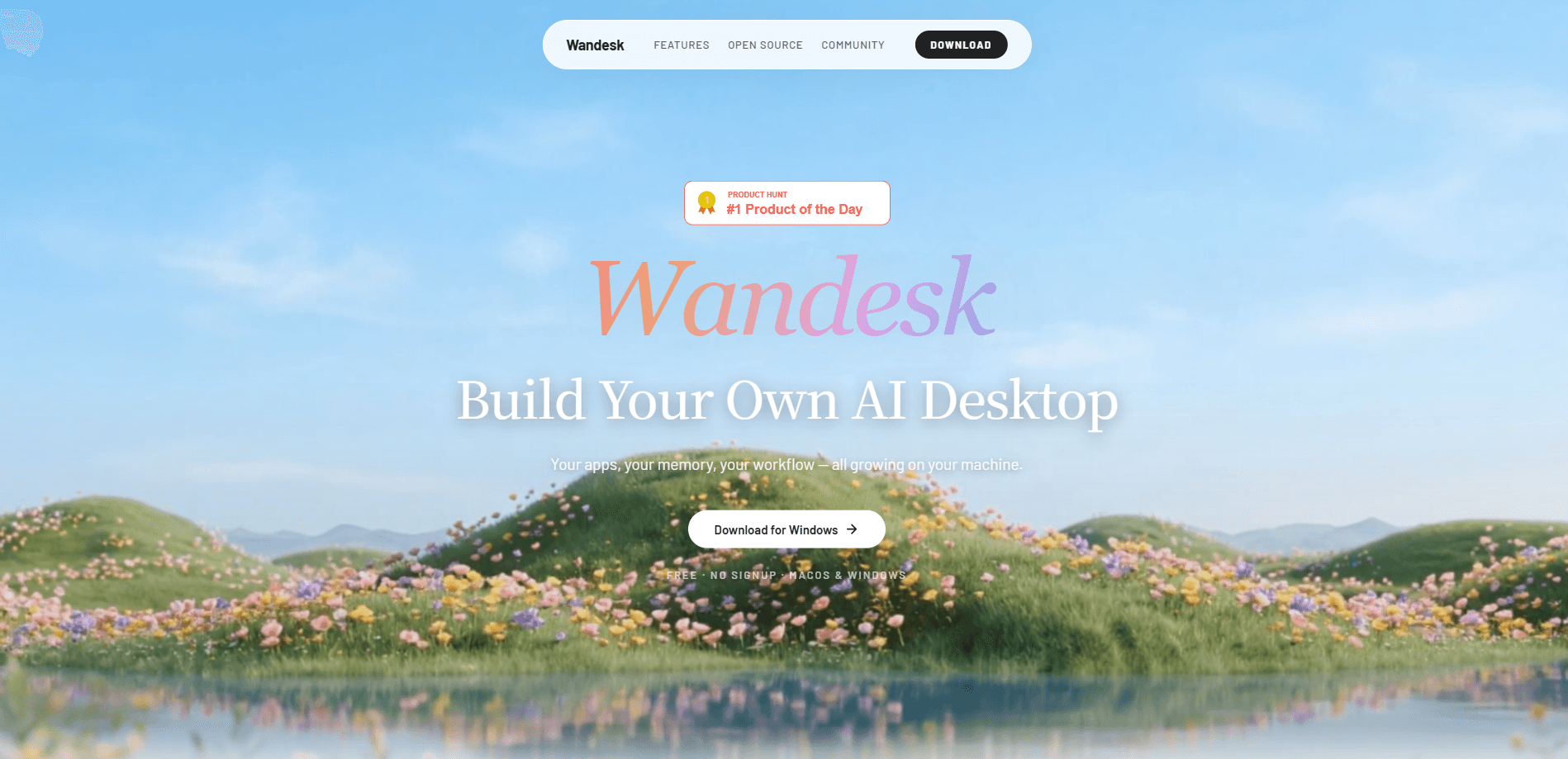
Wandesk is a free AI desktop app for macOS and Windows that treats chat as an entry point rather than the whole product. Inside it, you get built-in apps like Notebook, Ledger, Chat, and Memory, plus an App Workshop that lets you build apps with AI from a plain description. The result is a set of local AI apps with a React interface, a backend, and SQLite storage. Everything runs on your machine. No signup is required. The built-in assistant shares one context across every app you open. It also hooks into Claude Code and OpenAI Codex if you already have those CLIs installed.
About Wandesk
What Is Wandesk
Wandesk is a desktop workspace where AI isn't bolted onto a chat box but baked into the applications themselves. The pitch is simple: a chatbot flattens your work into a single scrolling thread, while a workspace keeps notes in a notebook, expenses in a ledger, and drafts in their own place. Each app holds a persistent state, so a note stays a note instead of disappearing under three days of conversation.
The bigger idea is that you can grow the workspace yourself. Wandesk ships with common apps, and its App Workshop generates new ones on demand. You describe what you want, and it assembles the UI, the backend API, and a local database in a few minutes. There's no subscription. No ad layer either. And no cloud account gating your data.
The main limitation is scope. Wandesk is still a young, open-source project, so the built-in app list is short and the polish varies between apps. It also leans on external AI CLIs for some of its coding workflows. Want a finished, enterprise-grade productivity suite? This isn't it yet.
Getting Started
- Download Wandesk for macOS or Windows from the official site and install it. No account or signup is needed to open the app.
- If you want the coding integrations, install the Claude Code or Codex CLI first. Wandesk detects them automatically once they're on your system.
- Open one of the built-in apps, such as Notebook or Ledger, and start working. The apps share a single context, so a reference from chat carries over.
- To create your own tool, open App Workshop and describe the app you want in plain language. It generates the interface, backend, and database locally.
- Refine anything that feels off by telling the assistant what to change, then keep iterating until the app fits your workflow.
Product Information
A quick look at Wandesk's pricing, supported platforms, and performance.
Best for
The users, tasks, and scenarios where this tool fits best.
Users
- Solo knowledge workers
- Developers already using Claude Code or Codex
- Privacy-conscious tinkerers
Tasks
- Building small custom tools
- Organizing recurring personal work
- Keeping long-running projects coherent
Scenarios
- Planning your week
- Tracking a budget
- Writing interactive fiction
Key features
App Workshop
App Workshop is the headline feature. You describe an app in plain language and Wandesk generates a complete local tool: a React interface, a backend API, and a SQLite database in one pass. It's aimed at people who want custom software but don't write code. That means a hobbyist can spin up a reading tracker or a small CRM in minutes rather than hunting for an off-the-shelf app that almost fits.
Built-In Everyday Apps
Wandesk ships with a set of apps you can use right away, including Notebook, Ledger, Chat, Memory, and Open Source Radar. They share a consistent interface, so learning one teaches you the others. Each keeps its own persistent state, which is the core difference from a chat-only tool. Your notes live in the notebook. They don't get buried under later messages.
AI Inside Every App
The assistant isn't confined to a chat window. Every app, built-in or generated, can launch its own AI tasks. The ledger tags spending and produces monthly reports; the notebook turns a week of entries into a summary; the interactive story app queries prior settings to keep characters consistent. These abilities are system-level, so App Workshop creations inherit them for free.
Shared Context Across Apps
All the apps run on one AI engine and share a single context. If you mention something in chat and then switch to the notebook and say "write that down," it knows what you mean. Why does that matter? Because most tools make you copy-paste between them or wire up custom integrations. Wandesk skips both. The workspace itself is the connection.
Personal Memory
Wandesk remembers your preferences, skills, and corrections over time, building a personal AI memory rather than resetting each session. Tell it once that you work in Swift and SwiftUI, and that setting sticks. Correct a mistake, and it notes the fix so the same error doesn't recur. You can view, edit, and delete everything it stores. The memory isn't a black box you have to trust blindly.
Claude Code and Codex Integration
If you already have the Claude Code or OpenAI Codex CLI installed, Wandesk detects it automatically and brings it into the workspace. That saves you from juggling separate terminal sessions and keeps coding help next to your notes and tasks. It's a genuine convenience for developers who already rely on those tools.
Pros and cons
Pros
- Free and open source, with no subscription, ads, or mandatory account.
- App Workshop turns a description into a working local app with UI, backend, and database.
- Shared context across apps removes the copy-paste friction of stitching tools together.
- Personal memory persists preferences and corrections, and you can inspect or delete what's stored.
- Native detection of Claude Code and Codex suits developers who already use those CLIs.
Cons
- Windows and macOS only, with no Linux or mobile version at launch.
- The built-in app catalog is small, so you may need to generate several tools yourself.
- Coding integrations depend on external CLIs being installed and configured first.
- As a young project, app quality and stability can vary between releases.
Frequently asked questions
Yes. Wandesk is free, with no subscription and no signup required to start. The project is open source, so there's no paid tier gating core features.
Related content
Explore related tools, skills, and articles for Wandesk.
Wandesk Alternatives
Forefront
Forefront · CodingForefront is a web platform for building with open-source AI. It lets you fine-tune leading open-source language models on your own data, evaluate how they perform, and run them through an API or export them to host yourself. Developers who want the convenience of a closed-source platform but insist on owning their models and data are the target audience here.

Startkit
StartKit.AI · CodingStartkit is a boilerplate for building AI SaaS and AI wrapper products. Think of it as an AI startup boilerplate with the boring parts already wired up: authentication, Stripe and Lemon Squeezy payments, usage limits, transactional email, and an AI API starter that talks to OpenAI, Anthropic, Groq, or Llama. You clone the repo, set your price, and start on the part of your product that people actually pay for. It's Next.js under React and Tailwind, so most of the boilerplate code already feels familiar.
Testim
Tricentis · CodingTestim is an AI-powered test automation platform for building and running end-to-end tests across web, mobile, and Salesforce applications. It leans on machine learning to keep tests stable when an interface changes, so teams spend less time fixing broken selectors. Not bad for an automated testing tool you can start using today. You create tests by recording actions in a browser, then optionally add JavaScript when you need more control. It's a solid pick for busy QA teams.