
Wave
get-wave · Writing
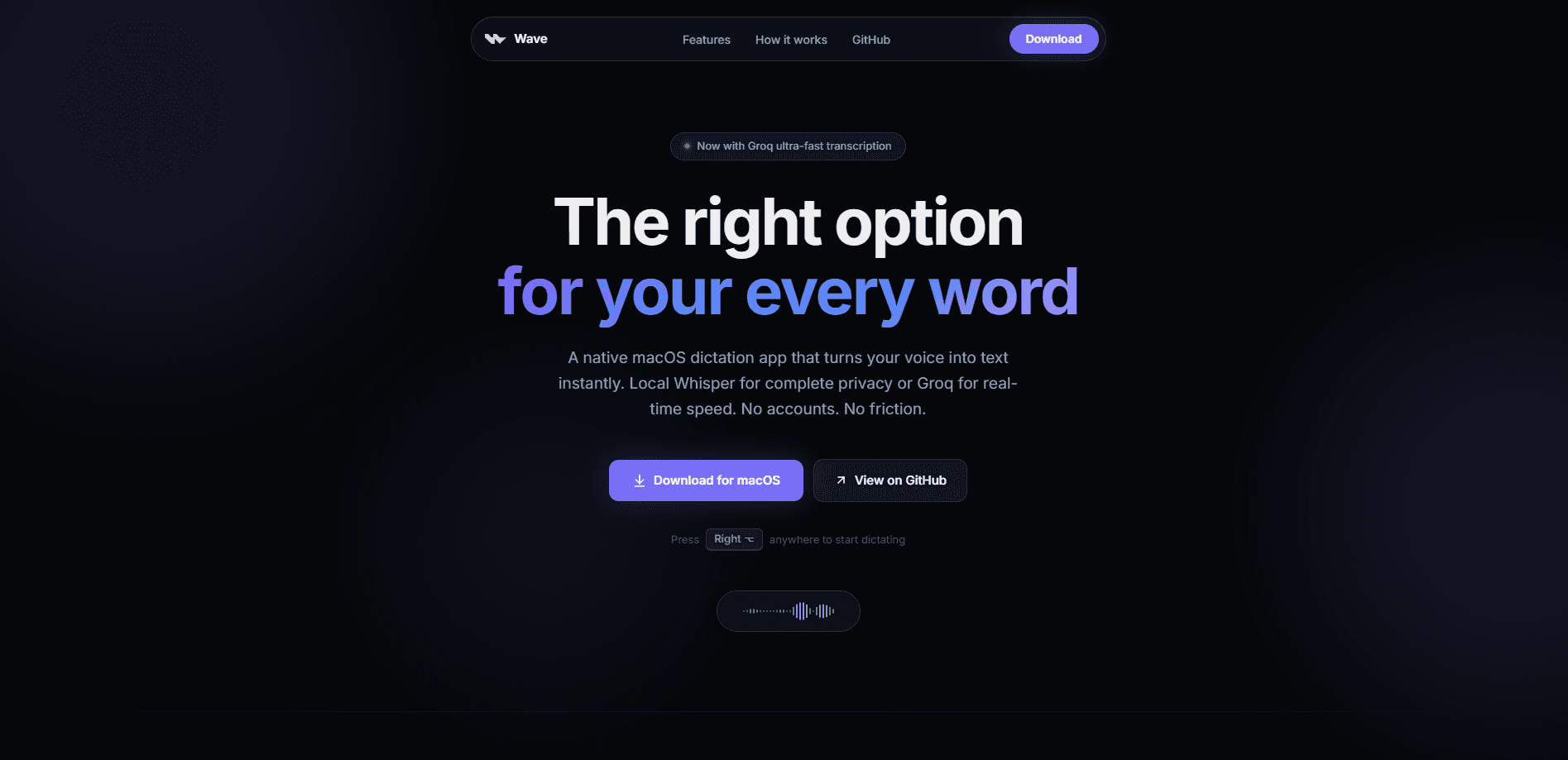
Wave is a free, open-source dictation app for macOS that turns your speech into text right where you're typing. Hold a key, talk, and release: the words appear at your cursor, with no window to open and no paste step in between. It runs OpenAI's Whisper model on your Mac for private, offline transcription and can switch to Groq for near-instant results, with no account and no telemetry.
About Wave
What Is Wave
Wave is a native macOS dictation app built for one job: getting your words onto the screen fast. It sits quietly in the background, watches for a shortcut, and drops transcribed speech straight into whatever app you're using, whether that's Mail, Slack, Notion, or a code editor.
That sounds simple. Mostly, it's exactly that.
Most voice-to-text tools route your audio through a company server. Wave doesn't have to. The default setup runs Whisper locally, so your voice is processed in memory and never leaves your machine. If you want lower latency, you can hand transcription to Groq's cloud API using your own key. That's a deliberate trade-off: local means private, cloud means quick, and you pick per your comfort.
The main limitation is the platform. Wave is macOS 14 Sonoma or later only, and there's no iPhone, Windows, or Android version. If you work across devices, it won't follow you. It's also keyed to a keyboard shortcut, so it wants a Mac with a real keyboard in front of you. No Mac, no Wave.
Getting Started
- Download the latest signed DMG from the Wave GitHub Releases page and drag the app to your Applications folder.
- Launch Wave and grant it microphone and Accessibility permissions, which it needs to insert text into other apps.
- Pick your transcription engine in Settings: on-device Whisper for offline privacy, or Groq with your own API key for speed.
- Set your shortcut. Hold-to-talk and press-to-toggle both work, and the defaults are customizable.
- Place your cursor in any text field, hold the shortcut, speak, and release. Your words land at the cursor.
Product Information
A quick look at Wave's pricing, supported platforms, and performance.
Best for
The users, tasks, and scenarios where this tool fits best.
Users
- Writers and journalists who draft by voice
- Developers and note-takers who think faster than they type
- Privacy-conscious professionals handling sensitive material
Tasks
- Drafting emails and messages
- Rewriting existing text
- Capturing meeting notes
Scenarios
- Working on a plane or in a dead-zone office
- Long writing sessions where your hands need a break
- A mixed-tool workflow across Figma, Linear, and Notion
Key features
Global push-to-talk shortcut
Hold Right Option, speak, and release. That's the whole interaction, and it works in any app because Wave runs in the background rather than as a window you have to find. You can rebind both the dictation and AI Mode shortcuts in Settings, and switch between hold-to-talk and press-to-toggle recording.
On-device Whisper transcription
The default engine runs OpenAI's Whisper model entirely on your Mac. Audio is handled in memory, never written to disk, and never sent anywhere, so private or confidential speech stays private. That's the heart of its offline speech to text promise. It also means dictation keeps working with no internet connection once the model is downloaded.
Groq cloud speed
When latency matters more than airtight privacy, you can route transcription through Groq's API and get results close to instantly. You bring your own Groq API key. The app itself stays free. Local Whisper remains the fallback, so you're not locked into one path.
AI Mode and Selection Mode
AI Mode sends your spoken intent to an LLM and pastes the finished reply at your cursor, so you can describe what you want instead of dictating every word. Selection Mode goes further: highlight text, hold the shortcut, say what to change, and Wave rewrites it in place. Both turn the app from a transcriber into a light editing assistant.
Custom vocabulary and snippets
You can bias the model toward specific names, acronyms, and product terms so it stops mangling the words you use most. Snippets store reusable blocks of text, and AI Mode understands them, which cuts down on repeating yourself in routine replies.
Dictation history and language controls
Recent transcriptions are kept in a history list with a right-click copy option, handy when a paste lands in the wrong place. Language can be auto-detected or fixed to a specific ISO 639-1 code. Want a different mic? Choose any input device rather than the system default.
Pros and cons
Pros
- Free and open source, with the full code available on GitHub and no subscription gate on core dictation.
- Local Whisper keeps audio on your Mac, and there's no account, no telemetry, and no analytics trackers.
- Text lands at the cursor in any app, so there's no window to open and no manual paste step.
- Works fully offline for local dictation, and supports Apple Silicon and Intel Macs.
- Custom vocabulary, snippets, and selectable languages make it fit specific naming and multi-language habits.
Cons
- macOS 14 Sonoma or later only, so older Macs and every non-Mac platform are out of luck.
- Groq-hosted features and AI Mode require your own Groq API key, which means a second account and possible usage costs at Groq.
- There's no public API for developers, so it can't be scripted or wired into other tools.
- Accuracy still depends on the model and your microphone, and heavily accented or technical speech can need correction.
Frequently asked questions
Yes. The app is 100% free and open source, and it counts as genuinely free dictation software with no subscription and no account. You only pay if you choose Groq-hosted transcription or AI rewrite, and those charges come from Groq through your own API key, not from Wave.
Related content
Explore related tools, skills, and articles for Wave.
Wave Alternatives

Google EmbeddingGemma 2
Google DeepMind · Writing · Image · CodingGoogle EmbeddingGemma 2 is a 740M-parameter open model that turns text, code, images, audio, and video frames into vectors in one 768-dimension space, running on phones and laptops.

MePersona
MePersona, Inc. · Writing · Productivity · MarketingMePersona is an AI unified inbox for creators. It learns your voice, drafts replies to fan messages from 12 platforms, and sends only what you approve.

Fluence
Yay Software (Yannick Huchard) · Writing · Voice & Language · ProductivityFluence is an Android app that reads PDFs, EPUBs, Word files and web articles aloud, follows each sentence as it speaks, and answers questions about the text on the phone itself.