

Weavable
Weavable · Other
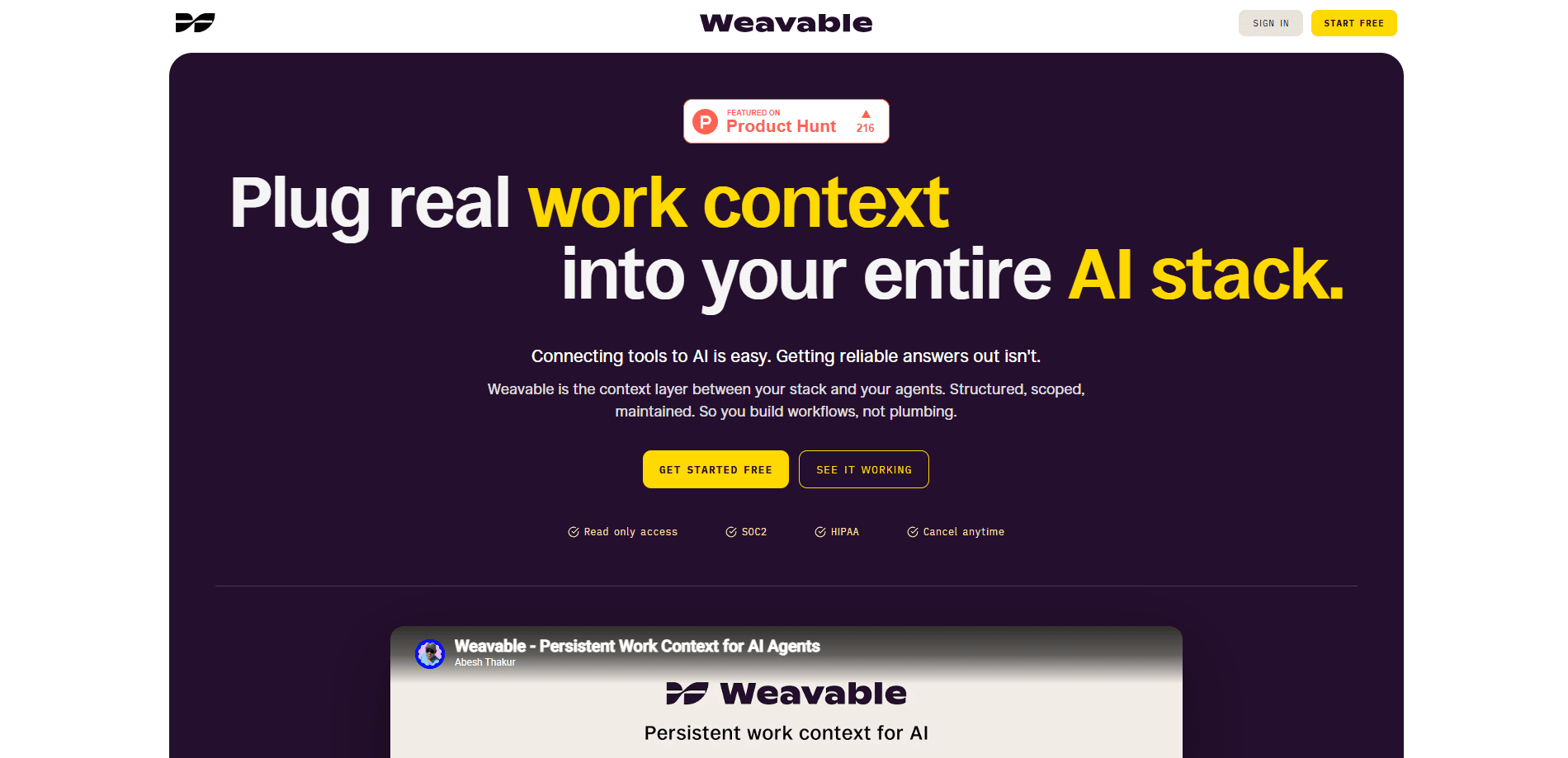
Weavable is a context layer that sits between your work tools and the AI agents you already use. It connects more than 20 apps through a single read-only OAuth flow, builds a live graph of how your tickets, deals, messages, and code relate to each other, and exposes all of it through one MCP endpoint. Instead of handing every raw API response to a model, you scope exactly what an agent can see, and it reasons over that. Think of it as AI agent context without the plumbing.
About Weavable
What Is Weavable
Weavable is built for a specific frustration. Connecting a tool to an AI assistant is easy now. Getting a reliable answer out of it isn't. Direct connections dump every ticket, commit, message, and run into the model, and the model decides what matters on the fly. The result is a flooded context window and answers that drift between runs. So what's the fix?
Weavable takes that decision away from the model. You define a data perimeter once, and everything the model sees is pre-processed, scoped, and ranked. It also runs a continuous changelog across your connected tools, so questions like "what's happening with this account" draw on accumulated changes across HubSpot, Jira, and Slack rather than a snapshot taken seconds ago. Same answer at 9am and at midnight.
The main limitation is scope. Weavable is a context layer, not a tool that acts on your behalf. Access is read-only, so it can't create tickets, send messages, or update deals. It also works best when your team already runs on the connected tools; if your data lives in spreadsheets and email, there's less for it to weave together.
Getting Started
- Sign up for a Weavable account and start the free trial.
- Connect your work tools through the OAuth flow. Each connection is read-only, so Weavable never gets write access.
- Define your context: pick the projects, channels, pipelines, and tools that matter for the workflow you're building.
- Let Weavable build the graph, then copy the MCP endpoint it generates.
- Paste that endpoint into Claude, Cursor, ChatGPT, or any agent that supports MCP, and start asking questions.
Product Information
A quick look at Weavable's pricing, supported platforms, and performance.
Best for
The users, tasks, and scenarios where this tool fits best.
Users
- Product and engineering teams
- Customer support and success teams
- Sales and account managers
Tasks
- Answering "what changed" questions
- Scoping a data perimeter
- Sharing context across a team
- Reducing token usage
- Standing up AI tool integrations in one place
Scenarios
- A quick status check across tools
- Onboarding a new AI client
- Handing context to an internal agent
Key features
One OAuth flow for 20+ tools
Weavable connects Google, Zendesk, Notion, Linear, GitHub, Jira, Slack, HubSpot, and Claude from one place, with more being added. You authorize each tool once through a read-only OAuth flow. No server to host. No API credentials to juggle. According to Weavable, most teams are live in under 15 minutes.
Continuous changelog across your stack
Most MCP connections query your tools at the moment you ask. Weavable runs a changelog instead, tracking what changed, when, and what it connects to before you ever run a query. That means a question about an account is answered from accumulated changes rather than a single point-in-time pull, which cuts down on answers that shift between runs.
A connected graph, not separate data pulls
A blocked ticket, a quiet channel, and a stalled deal often come from three separate systems. Weavable maps those relationships ahead of time, linking records by account, team, and timeline. The model reasons over one connected graph instead of figuring out from scratch that three fragments belong to the same customer. That's a real difference.
Single MCP endpoint, portable across clients
Weavable exposes one MCP endpoint that works in Claude, Cursor, ChatGPT, and other MCP-compatible clients. Swap clients without rebuilding your setup, and share the same endpoint with your team so everyone works from the context you defined. Weavable says its scoped output is preferred in 85% of LLM-as-a-judge evaluations, and it reports a 90% reduction in token usage versus direct connections.
Scope control and access management
You choose which tools, projects, channels, and pipelines reach the model, and everything else stays unreachable. Sensitive areas like HR, finance, and acquisitions can be excluded outright. Access is read-only, so Weavable can't write to any of your tools, and you can revoke a shared context in one action without touching per-user OAuth.
Security and compliance
Weavable is SOC2 Type II and HIPAA certified, with an annual independent audit and a report available on request. It uses read-only OAuth with minimum permissions, never uses your data for training, and can only see what you explicitly include. SAML, Okta, and Google Workspace are supported for enterprise setups.
Audit trail, REST API, and automations
Every query is logged, so you can see what an agent accessed. Teams that want to build on top of Weavable can pull context programmatically through a REST API, and scheduled automations are available for recurring workflows.
Pros and cons
Pros
- Read-only OAuth means Weavable never writes to your tools, which matters for teams with strict data rules.
- The changelog approach gives agents history and pattern instead of a single snapshot, so answers stay steadier between runs.
- One MCP endpoint is portable across Claude, Cursor, ChatGPT, and other clients, so switching assistants doesn't mean redoing integrations.
- Scope control lets you exclude sensitive data like HR and finance, and share context without handing over credentials.
- SOC2 Type II and HIPAA certification, plus no training on your data, covers the compliance questions larger teams ask.
Cons
- Read-only access means agents can't act, only answer. If you want AI that files tickets or updates records, Weavable isn't built for that.
- It leans on the tools you already use. Teams whose data sits in spreadsheets or email will find less to connect.
- The core value comes from the 20+ supported integrations, so gaps in that list limit what a workflow can see.
- Teams pricing and seat details require contacting Weavable, which slows down comparison shopping.
Frequently asked questions
Weavable connects your work tools through one read-only OAuth flow, builds a live, connected view of your data, and exposes it to AI agents through a single MCP endpoint. It handles the context work so your agents get scoped, current information instead of raw API dumps.
Related content
Explore related tools, skills, and articles for Weavable.
Weavable Alternatives
BinkBink
BinkBink · OtherBinkBink is a free online game platform and AI game maker that lets anyone turn a short text description into a playable browser game. You can jump into hundreds of community-made games. Or describe your own idea and play it in seconds, then share it with friends. Want to create your own game? You don't need to code. No engine setup, no download, no hassle.

Audiogen
Audiogen Inc. · OtherAudiogen is an AI music generator built by Audiogen Inc., a small research team that spent about 2.5 years training its own generative music model and designing a web interface around it. Instead of a plain text box, this AI music tool turns the timeline into a beginner-friendly Generative Audio Workstation, or GAW, where inpainting, extending, remixing and stem editing work more like painting on a canvas. The product is still in beta, so access runs through a waitlist or an invite. Paid plans aren't published yet.

Aiml API
AIMLAPI OÜ · OtherAiml API is a unified AI model API that puts more than 1000 models from OpenAI, Google, Anthropic, and others behind one endpoint and one bill. You write code against a single OpenAI-compatible schema, then switch between chat, image, video, and audio models by changing a model string. It suits developers and small teams who want multi-model access without juggling a dozen separate provider accounts, and it removes the usual billing headache that comes with testing several vendors. One key covers it all.