
Web Accessibility Testing MCP
Ronan Takizawa · Coding
Web Accessibility Testing MCP is an open-source Model Context Protocol server that hands an AI client the ability to check web pages for accessibility problems. It pairs Deque's Axe-core engine with Puppeteer, so an assistant like Claude Desktop or Cursor can test a live URL or a raw HTML snippet and report back on WCAG 2.0, 2.1, and 2.2 compliance. You give it a page. It gives you a list of what's broken and where.
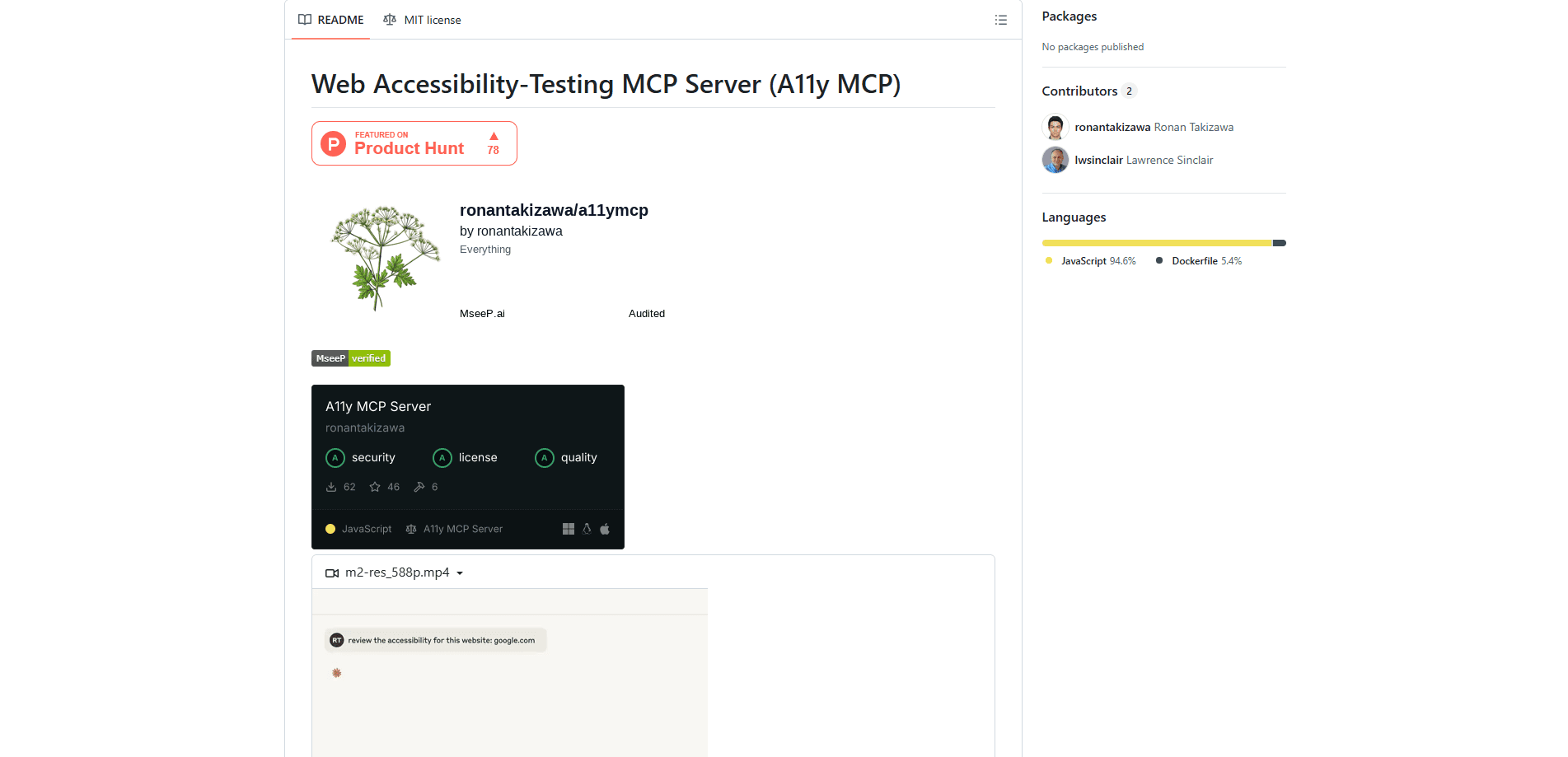
About Web Accessibility Testing MCP
What Is Web Accessibility Testing MCP
Web Accessibility Testing MCP, often shortened to a11y MCP, is a small MCP accessibility testing server that connects an AI coding assistant to the same engine many professional audit teams already use. It wraps the Axe-core library from Deque Labs and drives a real headless browser through Puppeteer, so the checks run against rendered pages rather than static markup.
The point is placement. No separate dashboard. No copying results between tabs. Instead, you ask your assistant to look at a URL, and the results come back as a normal chat response. That matters when you're shipping a component and want a quick WCAG compliance testing pass before a pull request.
The biggest limits are worth stating plainly. It's a community project, not an official Deque product. Support comes from the GitHub repo, not a vendor help desk. It also only tests what Axe-core can detect automatically, which covers many real issues but never catches everything a human reviewer would.
Getting Started
- Make sure Node.js 18 or later is on your machine and pick an MCP-compatible client such as Claude Desktop, Claude Code, VS Code, or Cursor.
- Open your client's MCP configuration file, which lives at a different path on macOS, Windows, and Linux.
- Add an entry named a11y-accessibility under mcpServers with the command npx and the argument -y a11y-mcp-server.
- Restart the client session so the new tools register, then confirm the server shows up in your tool list.
- Ask the assistant to test a URL against a tag like wcag2aa, and optionally set the viewport width and height for a mobile or desktop check.
Product Information
A quick look at Web Accessibility Testing MCP's pricing, supported platforms, and performance.
Best for
The users, tasks, and scenarios where this tool fits best.
Users
- Front-end developers
- QA and accessibility testers
- Small teams without a dedicated auditor
Tasks
- Testing a live page
- Testing an HTML snippet
- Color contrast analysis
- ARIA validation
Scenarios
- Pre-commit checks
- Responsive review
- Regression tracking
Key features
URL and HTML Snippet Testing
The server tests any public URL or a raw HTML string. That covers both a live page you can't easily inspect by hand and a fragment still sitting in your editor. Each run returns a structured report. No screenshots. The assistant can summarize the violations directly.
Axe-core and Puppeteer Integration
Checks run through Deque's Axe-core engine inside a real headless browser driven by Puppeteer. These are Axe-core accessibility checks, the same kind a professional audit team runs. Because the page is fully rendered, the results reflect what users actually load, not just the source HTML. It's the same detection logic a lot of professional tooling relies on.
WCAG 2.0, 2.1, and 2.2 Compliance Testing
You choose which standards to test against with tags like wcag2aa. The server checks content against 2.0, 2.1, and 2.2 rules, so you can match the level your project actually targets instead of running everything.
Customizable Viewport Dimensions
Width and height are configurable, with defaults of 1280 by 800. Setting a phone-sized viewport surfaces issues that only show up on small screens. Cramped tap targets, for instance. Or content that breaks at narrow widths.
Color Contrast and ARIA Checks
Two common failure areas get their own tools. A color contrast analyzer validates text and background pairings, while ARIA validation looks at whether attributes are used correctly and completely. Both catch problems that are tedious to verify by eye.
Rule Exploration
A rule-exploration tool explains which accessibility rules exist and what they mean. That's useful when a report flags something you don't recognize and you want context before deciding whether it's a real problem.
Orientation Lock Detection
The server flags content that forces a specific screen orientation. That matters for users on tablets or with motor conditions, where a locked orientation can make a page unusable.
Pros and cons
Pros
- Runs inside your existing AI client, so no separate dashboard or account to manage.
- Free and open source, with the full code available on GitHub.
- Built on Axe-core, a widely trusted accessibility rule engine.
- Tests both live URLs and raw HTML, covering early and late stages of a build.
- Configurable WCAG tags and viewport sizes give control over test scope.
Cons
- Automated checks miss issues that need human judgment, so it can't replace a manual audit.
- Requires Node.js 18+ and an MCP-capable client, which rules out casual non-technical users.
- It's a community project and not an official Deque product, so no vendor support line.
Frequently asked questions
It's an AI accessibility testing tool that connects an AI assistant to Deque's Axe-core engine, so the assistant can test web pages and HTML snippets for accessibility issues and WCAG compliance. That makes it handy for accessibility testing for developers who'd rather not leave their editor. You ask, and it returns a structured list of violations.
Related content
Explore related tools, skills, and articles for Web Accessibility Testing MCP.
Web Accessibility Testing MCP Alternatives
Forefront
Forefront · CodingForefront is a web platform for building with open-source AI. It lets you fine-tune leading open-source language models on your own data, evaluate how they perform, and run them through an API or export them to host yourself. Developers who want the convenience of a closed-source platform but insist on owning their models and data are the target audience here.

Startkit
StartKit.AI · CodingStartkit is a boilerplate for building AI SaaS and AI wrapper products. Think of it as an AI startup boilerplate with the boring parts already wired up: authentication, Stripe and Lemon Squeezy payments, usage limits, transactional email, and an AI API starter that talks to OpenAI, Anthropic, Groq, or Llama. You clone the repo, set your price, and start on the part of your product that people actually pay for. It's Next.js under React and Tailwind, so most of the boilerplate code already feels familiar.
Testim
Tricentis · CodingTestim is an AI-powered test automation platform for building and running end-to-end tests across web, mobile, and Salesforce applications. It leans on machine learning to keep tests stable when an interface changes, so teams spend less time fixing broken selectors. Not bad for an automated testing tool you can start using today. You create tests by recording actions in a browser, then optionally add JavaScript when you need more control. It's a solid pick for busy QA teams.