

Web to MCP
WebToMCP · Coding
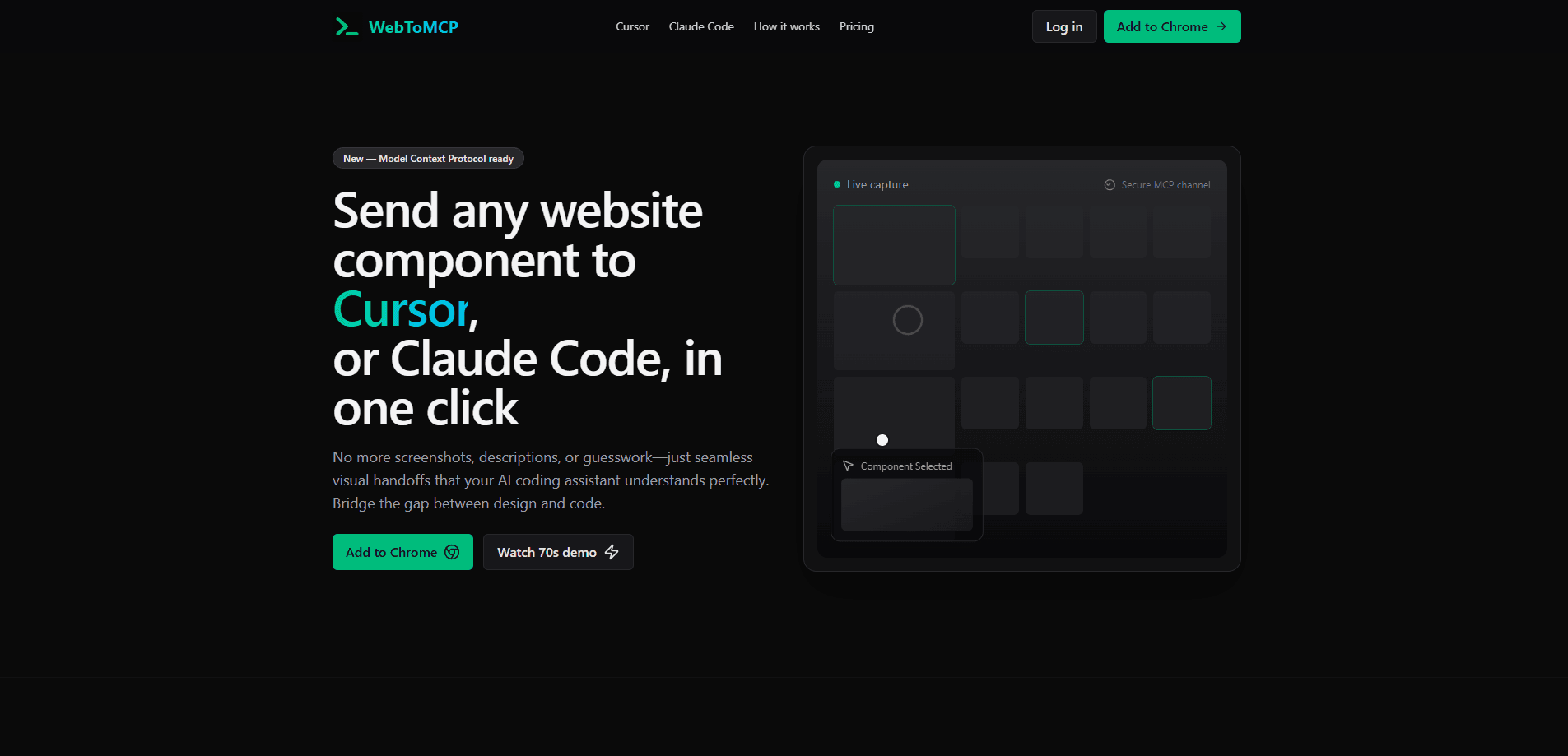
Web to MCP is a Chrome extension and Model Context Protocol server that captures any live website component and sends its markup and styling straight to Cursor or Claude Code.
About Web to MCP
What Is Web to MCP
Web to MCP is a developer tool that solves a narrow, annoying problem: explaining a UI component to an AI coding assistant. Instead of typing "a blue button with rounded corners and a gradient" or pasting a screenshot, you point at the real element and send it.
The product is split into two parts that work together. A Chrome extension handles capture on any site you browse, and an MCP server delivers that captured component into your coding assistant. The tool targets developers already using Cursor or Claude Code who want pixel-accurate starting points rather than guesswork.
The main constraint is scope. Web to MCP only feeds your assistant; it does not write or edit code on its own, and output quality still depends on your model and prompt. It also requires a Chrome browser and a Google account, and it works through a personal MCP URL rather than a shared server.
Getting Started
- Install the Web to MCP extension from the Chrome Web Store.
- Sign in with your Google account to generate your unique MCP URL.
- Add that URL to your assistant's config file (Cursor reads
.cursor/mcp.json; Claude Code uses its own MCP config). - Open any website, click the extension icon, and turn on component selection mode.
- Click the element you want, copy its reference id, and try asking your assistant to rebuild it.
Product Information
A quick look at Web to MCP's pricing, supported platforms, and performance.
Best for
The users, tasks, and scenarios where this tool fits best.
Users
- Front-end developers on Cursor or Claude Code, since the captured markup drops directly into their existing chat workflow.
- Design engineers who turn mockups and live pages into production components and want exact styling values instead of approximations.
- Teams onboarding new members, because capturing a proven component is faster than documenting its styles by hand.
Tasks
- Rebuilding a specific component seen on another site, which the extension captures with its DOM structure and computed CSS.
- Matching a design system's existing buttons or cards, so new code stays consistent with what the app already ships.
- Prototyping a layout from inspiration, where grabbing several real patterns beats describing each one from scratch.
Scenarios
- You spot a pricing table you like and want your assistant to reproduce its structure in your stack.
- A designer hands you a live page, and you need the actual hover and responsive behavior, not a flat image.
- You are learning how a complex component is built and want the real code context to study.
Key features
One-Click Component Capture
Click the extension icon, switch to selection mode, and choose any element on a live page. Web to MCP records the DOM structure and the computed CSS as rendered, so what your assistant receives matches what a visitor sees. There is no need to open dev tools or copy styles by hand.
Direct MCP Delivery
Captured components travel to your assistant over the Model Context Protocol using a personal URL tied to your account. Cursor and Claude Code both pick up the tool automatically once the URL is in their config. You reference the element by its id inside the chat, which keeps the handoff inside the tools you already use.
Framework-Agnostic Output
The capture works on React, Vue, Angular, and plain HTML and CSS sites alike, because it reads rendered output rather than framework internals. Your AI assistant then adapts that context to whatever stack you are building in. You still specify your framework and design system in the prompt to steer the result.
Semantic Context, Not Just Pixels
Unlike a screenshot, the capture includes semantic HTML, exact CSS values, and layout context such as surrounding structure and hover states. That extra detail is what lets an assistant aim for a close visual match instead of reinterpreting an image. Web to MCP states that its data goes straight to your assistant and is not stored on its servers.
Unique Personal MCP Endpoint
Each signed-in account gets its own MCP URL, generated after Google sign-in. You paste it into a project-specific or global config file, and the connection is private to you. This design keeps setup to a few minutes compared with standing up your own server.
Works With Claude Code and Cursor
The setup guides cover both Cursor and Claude Code, the two assistants the tool was built around. Cursor users add a .cursor/mcp.json entry; Claude Code users edit its MCP config file. Both paths follow the same capture-then-reference flow after install.
Pros and cons
Pros
- Removes the guesswork of describing UI to an AI assistant by sending real markup and computed styles.
- Sends semantic HTML and exact CSS rather than a flat screenshot, which improves first-try accuracy.
- Works on any site and any front-end framework because it reads rendered output.
- Setup takes only a few minutes using a personal MCP URL and a standard config file.
- Component data goes directly to the assistant and is not stored on the vendor's servers.
Cons
- Requires Chrome and a Google account, so Firefox and Safari users are out of luck.
- Output quality still rests on your model and prompt, so it is a better input, not a finished result.
- The free tier caps captures per month, and heavy users will need the Pro plan.
Frequently asked questions
It captures a component from any live website and sends its markup and styling to an AI coding assistant, so you can ask the assistant to rebuild that component without describing it by hand.
Related content
Explore related tools, skills, and articles for Web to MCP.
Web to MCP Alternatives

Base Code
Base44 (Wix) · Coding · ProductivityBase Code is a shared cloud development environment from Base44. Teammates describe changes to an existing GitHub codebase in chat, preview them live and send them back as pull requests.

Google EmbeddingGemma 2
Google DeepMind · Writing · Image · CodingGoogle EmbeddingGemma 2 is a 740M-parameter open model that turns text, code, images, audio, and video frames into vectors in one 768-dimension space, running on phones and laptops.

GitGlow
GitGlow · Coding · ProductivityGitGlow is a local-first desktop Git client that lets independent developers review their own code and their AI agents' changes in one place before shipping.