

Webflow
Webflow, Inc. · Coding
Webflow is a visual website builder and content management system that lets designers and marketing teams build, launch, and maintain custom websites without writing code. Instead of handing designs off to engineers, you assemble layouts on a canvas and this AI website builder generates the underlying HTML, CSS, and JavaScript for you. It fits freelancers, agencies, and growing marketing teams that want full control over a site's look and content, backed by managed hosting and a built-in CMS.
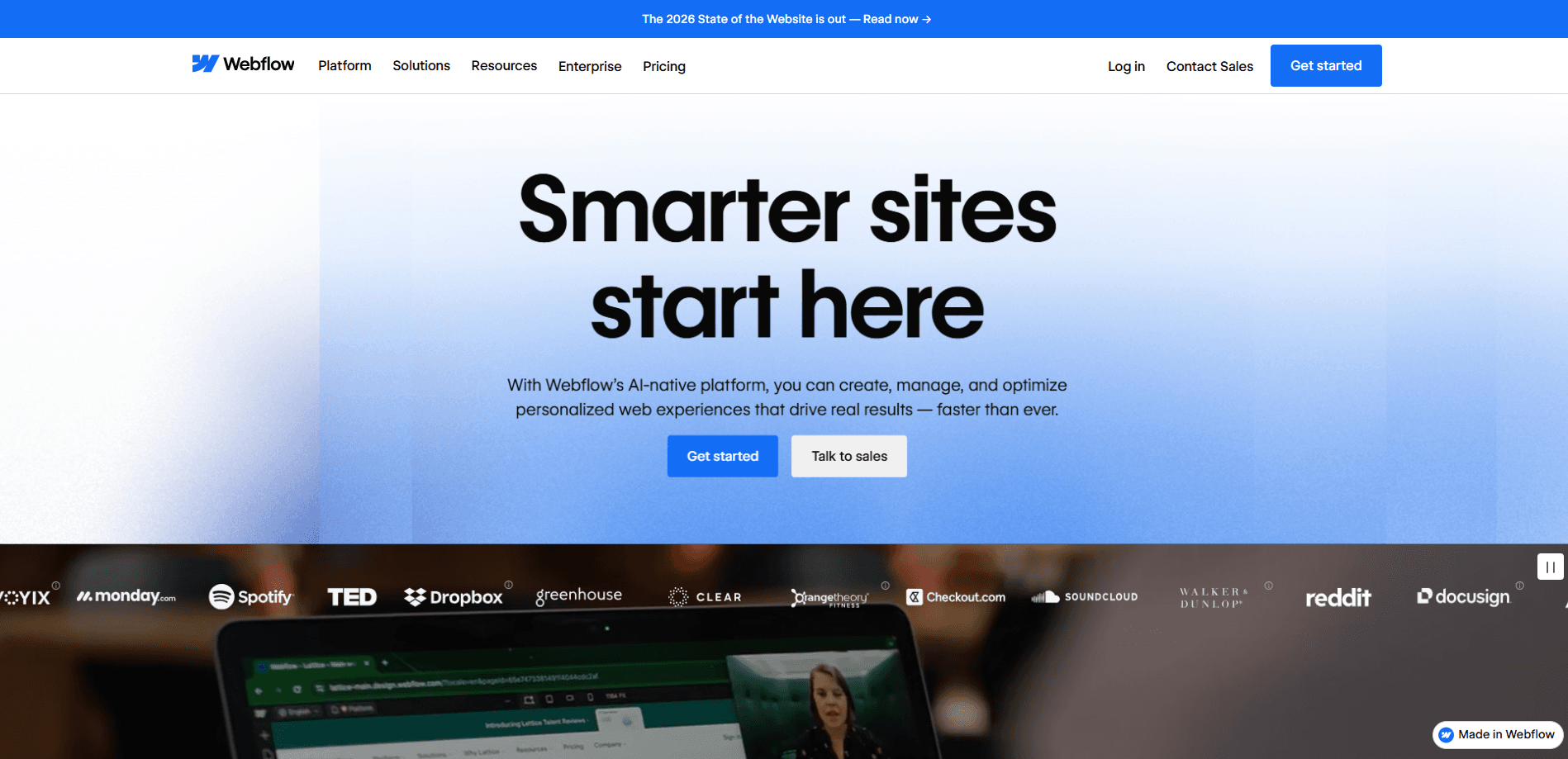
About Webflow
What Is Webflow
Webflow is a platform for building professional websites visually. You drag elements onto a canvas, style them, and publish, and the tool writes clean, production-ready code behind the scenes. So a designer can ship a real site without filing a ticket for every headline change, and marketing teams stop waiting on an engineer's backlog.
The company behind it, Webflow, Inc., launched the product in 2013 and has grown a large community of designers and agencies around it. The appeal is control. You get the flexibility of hand-coded front-end work without writing it yourself, and content teams can update pages on their own.
There are real limits. The visual canvas has a learning curve if you've never touched CSS, since terms like flexbox and grid still show up in the interface. More advanced logic, custom integrations, or unusual data models may still need a developer. And the cost climbs quickly once you move past simple sites into CMS-heavy or high-traffic builds. That part surprises people.
Getting Started
- Create a free Webflow account at webflow.com and pick a starter workspace.
- Start a blank project or pick a template, then explore the Designer canvas and the elements panel.
- Drag in sections, style them with the layout and typography controls, and preview across desktop, tablet, and mobile breakpoints.
- Connect a custom domain and choose a site plan when you're ready to go live.
- Add CMS collections for repeatable content like blog posts or product pages, then invite teammates to edit copy in the Editor.
Product Information
A quick look at Webflow's pricing, supported platforms, and performance.
Best for
The users, tasks, and scenarios where this tool fits best.
Users
- Freelance designers
- Marketing teams
- Agencies
Tasks
- Building a marketing site
- Redesigning an existing site
- Running experiments
Scenarios
- Launching a startup's first real website
- Keeping a content-heavy site fresh
- Scaling a brand presence across teams
Key features
Visual Designer
This no-code website builder lives in the Designer. You drag HTML elements onto a canvas, arrange them with flexbox and grid controls, and style everything visually, and Webflow writes the code as you go. Not a mockup. You publish a real, live site.
Webflow CMS
CMS collections let you store and design around content that changes, so a blog post, team member, or product listing has one template that fills in automatically. You define fields once, then add entries without touching layout. This is the feature that turns Webflow from a page builder into something closer to a full content platform.
Built-In Hosting and Publishing
Webflow hosts your site on its own infrastructure, so you don't manage servers or deploy pipelines. Publishing is a button. You get SSL, a global CDN, and custom domains without extra setup. This is a big part of why teams pick it over hand-rolled stacks.
Responsive Design Controls
Every element can be tuned per breakpoint, so you adjust desktop, tablet, and mobile layouts separately inside the same project. Rather than guessing at media queries, you see the change live. That saves awkward back-and-forth. It's a small thing that adds up on every project.
Interactions and Animations
You can build scroll effects, hover states, and page-load animations visually, no JavaScript required. For marketing sites that want motion to carry the brand, this is often the deciding feature, since a plain grid of text rarely holds attention. Complex sequences can still be extended with custom code when you need them.
AI Tools and Code Components
Webflow has added AI features across the platform, including a conversational assistant and AI-powered code generation that builds reusable components from a prompt. There are also native SEO and accessibility aids. The direction is clear: less busywork, faster from idea to a live page that a design team can actually hand to a client.
Team Collaboration and the Editor
The Editor gives non-designers a simple way to update text, images, and CMS content without touching the layout. Roles and permissions keep structure safe while letting marketing move on its own. For teams that used to bottleneck on one developer, this changes the whole workflow. No more waiting.
Pros and cons
Pros
- You ship real, production-ready code without writing it, so designers can own the build.
- The CMS handles content that updates often, making it a genuine fit for blogs and marketing sites.
- Hosting, SSL, and a CDN come built in, cutting out server management.
- The Editor lets marketing update content without breaking the design.
- A large template and community library shortens the path to a first live site.
Cons
- The interface uses real CSS ideas, so beginners face a real learning curve before it clicks.
- Pricing scales up fast once you need CMS bandwidth or higher traffic limits.
- Deep custom logic or unusual integrations often still need a developer.
- Sites are tied to Webflow's hosting, so moving off the platform isn't trivial.
Frequently asked questions
Webflow is used to design, build, and host professional websites visually. Teams use it for marketing sites, landing pages, blogs, and content-heavy sites where they want design control without relying on a developer for every change. That's the core of it.
Related content
Explore related tools, skills, and articles for Webflow.
Webflow Alternatives
Forefront
Forefront · CodingForefront is a web platform for building with open-source AI. It lets you fine-tune leading open-source language models on your own data, evaluate how they perform, and run them through an API or export them to host yourself. Developers who want the convenience of a closed-source platform but insist on owning their models and data are the target audience here.

Startkit
StartKit.AI · CodingStartkit is a boilerplate for building AI SaaS and AI wrapper products. Think of it as an AI startup boilerplate with the boring parts already wired up: authentication, Stripe and Lemon Squeezy payments, usage limits, transactional email, and an AI API starter that talks to OpenAI, Anthropic, Groq, or Llama. You clone the repo, set your price, and start on the part of your product that people actually pay for. It's Next.js under React and Tailwind, so most of the boilerplate code already feels familiar.
Testim
Tricentis · CodingTestim is an AI-powered test automation platform for building and running end-to-end tests across web, mobile, and Salesforce applications. It leans on machine learning to keep tests stable when an interface changes, so teams spend less time fixing broken selectors. Not bad for an automated testing tool you can start using today. You create tests by recording actions in a browser, then optionally add JavaScript when you need more control. It's a solid pick for busy QA teams.