

Webhookify - Ai Notifications
Bisai Technologies, LLC · Coding
Webhookify creates instant webhook URLs, logs every incoming request, and pushes AI alerts to Telegram, Discord, Slack, email and mobile.
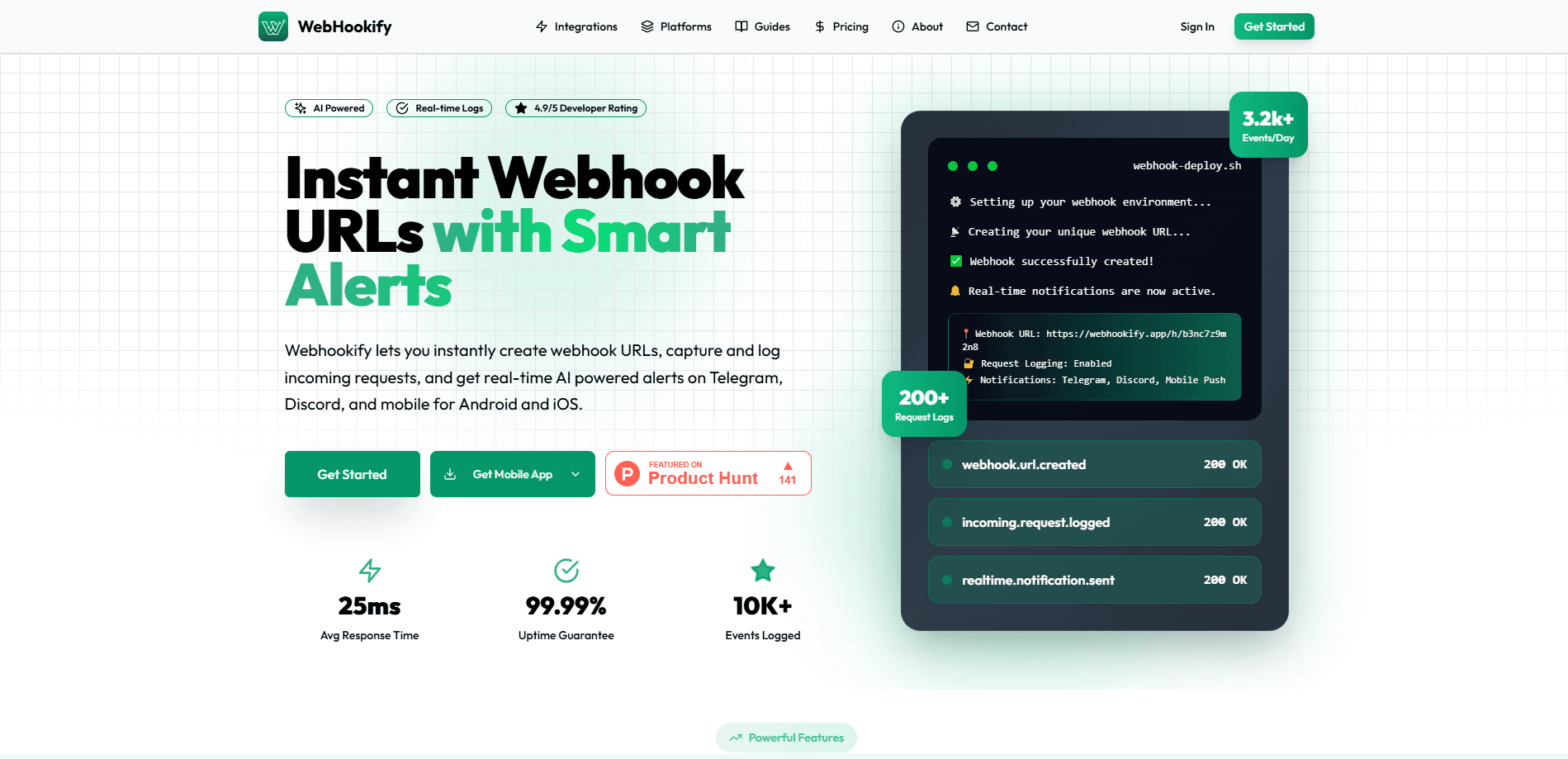
About Webhookify - Ai Notifications
What Is Webhookify
Webhookify is a webhook monitoring service. It hands you a unique URL in seconds, captures every request that hits it, and then tells you what happened through an alert on Telegram, Discord, Slack, email or a mobile push. Developers use it when a service like GitHub, Stripe or Shopify fires an event and someone needs to know about it right away.
The problem it solves is silence. Webhooks usually fail quietly, since a missed callback or a wrong payload leaves no trace in the app that sent it. Webhookify sits in the middle and keeps a request log with headers, payloads and timestamps, so a team can see a delivery that never arrived instead of guessing. It treats the webhook endpoint as something worth watching, not just pointing at.
It is a hosted service, not a library you install. You create an endpoint on the website, paste the URL into the sending service, and read the results in the dashboard. The free tier covers light traffic, and paid volume starts when your events grow.
Getting Started
- Sign up on webhookify.app with no credit card and open the dashboard.
- Generate a unique webhook URL for the service you want to watch.
- Paste that URL into the webhook settings of GitHub, Stripe, Shopify or your own app, and pick which events to send.
- Connect an alert channel like Telegram, Discord, Slack or the mobile app so notifications reach you.
- Send a test event, then read the request log and payload details in the dashboard.
Product Information
A quick look at Webhookify - Ai Notifications's pricing, supported platforms, and performance.
Best for
The users, tasks, and scenarios where this tool fits best.
Users
- Backend developers who need to see incoming webhook traffic from GitHub, Stripe or Shopify without standing up their own logging server.
- Solo founders and small teams that want a webhook endpoint and alerts working in minutes, with no infrastructure to maintain.
- Support and on-call engineers who must catch a failed or missing delivery before a customer notices it.
- Automation builders who wire no-code tools together and need a quick endpoint plus a mobile ping when something fires.
Tasks
- Watching a payment webhook. A Stripe event hits the endpoint, and Webhookify logs the payload and pushes an alert so a failed charge does not slip by.
- Debugging a deploy hook. A GitHub push event is captured with its headers and body, so a broken trigger is visible instead of silent.
- Routing alerts to a team chat. An incoming event is turned into a Telegram, Discord or Slack message that the whole team sees.
- Inspecting a payload. The request log shows the raw body and metadata, which helps when a sending service changes its format.
- Keeping a history of deliveries. Every request is stored, so a team can check later whether an event arrived at all.
Scenarios
- A launch day when a store or SaaS has to know every order event in real time and can't watch a terminal.
- A small team with no logging stack that wants webhook visibility without running its own server.
- A no-code workflow where a form or app needs to trigger a step and confirm it fired.
- An on-call rotation where a missed webhook should page someone on their phone, not wait for a morning review.
- An integration test where you point a service at a throwaway URL to see exactly what it sends.
Key features
Instant webhook URLs
Webhookify generates a unique endpoint in seconds and needs no setup before you can use it. You copy the URL, drop it into whatever service you're watching, and it starts receiving right away. For a developer who just needs to see what a service sends, that removes the usual step of writing and deploying a listener first.
Real-time request logging
Every incoming request is captured and stored with its full payload, so you can inspect what actually arrived. The log keeps headers, bodies and timestamps rather than a summary, which matters when a sender changes a field or adds a signature. It turns a webhook from a black box into something you can read after the fact.
Smart AI alerts
The service watches your incoming events and sends notifications when something important happens, across Telegram, Discord, Slack, email and mobile push. The alerts are described as AI powered, so the point is to flag the events that matter rather than every request. That keeps a busy endpoint from drowning you in noise.
Multi-platform integration
The same webhook URL works with GitHub, Stripe, Shopify or a custom application, since it accepts a standard HTTP request from any sender. You don't get locked into one vendor's format or a single integration path. A team can point several services at Webhookify and read them from one dashboard.
Detailed request analysis
Each logged request exposes its headers, payload, timestamp and request metadata. When a delivery fails or looks wrong, that detail is what you use to work out why, rather than re-sending and hoping. It is the part that turns a notification into a debugging tool.
Cross-device notifications
Alerts reach Android, iOS, Telegram and Discord, so the same event can follow you from a desk to a phone. When a webhook is time sensitive, catching it on a device you already carry beats waiting to check a dashboard. The spread of channels means one of them is usually within reach.
Pros and cons
Pros
- A unique webhook URL is ready in seconds, so you can test an integration without building a listener first.
- Full request logging keeps the raw payload and headers, which makes a failed or malformed delivery far easier to diagnose.
- Alerts fan out to Telegram, Discord, Slack, email and mobile, so a critical event is hard to miss.
- Works with any sender that speaks standard HTTP, including GitHub, Stripe and Shopify, so you're not tied to one platform.
- There's a free plan with no credit card, which is enough to try the whole flow before paying.
Cons
- It's a hosted service, so your webhook traffic passes through a third party rather than staying on your own infrastructure.
- The AI alert layer decides what counts as important, and you can't fully control that judgment if you want a plain log of everything.
- Pricing isn't shown on the site, so you have to ask about paid volume instead of comparing plans up front.
- It's aimed at developers. A non-technical user can read the logs but can't wire an endpoint or read a raw payload without help.
Frequently asked questions
Webhookify gives you a webhook URL that captures incoming requests and alerts you when they arrive. Developers use it to monitor events from services like GitHub, Stripe and Shopify, inspect the payloads, and get a notification on Telegram, Discord, Slack, email or a phone instead of watching a dashboard.
Related content
Explore related tools, skills, and articles for Webhookify - Ai Notifications.
Webhookify - Ai Notifications Alternatives

Base Code
Base44 (Wix) · Coding · ProductivityBase Code is a shared cloud development environment from Base44. Teammates describe changes to an existing GitHub codebase in chat, preview them live and send them back as pull requests.

Google EmbeddingGemma 2
Google DeepMind · Writing · Image · CodingGoogle EmbeddingGemma 2 is a 740M-parameter open model that turns text, code, images, audio, and video frames into vectors in one 768-dimension space, running on phones and laptops.

GitGlow
GitGlow · Coding · ProductivityGitGlow is a local-first desktop Git client that lets independent developers review their own code and their AI agents' changes in one place before shipping.