

Webintic
Webintic · Coding
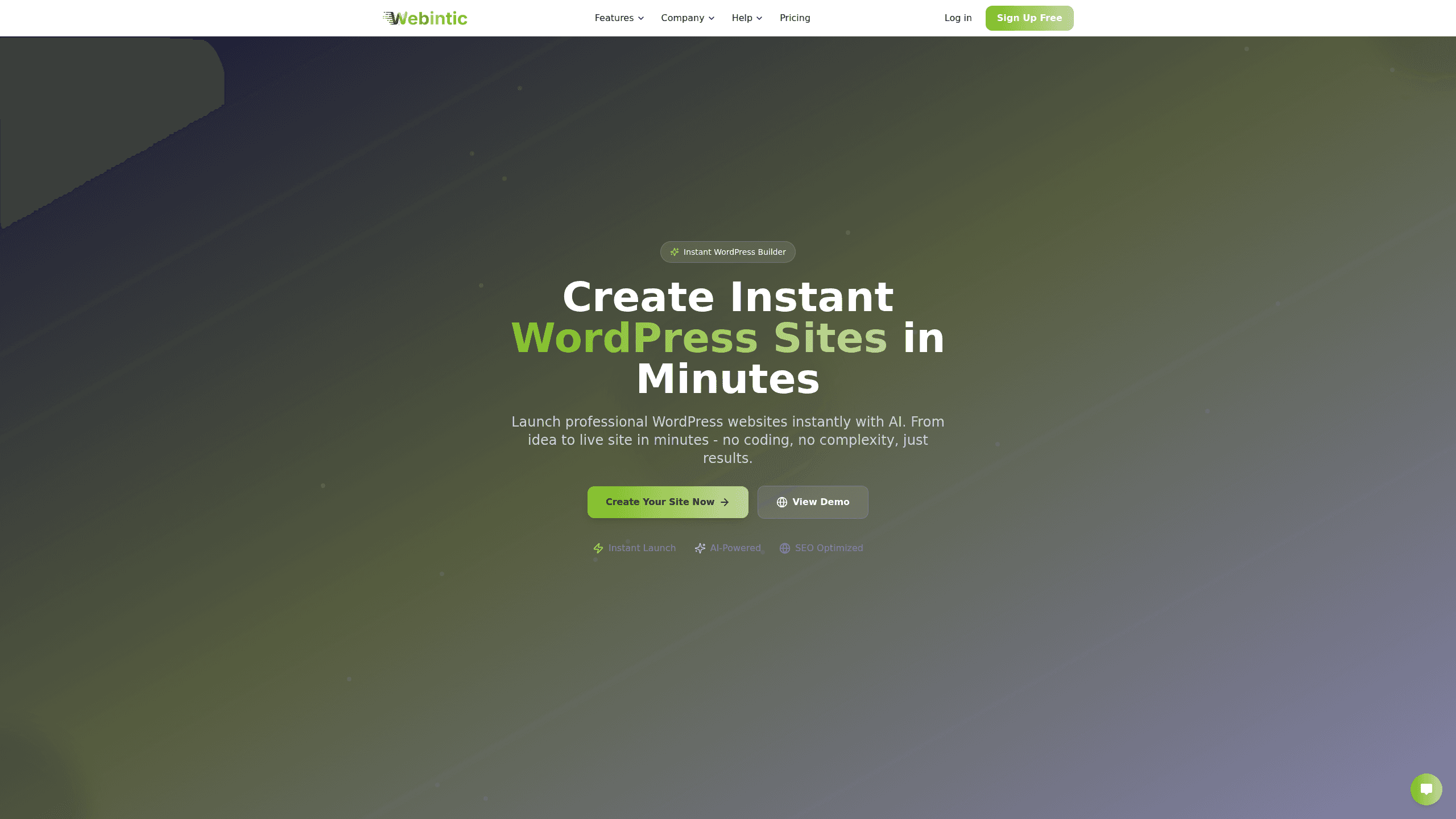
Webintic is an AI website builder that turns a short written prompt into a complete, hosted WordPress site. It's also a no-code website builder: you describe the kind of site you want, and the tool generates the layout, colors and starter content, then gives you a drag-and-drop editor and one-click publishing on your own domain. It targets small businesses, freelancers and creators who want a real WordPress install without hiring a developer or spending weeks setting one up.
About Webintic
What Is Webintic
Webintic is an AI WordPress site generator built for people who need a working website fast and don't want to learn hosting, themes or plugin management first. The pitch is simple: type what you want in plain language, and the platform assembles a WordPress installation with a design and starter copy. From there you edit it like any other WordPress site.
The main problem it solves is the setup wall. A brand-new WordPress site usually means sorting out hosting, SSL, a theme, a page builder and an SEO plugin before you write a single word. Webintic bundles those pieces, so the first version of your site exists in minutes rather than a weekend. The starting designs are template-driven. That's the trade-off: you get speed and a solid baseline, but a builder aiming for a fully bespoke look will still do plenty of manual work in the editor.
Two limits matter before you commit. There's no permanent free tier, just a 48-hour trial with basic features, so anything longer than a test run costs money. And the AI output is a starting point, not a finished brand, so budget time for editing copy and tweaking the design after generation.
Getting Started
- Sign up on the Webintic site and start the 48-hour trial, which runs on basic features and needs no credit card.
- Describe your site in natural language: the type of business, the pages you need and the tone you want.
- Let the AI generate a full WordPress site with a matching design, color scheme and starter content.
- Open the no-code editor to adjust colors, fonts, layout and copy, with live previews as you work.
- Connect your own domain, then publish with the built-in hosting, SSL and CDN in one click.
Product Information
A quick look at Webintic's pricing, supported platforms, and performance.
Best for
The users, tasks, and scenarios where this tool fits best.
Users
- Solo founders and freelancers
- Small business owners
- Developers shipping app landing pages
Tasks
- Turning a written brief into a first-draft site
- Publishing on your own domain
- Setting up basic SEO
Scenarios
- A freelance designer who needs a portfolio online this week and has no patience for a theme hunt.
- A local shop owner who wants a simple brochure site with a contact page and a working domain.
- An indie app developer who needs a landing page that matches their launch deadline and can grow later.
Key features
Prompt-to-Site Generation
You describe the site you want in plain language, and Webintic builds out a WordPress installation with a design and starter content to match. The selling point is speed. A first draft exists in minutes, and you spend your time refining rather than assembling pages from nothing.
No-Code Visual Editor
Everything after generation is editable through a drag-and-drop interface, so you don't need to touch code to change a section or move a block. Live previews update as you adjust fonts, colors and layout, which keeps the editing loop short and visual.
Built-In SEO Defaults
Webintic applies SEO best practices to each generated site by default, and the higher tiers include advanced analytics. For a small site this covers the basics without a separate optimization plugin. Serious SEO work still means manual content and structure decisions.
Mobile-First Responsive Design
Every site is generated mobile-first, so it adapts to phones, tablets and desktops without extra setup. Mobile traffic is huge now. This saves the usual round of responsive fixes after launch.
Hosting, SSL and CDN Included
One-click publishing deploys your site on built-in hosting with SSL certificates and a CDN in front. That removes the separate steps of buying hosting, wiring up HTTPS and configuring a content network. That's where most first-time site owners get stuck.
Domain Mapping
You can connect your own domain in a few clicks and at no extra cost. No custom domain is a fine start, too. Sites that don't need one can run on a subdomain before you commit to a brand name.
Scale and Ecommerce Tiers
Plans step up through bandwidth, storage and support, and ecommerce availability arrives at the Pro tier. That gives you a path from a simple brochure site to a storefront without migrating to a different platform. Small sites can start cheap.
Pros and cons
Pros
- You get a real, editable WordPress installation you own, not a locked template.
- The 48-hour trial needs no credit card, so you can test the AI output before paying.
- Hosting, SSL, CDN and domain mapping are bundled, which cuts the usual setup stack.
- Pricing tiers are clear and step up in bandwidth, storage and ecommerce access.
- 30-day money-back guarantee for new customers lowers the risk on an annual plan.
Cons
- There's no permanent free plan, so the 48-hour trial ends and then it's paid only.
- Generated sites start from templates, which means a distinctive brand look still takes manual work.
- Ecommerce and custom integrations sit behind the higher tiers, so a simple store isn't on the cheapest plan.
- Support quality varies by plan, with dedicated help and SLA guarantees only at the top tiers.
Frequently asked questions
Not permanently. It offers a 48-hour free trial with basic features and no credit card, and after that you pick a paid plan starting at $15/mo billed annually.
Related content
Explore related tools, skills, and articles for Webintic.
Webintic Alternatives
Forefront
Forefront · CodingForefront is a web platform for building with open-source AI. It lets you fine-tune leading open-source language models on your own data, evaluate how they perform, and run them through an API or export them to host yourself. Developers who want the convenience of a closed-source platform but insist on owning their models and data are the target audience here.

Startkit
StartKit.AI · CodingStartkit is a boilerplate for building AI SaaS and AI wrapper products. Think of it as an AI startup boilerplate with the boring parts already wired up: authentication, Stripe and Lemon Squeezy payments, usage limits, transactional email, and an AI API starter that talks to OpenAI, Anthropic, Groq, or Llama. You clone the repo, set your price, and start on the part of your product that people actually pay for. It's Next.js under React and Tailwind, so most of the boilerplate code already feels familiar.
Testim
Tricentis · CodingTestim is an AI-powered test automation platform for building and running end-to-end tests across web, mobile, and Salesforce applications. It leans on machine learning to keep tests stable when an interface changes, so teams spend less time fixing broken selectors. Not bad for an automated testing tool you can start using today. You create tests by recording actions in a browser, then optionally add JavaScript when you need more control. It's a solid pick for busy QA teams.