

WebStorm
JetBrains · Coding
WebStorm is JetBrains' IDE for JavaScript and TypeScript, built for developers who want deep code intelligence and debugging in one place.
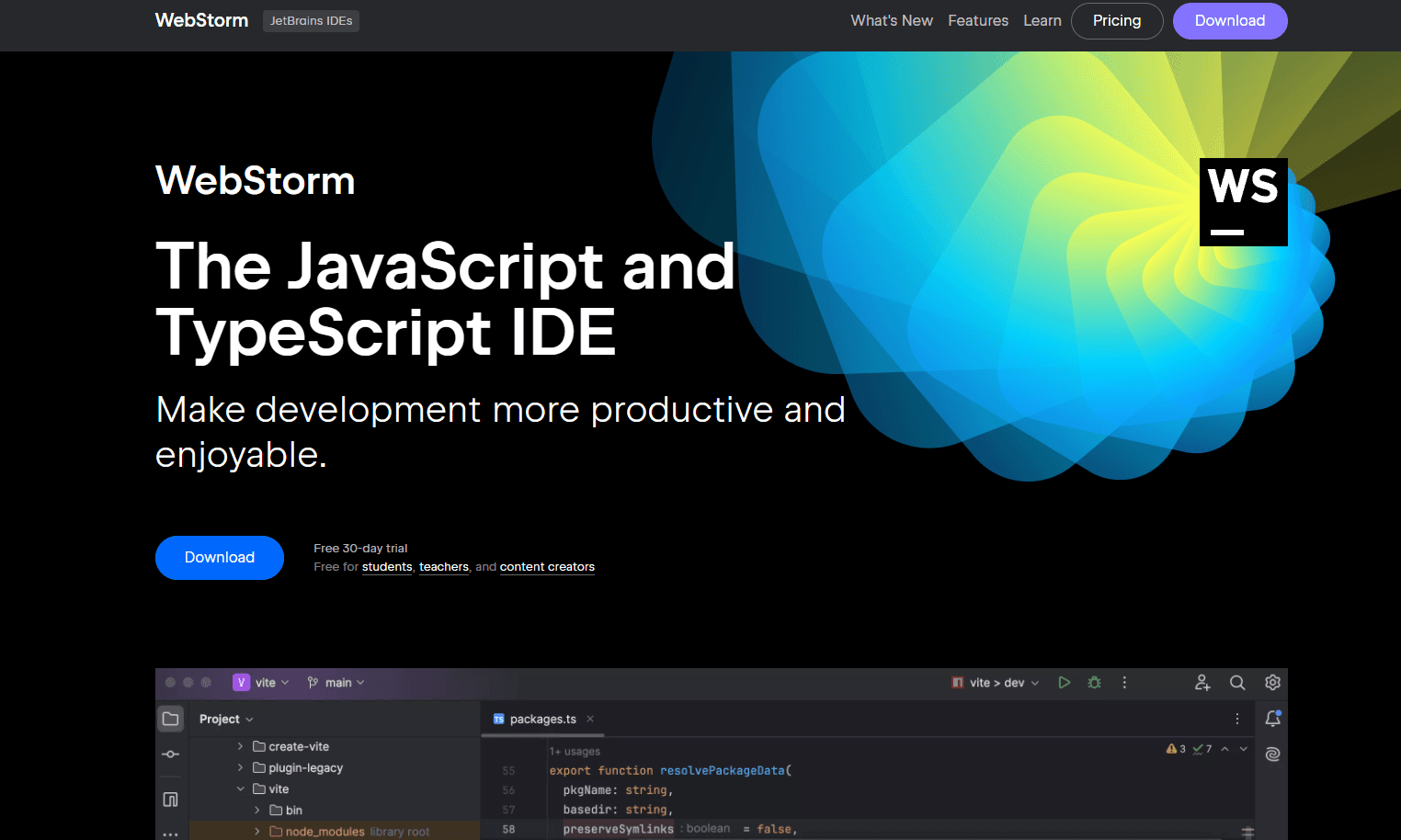
About WebStorm
What Is WebStorm
WebStorm is an integrated development environment made by JetBrains, the same company behind IntelliJ IDEA and PyCharm, and it targets the people who write JavaScript, TypeScript, and the frameworks built on top of them. React, Angular, Vue, Node.js, and HTML or CSS all get first-class support without plugins.
So what separates it from a plain code editor? It's the depth of what the IDE knows about your files. The main problem it solves is context. A large web project spreads logic across thousands of files, and tracking where a function is defined or which components use it gets slow in a lighter code editor for web development. WebStorm reads your whole project on open, then powers navigation, refactoring, and safe renames from that map. It's a paid tool. The company now offers it free for non-commercial work, but paid projects need a subscription. If you only edit the occasional script, that price is hard to justify.
The tradeoff is weight. WebStorm ships with everything included, so it launches slower and eats more memory than a bare-bones React development tool that only opens one folder at a time. On a laptop with limited RAM and a huge monorepo, that gap shows up fast. Not always a dealbreaker, but worth checking before you commit.
Getting Started
- Download WebStorm from the JetBrains website and run the installer for your platform.
- Open or create a project: clone a repository, start a new one from a React, Angular, or Vue template, or open an existing folder.
- Let the IDE index the project. Navigation and completion sharpen once indexing finishes.
- Switch to the keymap you already know (VS Code and Sublime Text presets are included) and start coding.
- Run, debug, and commit from inside the IDE using the built-in tools.
Product Information
A quick look at WebStorm's pricing, supported platforms, and performance.
Best for
The users, tasks, and scenarios where this tool fits best.
Users
- Professional web developers
- Teams that already use JetBrains IDEs
- Students and hobbyists
Tasks
- Refactoring a sprawling codebase
- Debugging Node.js and client-side apps
- Resolving Git merge conflicts
Scenarios
- Working on a monorepo with millions of lines
- Building a React or Vue app with a template
- Onboarding onto an unfamiliar project
Key features
Smart Code Editor
WebStorm understands your project structure and completes code as you type. It flags errors, spots redundancy, and suggests fixes before you run anything. Refactoring tools let you rename or restructure safely. The IDE then updates every affected reference, which is a lot harder to guarantee when you do it by hand across files.
Built-in AI Assistance
AI features are now part of the IDE, with a free tier included. AI Assistant offers context-aware chat for questions about your code, and Junie, JetBrains' coding agent, handles bigger jobs like restructuring a module or prototyping an idea. Local models work offline if you'd rather not send code to the cloud, which is a real consideration for teams working under strict data rules.
Fast Navigation and Search
Large projects stop being a maze. Jump to the definition of any function, method, variable, component, or class, then find every place it's used across the whole codebase. Search Everywhere (a double Shift press) locates files, symbols, or actions and shows all matches in one place. You stop guessing where things live and just go there.
Integrated Developer Tools
Debugging, testing, and version control live in the same window. Debug client-side and Node.js apps, run test suites, and work with Git or GitHub without switching tools. Package managers and a terminal are built in too. Everything stays in one place, so you spend less time alt-tabbing between a terminal, a browser, and a separate version control client.
Framework Support Out of the Box
React, Angular, Vue, Node.js, and SQL are supported natively. There's no hunting for extensions to get basic language support. Framework-specific completion, inspections, and refactors are configured from the start. That matters most when you move between stacks, and it's why the setup stays light.
Pros and cons
Pros
- Deep code intelligence handles large JavaScript and TypeScript projects without slowing navigation down to a crawl.
- Works out of the box, so you skip the plugin setup many editors require.
- Git and GitHub tools, including a merge conflict resolver, are built in.
- Free for non-commercial use, which covers students and hobby developers.
- Keymap presets for VS Code and Sublime Text soften the switch from another editor.
Cons
- Uses more memory and disk than lightweight editors, which shows on older machines.
- Commercial use requires a paid subscription. Only non-commercial work is free.
- The first project index can take a while on very large monorepos.
- Some developers find the default interface dense until they trim panels and tool windows. That cleanup takes time up front.
Frequently asked questions
Yes, for non-commercial use. JetBrains offers a free license covering learning, open-source contributions, content creation, and hobby development. Commercial and professional use needs a paid subscription.
Related content
Explore related tools, skills, and articles for WebStorm.
WebStorm Alternatives

Base Code
Base44 (Wix) · Coding · ProductivityBase Code is a shared cloud development environment from Base44. Teammates describe changes to an existing GitHub codebase in chat, preview them live and send them back as pull requests.

Google EmbeddingGemma 2
Google DeepMind · Writing · Image · CodingGoogle EmbeddingGemma 2 is a 740M-parameter open model that turns text, code, images, audio, and video frames into vectors in one 768-dimension space, running on phones and laptops.

GitGlow
GitGlow · Coding · ProductivityGitGlow is a local-first desktop Git client that lets independent developers review their own code and their AI agents' changes in one place before shipping.