

WebTrafficWatch
WebTrafficWatch · Marketing
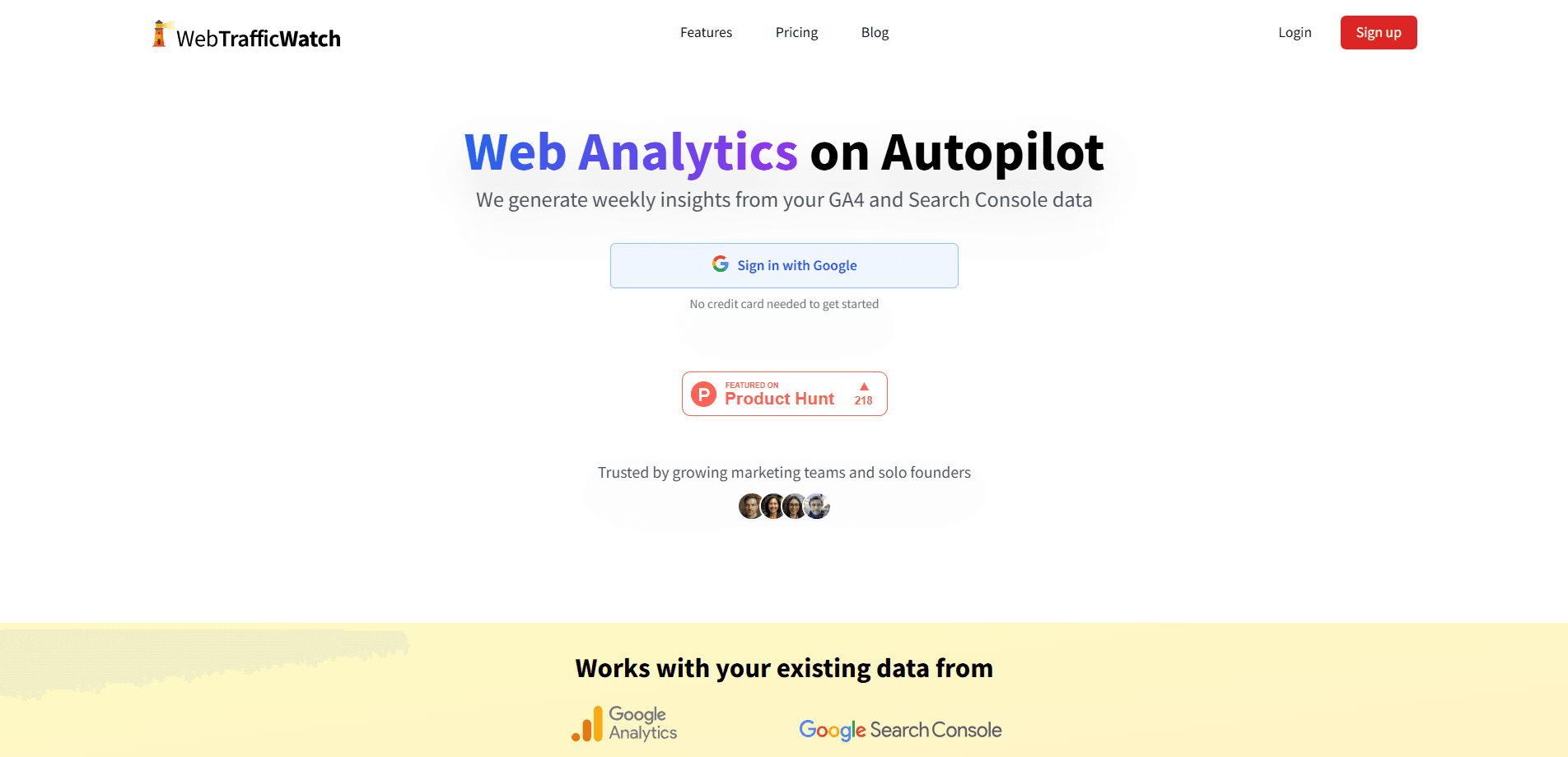
WebTrafficWatch is an automated web analytics tool that turns your Google Analytics 4 and Search Console data into a weekly report. It builds a statistical model from your historical numbers, checks the last seven days against it, and flags anything that falls outside the expected range. That covers most of the website traffic analysis people put off. It's built for marketers, SEO specialists, and solo founders who want to catch a traffic drop or a surprise spike without opening a dashboard every morning.
About WebTrafficWatch
What Is WebTrafficWatch
WebTrafficWatch answers one question each week: did something unusual happen to your website traffic? Instead of leaving you to eyeball charts, it runs your GA4 and Search Console metrics through a linear regression model and tells you when a number moves further than the model expects.
The product is a monitoring layer that sits on top of analytics you already collect. You connect your Google accounts, pick the metrics that matter, and it does the rest. Data imports run daily. Every report explains what changed in plain English, so you don't need a statistics background to act on it.
The main catch is scope. It watches trends and anomalies on existing metrics; it isn't a full analytics suite and won't replace GA4 or Search Console themselves. Think of it as ongoing Search Console monitoring and GA4 monitoring rather than a new data source. You also need at least 30 days of history before its models become reliable. If your site is brand new, there's nothing for it to learn from yet.
Getting Started
- Sign in with your Google account at webtrafficwatch.com and connect GA4, Search Console, or both.
- Select the metrics you want tracked, such as users, conversions, clicks, impressions, CTR, and average position.
- Let the tool import your daily data. It needs 30 days of history before it builds a stable baseline.
- Review the weekly email and dashboard for anomalies, trend explanations, and confidence bands.
- Upgrade to Pro if you need more than five metrics, then book the included 30-minute onboarding call.
Product Information
A quick look at WebTrafficWatch's pricing, supported platforms, and performance.
Best for
The users, tasks, and scenarios where this tool fits best.
Users
- Marketing teams
- Solo founders
- SEO specialists
Tasks
- Spotting traffic drops
- Tracking search performance
- Monitoring conversions and events
Scenarios
- Running a post-launch watch
- Managing several low-traffic sites
- Catching weekend seasonality
Key features
Automated anomaly detection
Each week, WebTrafficWatch fits a linear model to every metric you track, predicts the next seven days, and builds a 99% confidence interval around that prediction. Once the week passes, actual values are compared against the band. Anything outside it gets flagged as an anomaly, whether it's up or down.
Outlier removal before modeling
A single viral traffic spike can warp a trend line for months. The tool uses RANSAC, a fitting method that ignores points that don't match the majority trend, to strip those spikes out before building the model. You see the underlying trend rather than launch-day noise. That matters.
Weekday and weekend separation
Traffic behaves differently on business days than on weekends. WebTrafficWatch treats the two as separate categories inside the model, so recurring weekly patterns don't show up as false alarms.
Plain-English weekly reports
Every insight comes with a short explanation written for non-analysts. You get an email summary each week plus a dashboard with trend explanations, confidence bands, and a list of detected outliers.
Technical detail on demand
If you want the math, it's there. Each model shows its regression equation, R² value, and confidence intervals, so you can judge how much trust to place in a given prediction. Not for everyone. Useful when a flagged number looks odd and you want to check the reasoning.
GA4 and Search Console coverage
It imports daily aggregates from both sources. GA4 supplies users, conversions, and events (each event selectable on its own). Search Console supplies clicks, impressions, click-through rate, and average position.
Pros and cons
Pros
- Catches anomalies automatically instead of expecting you to scan dashboards daily.
- Outlier removal keeps viral spikes from distorting long-term trend lines.
- Reports are written in plain language, with the statistics available if you want them.
- Separate weekday and weekend modeling cuts down on false alerts.
- Connects to Google Analytics 4 and Search Console data you already have, so setup is quick.
Cons
- Needs at least 30 days of history before its models are stable, so new sites won't get useful output right away.
- Not a full analytics platform. You still rely on GA4 and Search Console for raw data and deeper investigation.
- No API, so teams that want to push anomaly data into their own tools can't automate that step.
Frequently asked questions
It monitors your GA4 and Search Console metrics, checks each week against a model built from your history, and reports any values that fall outside the expected range. The output is a weekly email plus a dashboard, not a live analytics interface.
Related content
Explore related tools, skills, and articles for WebTrafficWatch.
WebTrafficWatch Alternatives

Emailwritr
Emailwritr · Writing · MarketingEmailwritr is an AI email copywriting tool built for affiliates, course creators, and online businesses that want more revenue from the list they already own. Instead of blank pages or generic chatbot prompts, this AI email writer generates welcome sequences, launch campaigns, cart recovery emails, and promo series from frameworks modeled on well-known direct-response copywriters. You connect your autoresponder, answer a few questions about your offer, and it writes the copy for you.

Prosp
Prosp · Writing · Voice & Language · MarketingProsp is an AI LinkedIn outreach tool built for agencies and sales teams, and it writes the message and the voice note in your own voice for each prospect so they actually reply. You connect your accounts, find leads, and let the AI draft and send personalized messages at scale, all from one inbox. It's built for people running outbound at volume. That's the whole pitch. Every touchpoint still has to feel human.

On Model
On Model · Image · MarketingOn Model is an AI fashion model tool that places your clothing on virtual models so online stores can get on-model product photos without booking a photoshoot. It runs as a Shopify app, letting you swap the model in an existing image, change backgrounds, and generate faces for cropped or headless shots. The goal is simple: match your product photos to your customers and stand out from competitors using the same supplier images.