

Well Extract
Well · Coding
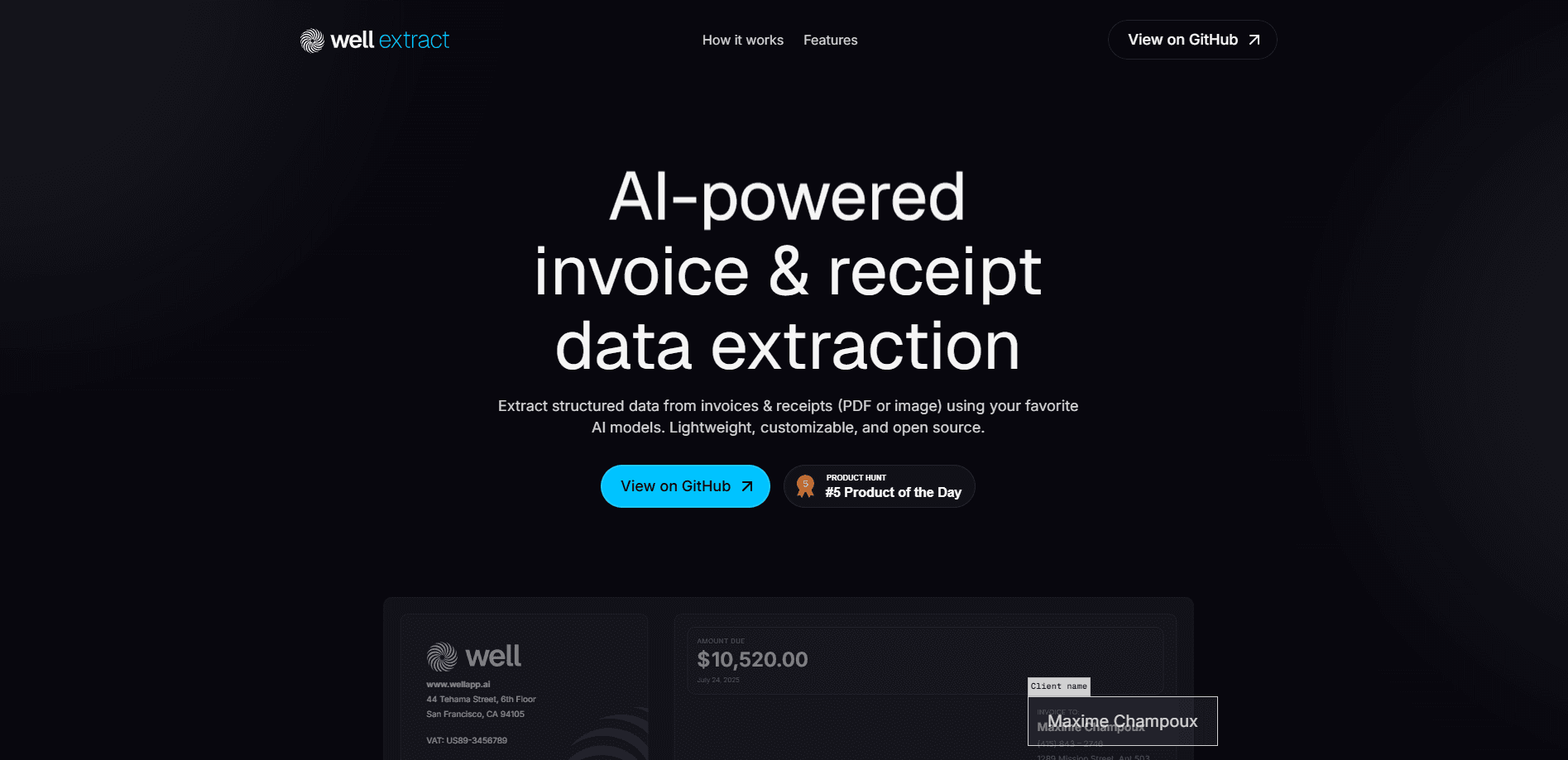
Well Extract is a lightweight, open-source command line tool that turns invoices and receipts into structured data using AI models like OpenAI, Anthropic, Gemini, or Ollama.
About Well Extract
What Is Well Extract
Well Extract is a command line tool built by Well, the team behind a financial data platform for founders and lean finance teams. It handles invoice data extraction and receipt extraction from PDFs, and it's often described as an open-source invoice parser because the whole project ships in Well's public GitHub organization. Instead of you retyping totals and tax lines by hand, the tool reads a PDF invoice or receipt and hands back clean, structured fields you can feed into a spreadsheet, database, or accounting pipeline. It runs in your terminal, and you point it at whichever AI model you already pay for.
The main draw is model choice. Many extraction tools lock you into one provider. This AI invoice extraction CLI works across OpenAI, Anthropic, Gemini, and Ollama, so you can run a hosted model for speed or a local Ollama model when the documents should never leave your machine. That flexibility matters if you handle sensitive supplier paperwork and want to keep it in house.
The tradeoff is that it's a developer tool, not a finished app. There's no dashboard, no drag and drop upload, and no built-in review screen. You install it through the CLI, wire up an API key, and script it yourself. If you want a point and click experience, Well's Chrome extension for invoice retrieval is the better fit. If you want a small building block you can drop into your own pipeline, this is the one.
Getting Started
- Install the CLI from the official Well GitHub organization and confirm the
wellcommand runs in your terminal. - Add the API key for the model provider you want to use, such as OpenAI, Anthropic, or Gemini, or start Ollama locally if you'd rather keep everything offline.
- Point the tool at an invoice or receipt file and choose the target model.
- Run the extraction and review the structured output for the fields you need, like invoice number, date, amount, and supplier.
- Export the result to JSON, CSV, or XML and wire it into your accounting or data workflow.
Product Information
A quick look at Well Extract's pricing, supported platforms, and performance.
Best for
The users, tasks, and scenarios where this tool fits best.
Users
- Developers who need invoice parsing inside an existing script or pipeline
- Solo founders and small finance teams handling supplier paperwork
- Privacy-conscious teams with sensitive invoices
Tasks
- Turning a batch of PDF invoices into a structured spreadsheet
- Feeding receipt data into an accounting tool or database
- Comparing extraction quality across models
Scenarios
- Month end reconciliation when you've got a folder of supplier invoices to process
- Running extraction on a machine that can't send data to the cloud
- Prototyping an internal expense tool
Key features
Multi-provider AI model support
Well Extract is built around AI invoice extraction, so it works with OpenAI, Anthropic, Gemini, and Ollama, and you decide which model reads your documents. That means you can use a fast hosted model, a cheaper local one, or a private offline one. You aren't tied to a single vendor, which is rare among extraction tools.
Structured data output
Structured data extraction is the whole point here, and the tool returns defined fields instead of a wall of text. Well's invoice data model centers on essentials like invoice_number, date, amount, and customer, so the output lines up with what accounting systems expect. You get data you can sort, sum, and store, not prose you have to reparse.
Command line workflow
Everything runs from the terminal, which is why people treat it as a receipt extraction CLI as much as an invoice one. That makes it easy to script, schedule, or chain into a larger process, and there's nothing to click through. For developers already living in a shell, it slots in without a new UI to learn.
Local model option through Ollama
Pointing the tool at Ollama lets you run extraction fully offline. Sensitive supplier invoices stay on your hardware instead of traveling to a hosted API. No cloud, no upload. The catch is that local results depend on the model you pull and your machine's power.
Open-source and self-hosted
The project lives in Well's public GitHub organization, so you can read the code, file issues, and adapt it to your setup. No per document fee. No vendor lock in. You own the tooling and the data path.
Export to common accounting formats
Well's broader invoice tooling supports exports to JSON, CSV, XML, UBL, QuickBooks, and Xero style outputs. That range means the structured data can land in a spreadsheet, an enterprise system, or international e-invoicing formats without extra conversion work.
Pros and cons
Pros
- Works across OpenAI, Anthropic, Gemini, and Ollama, so you can match the model to your budget, speed needs, and privacy rules.
- Runs entirely from the terminal, which makes it simple to script and schedule for batch invoice jobs.
- Open-source and free to self-host, with no per document charges to track.
- A local Ollama option keeps sensitive invoices on your own machine.
- Structured output with clear fields like invoice_number, date, and amount feeds straight into accounting tools.
Cons
- There's no graphical interface, so anyone without command line comfort will need another tool.
- You supply and manage your own API key. That puts the cost of hosted models on your account.
- Local extraction quality depends on which Ollama model you run, so weaker machines may see rougher results.
- It's a focused building block, not a full invoice platform, so review, approval, and tracking are on you to add.
Frequently asked questions
It pulls structured data out of invoices and receipts so you can move that information into spreadsheets, databases, or accounting tools without retyping it. You run it from the terminal and choose which AI model does the reading.
Related content
Explore related tools, skills, and articles for Well Extract.
Well Extract Alternatives

Base Code
Base44 (Wix) · Coding · ProductivityBase Code is a shared cloud development environment from Base44. Teammates describe changes to an existing GitHub codebase in chat, preview them live and send them back as pull requests.

Google EmbeddingGemma 2
Google DeepMind · Writing · Image · CodingGoogle EmbeddingGemma 2 is a 740M-parameter open model that turns text, code, images, audio, and video frames into vectors in one 768-dimension space, running on phones and laptops.

GitGlow
GitGlow · Coding · ProductivityGitGlow is a local-first desktop Git client that lets independent developers review their own code and their AI agents' changes in one place before shipping.