

Whisper Snapper for Mac
Whisper Snapper · Writing · Voice & Language
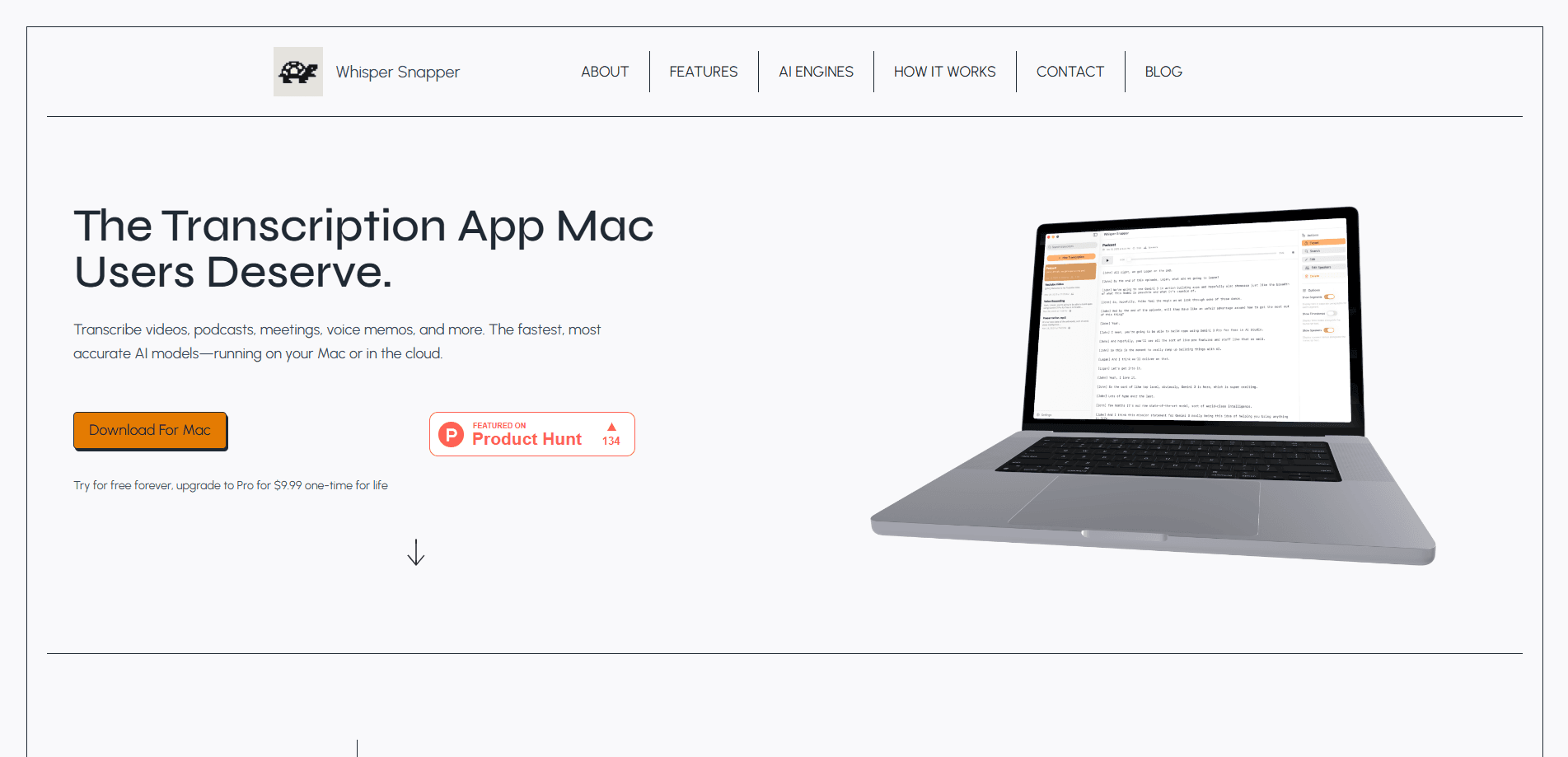
Whisper Snapper is a Mac transcription app that turns audio and video into text using AI models you can run on your own machine or in the cloud. It handles podcasts, interviews, lectures, and voice memos, then adds summaries and translations in more than 20 languages. A free tier covers light use, while a one-time Pro upgrade unlocks the full engine list and batch work.
About Whisper Snapper for Mac
What Is Whisper Snapper
Whisper Snapper is a desktop transcription tool built only for macOS. You drag in an audio or video file, pick a model, and get a finished transcript you can read, edit, search, and export. No account. No browser tab to babysit.
What sets it apart is the choice of where the work happens. Sensitive recordings can be processed entirely on your Mac, so nothing leaves the machine. When speed matters more than privacy, the same app can send a file to a cloud engine and finish faster. So what's the catch? Just a Mac. That decision stays per transcription, so you're not locked into one mode for every job.
The main limitation is that it's Mac-only, and that single restriction rules out a lot of people before they even start. If you work on Windows or want a mobile app for quick voice notes, this isn't the tool for you. It also leans on you to pick a model, and the bigger local models need a reasonably current Mac to run at a comfortable speed.
Getting Started
- Download Whisper Snapper from the official site or the Mac App Store and open it. No account or sign-up is required.
- Drag an audio or video file into the window, or point the app at a recording. Common formats such as mp3, wav, m4a, and mp4 work.
- Choose a transcription engine. Local options include Whisper and Parakeet models; cloud options include Whisper Large v3 and Deepgram Nova-2.
- Run the transcription, then review the text. You can search, edit segments, and generate a summary or translation.
- Export the result in the format you need and store it wherever your workflow lives.
Product Information
A quick look at Whisper Snapper for Mac's pricing, supported platforms, and performance.
Best for
The users, tasks, and scenarios where this tool fits best.
Users
- Podcasters and video creators
- Journalists and researchers
- Students and note-takers
Tasks
- Audio to text conversion
- Summarizing and translating
- Subtitle and export work
Scenarios
- Handling confidential recordings
- Day-to-day content production
- Quick one-off jobs
Key features
Local and Cloud Processing in One App
Whisper Snapper lets you pick where a transcription runs, file by file, instead of forcing a single mode on every job. Run it locally on your Mac and nothing leaves the device, which matters when the recording is confidential or belongs to someone who never agreed to a cloud upload. Switch to a cloud engine and the same job finishes faster, sometimes by a wide margin. That kind of per-file control is exactly what most transcription apps skip, and once you've used it, going back to a single-mode tool feels like a downgrade.
Several AI Engines to Choose From
Most transcription software gives you one model and calls it a day, which is why the engine list here is worth a closer look. Local options include the Whisper family, from Tiny up to Large v3 and Large v3 Turbo, plus Parakeet v2 for English and Parakeet v3 for multiple languages. Cloud users can reach for Whisper Large v3, GPT-4o Diarize for speaker labels, or Deepgram Nova-2. Picking the right engine comes down to a three-way trade-off between speed, accuracy, and language coverage, and it's the part of the app that rewards a little experimentation.
AI Summaries and Translations
Once a transcript exists, the app can generate a summary and translate it. The summaries run locally through Llama 3.2, so that step stays private too. Translations cover more than 20 languages, which helps anyone working across language barriers without a separate tool. That's a nice bonus. It also means you don't have to export a file, paste it elsewhere, and wait on a second service.
Speed Through Local Acceleration
Whisper Snapper uses Apple's Metal and GPU acceleration for on-device work, and that engineering is why the local path can keep up in the first place. That keeps local transcriptions close to real time on capable hardware, so going private doesn't automatically mean going slow. On older Macs, expect longer waits with the largest models.
Flexible Exports and Searchable Transcripts
Finished transcripts are editable and searchable, and you can export them in a range of formats, from plain text to subtitle files. Playback syncs to the text, which makes it easy to jump to a specific line and check what was actually said before you quote it. If you're moving video to text for captions, this sync is the difference between guessing at timings and getting them right the first time.
Runs Without an Account
There's no sign-up wall. You install the app, drop in a file, and get results. For people who don't want another login or a cloud profile attached to their recordings, that's a real convenience. Offline transcription is the default posture here, not a paid add-on you turn on later.
Pros and cons
Pros
- Local processing keeps sensitive audio on your Mac
- One-time Pro price instead of a recurring subscription
- Several engines, including speaker-labeled GPT-4o Diarize
- Summaries and translations built into the same app
- No account required to start transcribing
Cons
- macOS only, so Windows and mobile users are left out
- The biggest local models need a recent Mac to run smoothly
- Choosing among engines can confuse first-time users
- No public API for automating transcription at scale
Frequently asked questions
Whisper Snapper turns audio and video files into text on a Mac. It also generates summaries and translations, and exports the result in multiple formats, all without an account.
Related content
Explore related tools, skills, and articles for Whisper Snapper for Mac.
Whisper Snapper for Mac Alternatives

Google EmbeddingGemma 2
Google DeepMind · Writing · Image · CodingGoogle EmbeddingGemma 2 is a 740M-parameter open model that turns text, code, images, audio, and video frames into vectors in one 768-dimension space, running on phones and laptops.

MePersona
MePersona, Inc. · Writing · Productivity · MarketingMePersona is an AI unified inbox for creators. It learns your voice, drafts replies to fan messages from 12 platforms, and sends only what you approve.

Fluence
Yay Software (Yannick Huchard) · Writing · Voice & Language · ProductivityFluence is an Android app that reads PDFs, EPUBs, Word files and web articles aloud, follows each sentence as it speaks, and answers questions about the text on the phone itself.