

Whispering
Epicenter · Writing · Voice & Language
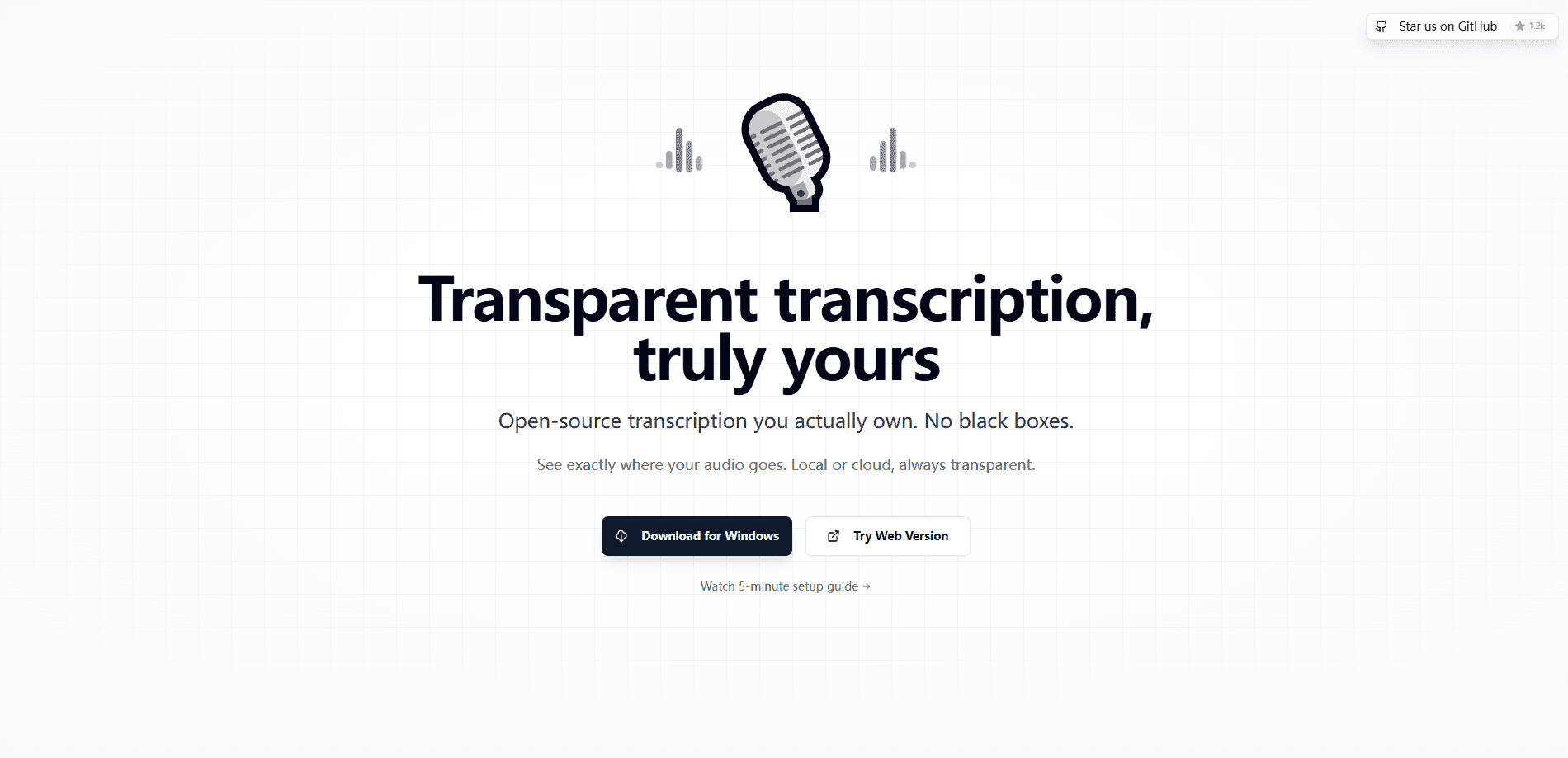
Whispering is a free, open source speech to text app for voice to text dictation. Press a shortcut, speak, and your words transcribe through a provider you pick, then land wherever you can type.
About Whispering
What Is Whispering
Whispering is an open source dictation app built by Epicenter. You hold a keyboard shortcut, talk, and the recording turns into text that drops straight into whatever app has your cursor. It runs in the browser at whispering.epicenter.so and as a native window inside the Epicenter desktop app.
Most voice dictation tools lock you into one transcription engine and one price. Whispering, built around Whisper transcription models, does the opposite. It records locally, sends the audio to a provider you choose, and lets that provider do the speech recognition. You can point it at a cloud service like OpenAI or Groq, at a hosted Epicenter gateway, at your own self-hosted endpoint, or, in the desktop build, at a model running on your own machine. Swapping engines is a setting, not a new account.
The tradeoff is that Whispering is a shell, not a service. It has no subscription of its own, so what you pay, if anything, goes to the transcription provider behind it. On-device transcription only exists in the desktop version, because the browser cannot run those local models. Pick the browser tab and you're limited to cloud or self-hosted providers.
Getting Started
- Open whispering.epicenter.so in a browser, or install the Epicenter desktop app to unlock system-wide shortcuts and local models
- Add a transcription provider by pasting its API key, or point the app at a self-hosted endpoint
- Hold the shortcut and speak; the audio records and uploads only to the provider you selected
- Release to transcribe, let the optional polish step clean up the text, and paste straight into the active cursor
Product Information
A quick look at Whispering's pricing, supported platforms, and performance.
Best for
The users, tasks, and scenarios where this tool fits best.
Users
- Writers and bloggers
- Developers and power users
- Privacy-conscious professionals
- Open source advocates
Tasks
- Long-form drafting
- Note taking in live meetings
- Multilingual dictation
- Transcript cleanup
- Filling forms and chat boxes
Scenarios
- Writing at a desk with a headset
- Taking notes when your hands are busy
- Drafting in a language you think in
- Working offline on desktop
- Quick replies between tasks
Key features
Shortcut-Driven Dictation
Whispering is built around one gesture: hold a key, speak, release. The browser build handles in-app shortcuts, and the desktop app adds system-global shortcuts that fire no matter which window is focused. That is the core loop, and it's why the app stays out of your way. You don't open a separate tool, record a file and then hunt for it later. The text arrives at the cursor you were already using.
Bring Your Own Transcription Provider
The app records speech and hands the audio to whichever provider you configure. You can connect a cloud service, the hosted Epicenter gateway or a self-hosted endpoint, and you supply the credentials. That design keeps Whispering free and keeps your options open, since you're not stuck with one vendor's accuracy or pricing. Change your mind and switch the provider in settings, and the app keeps working the same way.
On-Device Transcription in the Desktop App
The Epicenter desktop build can transcribe with a local GGUF model instead of sending audio anywhere. That option only exists on desktop, because the native runtime that loads the model lives there rather than in the browser. For anyone working with confidential recordings, it means the audio never leaves the device and no internet connection is required. It's the feature that turns Whispering from a cloud dictation tool into a private one.
Optional Transcript Polish
After the raw transcript comes back, Whispering can run an optional pass that cleans it up. The polish step is a separate layer, so you decide whether you want the plain output or a tidier version. It's useful when you're dictating in a rush and the first pass is rough. You can leave it off entirely if you'd rather see exactly what was spoken.
Paste at the Active Cursor
Getting text out of a dictation app is often the annoying part. Whispering targets the active cursor directly. In the desktop app it uses native delivery when the operating system allows it, and falls back to the clipboard when it doesn't. In the browser it uses the clipboard. Either way, the transcript ends up in the field you were already in, so there's no window-switching step in the middle of your workflow.
Local-First Storage
Whispering keeps settings and recording metadata on your device first. Audio only leaves the machine when the provider you selected requires an upload, and if you're using a local model, it never leaves at all. Recordings are stored in the browser's IndexedDB or in Epicenter app-data files on desktop. That local-first approach is what separates it from dictation tools that route every clip through a company server by default.
Browser and Desktop Builds From One Codebase
The same app runs as a hosted web page and as a window inside Epicenter. The browser version is a real target, not a stripped-down fallback, and it handles browser recording, local blobs and web-safe shortcuts. The desktop version swaps in native recording, system permissions, local model transcription and floating overlays. You pick the host that matches how you work, and the core dictation flow stays the same.
Pros and cons
Pros
- Free and open source, with no subscription fee of its own
- Works with cloud, self-hosted or on-device transcription providers, so you control accuracy and cost
- Desktop app supports local GGUF models, keeping sensitive audio entirely on your machine
- One shortcut handles the whole flow, from recording to pasting text at the cursor
- Local-first storage keeps metadata on your device until a provider needs the audio
Cons
- No bundled transcription service, so you need your own provider key or a self-hosted endpoint to get started
- On-device transcription only works in the desktop build, which means browser users can't use it
- System-global shortcuts and native paste are desktop-only, so browser dictation is limited to the tab
- Quality and language coverage depend entirely on the provider you choose, not on Whispering itself
Frequently asked questions
Whispering is a free, open source speech to text app made by Epicenter. You hold a keyboard shortcut, speak, and your words are transcribed by a provider you choose and pasted into whatever app is active. It runs in the browser and as a window inside the Epicenter desktop app.
Related content
Explore related tools, skills, and articles for Whispering.
Whispering Alternatives

Google EmbeddingGemma 2
Google DeepMind · Writing · Image · CodingGoogle EmbeddingGemma 2 is a 740M-parameter open model that turns text, code, images, audio, and video frames into vectors in one 768-dimension space, running on phones and laptops.

MePersona
MePersona, Inc. · Writing · Productivity · MarketingMePersona is an AI unified inbox for creators. It learns your voice, drafts replies to fan messages from 12 platforms, and sends only what you approve.

Fluence
Yay Software (Yannick Huchard) · Writing · Voice & Language · ProductivityFluence is an Android app that reads PDFs, EPUBs, Word files and web articles aloud, follows each sentence as it speaks, and answers questions about the text on the phone itself.