

WhisperTranscribe
WhisperTranscribe (Rotterdam, Netherlands) · Writing · Productivity
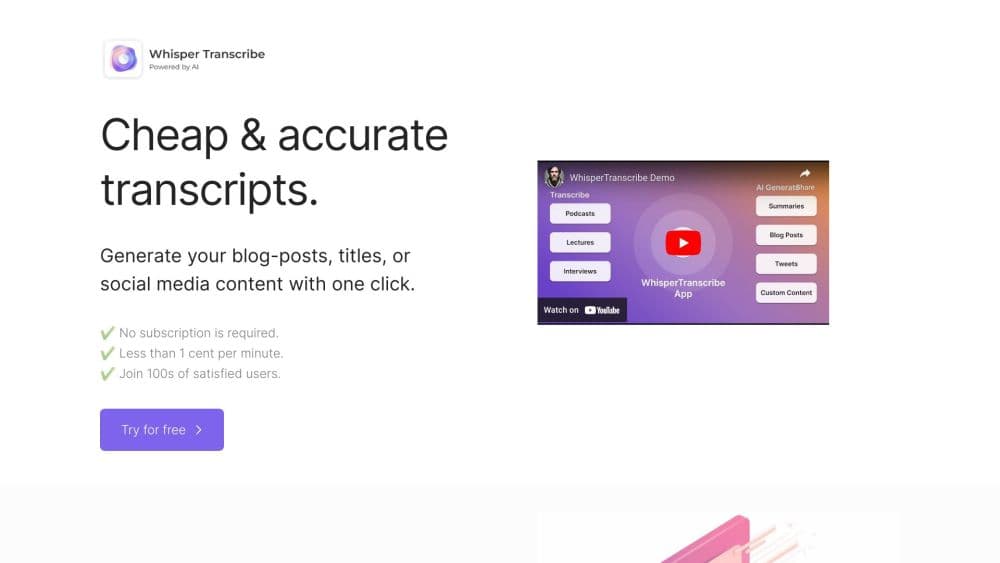
WhisperTranscribe is an AI transcription tool that turns audio and video into speaker labeled transcripts, then reworks them into summaries, show notes, blog posts and clips.
About WhisperTranscribe
What Is WhisperTranscribe
WhisperTranscribe is a web and desktop app built by a small team in Rotterdam. It runs OpenAI's Whisper and AssemblyAI models on your uploads and returns text in minutes, with speakers already marked. That transcript becomes the starting point for everything else in the app: chat with the recording, spin out show notes, draft a blog post, cut short social clips.
The pitch is narrow and practical. Recording one podcast should not require five separate subscriptions for transcription, subtitles, clip editing and social copy. The tool folds those jobs into one workspace, and it keeps files on your own machine rather than a shared cloud folder.
The limits show up early. It's a transcription product, not a full audio editor, so you can't mix tracks or repair bad recordings inside it. Accuracy still depends on clean source audio, and the content generation reads like a good first draft that a human should still check.
Getting Started
- Sign up on the website or install the Windows or Mac desktop app. The free trial gives you 60 minutes, with no card needed.
- Upload an audio or video file, paste a YouTube or Vimeo link, or subscribe to a podcast RSS feed. Files up to 5 GB are accepted on the Starter plan.
- Pick the spoken language or let the app detect it, then run the transcription. A one hour file usually finishes in three to four minutes.
- Read the transcript in the built in editor, correct names with the custom dictionary, and export as Word, PDF, SRT, VTT, CSV, Excel or JSON.
- Feed the result into Magic Chat for questions, or use a content template to generate a summary, show notes, a blog draft or clips.
Product Information
A quick look at WhisperTranscribe's pricing, supported platforms, and performance.
Best for
The users, tasks, and scenarios where this tool fits best.
Users
- Podcast hosts with a back catalog
- Journalists and researchers
- Marketing managers who repurpose video
Tasks
- Turning an interview into a written article
- Producing subtitles
- Capturing client calls
- Making a podcast searchable
Scenarios
- Weekly podcast production
- Research interviews and focus groups
- Course and webinar archiving
- Small teams without an editor
Key features
Whisper AI Transcriber With Speaker Detection
The core engine runs OpenAI's Whisper alongside AssemblyAI, and the company puts accuracy at around 95% for typical recordings. Speaker detection labels who said what in conversations, interviews, and panel discussions, which is the detail that makes a transcript usable later. A one hour file usually lands in three to four minutes, and 5 GB single files are handled on the entry plan.
Magic Chat On Your Own Transcript
Once the audio to text pass is done, you can ask questions about the recording in plain language. Meeting recordings become searchable AI meeting notes instead of long files nobody reopens. The prompts themselves stay simple. Useful prompts include asking for the main points, pulling every action item, or summarizing one section about pricing. Answers stay inside the transcript instead of drifting, which is why teams use it as a search layer for meeting recordings and long interviews.
Transcript To Content Templates
One recording can become 57 or more written formats: summaries, show notes, newsletters, blog drafts, social posts, product descriptions. You can feed the AI samples of your own writing so the drafts follow your phrasing, and the custom prompt option handles formats the templates don't cover.
Text Based Clip Editor
The clip tool works from the transcript rather than a timeline. You highlight sentences, and the matching video segment becomes a vertical clip ready for TikTok, YouTube Shorts, or LinkedIn. An AI clip finder proposes the moments most likely to hold attention, so you don't have to scrub through two hours of footage.
Automatic Meeting Capture
The Meeting Assistant detects when a call starts and records it locally without a bot appearing in the participant list. Every meeting gets transcribed and summarized, and seats are billed per user starting at $16 a month. Recording on your own machine rather than a cloud bot is the part most privacy sensitive teams care about.
Translation And Subtitle Export Options
Transcripts translate into 99 plus languages with speaker labels and formatting kept in place. Subtitle export covers SRT and VTT with timing intact, and the same menu also handles Word, PDF, TXT, CSV, Excel, JSON, and EAF for ELAN, which matters if your subtitles go to a video team or your data feeds a research repository. Transcription itself runs in 55 plus languages.
Pros and cons
Pros
- Transcription and content generation share one workspace, so a podcast doesn't need four separate subscriptions.
- Speaker detection is reliable on multi person recordings, which makes interviews and panel episodes far easier to reuse.
- Export formats cover both video teams (SRT, VTT) and research workflows (CSV, Excel, EAF).
- The desktop app records meetings without a bot joining, and files stay on the local drive.
- The free trial gives 60 minutes with no card, enough to judge accuracy on your own audio.
Cons
- The entry plan costs $19.99 a month for 320 minutes, which works out to about $2.80 per transcribed hour.
- Long files are capped at 10 hours of audio, so a full season of episodes has to be uploaded one at a time.
- Content generation still needs a human pass, since templates can flatten a distinctive voice.
- There's no public API documentation, which rules it out for teams that want to plug transcription into their own software.
- Editing is limited to the transcript and clips, so damaged audio can't be repaired in the app.
Frequently asked questions
It turns audio and video into written transcripts and then into other formats, including summaries, show notes, blog drafts and short video clips. Meeting recordings get the same treatment automatically.
Related content
Explore related tools, skills, and articles for WhisperTranscribe.
WhisperTranscribe Alternatives

Google EmbeddingGemma 2
Google DeepMind · Writing · Image · CodingGoogle EmbeddingGemma 2 is a 740M-parameter open model that turns text, code, images, audio, and video frames into vectors in one 768-dimension space, running on phones and laptops.

MePersona
MePersona, Inc. · Writing · Productivity · MarketingMePersona is an AI unified inbox for creators. It learns your voice, drafts replies to fan messages from 12 platforms, and sends only what you approve.

Fluence
Yay Software (Yannick Huchard) · Writing · Voice & Language · ProductivityFluence is an Android app that reads PDFs, EPUBs, Word files and web articles aloud, follows each sentence as it speaks, and answers questions about the text on the phone itself.