

Willow Voice
Willow Care, Inc. · Voice & Language
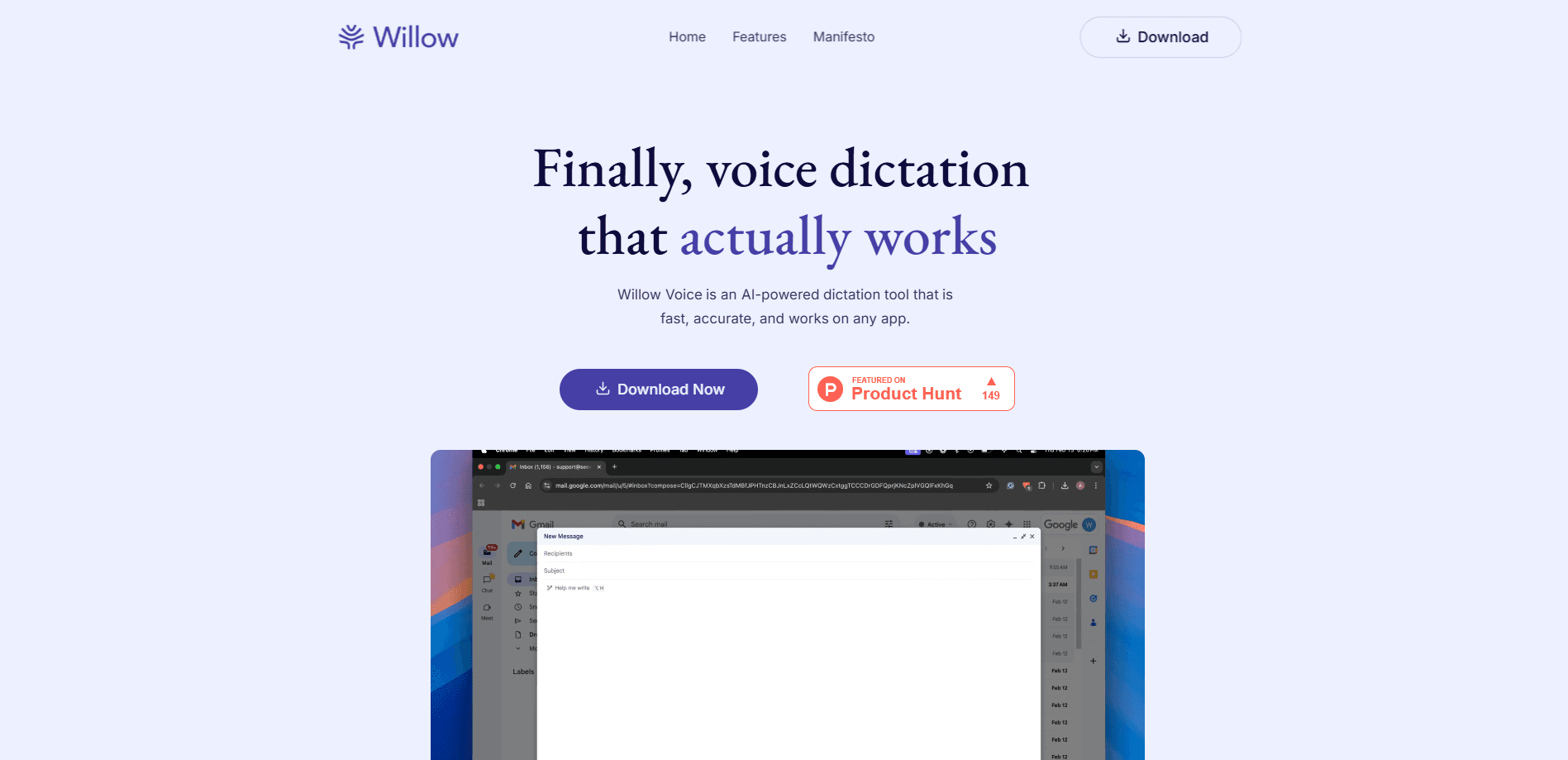
Willow Voice is an AI voice dictation app that turns natural speech into polished text in any app, on Mac, Windows and iPhone. It supports 100+ languages and starts free.
About Willow Voice
What Is Willow Voice
Willow Voice is a speech to text app from Willow Care, Inc. You click into any text field, hold a hotkey, and talk the way you normally talk. When you let go, formatted text lands where your cursor was, with punctuation, casing and paragraph breaks already in place. The pitch is simple. Willow makes your voice the fastest way to write, and the company says it's about four times faster than typing.
The problem it solves is the gap between speaking and writing. Most built-in speech to text tools hand you a raw transcript full of filler words and missing commas. Willow cleans that up as you talk. It strips "um" and "uh," fixes a sentence you restarted halfway through, and matches the tone of the app you're in, so a Slack message stays casual while an email stays formal. It also remembers your writing style over time on paid plans.
The limits matter. Willow leans on cloud processing for its most accurate model, so results depend on an internet connection, even with the offline mode on hand. The full feature set needs a paid plan. The free tier caps you to a lighter model, and team security features like enforced zero data retention sit behind Business and Enterprise pricing. If you want one tool that links dictation software to every app without plugins, the setup is quick, but the best accuracy isn't free.
Getting Started
- Download Willow from the official site and install it on Mac, Windows or iPhone, then sign in to activate the account.
- Grant microphone permissions, plus accessibility access on desktop so Willow can type into other apps.
- Set a keyboard shortcut, then click into any text field, hold the hotkey and talk. Release when you're done.
- Add names, product terms and jargon to the custom dictionary so recurring words come out spelled right.
- Save phrases you repeat as shortcuts, then speak the cue to insert them, and check the app for plan and billing options.
Product Information
A quick look at Willow Voice's pricing, supported platforms, and performance.
Best for
The users, tasks, and scenarios where this tool fits best.
Users
- Professionals who write all day
- iPhone users who write on the move
- People with accessibility needs
- Multilingual teams
Tasks
- Drafting email and replies
- Prompting AI tools
- Writing long documents
Scenarios
- Clearing a busy inbox
- Hands-busy moments
- Working across devices
Key features
Voice Typing That Polishes as You Speak
Willow records and edits in one pass. It drops filler words, repairs false starts and adds punctuation, casing and paragraph breaks before you see the text. The output reads like something you typed, so you skip the cleanup pass that raw transcripts usually need.
Works in Any App Without Plugins
There's nothing to install inside your other tools. Willow types into any field that accepts text, from Gmail and Slack to Cursor, Notion and iMessage, on Mac and Windows. That's the main reason people keep it open all day. It fits the workflow you already have instead of asking you to move somewhere new.
Style-Matching and Smart Memory
The same sentence doesn't belong in a text and a client email. Willow adapts its tone to the app you're in, so messages stay casual and email stays formal. On paid plans it also learns how you write over time, keeping your wording consistent across Slack, docs and technical tools.
Custom Dictionary and Shortcuts
Willow remembers the names, product terms and acronyms you use, so recurring words come out spelled right instead of needing a manual fix every time. You can also save phrases as shortcuts, then speak a short cue to drop in a full block of text like a scheduling link or a standard intro.
Willow Scribe
Scribe turns rough spoken notes into polished writing in your voice, right where you are. Instead of dictating word for word, you describe what you want to say in plain terms and Scribe shapes it into finished prose. The free plan includes limited Scribe uses per week, and Pro unlocks unlimited access.
100+ Languages and Whisper Mode
Willow handles more than 100 languages and switches between them as you talk, so multilingual users don't reset anything mid-sentence. A whisper mode keeps accuracy up in quiet rooms, around background noise, or when you're talking fast, which means fewer corrections later.
Security and Compliance Built In
Willow says your data is never sold, and the company holds SOC 2 Type II certification with HIPAA compliance. Business and Enterprise plans add enforced zero data retention, advanced admin controls, SSO/SAML and privacy settings, which matter for teams handling sensitive content. On the desktop app, an offline mode lets you dictate without an internet connection.
Pros and cons
Pros
- Polishes speech into readable text as you talk, so you spend less time fixing raw transcripts.
- Runs on Mac, Windows and iPhone and types into any app without plugins or a new workspace to learn.
- Style-matching keeps the right tone across chat, email and docs while you speak the same way.
- Free tier lets you test accuracy on the lighter model before you pay.
Cons
- The free plan limits you to a weaker speech-to-text model and 20 Scribe uses per week, which heavy users will outgrow fast.
- The most accurate model relies on cloud processing, so quality depends on a stable internet connection.
- Anyone weighing cost needs to compare Willow Voice pricing, since the useful Pro plan starts at $15 per user per month.
- Enforced zero data retention and HIPAA compliance only arrive on Business and Enterprise plans, not the individual tier.
- Long names and uncommon jargon sometimes need manual fixes, even after you train the dictionary.
Frequently asked questions
Willow Voice is an AI voice dictation app that lets you write by talking instead of typing. It turns natural speech into clean, punctuated text in any app, so it fits email, messaging, notes and prompts for AI tools.
Related content
Explore related tools, skills, and articles for Willow Voice.
Willow Voice Alternatives

Off the Record
Weird Machines · Voice & Language · ProductivityOff the Record is a macOS app from Weird Machines that reshapes your voice in real time to block AI transcription, so people hear you normally and notetakers get nothing usable.
Cekura Bench
Cekura · Voice & Language · BusinessCekura Bench is a public benchmark that runs speech-to-speech models and deployed voice agents through 82 simulated phone calls, three times each, then publishes pass rates, latency and cost.
Griffin by Tavus
Tavus · Voice & Language · Video · ChatbotGriffin by Tavus is the first Human Interaction Model: a full-duplex, video-to-video system that watches, listens, and answers during a live video call in real time.