

Wingbits AI
Wingbits · Coding
Wingbits AI is an aviation intelligence platform that turns live and historical flight data into something you can just ask questions about. You describe what you want to watch, a fleet, a region, or a squawk code, and an AI agent monitors it around the clock, then reports back to Slack, Teams, email, or your phone. The data comes from the Wingbits ground network, which cross-checks signals so tracking records are harder to fake.
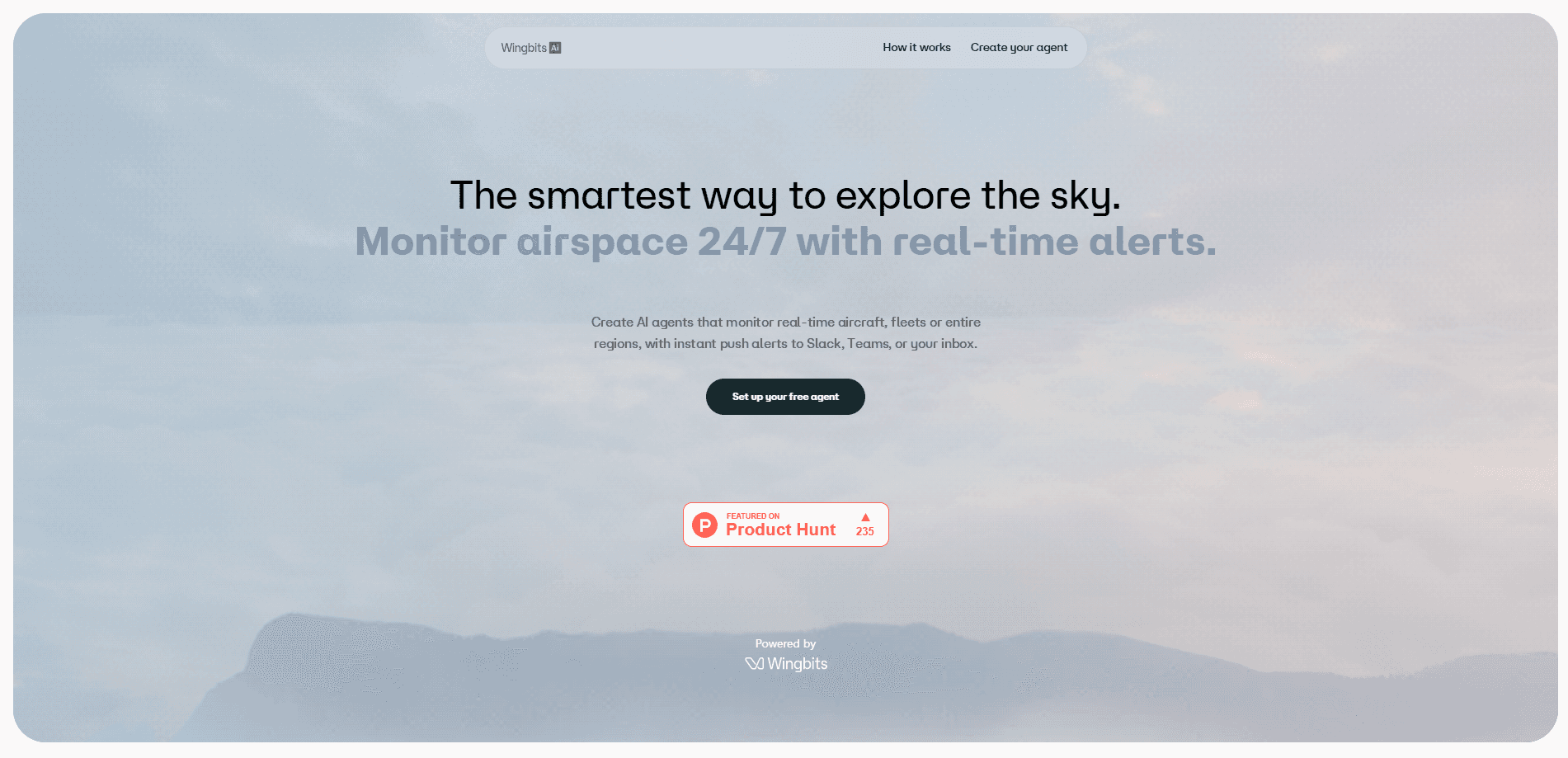
About Wingbits AI
What Is Wingbits AI
Wingbits AI is the aviation intelligence layer built on top of the Wingbits sensor network. Instead of opening a map and refreshing it by hand, you talk to it in plain English. Ask about a specific tail number, a route that keeps showing up, or why one aircraft went quiet over a stretch of ocean. You get an answer drawn from live and historical data. So what does it actually cover?
It splits into four pieces. Chat handles one-off questions. Agents handle the recurring ones, monitoring a target 24/7 and alerting your team when something changes. Data hands developers the raw feed through an API or an MCP surface. That's the flight tracking AI part developers dip into, and Fleets packages it up for operators managing several aircraft at once.
The main limit is who it's for. It's a specialist tool for aviation and investigation work, not a consumer flight-tracker app. You need a real reason to watch airspace. Pricing past the free Pro trial runs through sales. Small hobbyist use is a stretch.
Getting Started
- Create an account on wingbits.ai and start the free Pro trial.
- Open Chat and ask a question about a flight, airport, or region to see how the data answers back.
- Move to Agents and describe the target you want watched, such as a tail number, a fleet, an area, or a squawk code.
- Connect a reporting channel (Slack, Teams, email, or phone) so alerts land where your team already works.
- Adjust the watch as you learn what's noisy and what matters, or pull the same data into your own tools via the API or MCP.
Product Information
A quick look at Wingbits AI's pricing, supported platforms, and performance.
Best for
The users, tasks, and scenarios where this tool fits best.
Users
- Aircraft lessors
- Charter brokers
- Underwriters and insurers
- OSINT and investigative researchers
Tasks
- Standing watchlists
- Event investigation
- Signal integrity checks
- Alert routing
Scenarios
- A lessor tracing an aircraft's real route pattern rather than the reported one.
- A broker confirming a jet is on the move before a tight connection.
- An analyst checking whether a "lost" aircraft simply left sensor coverage.
- A team building its own dashboard on top of the API or MCP rather than using the web app.
Key features
Aviation Chat
Ask any question about any flight and get an answer in plain English, no query language needed. It draws on both live and historical data, so you can ask what a plane is doing right now or what it was doing last month over the same stretch of airspace. The company pitches it as a personal aviation analyst that doesn't require technical knowledge, and for a quick lookup that holds up.
No-Code Agents
Describe a fleet, a region, or a squawk code and an agent watches it 24/7 without any integration work. These are the aviation AI agents in action. There's nothing to code or wire together, which is the point, since most operators don't have a developer sitting idle. And the agent keeps running when you close the tab.
Alerts Where You Work
Agents can report to Slack, Teams, email, or phone, so alerts land in the channels your team already checks throughout the day. Every alert traces back to its source data. That means you can verify a claim before acting on it. That traceability is the useful part for anyone whose decisions carry consequences.
Verified Data Feed
Wingbits runs a ground sensor network and authenticates signals at the source, then cross-checks them for spoofing. Aircraft positions can be faked, so a feed that filters out bad signals is worth more than a raw one. The company calls it the world's largest verified ground network, and that's marketing until you test it.
Data API and MCP
Developers can pull live and historical flight data through an API, or use MCP aviation data to connect the same feed directly to the AI tools their team already keeps open all day long. The MCP path is aimed at teams that want flight context inside an existing AI workspace without building a custom integration first. No nightly batch jobs here, either. Both routes run in real time.
GPS Jamming Monitoring
A dedicated view tracks GPS jamming zones, where position signals get interfered with and tracking gets shaky and hard to trust. If your aircraft routes through those areas, knowing where the holes are changes how you read the data. It's a niche feature. It's also a real one for operators flying near conflict zones.
Fleet View
Fleets packages monitoring for operators managing more than one aircraft, so you're not setting up individual watches by hand across every tail you own. That's fleet tracking without the manual list. It's aimed at lessors and fleet operators who need a single place to see movement across many tails. The same data that powers chat and agents feeds this view.
Pros and cons
Pros
- No-code agents mean you can start monitoring without a developer or integration work.
- Alerts go to Slack, Teams, email, or phone, so findings reach your team without extra tooling.
- Traced-back alerts and spoofing checks make the data easier to defend when decisions depend on it.
- An API and MCP surface let you build your own tools on the same data instead of living in the web app.
- A free Pro trial lowers the cost of finding out whether it fits before you talk to sales.
Cons
- Pricing beyond the trial runs through sales, so you can't price a real deployment from the public site alone without talking to a person first.
- It's built for aviation and investigation work. Casual users who just want to watch a single plane will find it heavier than the free flight trackers they're already used to on their phones.
- Coverage and accuracy depend on the ground sensor network, and areas outside it will leave gaps in tracking.
- The free plan is a trial, not a permanent free tier, so ongoing use means paying.
Frequently asked questions
It's used to monitor and investigate aircraft activity. You ask questions about flights in plain English, or set up agents that watch a fleet, region, or squawk code and report changes to your team.
Related content
Explore related tools, skills, and articles for Wingbits AI.
Wingbits AI Alternatives
Forefront
Forefront · CodingForefront is a web platform for building with open-source AI. It lets you fine-tune leading open-source language models on your own data, evaluate how they perform, and run them through an API or export them to host yourself. Developers who want the convenience of a closed-source platform but insist on owning their models and data are the target audience here.

Startkit
StartKit.AI · CodingStartkit is a boilerplate for building AI SaaS and AI wrapper products. Think of it as an AI startup boilerplate with the boring parts already wired up: authentication, Stripe and Lemon Squeezy payments, usage limits, transactional email, and an AI API starter that talks to OpenAI, Anthropic, Groq, or Llama. You clone the repo, set your price, and start on the part of your product that people actually pay for. It's Next.js under React and Tailwind, so most of the boilerplate code already feels familiar.
Testim
Tricentis · CodingTestim is an AI-powered test automation platform for building and running end-to-end tests across web, mobile, and Salesforce applications. It leans on machine learning to keep tests stable when an interface changes, so teams spend less time fixing broken selectors. Not bad for an automated testing tool you can start using today. You create tests by recording actions in a browser, then optionally add JavaScript when you need more control. It's a solid pick for busy QA teams.