

Wolfram Mathematica
Wolfram Research · Coding
Wolfram Mathematica is a technical computing platform built on the Wolfram Language, and it has been the reference point for symbolic math, numerical work and computation-heavy documents since 1988. You write code in a notebook, hit shift-enter, and get plots, tables or interactive graphics right below the input. Version 15.0.1, released in July 2026, added an AI Assistant inside every notebook plus an MCP framework that lets external tools such as Claude and ChatGPT call Wolfram functions directly.
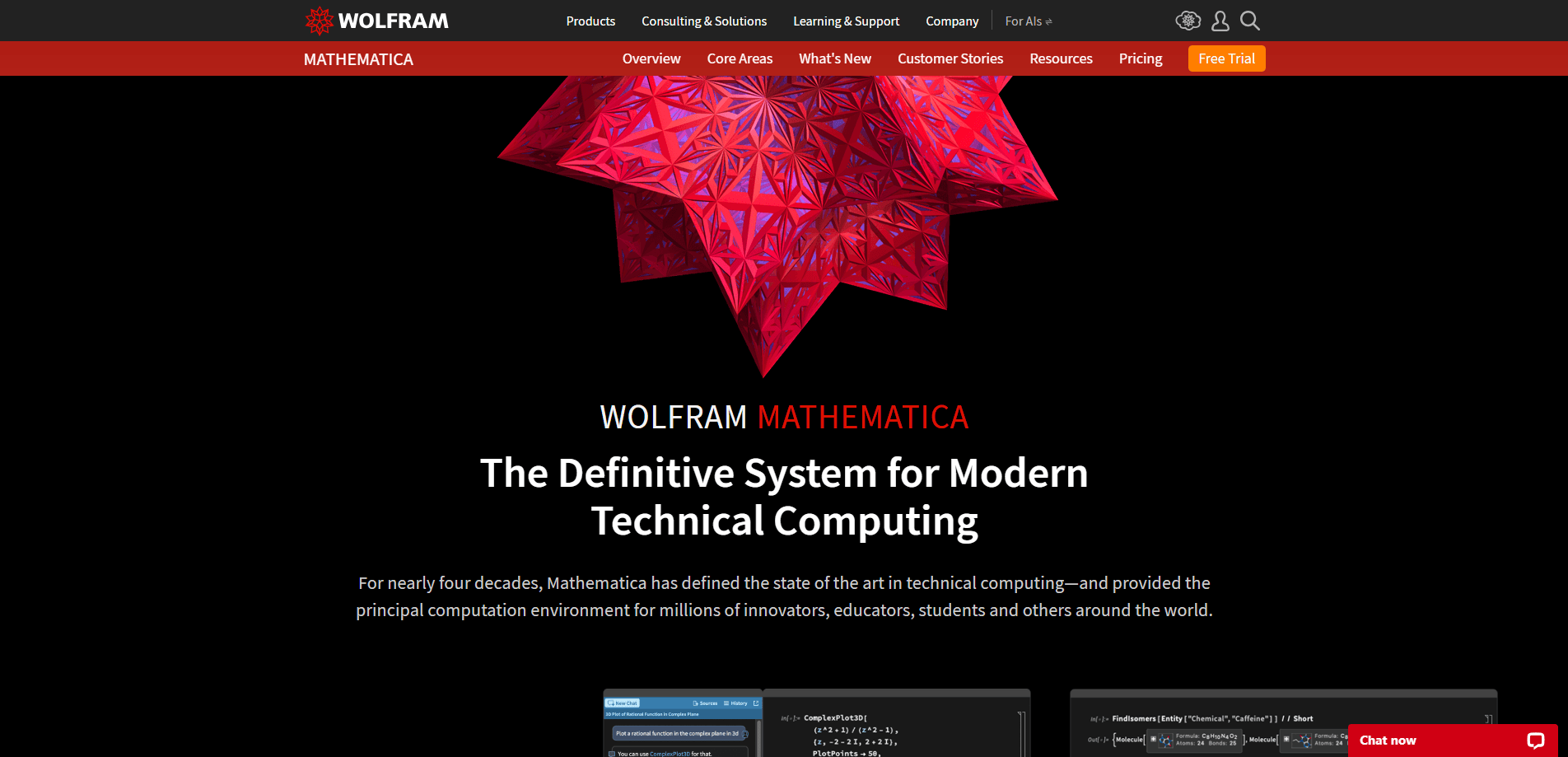
About Wolfram Mathematica
What Is Wolfram Mathematica
Mathematica is a desktop and cloud environment for people who need to compute something exact, then explain it. It ships with nearly 7,000 built-in Wolfram Language functions covering calculus, linear algebra, statistics, machine learning, time series, control systems and geographic data. The pitch is integration. Symbolic and numeric math, visualization and document authoring all live in one system instead of five separate tools.
Those are the people who get the most from it: researchers, engineers, data scientists and students in quantitative fields. You type an equation in plain syntax, run it, and Mathematica returns a closed-form answer or a plot. Fast turnaround. That round trip is quicker than wiring together a scripting language, a plotting library and a typesetting tool.
The main friction is cost and learning curve. Licenses run from $75 a year for students to several thousand for commercial and government seats, and the "free" tier is really a limited Wolfram Cloud account rather than full desktop Mathematica. That's a real barrier. So what does the language actually demand of you? Its function names read like English, but the syntax for pure functions, patterns and rule replacement takes real practice if you come from Python or R.
Getting Started
- Pick a license tier on the pricing page: student, personal, academic or commercial. Student plans need proof of enrollment.
- Download the desktop installer for Windows, macOS or Linux and sign in with your Wolfram ID when the activation dialog appears.
- Open a notebook and start with a simple calculation, then press shift-enter to evaluate the cell and confirm your kernel is running.
- Explore the Documentation Center from the Help menu to browse the 170,000-plus examples before writing longer programs.
- Store notebooks in the cloud if you want to share them by URL or open them later from a browser.
Product Information
A quick look at Wolfram Mathematica's pricing, supported platforms, and performance.
Best for
The users, tasks, and scenarios where this tool fits best.
Users
- Researchers and scientists
- Engineering students
- Data scientists who work with exact math
Tasks
- Solving symbolic equations
- Building technical documents
- Prototyping machine learning workflows
Scenarios
- Grinding through a problem set
- Preparing a conference paper
- Running quick what-if calculations on real-world data
Key features
Symbolic and Numeric Computation
The Wolfram Language keeps expressions exact until you tell it otherwise. Integrate a function symbolically, then substitute numbers at the end, and you get a precise result rather than a floating-point guess. No rounding error creeps in along the way. That mix of symbolic and numeric engines is the reason Mathematica shows up in math departments that avoid pure numerical libraries.
Integrated Notebook Interface
Everything lives in a Wolfram notebook: text, runnable code, live graphics and user interface elements. It's a computational notebook where nothing is siloed. You can build a slider that changes a parameter and watch a plot update live, which makes notebooks useful for teaching and for exploring a model before you commit to it. Files larger than 2 GB now open in supported versions.
Built-In Knowledgebase Data
Mathematica connects to the Wolfram Knowledgebase, a curated store of real-world data across thousands of domains. You can pull country statistics, chemical properties or financial indicators straight into a computation instead of scraping a website first. It saves a step, and the data tends to be cleaner than a random CSV. Not by a little.
AI Assistant and MCP Access
Version 15 put an AI Assistant in every notebook, so you can ask for a function or a fix in natural language and get code back. The MCP framework goes further and exposes Wolfram capabilities to outside AI clients, including Claude and ChatGPT. If you already work inside another AI tool, you can route math and data queries to Mathematica instead of switching windows.
High-Quality Visualization
Plotting is one of the strongest parts of the system. The defaults look polished, and you get fine control over axes, color functions, legends and 3D rendering when you need it. Output is publication quality. A figure can go from notebook to paper without a round trip through a design tool. That alone saves hours.
Industrial-Scale Performance
The engine handles large problems with parallelism and GPU computing built in. Algorithms across machine learning, time series and optimization are written to run at production scale, not just on toy examples. For teams running heavy simulation or data jobs, that matters more than the notebook polish.
Cloud and Desktop Integration
Wolfram technology runs in a hybrid setup where you can move between the desktop app and the cloud. Share a notebook by URL, run a computation in the browser when you're away from your machine, or deploy a small interface for others to use. No install required. It keeps collaboration from depending on everyone installing the same version.
Pros and cons
Pros
- Symbolic and numeric engines in one system, so you don't stitch together separate tools for exact math and approximation.
- Notebook documents keep code, results and prose together, which makes technical work reproducible.
- Built-in knowledgebase and real-world data reduce the prep work before a computation.
- Version 15's AI Assistant and MCP access let other AI clients call Wolfram functions directly.
- Visualization output is publication quality without extra design work.
Cons
- Licensing is expensive at the commercial tier, which shuts out casual users who want the full desktop app.
- The learning curve is steep, and users coming from Python or R will fight the pattern-based syntax at first.
- Notebook file sizes grow quickly, and heavy interactive content can slow older machines.
Frequently asked questions
No, not in the full form. There's a limited free Wolfram Cloud account and a free Wolfram Engine for non-production development, but desktop Mathematica requires a paid license. Student pricing starts at $75 a year, and personal licenses run about $195 a year.
Related content
Explore related tools, skills, and articles for Wolfram Mathematica.
Wolfram Mathematica Alternatives
Forefront
Forefront · CodingForefront is a web platform for building with open-source AI. It lets you fine-tune leading open-source language models on your own data, evaluate how they perform, and run them through an API or export them to host yourself. Developers who want the convenience of a closed-source platform but insist on owning their models and data are the target audience here.

Startkit
StartKit.AI · CodingStartkit is a boilerplate for building AI SaaS and AI wrapper products. Think of it as an AI startup boilerplate with the boring parts already wired up: authentication, Stripe and Lemon Squeezy payments, usage limits, transactional email, and an AI API starter that talks to OpenAI, Anthropic, Groq, or Llama. You clone the repo, set your price, and start on the part of your product that people actually pay for. It's Next.js under React and Tailwind, so most of the boilerplate code already feels familiar.
Testim
Tricentis · CodingTestim is an AI-powered test automation platform for building and running end-to-end tests across web, mobile, and Salesforce applications. It leans on machine learning to keep tests stable when an interface changes, so teams spend less time fixing broken selectors. Not bad for an automated testing tool you can start using today. You create tests by recording actions in a browser, then optionally add JavaScript when you need more control. It's a solid pick for busy QA teams.