
Wondershare Recoverit AI Data Recovery
Wondershare · Other
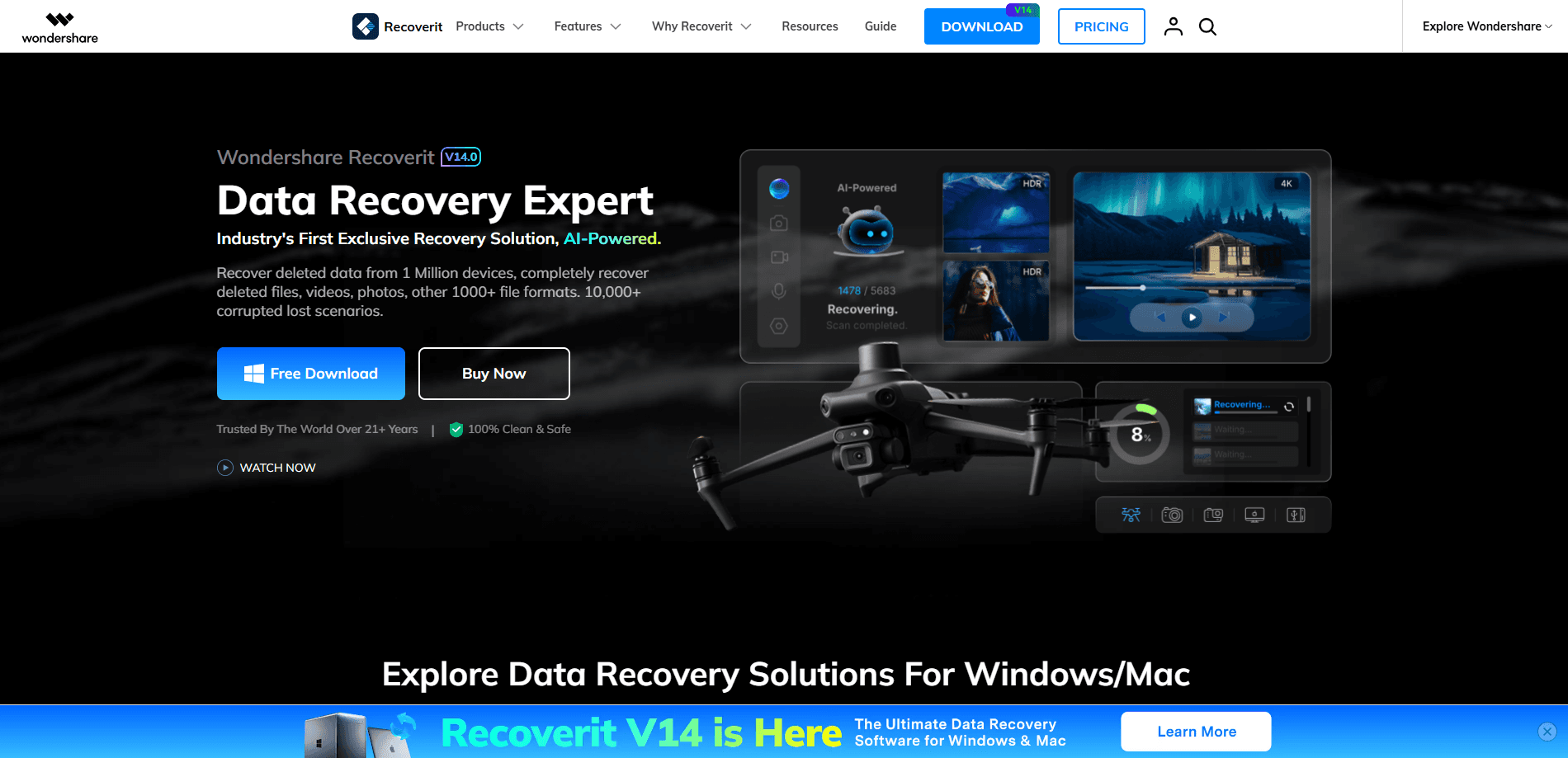
Wondershare Recoverit AI Data Recovery is a desktop data recovery tool for Windows and Mac that uses AI to scan storage devices and pull back files you thought were gone. It handles deleted documents, formatted drives, corrupted photos and broken video files, and it also builds a bootable USB to rescue data from a computer that won't start. The free version caps recovery at 500MB, so most serious jobs end up on a paid plan. You'll pay eventually. Plan for it.
About Wondershare Recoverit AI Data Recovery
What Is Wondershare Recoverit AI Data Recovery
Wondershare Recoverit AI Data Recovery is a data recovery program built by Wondershare, a company that's been shipping consumer software for over two decades. The pitch is simple: instead of making you guess which scan mode to run, the AI identifies your device and picks a recovery path based on what went wrong. Wondershare puts the recovery success rate at 99.5%, but that number comes from the vendor, and it assumes the data hasn't been overwritten yet. Short version: it works best right after the loss.
The tool targets people who lost something specific: a wedding video, a thesis draft, a folder of RAW photos from a shoot. It covers logical data loss, not physical damage. No exceptions. If your drive clicked, spun down, or took a swim, no software will save it, and Recoverit won't pretend otherwise.
The main limit is the paywall. You can scan and preview for free, but exporting files over 500MB requires a license. That's the honest tradeoff most recovery tools make, and it's worth knowing before you start. It isn't a dealbreaker once you've confirmed your files are actually there.
Getting Started
- Download Recoverit from the official Wondershare site and install it on the computer where the drive or card is attached.
- Launch the app and pick the location that held your files, a hard drive, SD card, USB stick, or a specific folder.
- Choose a scan mode. Quick scan is fast and finds recently deleted files; deep scan takes longer and digs into formatted or corrupted drives.
- Preview the results to check filenames and thumbnails, then select what you actually want back.
- Activate a license and export the files to a different drive than the one you're recovering from.
Product Information
A quick look at Wondershare Recoverit AI Data Recovery's pricing, supported platforms, and performance.
Best for
The users, tasks, and scenarios where this tool fits best.
Users
- Photographers and videographers
- Students and office workers
- IT and support staff
Tasks
- Recovering a formatted SD card
- Repairing a corrupted video
- Rescuing files from a non-booting PC
Scenarios
- The drive that suddenly reads as RAW
- A NAS or Linux box that lost data
- Recovering a folder you emptied last week
Key features
AI-Powered Device Detection
Recoverit identifies the connected drive or card and picks a matching recovery approach instead of asking you to configure one. According to Wondershare, the AI knows over a million device profiles and thousands of loss scenarios, which cuts down the guesswork for people who've never run recovery software before. That's the whole idea. Less setup, fewer wrong turns.
Deep Scan for Formatted and Corrupted Drives
When a quick scan comes up empty, deep scan ignores the file system and reads raw data off the disk. It's the mode that actually matters for formatted cards and partitions that show as RAW. Expect a longer wait, sometimes hours on a large drive, and recover to a separate disk. Why a separate disk? Writing new data to the drive you're recovering from can overwrite the very sectors you're trying to save, which is why the app politely refuses to write recovered files back to the same partition it just scanned.
Photo and Video Repair After Recovery
Recovery isn't always enough when a clip is damaged. Recoverit's repair step stitches together video fragments, including Ultra HD, 4K and 8K files, and cleans up photos that came back only partly intact. It works on files other tools hand back broken. That's the part most competitors leave out, and it's a real differentiator for camera work. If a drone clip lost its final seconds after a crash, this is the step that reassembles the fragments into something playable again.
Bootable USB Recovery
If Windows won't boot, you can't run software on the machine itself. Recoverit creates a bootable USB or disc on a healthy computer, then starts the broken machine from that media and scans the drive directly. It's aimed at blue screens, failed updates, and unexpected reboots.
NAS and Linux Recovery
Recoverit reaches into NAS servers over the network and supports Linux file systems like EXT4, BTRFS, XFS and BFS. That means you can recover from a failing Synology or QNAP box without pulling drives, a job that otherwise gets messy fast. Not bad. Most recovery tools simply ignore network storage.
Broad File Format Support
The tool claims over 1,000 file formats, from documents and spreadsheets to RAW photos and professional video codecs such as MXF, MOV and MP4. Broad support matters here. For anyone working across mixed media, that breadth keeps you from buying a second tool for one stubborn file type.
Pros and cons
Pros
- Free version lets you scan and preview everything before paying, so you can confirm the files exist before buying.
- The video and photo repair step goes beyond plain recovery and saves footage other tools hand back broken.
- Bootable USB and NAS support cover two job types many cheap recovery apps skip entirely.
- Remote NAS recovery avoids unplugging drives, which keeps a failing array intact.
Cons
- The 500MB free cap means almost any real recovery needs a paid license.
- Deep scan on a large drive can run for hours, and there's no way to shortcut it.
- It can't help with physical drive damage, and the tool never claims it can.
- The 99.5% success rate is a vendor figure, so treat it as marketing, not a guarantee.
Frequently asked questions
It scans a storage device and rebuilds lost or deleted files, then repairs damaged photos and videos that come back incomplete. It works on hard drives, SSDs, SD cards, USB drives, NAS servers and crashed computers.
Related content
Explore related tools, skills, and articles for Wondershare Recoverit AI Data Recovery.
Wondershare Recoverit AI Data Recovery Alternatives
BinkBink
BinkBink · OtherBinkBink is a free online game platform and AI game maker that lets anyone turn a short text description into a playable browser game. You can jump into hundreds of community-made games. Or describe your own idea and play it in seconds, then share it with friends. Want to create your own game? You don't need to code. No engine setup, no download, no hassle.

Audiogen
Audiogen Inc. · OtherAudiogen is an AI music generator built by Audiogen Inc., a small research team that spent about 2.5 years training its own generative music model and designing a web interface around it. Instead of a plain text box, this AI music tool turns the timeline into a beginner-friendly Generative Audio Workstation, or GAW, where inpainting, extending, remixing and stem editing work more like painting on a canvas. The product is still in beta, so access runs through a waitlist or an invite. Paid plans aren't published yet.

Aiml API
AIMLAPI OÜ · OtherAiml API is a unified AI model API that puts more than 1000 models from OpenAI, Google, Anthropic, and others behind one endpoint and one bill. You write code against a single OpenAI-compatible schema, then switch between chat, image, video, and audio models by changing a model string. It suits developers and small teams who want multi-model access without juggling a dozen separate provider accounts, and it removes the usual billing headache that comes with testing several vendors. One key covers it all.