

WordFlippin
Amic Labs · Leaning
WordFlippin is an AI vocabulary app that turns new words into flashcards and schedules them with spaced repetition. It builds definitions, examples, and memory mnemonics automatically, then pushes each word through daily, weekly, and monthly review stages until it sticks. You can learn vocabulary online in 9 languages. The core tools are free, and there's no credit card.
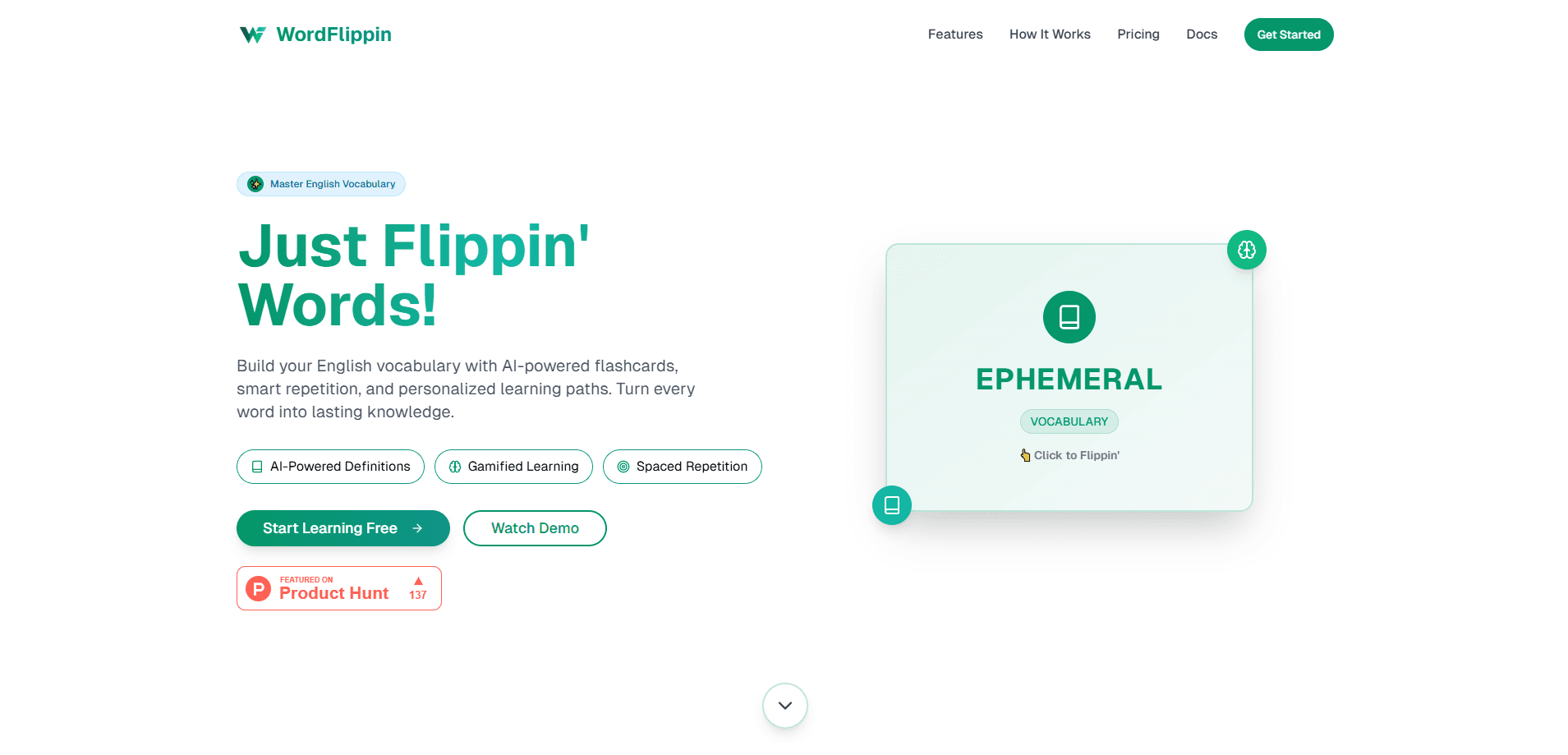
About WordFlippin
What Is WordFlippin
WordFlippin is a web-based vocabulary builder built around one idea: the words you learn should stay learned. Instead of handing you a static word list, it uses AI to generate the meaning, a context sentence, and a memory hook for every word you add, so that the only thing you actually supply is the word itself. From there, a spaced repetition system decides when you should see that word again.
The people it targets are students prepping for exams, self-taught language learners, and anyone who keeps forgetting words they already looked up five times. Most vocabulary tools stop at the lookup, leaving you to decide on your own when to revisit a word, which is exactly the decision most learners get wrong. WordFlippin keeps the word moving through review cycles until it lands in long-term memory. That's the whole point of a language learning app: the word stays. You only supply the word itself.
The main limit to know up front: it's a web app with no dedicated mobile app or public API. If you study mostly offline on a phone, you'll be working through the browser and exporting PDFs for paper review.
Getting Started
- Create a free account on the WordFlippin site. No card is required.
- Pick the language you want to build vocabulary in, or switch between several.
- Add words and let the AI fill in the definition, an example sentence, and a mnemonic.
- Run your daily review, flipping cards and marking each word Remember or Forget.
- Export a list as a PDF when you want physical flashcards or offline study.
Product Information
A quick look at WordFlippin's pricing, supported platforms, and performance.
Best for
The users, tasks, and scenarios where this tool fits best.
Users
- Exam preppers
- Self-taught language learners
- Students who forget fast
Tasks
- Building a personal word list
- Daily review sessions
- Exam vocabulary drilling
- Making paper flashcards
Scenarios
- Reviewing on a laptop during a study block
- Keeping several languages alive
- Last-minute test prep
Key features
AI-Generated Definitions and Examples
Type in a word and WordFlippin writes the meaning, a set of close synonyms, and a sentence showing it in use. That saves the copy-paste step most learners do by hand, and it's the kind of small friction that adds up across a few hundred words. For a word like "serendipity," you get the definition, the near-synonyms, and a natural example in one pass.
Automatic Memory Mnemonics
Each entry comes with a memory hook that links the word to something you already know. Mnemonics aren't new. But writing a good one for every single word is tedious, and this app does it for you, which is why a list of two hundred words stops feeling like two hundred separate chores. It's the feature that makes a long list feel less like a chore.
Spaced Repetition Scheduling
Words move through stages: daily review, then weekly, then monthly, and finally to a Mastered list. Get a word right consistently and it gets spaced further out. Miss it once and it drops back to the daily queue. That reset behavior keeps weak words from slipping away. It's the most useful part of the whole system.
3D Flip Flashcards
Reviews happen on flip cards you tap to reveal the answer. Small thing. But the interaction keeps a review session from feeling like reading a spreadsheet. Ever tried to review a word list with no feedback loop? You close the tab. This app doesn't let that happen, because the schedule updates from your Remember or Forget taps.
Instant Word Lookup
Beyond your own lists, you can look up any word and get an AI definition with usage context on the spot. Handy when you're reading and hit an unfamiliar term but don't want to derail your session with a separate search. It's a lookup, not a lesson. Quick check. Nothing more.
Multi-Language Support
The app covers English, Greek, French, Spanish, German, Portuguese, Japanese, Italian, and Russian. Each language gets definitions tuned to its own grammar rather than a machine translation pasted on top. That matters more than it sounds: a pasted translation teaches you a word you'll use wrong, while a grammar-aware one gives you a word you can actually deploy in a sentence that a native speaker won't trip over while reading. You can switch between lists without leaving the account.
PDF Export
You can export a vocabulary list as a formatted PDF for printing, sharing, or just studying away from a screen. For learners who like physical flashcards, this bridges the digital list and the paper version. It's a small feature. It matters if screens drain you during long study blocks. Big difference on a long night.
Pros and cons
Pros
- Free to use with no credit card, so you can test the whole review flow before committing. Nothing to lose there.
- AI writes definitions, examples, and mnemonics, which cuts the setup work on every word.
- Spaced repetition with automatic reset makes weak words resurface without you tracking them.
- 9 languages in one account suits learners juggling more than one.
- PDF export covers offline and paper-based study.
Cons
- No dedicated mobile app, so phone users are stuck with the browser. There's a real gap if you review on a commute.
- No public API means you can't plug your word lists into other tools or automate them.
- The site's pricing and docs pages were hard to reach during testing, so plan details beyond the free tier aren't confirmed here.
Frequently asked questions
It's a vocabulary learning app that combines AI-generated flashcards with spaced repetition. You add words, and it handles the definitions, examples, and review schedule for you, so the only habit you have to build is showing up for the daily review.
Related content
Explore related tools, skills, and articles for WordFlippin.
WordFlippin Alternatives

Kaggle AI
Google · Coding · LeaningKaggle AI is a community platform where people build, test, and compare machine learning models against shared data. It combines data science competitions, tens of thousands of public datasets, and free cloud notebooks with GPU and TPU access, so anyone with a browser can train a model without buying hardware. Google owns the platform, and joining costs nothing.

Bunch
Bunch AI · Leaning · BusinessBunch is an AI leadership coaching app that turns a few spare minutes a day into real management practice. It hands you one short, personalized tip each day, tracks how you respond, and lets you compare notes with peers inside private groups. The pitch is simple: you lead better by practicing a little, often, instead of sitting through a weekend seminar. Think of it as a leadership training app you actually open.

AI Mock Interview
SQLPad · Coding · LeaningAI Mock Interview is a practice tool built into SQLPad that simulates real job interviews and gives you instant feedback on both what you say and how you say it. You pick a role template or upload a job description, answer questions out loud in real time, and then review a transcript with notes on structure, clarity, and grammar. It's aimed at data professionals prepping for SQL, Python, data engineering, machine learning, and system design roles, and it works entirely in the browser. No install needed.