

Wordwand
Wordwand · Other
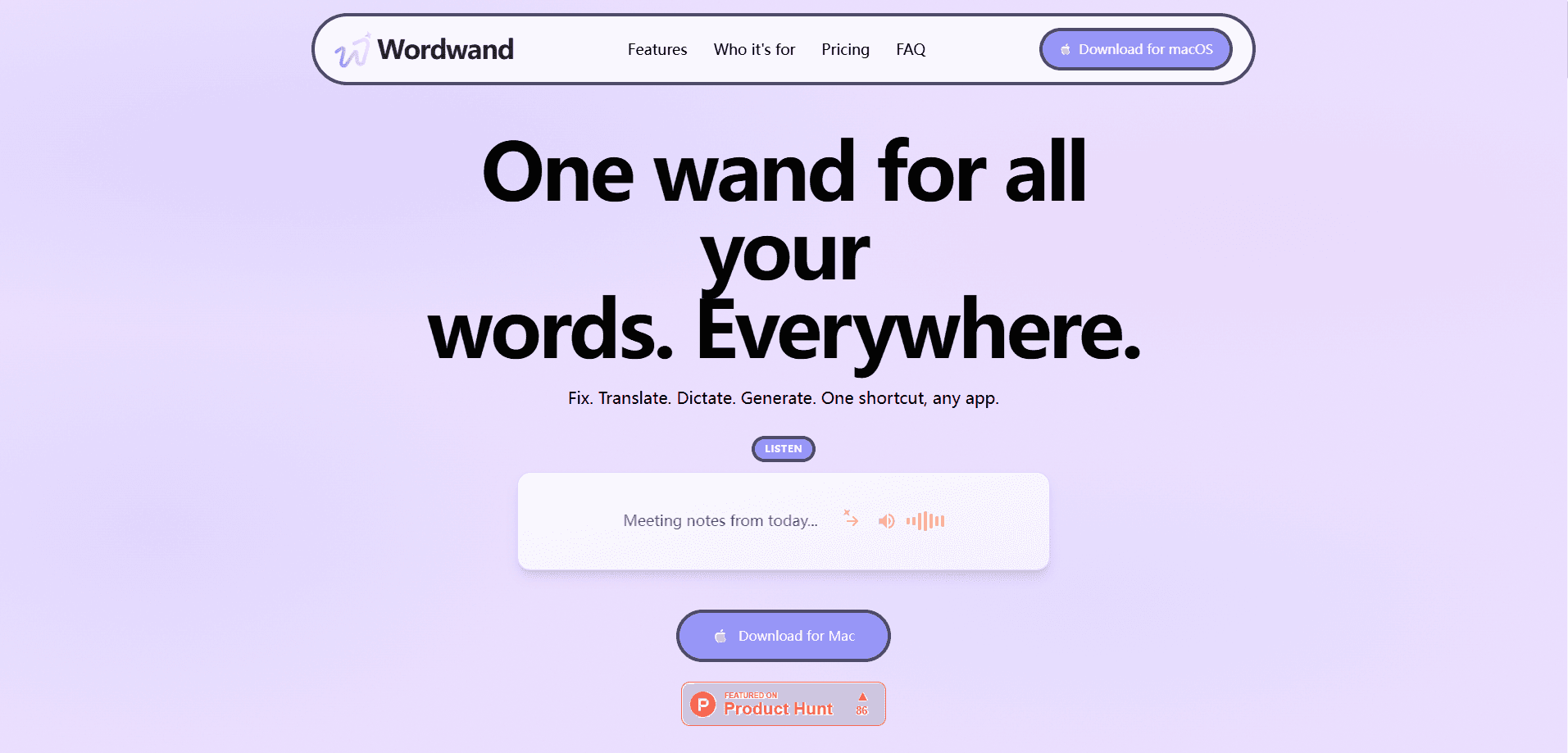
Wordwand is an AI writing assistant for Mac that runs inside every app you already use. Press one keyboard shortcut, and you can rewrite a sentence, fix grammar, translate text, dictate a paragraph, or adjust the tone without leaving your document. It targets writers, students, and anyone who spends the day typing in email, docs, or chat, and it starts free with 5,000 words per month. The catch is simple: it's built for macOS only, so Windows and mobile users are out of luck.
About Wordwand
What Is Wordwand
Wordwand is a Mac writing app that sits on top of your existing workflow instead of replacing it. There's no separate editor to open and no browser extension to install. None. You select text anywhere on your Mac, hit the shortcut, and Wordwand acts on it in place. That covers Mail, Pages, Google Docs, Slack, Notion, and basically any app that accepts typed text. No tabs. No copy-paste.
The problem it solves is context switching, since most AI writing tools force you to copy text into a chat window, edit it, then paste it back into the original document. Wordwand skips that loop. Its grammar checker and AI text generator work right where your cursor is, which matters when you're answering twenty emails and don't want to babysit a second tab.
The biggest limitation is platform lock-in. Wordwand is macOS 13.0 or later, full stop. If your team is mixed Windows and Mac, only half of them can use it. You also need a network connection for the AI features, since the heavy lifting happens server-side.
Getting Started
- Download Wordwand for macOS from the official site and drag it into your Applications folder.
- Open the app and grant the accessibility permission it asks for, which is what lets it read and replace text in other programs.
- Create an account or sign in so your free 5,000 words per month get tracked.
- Open any app, select some text, and trigger Wordwand with its keyboard shortcut.
- Pick an action from the menu, like Rewrite, Translate, or Fix Grammar, and the result lands in place.
Product Information
A quick look at Wordwand's pricing, supported platforms, and performance.
Best for
The users, tasks, and scenarios where this tool fits best.
Users
- Students and researchers
- Non-native English speakers
- Writers and editors on Mac
Tasks
- Cleaning up email drafts
- Drafting social posts
- Transcribing notes
- Translating short documents
Scenarios
- Answering a backlog of messages
- Writing in a second language at work
- Editing on the go on a MacBook
Key features
One Shortcut Across Every App
The core idea behind Wordwand is that you never leave the app you're working in. Select text. Press the shortcut. A menu of actions appears right there. It works in Apple's own apps and third-party ones alike, so you don't have to learn a new interface or keep a separate window open.
AI Text Generation and Rewriting
Wordwand can draft new text from a prompt or rework what you've already written. You can shorten a bloated paragraph, expand a thin one, or rephrase a sentence that reads awkwardly. The output drops straight into your document, which keeps the flow of writing intact.
Grammar and Spelling Fixes
The grammar checker catches punctuation slips, subject-verb mismatches, and clunky constructions that slow a reader down, and the fixes tend to be practical rather than academic: clearer verbs, tighter sentences, fewer comma splices.
Tone Adjustment
Tone adjustment is the feature that separates Wordwand from a plain spell-checker. You can push a message more formal, friendlier, or more direct with a single action. That's genuinely useful when the same sentence needs to read differently for a client, a colleague, or a friend.
Translation
Wordwand translates selected text into other languages without opening a browser. It fits short, practical jobs: translating a support reply, reading a foreign-language email, or checking whether a phrase carries the meaning you intend. It's not built for long literary passages. It handles the day-to-day stuff well.
Dictation and Text-to-Speech
Dictation turns speech into text inside whatever app is open, which saves time on long-form writing or note-taking. The companion text-to-speech feature reads selected text aloud, handy for proofreading your own work by ear or listening to a document while your eyes are busy elsewhere.
Word Tracking on the Free Plan
The free tier gives you 5,000 words per month and shows how much you've used. That's plenty to test every feature. Heavy users will hit the ceiling quickly. Light users may never notice it.
Pros and cons
Pros
- Works inside virtually any Mac app, so there's no switching between tools or copy-pasting text back and forth.
- Combines grammar, rewriting, translation, dictation, and text-to-speech in one place instead of five subscriptions.
- The single keyboard shortcut keeps you in flow and is easy to pick up after a couple of tries.
- A real free tier of 5,000 words per month lets you judge the output quality before paying.
Cons
- macOS only, so Windows, Android, and iOS users can't use it at all.
- The free word cap is tight for anyone writing long documents or heavy email volume.
- No public API means developers can't wire Wordwand into their own tools or automations.
Frequently asked questions
It's an AI writing assistant for Mac that edits text inside the app you're already using. You select text, hit a shortcut, and choose an action like rewrite, grammar fix, translate, or change tone. The result replaces or inserts the text without a separate editor. Sound too good to be true? It isn't, but it does need a Mac.
Related content
Explore related tools, skills, and articles for Wordwand.
Wordwand Alternatives
BinkBink
BinkBink · OtherBinkBink is a free online game platform and AI game maker that lets anyone turn a short text description into a playable browser game. You can jump into hundreds of community-made games. Or describe your own idea and play it in seconds, then share it with friends. Want to create your own game? You don't need to code. No engine setup, no download, no hassle.

Audiogen
Audiogen Inc. · OtherAudiogen is an AI music generator built by Audiogen Inc., a small research team that spent about 2.5 years training its own generative music model and designing a web interface around it. Instead of a plain text box, this AI music tool turns the timeline into a beginner-friendly Generative Audio Workstation, or GAW, where inpainting, extending, remixing and stem editing work more like painting on a canvas. The product is still in beta, so access runs through a waitlist or an invite. Paid plans aren't published yet.

Aiml API
AIMLAPI OÜ · OtherAiml API is a unified AI model API that puts more than 1000 models from OpenAI, Google, Anthropic, and others behind one endpoint and one bill. You write code against a single OpenAI-compatible schema, then switch between chat, image, video, and audio models by changing a model string. It suits developers and small teams who want multi-model access without juggling a dozen separate provider accounts, and it removes the usual billing headache that comes with testing several vendors. One key covers it all.