

WordWise: Personal Dictionary
&R · Leaning
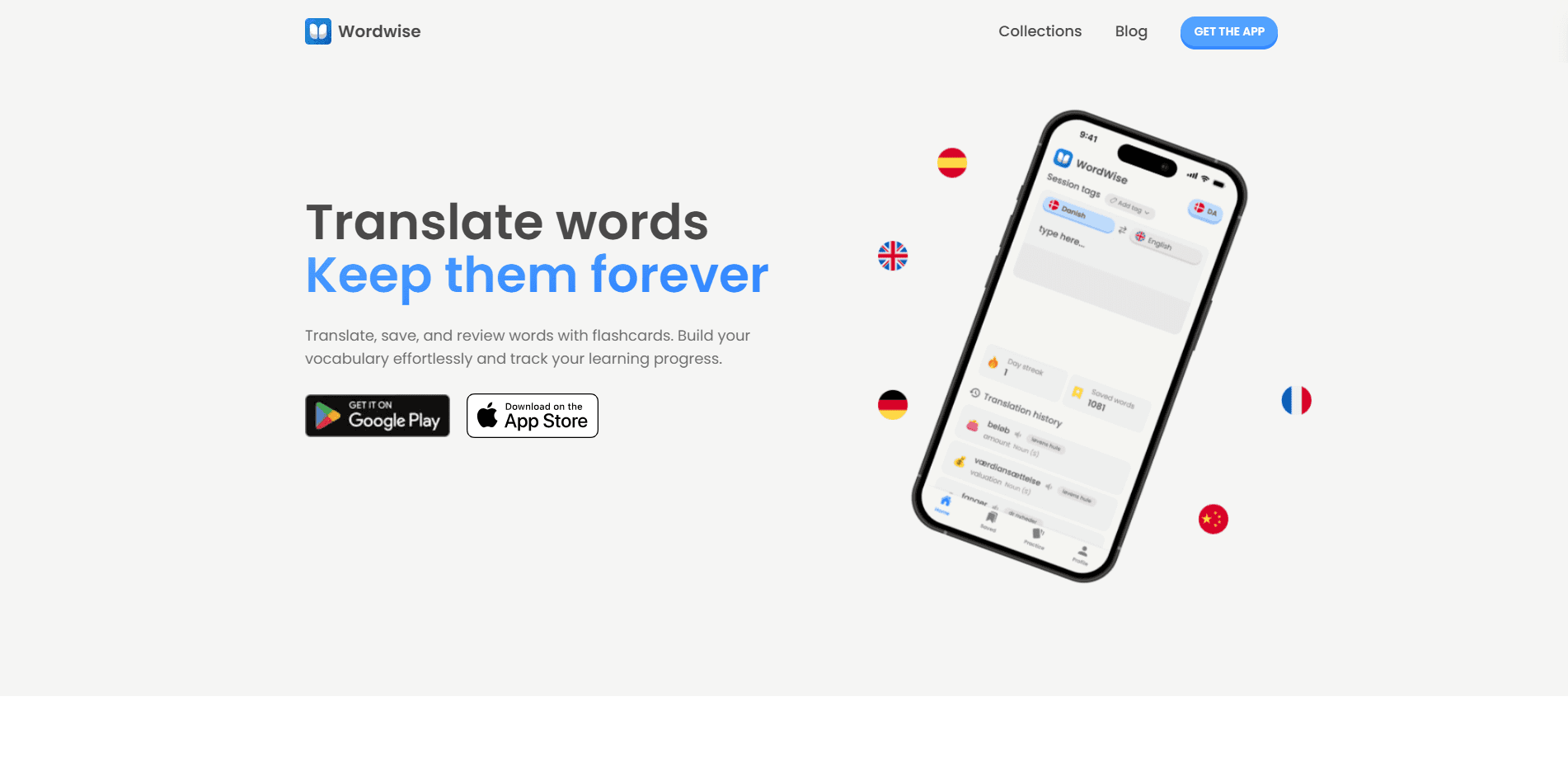
WordWise is a personal dictionary and vocabulary learning app for Android that turns the words you meet in daily life into a personal library you actually keep. It combines offline translation in more than 50 languages with word lists, customizable entries, and flashcards, so every new word you save has a path to becoming something you remember. The goal is simple: learn new words and stop losing them.
About WordWise: Personal Dictionary
What Is WordWise
WordWise is a personal dictionary built around a simple problem: you look up a word, understand it for a minute, then forget it a week later. Instead of sending you to a search engine that forgets the lookup the moment you close the tab, it saves each word into your own list and gives you tools to practice it later. That turns the app into a vocabulary builder you keep, not a search box you leave behind.
The app is aimed at people learning a language on their own. That covers students working through a textbook, commuters picking up phrases from podcasts, or anyone reading in a second language who keeps meeting words they want to keep. Everything you save stays in one place, so your vocabulary isn't scattered across screenshots, notes apps, and browser history.
The main thing to know before diving in: WordWise is a self-study tool. It won't build a lesson plan for you or make you practice on a schedule. The value comes from how actively you feed it words and revisit them. It's also built for Android phones and iPhones first, with the website serving as a companion for browsing vocabulary collections.
Getting Started
- Download WordWise from Google Play or the App Store and open the app.
- Set your home language and the language you're learning so translation works in the right direction.
- Translate a word you've just come across, then save it to your personal word list.
- Add tags, an emoji, and a short note to make the entry easy to spot later.
- Open the flashcards and statistics screens to practice your saved words and track how many stick.
Product Information
A quick look at WordWise: Personal Dictionary's pricing, supported platforms, and performance.
Best for
The users, tasks, and scenarios where this tool fits best.
Users
- Language learners
- Students
- Travelers
- Readers
Tasks
- Building a personal vocabulary list
- Practicing memorization
- Tracking progress
- Looking up words offline
Scenarios
- Reading in a second language and pausing to catch each unknown word
- Commuting with no reliable signal
- Pre-exam cramming
- Long-term vocabulary building
Key features
Offline translation
WordWise translates words even without an internet connection, covering more than 50 languages. That matters most when you're traveling, on a plane, or somewhere with weak signal and still want a definition. Ever been stuck abroad with no data? This handles that. It turns the phone into a dictionary you can lean on anywhere.
Personal word lists with filtering
Every word you look up can go into your own list, and you can filter that list when it starts to grow. Tags let you group words by topic, subject, or difficulty, so a list of a few hundred entries stays workable instead of becoming a wall of text. This is the feature that separates WordWise from a plain lookup tool. Think of it as a word list app with a memory.
Customizable entries
You can dress up each saved word with an emoji, tags, a personal meaning, and extra notes. The emoji and note fields are memory aids more than decoration, since a visual cue often makes a word easier to recall. It's the difference between a bare definition and a note that means something to you.
Flashcards
WordWise turns your saved list into interactive flashcards for active recall. Instead of reading a definition a second time and assuming it stuck, you test yourself. That's a more honest way to find out what you actually remember. You can run through a set quickly on a short break.
Progress statistics
The stats screen tracks what you've saved and how your study is going. It gives a concrete number to a habit that otherwise feels invisible. If you like seeing streaks and counts go up, this gives you a reason to keep adding and reviewing words.
Ready-made vocabulary collections
The website offers basic vocabulary collections with 200+ core words in several languages. These give you a starting point if you don't want to build a list from scratch, and they work well as a base to extend with your own finds.
Pros and cons
Pros
- Works offline, so lookups don't depend on a signal.
- Saves words into one organized list with tags and emoji instead of scattering them across apps.
- Covers 50+ languages from a single app.
- Flashcards plus statistics turn saving words into an actual practice habit.
- Free to download. No paid tier stands between you and the core features.
Cons
- Self-study only. There's no built-in lesson plan or reminder schedule, so it depends on you remembering to practice.
- Heavily centered on Android and iOS. The web side is limited to browsing collections, so there's no full desktop dictionary.
- Best for saving and reviewing individual words. It isn't built for full-sentence or document translation.
- The interface is deliberately simple, which some learners may find too bare if they want gamified courses.
Frequently asked questions
WordWise is a personal dictionary app that helps you translate words, save them to your own list, and practice them with flashcards. It's built for keeping the vocabulary you meet rather than letting it slip away after a single lookup.
Related content
Explore related tools, skills, and articles for WordWise: Personal Dictionary.
WordWise: Personal Dictionary Alternatives

Kaggle AI
Google · Coding · LeaningKaggle AI is a community platform where people build, test, and compare machine learning models against shared data. It combines data science competitions, tens of thousands of public datasets, and free cloud notebooks with GPU and TPU access, so anyone with a browser can train a model without buying hardware. Google owns the platform, and joining costs nothing.

Bunch
Bunch AI · Leaning · BusinessBunch is an AI leadership coaching app that turns a few spare minutes a day into real management practice. It hands you one short, personalized tip each day, tracks how you respond, and lets you compare notes with peers inside private groups. The pitch is simple: you lead better by practicing a little, often, instead of sitting through a weekend seminar. Think of it as a leadership training app you actually open.

AI Mock Interview
SQLPad · Coding · LeaningAI Mock Interview is a practice tool built into SQLPad that simulates real job interviews and gives you instant feedback on both what you say and how you say it. You pick a role template or upload a job description, answer questions out loud in real time, and then review a transcript with notes on structure, clarity, and grammar. It's aimed at data professionals prepping for SQL, Python, data engineering, machine learning, and system design roles, and it works entirely in the browser. No install needed.