

Wordwriter
Salesgroup, INC · Writing · AI Detection
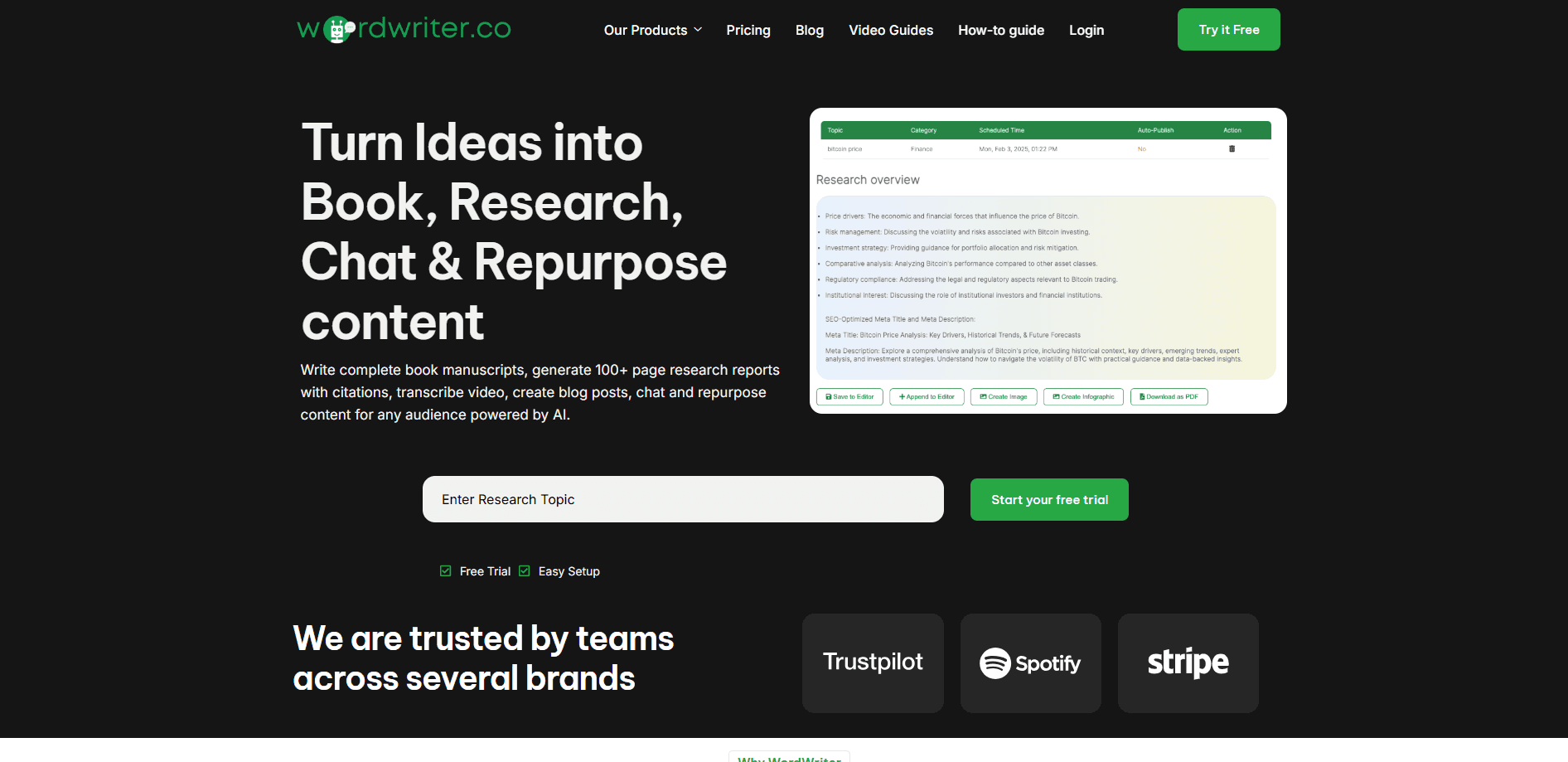
WordWriter is an AI writing and research platform that helps authors, researchers, and marketers draft books, reports, and blog posts, then add citations and repurpose content.
About Wordwriter
What Is WordWriter
WordWriter is a web-based AI writing platform built by Salesgroup, INC. It targets people who need long documents finished, not just short copy. The core promise is a full manuscript with chapters, structure, and references, produced far faster than typing it out by hand.
The tool blends an AI research assistant, a long-form editor, and a set of publishing utilities. You describe a topic, and the platform builds an outline, writes chapter by chapter, and keeps characters and plot details consistent across a whole book. For non-fiction and research writing, it pulls citations from academic sources as you go.
The main limitation is that it does not replace a human writer. You still edit and fact-check the output, and AI credits are tied to your subscription tier. The published pricing is also labeled introductory, so costs can rise.
Getting Started
- Create a free account on the WordWriter site. No credit card is needed to start.
- Pick a tool from the dashboard, such as Book Writer, Research Writer, or Content Repurposer, and enter your topic or keywords.
- Set your tone, audience, and brand voice, then let the research agent gather sources and draft an outline.
- Generate chapters or sections, refine them in the editor, and add or verify any citations.
- Export the result as PDF, DOCX, or EPUB, or publish straight to a connected platform like WordPress.
Product Information
A quick look at Wordwriter's pricing, supported platforms, and performance.
Best for
The users, tasks, and scenarios where this tool fits best.
Users
- Self-publishing authors
- Researchers and students
- Content marketers
- Freelance writers
Tasks
- Drafting a full book manuscript
- Writing a cited research report
- Repurposing long content
- Generating cover art and chapter images
Scenarios
- Finishing a novel that stalled at the halfway mark
- Preparing a market or industry report on a deadline
- Running a lean marketing team
Key features
AI Manuscript Writer
This is the feature most people come to WordWriter for. You enter an idea, and the platform builds a book brief, extracts characters, and writes chapters that hold a consistent voice and tone across the whole manuscript. It handles both fiction genres like romance and thriller and non-fiction like self-help and memoirs.
AI Research Agent With Citations
The research tool generates reports and papers and attaches references from sources the company describes as peer-reviewed journals, academic monographs, and government reports. It formats citations in APA, MLA, and Chicago and confirms authorship and dates against the primary publication. WordWriter claims 99.5% accuracy on references, which is worth spot-checking before you submit anything.
Content Repurposing
You can feed in a blog post, video, or podcast and turn it into social posts, emails, and other short assets. The platform keeps a consistent brand voice across the output and lets you schedule drafts to channels like LinkedIn, Twitter, and Medium. It is aimed at marketers who need more reach from the same source material.
AI Image Generator
WordWriter generates images from text prompts in styles that include realistic, cartoon, and 3D, with outputs ready in under 30 seconds. Paid plans list unlimited generations and include commercial use rights. It is handy for book covers, chapter headers, and marketing visuals without opening a separate design app.
Story Memory and Character Tracking
For long projects, the platform tracks characters, backstory, relationships, and worldbuilding so details stay consistent from the first chapter to the last. A consistency checker flags plot and character gaps, and plot branching suggests "what happens next" options. Authors writing multi-book series lean on this most.
Publishing and Export Options
Manuscripts can be exported to PDF, DOCX, and EPUB, and WordWriter formats layouts for Kindle, Apple Books, and print. It also supports direct publishing to WordPress. That covers the usual path from finished draft to store shelf without extra formatting tools.
Multilingual Support and Team Accounts
The editor supports writing in many languages and can translate a finished book. Higher tiers add team seats, a shared content library, and role management, which helps small teams keep one voice. Solo users will not need most of this.
Pros and cons
Pros
- Covers the full path from research and outlining to a publish-ready manuscript in one platform
- Citation engine draws on academic sources and supports APA, MLA, and Chicago styles
- Story memory and character tracking keep long manuscripts consistent chapter to chapter
- Content repurposing turns a single source into dozens of assets for different channels
- Free plan and a 7-day premium trial let you test the workflow before paying
Cons
- Monthly word limits on lower tiers run out fast for heavy writers, since Basic allows 150,000 words
- References are generated automatically, so you still have to verify each source before publishing
- Pricing is labeled introductory and the company says it will rise, which makes budgeting harder
- AI output needs a human editing pass, and the platform does not replace a writer or editor
Frequently asked questions
WordWriter is an AI writing platform for long-form content. It researches topics, drafts book manuscripts, research reports, and blog posts, adds citations, repurposes existing content, and generates images, all inside one web editor.
Related content
Explore related tools, skills, and articles for Wordwriter.
Wordwriter Alternatives

Google EmbeddingGemma 2
Google DeepMind · Writing · Image · CodingGoogle EmbeddingGemma 2 is a 740M-parameter open model that turns text, code, images, audio, and video frames into vectors in one 768-dimension space, running on phones and laptops.

MePersona
MePersona, Inc. · Writing · Productivity · MarketingMePersona is an AI unified inbox for creators. It learns your voice, drafts replies to fan messages from 12 platforms, and sends only what you approve.

Fluence
Yay Software (Yannick Huchard) · Writing · Voice & Language · ProductivityFluence is an Android app that reads PDFs, EPUBs, Word files and web articles aloud, follows each sentence as it speaks, and answers questions about the text on the phone itself.