

Spiral
Every · Writing
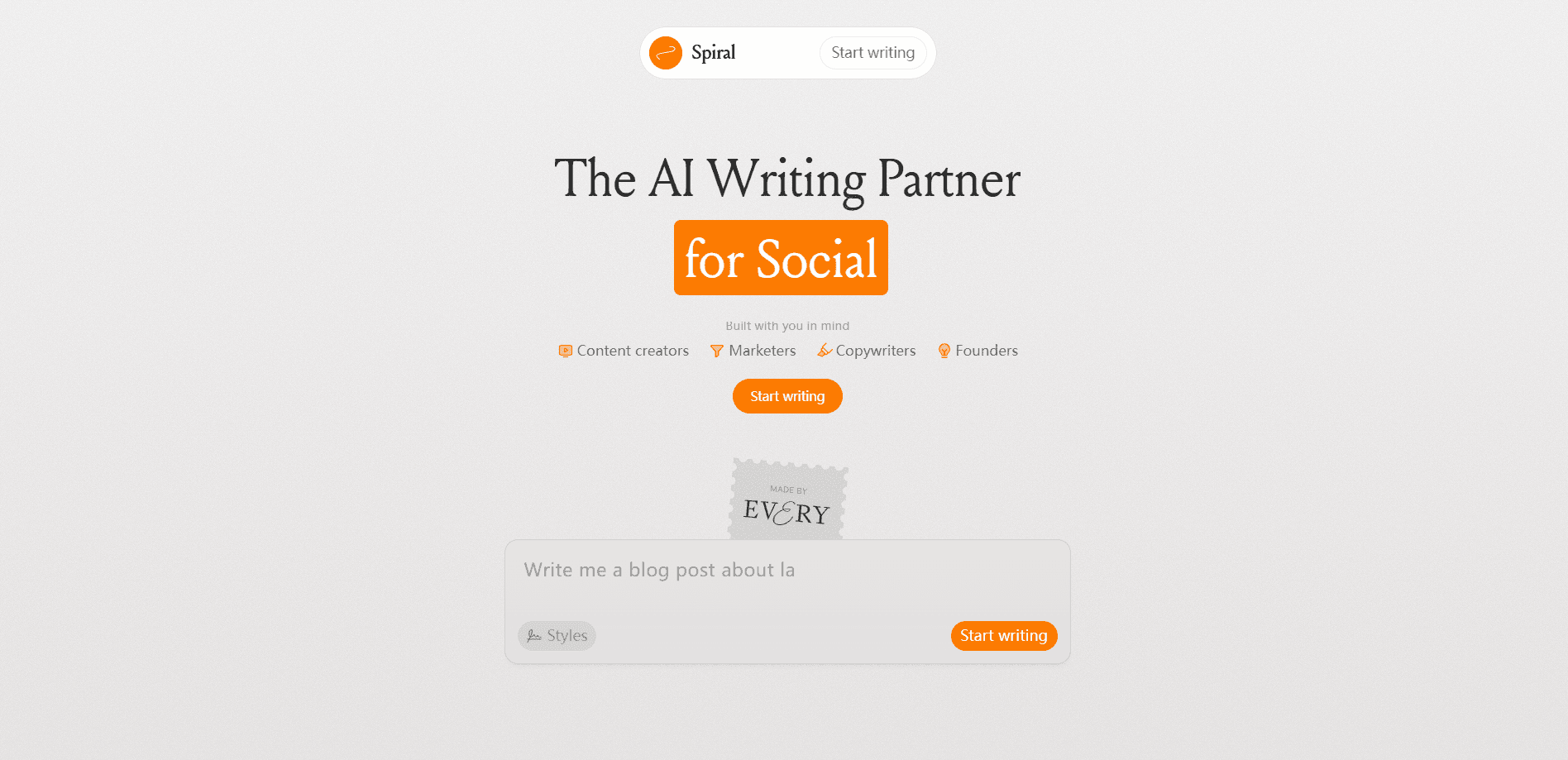
Spiral is an AI writing partner that learns how you write and then drafts new content in that same voice. Built by the team at Every, it analyzes samples of your published work, maps the patterns behind your style, and applies them across tweets, blog posts, newsletters, and long-form essays while keeping the same recognizable voice from a two-line caption all the way up to a multi-thousand-word feature. The goal is simple. Generate text faster and still sound like you.
About Spiral
What Is Spiral
Spiral is a web-based AI writing tool designed around one idea: most AI assistants write in their own voice, not yours. You feed it samples of your writing, connect the channels where you publish, and the app builds what it calls a style profile. From there, every draft it produces carries your sentence rhythms, your word choices, and the way you open and close a thought. You can write with Spiral in the browser or wire it into your own tools.
The engine behind this is stylometry, the roughly 200-year-old science of analyzing linguistic patterns to identify authorship. Researchers have used it to settle disputed authorship. Spiral applies the same measurements to your own prose. That's what makes it a real AI writing assistant rather than a generic chatbot that stays on brand by accident.
The main limit is scope. Spiral focuses on writing quality and voice matching rather than heavy document collaboration, and the deepest customization sits behind a paid plan, so anyone hoping for live co-editing or comment threads with a whole team will probably need a second tool for that part of the job. A writing tool first, not a full content management system.
Getting Started
- Create an account at app.writewithspiral.com and pick a plan.
- Upload or paste samples of your writing so the Style Engine can map your patterns.
- Connect the channels you publish to, such as social or your newsletter, so drafts land in the right format.
- Add any reference material to the knowledge base so Spiral has facts and context to work with.
- Start a draft, review the output, and refine it until the voice matches what you'd write yourself.
Product Information
A quick look at Spiral's pricing, supported platforms, and performance.
Best for
The users, tasks, and scenarios where this tool fits best.
Users
- Solo writers and creators
- Marketing and agency teams
- Founders and executives
Tasks
- Social media posts
- Newsletters and blog posts
- Meeting recaps and presentations
Scenarios
- Daily content schedules
- Multi-channel brand marketing
- Drafting first versions
Key features
Style Engine
The Style Engine is what separates Spiral from a general-purpose chatbot. It reads the patterns in your writing, from sentence length to punctuation habits, and applies them to everything it generates. Once your profile is set, drafts come out already carrying your signature rather than a generic AI tone. No prompt tweaking required.
Stylometry-Based Voice Matching
Spiral builds on stylometry, the science of measuring linguistic fingerprints. It looks at how long your sentences run, which words you reach for, and how you structure a thought. Those patterns stay stable. Because they hold steady across a writer's work, the app can reproduce them instead of guessing.
Knowledge Base
You can load reference material into a knowledge base so Spiral has the facts, names, and context it needs. This keeps generated drafts grounded in your actual information instead of inventing details. It's useful when your writing depends on recurring terms, products, or positions. Facts stay put. So what happens when a draft drifts off message? You catch it early, because the reference material is already in place.
MCP and API Access
Spiral exposes MCP and API access on its paid plans, which means you can wire it into other tools and agent workflows. That makes it more than a standalone editor, since your writing assistant can become part of a larger setup. There's a dedicated page for agent use on the site. It's built to plug in, not sit alone.
Multi-Channel Output
The app adjusts drafts to fit different formats and channels. A short social post gets a different structure than a 3,000-word essay, and Spiral tunes length and tone accordingly. You get consistent voice without forcing the same shape onto every piece. That saves a lot of manual rewriting. When you publish the same update to LinkedIn, your newsletter, and a blog, you don't have to explain the context three separate times or reshape the opening line to fit each platform's conventions.
Shared Workspaces
Team plans include shared workspaces, so a group can work from the same style profile and reference material. For businesses, that means new hires produce copy that matches the house voice without a long onboarding process. It keeps brand consistency from drifting as a team grows. Everyone writes the same way.
Pros and cons
Pros
- Voice matching is the core feature, not an add-on, so output sounds like the writer rather than a generic model.
- Multi-channel formatting saves the step of reshaping one draft for each platform.
- MCP and API access let you connect Spiral to other tools and agent workflows.
- Shared workspaces on the Team plan keep a whole group writing in one brand voice.
Cons
- There's no free plan, so you can't test the voice matching without paying.
- The lowest tier starts at $15 per month, which is steep for someone who only writes occasionally.
- It's built for writing quality, not document collaboration, so teams wanting shared editing may need another tool.
- Voice matching depends on your samples. Feed it thin material and the results get generic fast.
Frequently asked questions
Spiral is used for drafting written content that matches your personal or brand voice. People use it for social posts, newsletters, blog articles, meeting recaps, and presentations, especially when they want AI to handle first drafts without losing their own tone.
Related content
Explore related tools, skills, and articles for Spiral.
Spiral Alternatives

Google EmbeddingGemma 2
Google DeepMind · Writing · Image · CodingGoogle EmbeddingGemma 2 is a 740M-parameter open model that turns text, code, images, audio, and video frames into vectors in one 768-dimension space, running on phones and laptops.

MePersona
MePersona, Inc. · Writing · Productivity · MarketingMePersona is an AI unified inbox for creators. It learns your voice, drafts replies to fan messages from 12 platforms, and sends only what you approve.

Fluence
Yay Software (Yannick Huchard) · Writing · Voice & Language · ProductivityFluence is an Android app that reads PDFs, EPUBs, Word files and web articles aloud, follows each sentence as it speaks, and answers questions about the text on the phone itself.