

Wrytar
Wrytar · Writing
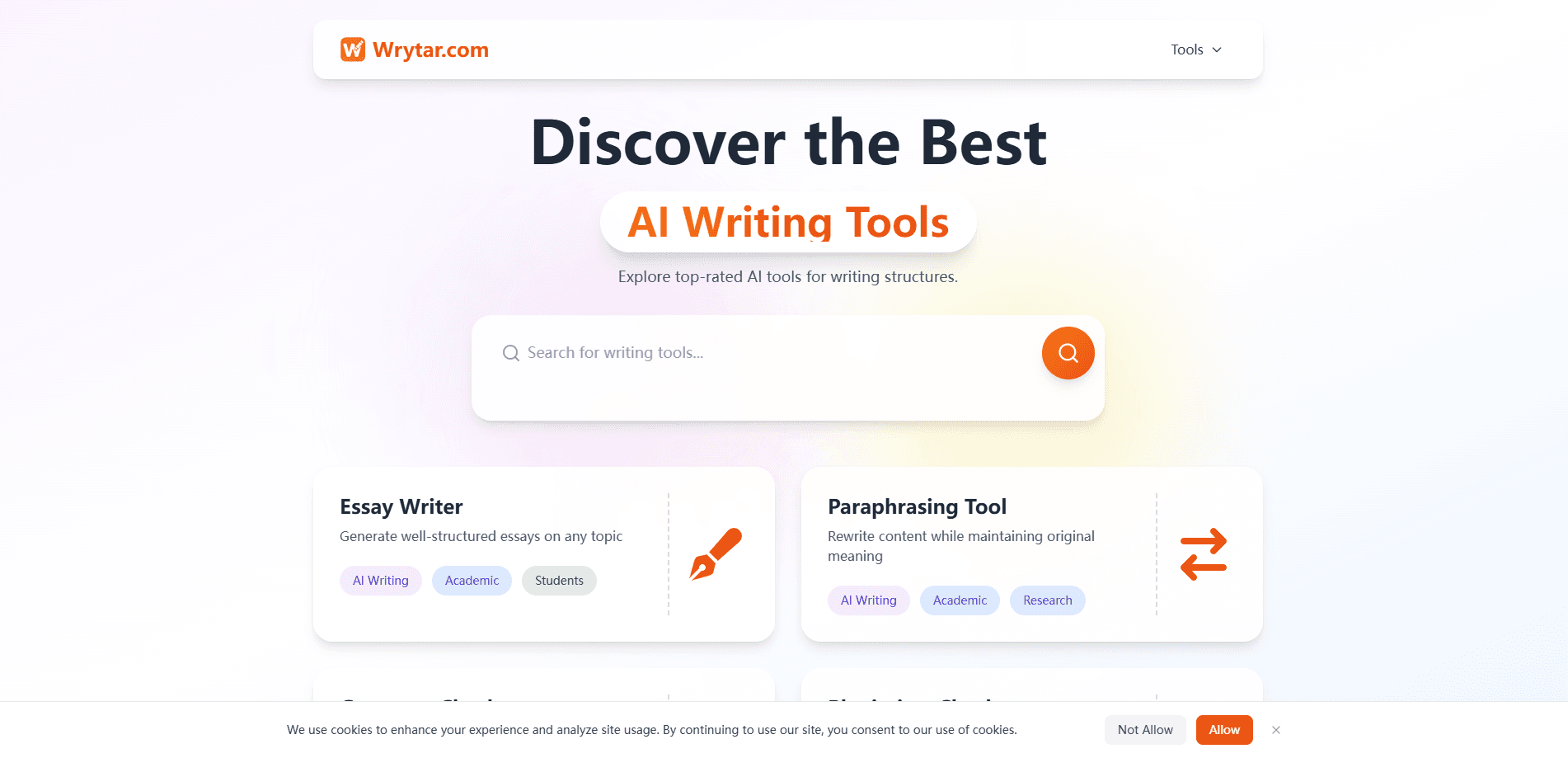
Wrytar is a free AI writing platform with 40+ single-purpose tools, from a paragraph rewriter and AI humanizer to a grammar fixer and essay writer. Every tool works without an account.
About Wrytar
What Is Wrytar
Wrytar is a browser-based writing platform built around a large set of small, focused tools. Instead of one general-purpose chat box, it splits the work into named jobs. You can rewrite a paragraph, fix grammar, trim a text, build an essay outline, or make AI text read like a person wrote it.
The pitch is simple. Most AI writing sites meter their best features to push subscriptions. A rewrite stops at a set word count, or you get a few generations per day. Wrytar runs the other way: the tools are the product, fully usable signed out, and the site funds itself through optional workspace plans for people who write daily.
The main limit follows from that model. Free use is session-only, so nothing you paste or generate is saved once you close the tab, and there is no account, no version history, and no team sharing unless you pay. If you want to keep drafts, that is what the paid tiers are for.
Getting Started
- Open wrytar.com in any modern browser. No signup, email, or download is required.
- Pick a tool from the categorized menu, such as Paragraph Rewriter, AI Humanizer, or Grammar Fixer.
- Paste or type your text into the input box, then choose any settings the specific tool offers.
- Run the tool and copy the output. It stays in the browser only until you close the session.
- Sign up for Wrytar Pro only if you want saved documents and version history.
Product Information
A quick look at Wrytar's pricing, supported platforms, and performance.
Best for
The users, tasks, and scenarios where this tool fits best.
Users
- Students
- Non-native English speakers
- Freelance and in-house writers
Tasks
- Rewriting a stiff paragraph
- Making AI text sound human
- Fixing grammar and punctuation
- Generating a first draft
Scenarios
- Late-night homework with a deadline
- Polishing a cover letter or work email
- Checking a draft before submission
Key features
A Broad Library of Single-Purpose Tools
Wrytar groups more than 40 no signup writing tools into categories like Writing & Editing, AI Generation, Academic, Professional Writing, and Creative Writing. Each one does a narrow job, so you pick the tool that matches the task instead of fighting one generic interface.
AI Humanizer
The AI Humanizer rewrites text so it reads like a person wrote it, not a model. It targets the flat rhythm and overused phrasing that detectors and teachers flag, and it keeps your facts intact while it reworks the cadence.
Paragraph and Sentence Rewriters
The Paragraph Rewriter, Sentence Rewriter, and Paraphrasing Tool restate your text in different words without changing the meaning. You can keep the same length or compress it, which is useful when a passage reads stiff or repeats itself.
Grammar Fixer and Punctuation Checker
The Grammar Fixer corrects spelling, punctuation, and sentence structure. The Punctuation Checker focuses on commas and other marks, and the Sentence Corrector handles mixed-up clauses, so a final pass before submission is quick.
Academic and Essay Tools
The AI Essay Writer, Thesis Statement Generator, Essay Outline Generator, and Essay Title Generator cover the early stages of a paper. They help students and researchers get a structure in place before the real drafting begins.
Text Utilities and Readability Checks
The Word Counter, Character Counter, Reading Time Calculator, and Readability Checker keep an eye on length and reading level. They're handy for hitting platform limits or classroom word counts.
Pros and cons
Pros
- Every core tool is free and works without an account, so there's no metering or trial clock.
- More than 40 focused tools cover rewriting, grammar, academic writing, and text utilities in one place.
- The AI Humanizer targets natural-sounding output rather than a mechanical word swap.
- Browser-based on any platform, with nothing to install.
- The free-tier policy is stated as permanent, not a promotion.
Cons
- Free use is session-only, so drafts vanish when you close the tab unless you pay for Pro.
- No API is advertised, so you can't plug Wrytar into an automated workflow.
- There's no mobile app, which means no offline use.
- Output quality varies by tool, so a few passes are often needed for polished work.
Frequently asked questions
Yes. Every core writing tool is free and usable without an account. The paid plans exist only to add a persistent workspace, saved documents, and collaboration.
Related content
Explore related tools, skills, and articles for Wrytar.
Wrytar Alternatives

Google EmbeddingGemma 2
Google DeepMind · Writing · Image · CodingGoogle EmbeddingGemma 2 is a 740M-parameter open model that turns text, code, images, audio, and video frames into vectors in one 768-dimension space, running on phones and laptops.

MePersona
MePersona, Inc. · Writing · Productivity · MarketingMePersona is an AI unified inbox for creators. It learns your voice, drafts replies to fan messages from 12 platforms, and sends only what you approve.

Fluence
Yay Software (Yannick Huchard) · Writing · Voice & Language · ProductivityFluence is an Android app that reads PDFs, EPUBs, Word files and web articles aloud, follows each sentence as it speaks, and answers questions about the text on the phone itself.