

Xano
Xano · Coding
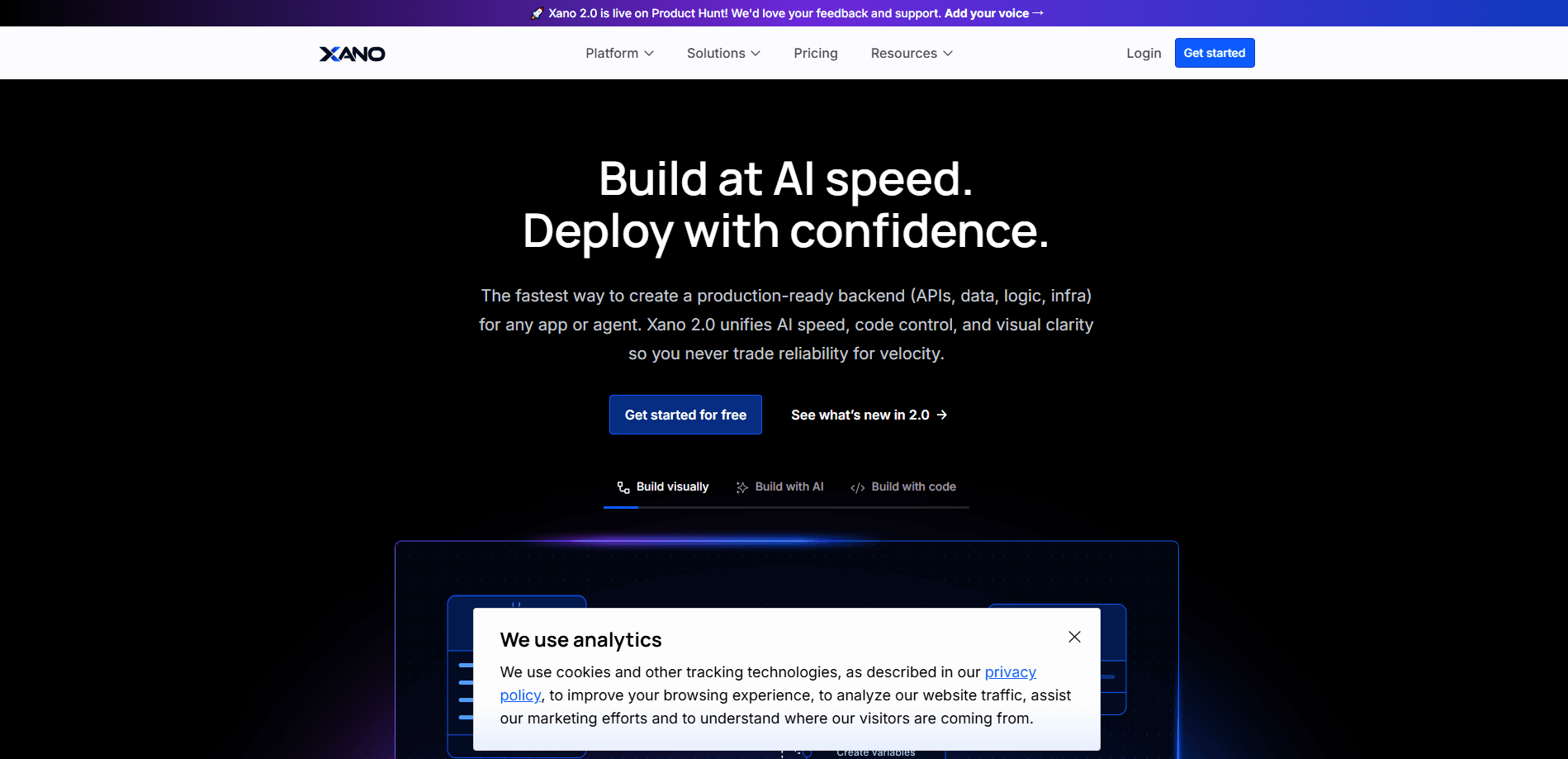
Xano is a no-code backend platform that lets you build the server side of an app without writing much code. It gives you a built-in database, a visual logic builder, and instant REST APIs that connect to any front end. Everything runs on managed infrastructure. So teams turn an idea into a working product without hiring a full backend crew. It works. And it scales.
About Xano
What Is Xano
Xano handles the part of app building that usually needs a dedicated engineer: the database, the business logic, and the APIs that tie everything together. Instead of configuring servers by hand, you work in a visual editor where you drag steps into place and connect them to tables. Every change updates a live API you can call right away. So what's the catch?
The pitch is speed without losing control. You get a tool that non-coders can pick up in an afternoon, but it still supports branching, staging environments, and direct database access when a project grows up. That balance is why indie builders and funded startups both end up here, and it's why a backend that once took a small team weeks to stand up can now go live before the coffee gets cold.
The limits matter too. Xano is backend-only, so you still need to bring your own front end, whether that's React, a mobile app, or a site an AI tool generated for you. The free tier also caps records and rate-limits requests, so anything heading to production needs a paid plan. Not a dealbreaker. Just plan for it.
Getting Started
- Sign up for a free workspace at xano.com and confirm your account.
- Define your data by adding tables and fields in the database editor.
- Build an endpoint in the visual logic builder, pulling in the steps your app needs.
- Use the auto-generated REST API with your external front end, or host static files on Xano.
- Test the endpoint in the built-in request history, then promote it when it's ready.
Product Information
A quick look at Xano's pricing, supported platforms, and performance.
Best for
The users, tasks, and scenarios where this tool fits best.
Users
- Solo founders
- Small development teams
- Agencies
Tasks
- Building REST APIs
- Managing app data
- Automating backend workflows
- Governing AI-built code
Scenarios
- Prototyping a new app
- Running regulated workloads
- Connecting a front end built by AI
Key features
Visual Logic Builder
The logic builder is where you assemble each endpoint from steps you can read at a glance. You branch on conditions, loop over data, and call external services without writing much code. It's the core of the platform. It's also what makes the backend approachable for people who aren't engineers.
Built-In Database
Xano ships with an AI-ready Postgres database, so you define tables and fields right inside the platform. The free plan allows up to 100K records, while paid plans open up unlimited records and direct SQL access. That means you don't have to stand up and maintain a separate database service. Big time-saver. No migration pain either.
Instant REST APIs
Every endpoint you build becomes a REST API you can call from any front end. The platform also handles common patterns like auth, pagination, and rate limiting. Paid plans remove the rate limit that slows free-plan requests down. No SDK wrangling required.
Frontend-Agnostic Hosting
Xano doesn't care what your front end looks like. It connects to React, Next.js, mobile apps, or a site an AI tool generated, and it can host static files for you too. Your stack stays yours. That's the point.
AI Agent and MCP Tooling
A developer MCP and CLI let AI assistants work directly against your workspace, and because you set the rules for which skills, tests, and dependencies are allowed before a build even starts, every agent that touches your project inherits those same guardrails automatically. The result is AI-generated code that follows your team's standards. No surprise dependencies. No rogue auth patterns.
Observability and Tracing
Request history, performance insights, and tracing are built in. When something breaks, Xano shows you the exact function that failed and the version it came from. That turns debugging a messy backend into a targeted lookup. Handy. Really handy.
Enterprise Security and Deployment
Single sign-on works with Google, GitHub, and Microsoft Entra ID, and you can isolate tenants by client or region so one customer's data never touches another's. The platform runs on Xano's cloud or yours, and every release is a versioned deploy object you promote through stages. Your data stays where it belongs, and your auditors get the trail they expect.
Pros and cons
Pros
- You get a database, logic, and APIs in one place, which cuts the number of tools you have to wire together.
- The visual builder is friendly to non-coders, but branching and staging keep it useful as a project scales.
- Instant REST APIs mean a front end can start calling your backend the same day you build it.
- Built-in observability shows the exact function that failed, so debugging doesn't require a separate APM tool.
- You can run on Xano's cloud or your own, which keeps regulated data in the region you choose.
Cons
- There's no front end, so you still need to build or bring one before you have a complete app.
- Free-plan rate limits (10 requests per 20 seconds) and the 100K record cap make it a poor fit for live traffic.
- Team seats are limited until you're on a paid tier, which frustrates larger teams early on.
- Some advanced pieces, like custom CPU boosts and HIPAA, cost extra on top of the base plan.
Frequently asked questions
Xano builds the backend of an app: the database, the business logic, and the REST APIs a front end calls. It works as a backend as a service for anyone who wants server-side features, like authentication and data storage, without maintaining servers.
Related content
Explore related tools, skills, and articles for Xano.
Xano Alternatives
Forefront
Forefront · CodingForefront is a web platform for building with open-source AI. It lets you fine-tune leading open-source language models on your own data, evaluate how they perform, and run them through an API or export them to host yourself. Developers who want the convenience of a closed-source platform but insist on owning their models and data are the target audience here.

Startkit
StartKit.AI · CodingStartkit is a boilerplate for building AI SaaS and AI wrapper products. Think of it as an AI startup boilerplate with the boring parts already wired up: authentication, Stripe and Lemon Squeezy payments, usage limits, transactional email, and an AI API starter that talks to OpenAI, Anthropic, Groq, or Llama. You clone the repo, set your price, and start on the part of your product that people actually pay for. It's Next.js under React and Tailwind, so most of the boilerplate code already feels familiar.
Testim
Tricentis · CodingTestim is an AI-powered test automation platform for building and running end-to-end tests across web, mobile, and Salesforce applications. It leans on machine learning to keep tests stable when an interface changes, so teams spend less time fixing broken selectors. Not bad for an automated testing tool you can start using today. You create tests by recording actions in a browser, then optionally add JavaScript when you need more control. It's a solid pick for busy QA teams.