
XFA
XFA · Other
XFA is a device security platform that checks every work device at sign-in, including BYOD and unmanaged endpoints. Users fix issues themselves, with no invasive MDM.
About XFA
What Is XFA
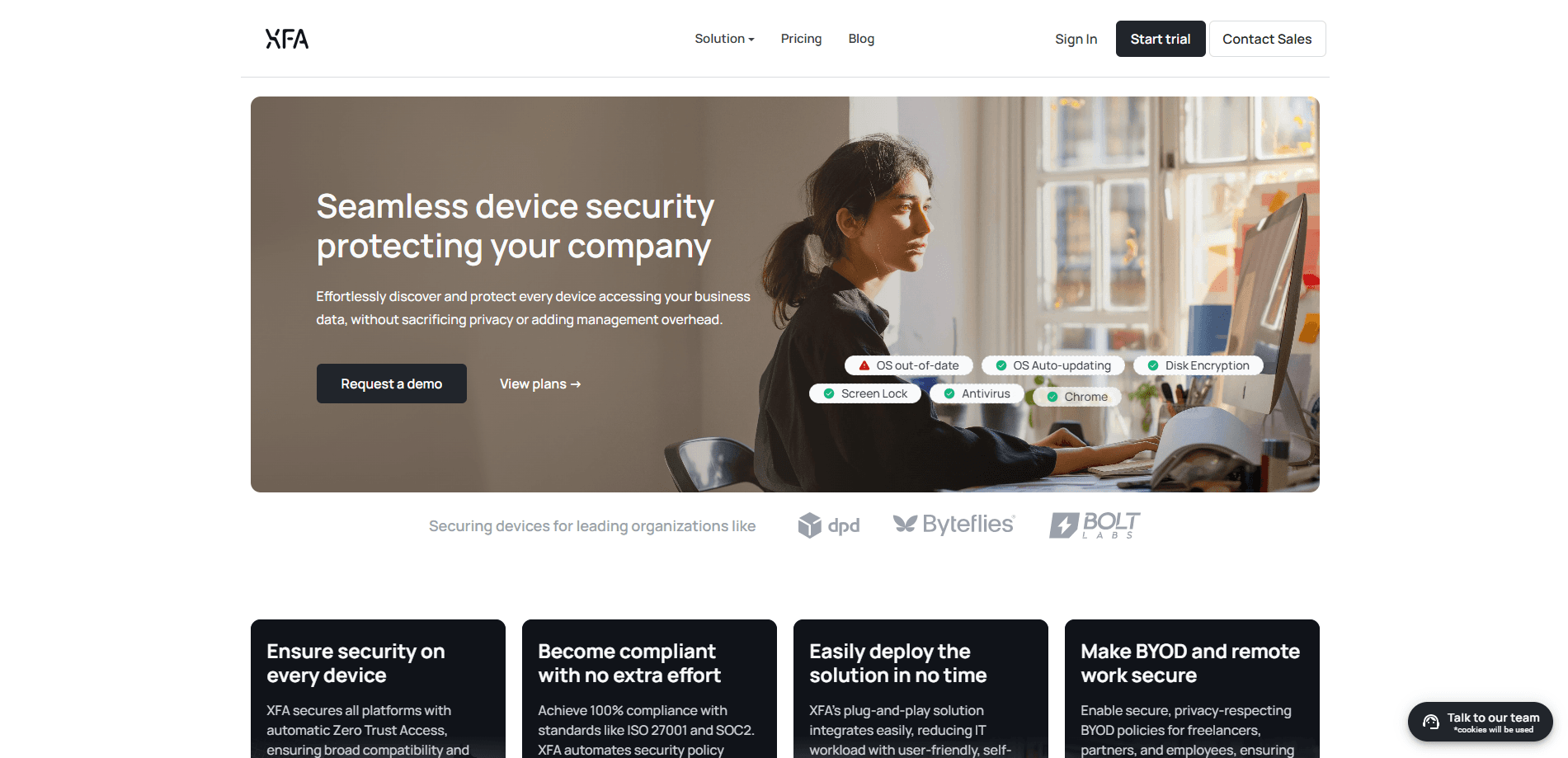
XFA is a cybersecurity product built around one idea: you cannot protect data you cannot see the device behind. It plugs into your identity provider, finds the devices people use for work, runs security checks on them, and then either warns the user or blocks access when a device falls below your policy. The pitch is a device trust platform that works without an MDM agent taking over the machine.
The problem it targets is familiar to anyone running IT for a growing team. Contractors, freelancers and remote staff log in from personal laptops and tablets that were never enrolled in your security stack. Those endpoints can carry outdated software, disabled auto-updates or missing disk encryption, and most tools never surface them because they only look at managed devices. XFA looks at all of them and asks the user to fix what's wrong.
Two limits are worth knowing before you commit. Enforcement and risk-based policies sit on the Advanced plan, not the entry tier, so the free and Essential tiers only discover and report. And because checks run through an agent the user installs, a device that never signs in stays invisible until someone invites it.
Getting Started
- Start a free 14-day trial from the XFA dashboard, no credit card needed
- Connect your identity provider so XFA can see who is signing in and from which device
- Invite your team; each person installs the lightweight agent and verifies their own device
- Review the device list and risk alerts, then turn on enforcement at login once you are ready to block out-of-policy hardware
Product Information
A quick look at XFA's pricing, supported platforms, and performance.
Best for
The users, tasks, and scenarios where this tool fits best.
Users
- IT and security leads at growing companies
- Startups with a BYOD policy
- Compliance owners
- Managed service providers
Tasks
- Device discovery
- Security posture checks
- Access enforcement
- Phishing-resistant MFA
- Compliance reporting
Scenarios
- A contractor logs in from a personal laptop
- An employee's phone falls behind on updates
- Audit season arrives
- Onboarding a new hire
- A remote team spans several countries
Key features
Device Discovery Without an MDM
XFA finds the devices people use for work by hooking into your identity provider rather than scanning a managed fleet. It sees personal laptops, tablets and phones alongside managed machines, which is the gap most endpoint tools leave open. You get one list of everything reaching your business apps, and it fills in within minutes of connecting.
Silent MFA Built on Device Trust
Instead of texting a code, XFA turns a device you already trust into a second factor. Once a device passes its checks, it can sign the user in quietly in the background, and any unknown device still gets stepped up. The company frames it as phishing-resistant MFA, because there's no code for an attacker to steal or relay.
Risk-Based Enforcement at Login
On the Advanced plan, XFA moves from watching to blocking, giving you Zero Trust device access that turns a failed check into a stopped login. You set which failures matter, and a device that breaks the policy is stopped at the login screen rather than admitted and flagged later. Because the block happens at sign-in, the user gets a clear reason and a path to fix it instead of a dead end.
Device Posture Checks Across Every OS
The platform runs a long list of checks on Windows, macOS, Linux, Android and iOS, including whether the OS is current, whether auto-updates are on, how long since a reboot and whether disk encryption is active. Acting on those signals is what separates a real posture platform from a simple inventory.
Automated Compliance Evidence
XFA collects device security data and pushes it into GRC tools like Vanta, Drata, Trustcloud and Thoropass. For a team chasing ISO 27001, SOC 2 or NIS2, that turns compliance automation into a single export, and it keeps the record live rather than stale at audit time.
Privacy-First, No-Takeover Design
The whole product is sold as the opposite of invasive device management. XFA checks posture without reading personal files or locking down the machine, and it states it does not touch personal data. That is the reason a BYOD-heavy team can adopt it without the pushback an MDM rollout usually triggers.
Pros and cons
Pros
- Covers unmanaged, BYOD and contractor devices that MDM-based tools often miss
- Self-service onboarding means IT does not have to configure every machine by hand
- Free tier and a 14-day trial let you see your device list before paying
- Silent, code-free MFA removes the friction people complain about with standard 2FA
- Compliance evidence exports to Vanta, Drata and similar tools, cutting audit prep
- Works across Windows, macOS, Linux, Android and iOS from one dashboard
Cons
- Enforcement and risk policies sit on the Advanced plan, so the lower tiers only alert
- Per-user pricing scales with headcount, which adds up for large contractor pools
- Devices get checked only once a user installs the agent, so silent hardware stays hidden until invited
- Pricing is quoted on request rather than published, which slows down comparison shopping
Frequently asked questions
XFA, available at xfa.tech, is a device security platform that checks the health of every device used to reach your business apps. It connects to your identity provider, discovers managed and unmanaged devices, runs security checks on them, and either warns the user or blocks sign-in until the device meets your policy. Users fix issues themselves without IT stepping in.
Related content
Explore related tools, skills, and articles for XFA.
XFA Alternatives

Odyssey 3
Odyssey · OtherOdyssey-3 is Odyssey's foundation world model. It simulates physics in real time, turns a prompt into an interactive environment, and adapts to robots, cars and games.

JarvisCore
Prescott Data · Coding · Productivity · OtherJarvisCore is an open source Python runtime where AI agents work as equal peers on an agent mesh, claim tasks from a shared ledger, and reach external services through a zero-trust broker.
Clef
Cloudflare · Business · OtherClef is Cloudflare's open-source decision model for Workers AI. It returns calibrated probabilities for typed questions, not generated text, so agents can classify, route, and act fast.