

Yansu
Isoform · Coding
Yansu is a proactive AI assistant from Isoform that watches how you work on your desktop, learns your patterns, and takes over the repetitive parts without asking for prompts. It builds a private memory of your habits, hands off tasks you'd rather skip, and runs background automations on a virtual cursor that never touches yours. It runs on macOS, Windows, and Linux, with plans from free up to $200 per month.
About Yansu
What Is Yansu
Yansu is an AI workflow automation tool that takes a different angle from the chatbots most people know. Instead of waiting for instructions, it observes your desktop activity through screenshots and messaging apps, then turns those observations into structured knowledge about how you actually work. From there it acts on that knowledge on its own.
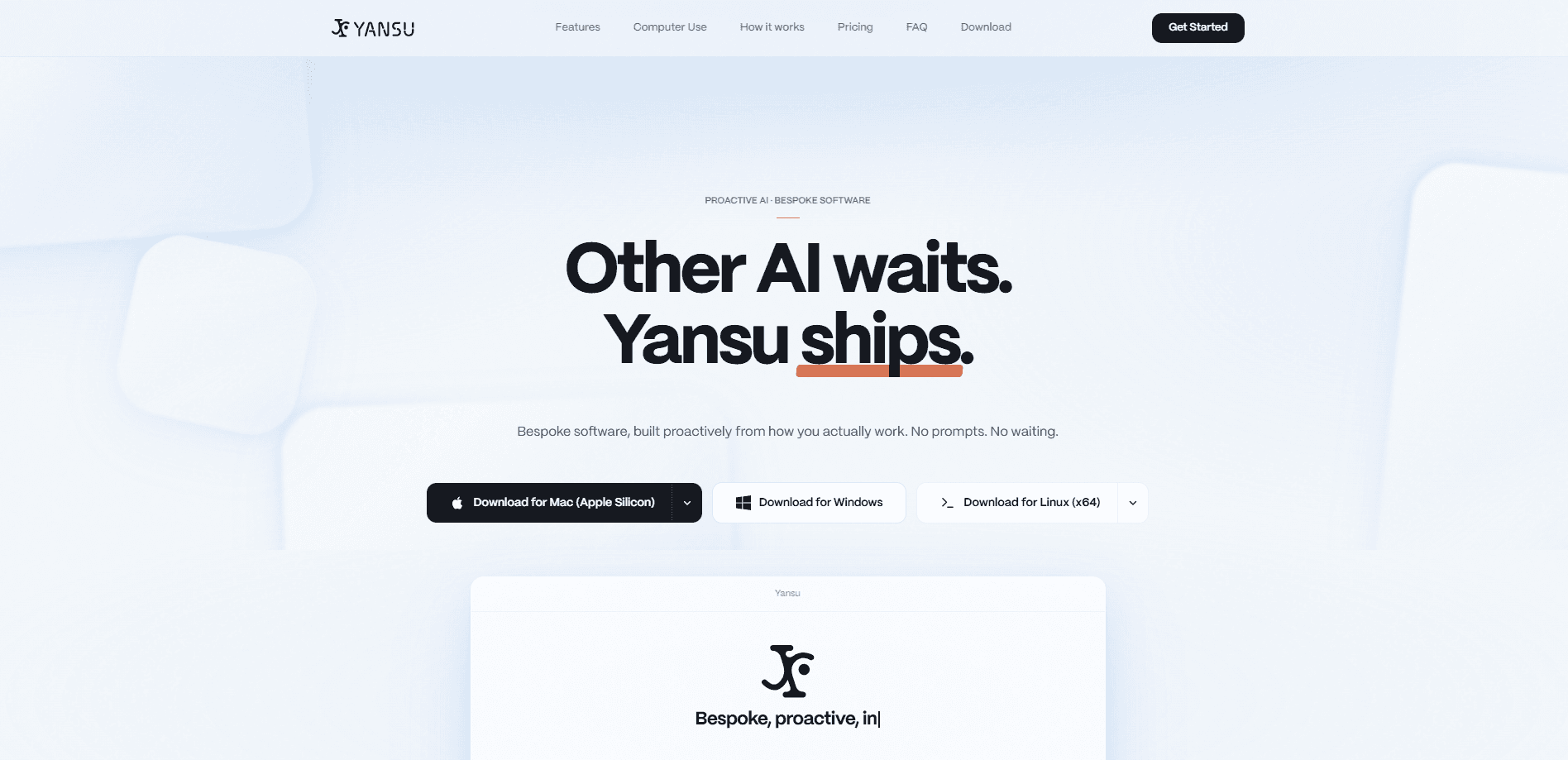
The product comes from Isoform, and the pitch is straightforward: other AI tools wait, Yansu ships. That sounds like marketing. Partly, it's. But the real difference is architectural. Yansu runs its own pointer in a virtual layer, so it can open apps, fill forms, and file tickets while you keep using your keyboard and mouse. Your cursor stays where you put it. Your windows don't jump around. If you've ever had an automation tool steal focus mid-sentence, you'll appreciate why that matters.
Privacy is the other pillar. Your observations, memory, and automations live on your machine rather than Isoform's servers, and nothing leaves the device without your permission. Isoform holds SOC 2 Type II and ISO 27001 certifications, which are third-party audits rather than self-declared promises. The main limitation is that this is a desktop-first tool with real resource demands. Free plan limits are also tight enough that heavier users will need to pay.
Getting Started
- Download Yansu from the official site and install it on macOS 13+, Windows 10+, or Ubuntu 20.04+.
- Sign in and connect the messaging apps you want Yansu to observe, such as Slack, Microsoft Teams, or Discord.
- Let it watch your normal desktop work for a while so it can learn your patterns.
- Review the knowledge and memory it crystallizes, and adjust what you want it to keep private.
- Approve the handoffs and automations you want it to run in the background.
Product Information
A quick look at Yansu's pricing, supported platforms, and performance.
Best for
The users, tasks, and scenarios where this tool fits best.
Users
- Knowledge workers buried in repetitive desktop tasks
- Small teams without a developer
- Privacy-conscious professionals
Tasks
- Consolidating daily updates
- Turning meeting notes into tickets
- Monitoring AI spend across providers
Scenarios
- Handling daily repetitive work
- Early project research
Key features
Background Computer Use
This is Yansu's defining trick. It runs a separate virtual cursor and opens apps, fills forms, and files tickets in the background while your own pointer stays untouched. Windows keep their state. Keystrokes still reach the app you meant. The upside is that you can keep working during a handoff instead of babysitting it. So what happens when it guesses wrong? You still approve what it can do, so a bad guess stalls rather than runs wild.
Three-Stage Learning Loop
Yansu works in three moves: listen, crystallize, solve. It learns from screenshots of your desktop and your messaging apps, converts those observations into structured knowledge, then acts on it. You don't describe what you need. It figures that out by watching what you actually do, which is the core difference from prompt-driven assistants.
Local-First Data Storage
Your activity observations, AI memory, knowledge, and automations are stored on your machine, not on Isoform's servers. Nothing leaves the device without explicit permission, and Isoform says your data is never used for model training. That's a strong answer for anyone nervous about feeding work habits into a cloud service, especially since most rivals still ship your activity straight to their own servers by default.
Multi-Model Task Routing
Yansu picks the model for each task on its own, drawing on Claude from Anthropic, GPT from OpenAI, Gemini from Google, and others. The idea is that every step of analysis and execution uses whichever model performs best for that job. You don't choose. You don't manage API keys yourself.
Messaging App Integration
Beyond desktop observation, Yansu connects to Slack, Microsoft Teams, Feishu, Discord, Telegram, WhatsApp, and WeChat. That widens what it can learn from, since a lot of how a team works lives in chat rather than on the desktop. Team-wide patterns and shared libraries are reserved for the Enterprise tier. The practical payoff is narrower than the feature list suggests, since most of what it learns about a team stays locked behind the top plan.
Handoffs and Automations
AI handoffs take tasks you'd rather not do; automations run on a schedule or trigger based on your patterns. Both are capped by plan, and both run without waiting for a prompt. You approve what it's allowed to do, and it acts within those boundaries.
Verified Security Posture
Isoform holds SOC 2 Type II and ISO 27001 certifications, and Yansu redacts data as it arrives based on where that data came from. Enterprise buyers get SSO, SAML, custom data retention, and a dedicated account manager. Certification isn't the same as a clean bill of health, but it's more than most rivals offer.
Pros and cons
Pros
- Proactive by design. It acts on observed patterns instead of waiting for prompts, which cuts out the "describe your task again" ritual.
- Never hijacks your workflow. The virtual cursor means no stolen focus and no lost window state during a handoff.
- Local-first storage with third-party audited security, so sensitive data stays on your device.
- No coding required, so it fits teams without a developer on staff.
- Broad messaging integrations cover Slack, Teams, Feishu, Discord, and more.
Cons
- Desktop only. There's no mobile or browser version, so you can't use it away from a supported machine.
- Free plan is thin at around 2 handoffs, 2 automations, and 2 memories per month, which is barely enough to evaluate it.
- Full pricing adds up fast: Pro is $20/mo but useful volume really starts at the $100 Studio tier.
- No public API, so you can't wire Yansu into your own tooling or external workflows.
Frequently asked questions
Yansu handles the repetitive desktop and messaging work you'd rather not do yourself. It builds a memory of how you work, hands off tasks, and runs automations in the background. Common uses include consolidating project updates, drafting tickets from meeting notes, and tracking AI spend.
Related content
Explore related tools, skills, and articles for Yansu.
Yansu Alternatives
Forefront
Forefront · CodingForefront is a web platform for building with open-source AI. It lets you fine-tune leading open-source language models on your own data, evaluate how they perform, and run them through an API or export them to host yourself. Developers who want the convenience of a closed-source platform but insist on owning their models and data are the target audience here.

Startkit
StartKit.AI · CodingStartkit is a boilerplate for building AI SaaS and AI wrapper products. Think of it as an AI startup boilerplate with the boring parts already wired up: authentication, Stripe and Lemon Squeezy payments, usage limits, transactional email, and an AI API starter that talks to OpenAI, Anthropic, Groq, or Llama. You clone the repo, set your price, and start on the part of your product that people actually pay for. It's Next.js under React and Tailwind, so most of the boilerplate code already feels familiar.
Testim
Tricentis · CodingTestim is an AI-powered test automation platform for building and running end-to-end tests across web, mobile, and Salesforce applications. It leans on machine learning to keep tests stable when an interface changes, so teams spend less time fixing broken selectors. Not bad for an automated testing tool you can start using today. You create tests by recording actions in a browser, then optionally add JavaScript when you need more control. It's a solid pick for busy QA teams.