

Youstad
Youstad · Leaning
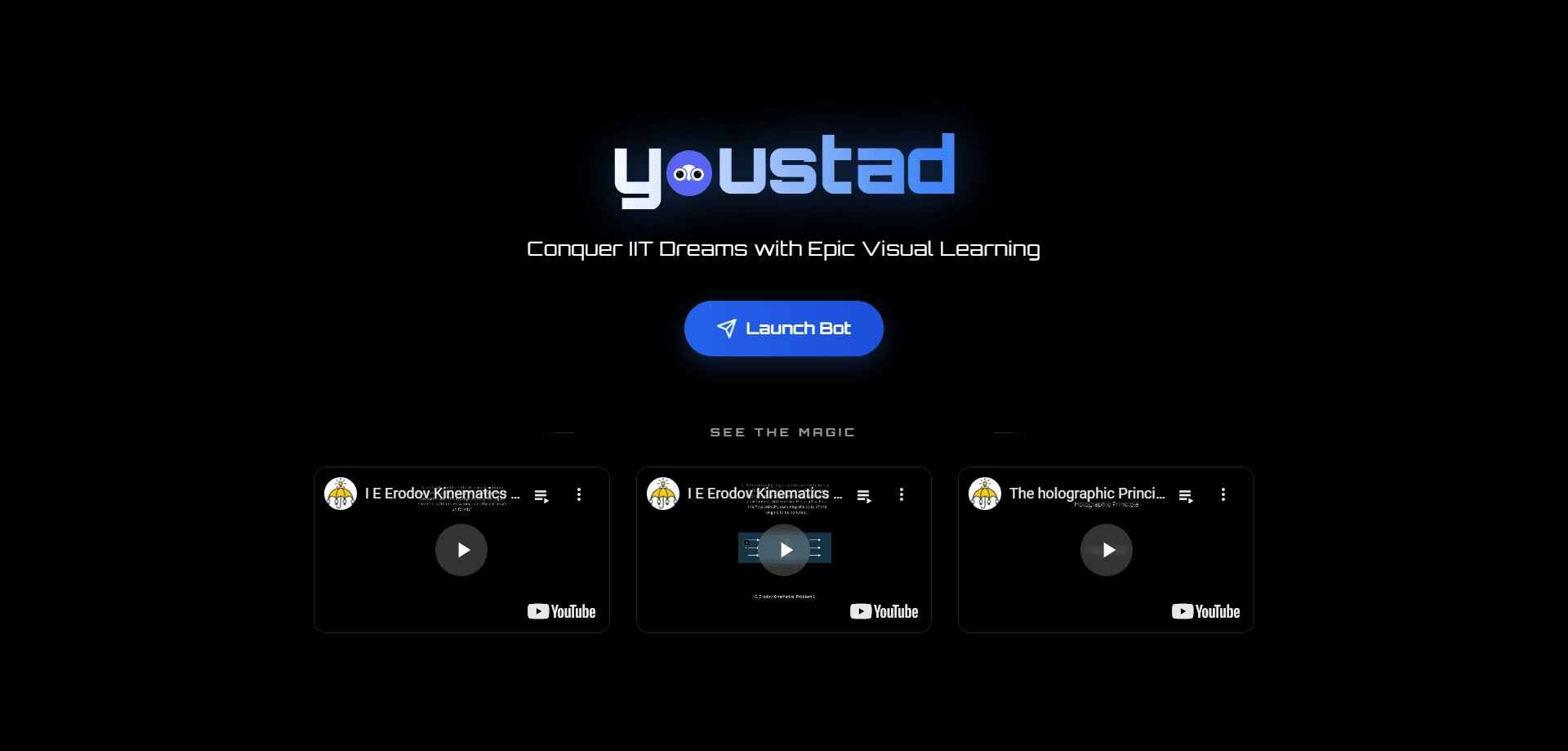
Youstad is a visual learning platform built for JEE and IIT preparation, and it runs through a Telegram bot that you can start using in seconds. It replaces static textbook diagrams with custom animations that explain Physics, Chemistry, and Math concepts, so a student can watch an idea move instead of picturing it from a paragraph. You can open it with no signup, no credit card, and no app install.
About Youstad
What Is Youstad
Youstad is a study tool that explains JEE and IIT preparation topics through short animated visuals instead of dense notes. The company behind it describes the product as a "revolutionary visual learning platform for JEE preparation," and the pitch is narrow on purpose. It targets one exam family and one way of learning.
Most JEE material comes as text, formulas, and run-of-the-mill diagrams. It gets boring fast. Youstad turns a concept into a custom animation so you can watch a reaction run, a field rotate, or a graph bend. Still, it's a newer product: it launched in 2025, hit #10 Product of the Day on Product Hunt, and the content library is smaller than what a legacy coaching platform offers.
If you already have a heavy textbook and a fixed test schedule, Youstad works best as a visual backup for the topics you keep re-reading without them sticking. It isn't trying to be a full JEE study app with mock tests and a course calendar.
Getting Started
- Open the Youstad bot at t.me/youstad_bot (linked from youstad.com) in Telegram.
- Send a topic you're stuck on, such as a Physics or Math chapter you're revising.
You don't create an account or enter payment details. The web page links straight into the bot, so the entry cost is one message.
- Watch the animated explanation the bot returns, then ask follow-up questions to dig into the part that's unclear.
- If you're near revision, revisit the animation before a test instead of re-reading notes.
At the moment Youstad is early, so expect thin coverage on niche chapters. Use it to visualize the ideas that resist plain reading, not as a full replacement for your coaching materials.
Product Information
A quick look at Youstad's pricing, supported platforms, and performance.
Best for
The users, tasks, and scenarios where this tool fits best.
Users
- JEE and IIT aspirants who learn faster from visuals than from reading notes
- Students revising a topic who need a quick refresher rather than a full textbook chapter
- Coaching students who want a second explanation of a concept that didn't land the first time
Tasks
- Visualizing a Physics phenomenon (a field, a wave, a motion) instead of re-reading the theory
- Reviewing a Chemistry mechanism as an animated sequence rather than a static diagram
- Working through a Math or problem-solving concept step by step in a visual walkthrough
- Asking follow-up questions in chat when a single explanation is too shallow
Scenarios
- Last-minute revision the night before a mock test, when you need a concept to click fast
- Filling gaps in topics your coaching class moved past too quickly
- Self-study sessions where you have no teacher nearby to explain a stubborn concept
- Quick mobile study in short breaks, since the bot runs inside Telegram
Key features
Animated Concept Explanations
Youstad turns JEE topics into custom animations instead of static figures. You ask for a concept. It returns a visual sequence that shows how the idea actually behaves. This is the core of the product, and it's what separates it from text-heavy prep tools.
Telegram Bot Access
The whole product runs through a Telegram bot. There's nothing to install and no account to create. You open t.me/youstad_bot, type a topic, and start learning. For students who study on a phone between classes, that low-friction entry matters.
No Signup or Credit Card
The site promises "No credit card, no signup, instant access," and it holds up at the moment. You can test whether the visual format fits how you learn before committing to anything. Try it first. That's rare for exam prep, where trials usually sit behind a paywall.
Custom Animation Requests
The bot takes a topic you send and builds a visual explanation around it, rather than forcing you through a fixed playlist. You steer toward your weak chapters instead of a generic syllabus order. That control helps.
JEE and IIT Focused Content
Youstad scopes itself to JEE and IIT preparation rather than spreading across every exam. That focus means the explanations aim at the specific concepts those tests reward. It also limits how much it helps if you're studying for a different exam.
Mobile-First Study Flow
Since it lives in Telegram, the platform follows you across phone and desktop without a separate app. You can revisit an animation on a commute and pick it back up later on a laptop, using the same chat thread.
Pros and cons
Pros
- Free to start, with no signup or payment details needed to try it
- Animated explanations help visual learners grasp concepts that plain text buries
- Telegram bot means zero install and quick access on a phone
- Tight focus on JEE and IIT concepts keeps the explanations relevant
- You can request specific topics instead of following a fixed course order
Cons
- The content library is smaller than established coaching platforms, so niche chapters may lack coverage
- It's a newer product (launched 2025), so the feature set and content are still developing
- No offline mode or downloadable materials, since everything runs through Telegram
- No official API, which limits integration into any custom study dashboard or workflow
Frequently asked questions
Youstad explains JEE and IIT preparation topics through animated visual lessons delivered in a Telegram bot. It's a study aid for concepts that don't stick from reading alone.
Related content
Explore related tools, skills, and articles for Youstad.
Youstad Alternatives

Kaggle AI
Google · Coding · LeaningKaggle AI is a community platform where people build, test, and compare machine learning models against shared data. It combines data science competitions, tens of thousands of public datasets, and free cloud notebooks with GPU and TPU access, so anyone with a browser can train a model without buying hardware. Google owns the platform, and joining costs nothing.

Bunch
Bunch AI · Leaning · BusinessBunch is an AI leadership coaching app that turns a few spare minutes a day into real management practice. It hands you one short, personalized tip each day, tracks how you respond, and lets you compare notes with peers inside private groups. The pitch is simple: you lead better by practicing a little, often, instead of sitting through a weekend seminar. Think of it as a leadership training app you actually open.

AI Mock Interview
SQLPad · Coding · LeaningAI Mock Interview is a practice tool built into SQLPad that simulates real job interviews and gives you instant feedback on both what you say and how you say it. You pick a role template or upload a job description, answer questions out loud in real time, and then review a transcript with notes on structure, clarity, and grammar. It's aimed at data professionals prepping for SQL, Python, data engineering, machine learning, and system design roles, and it works entirely in the browser. No install needed.