

Zavi AI Voice Typing Keyboard
Zavi AI · Voice & Language · Productivity
Zavi AI Voice Typing Keyboard is a cross-platform voice dictation app that turns natural speech into clean, ready-to-send text wherever your cursor sits. You hold the mic, talk the way you normally do, and Zavi strips filler words, fixes grammar, adds punctuation, and formats the result inside whatever app you're using. It runs as a system-wide keyboard on Android and iOS. On macOS, Windows, and Linux it's a desktop app. So you never switch apps. You never copy and paste between them.
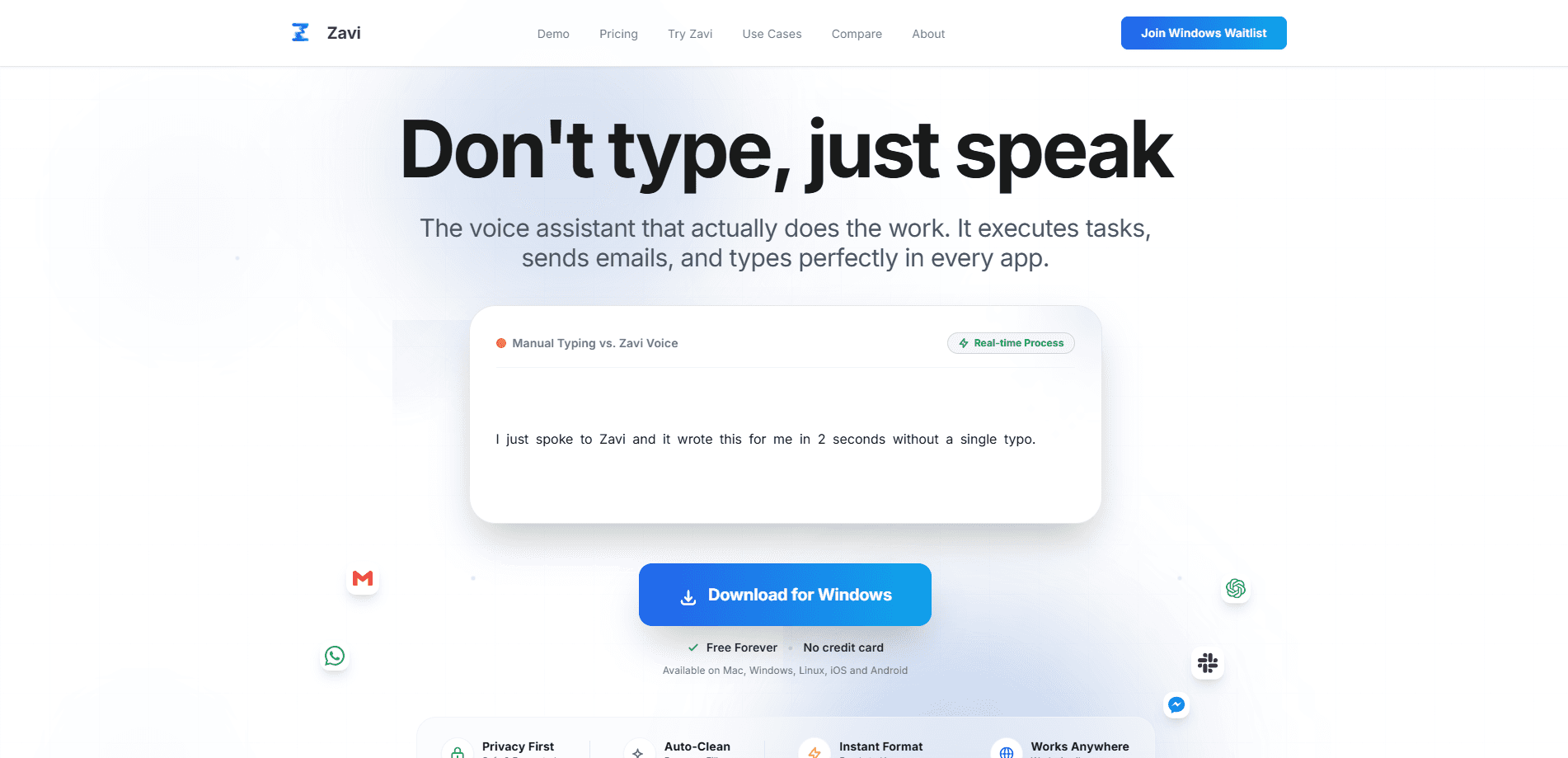
About Zavi AI Voice Typing Keyboard
What Is Zavi AI Voice Typing Keyboard
Zavi AI Voice Typing Keyboard is a voice-first typing layer for people who think faster than they can type. Instead of recording a note and cleaning it up later, you speak into the text field you're working in. What comes back is polished writing. The core promise is simple. Your thumbs aren't the bottleneck. Your voice is.
The app handles the messy parts of speech. It removes "um," "uh," "like," and "you know." It corrects grammar and punctuation on the fly. It can also rewrite your words into a professional, casual, chat, or witty tone. There's a Magic Wand feature too. Highlight a paragraph, tell Zavi what you want changed, and it edits the text in place.
The main limit is that AI cleanup isn't free forever. The free plan caps you at 1,000 words per day, and once you pass it you drop back to basic voice typing without the polishing. If you write a lot, that ceiling arrives fast.
Getting Started
- Download Zavi from the Google Play Store, the App Store, or the desktop installer for macOS, Windows, or Linux.
- Grant microphone and keyboard permissions. On mobile, enable Zavi as your system keyboard so it works inside other apps.
- Hold the mic button and speak naturally in one of 100+ supported languages.
- Pick a tone or output language if you want the text restyled or translated before it lands.
- Release the button and review the cleaned-up text in place, then edit by voice with the Magic Wand if needed.
Product Information
A quick look at Zavi AI Voice Typing Keyboard's pricing, supported platforms, and performance.
Best for
The users, tasks, and scenarios where this tool fits best.
Users
- Busy professionals
- Students
- People with repetitive strain or mobility limits
- Non-native English speakers
Tasks
- Drafting messages and email
- Writing AI prompts
- Editing existing text
- Multilingual replies
Scenarios
- Replying to a stack of messages on your phone while walking
- Capturing meeting notes on a laptop without breaking eye contact with the call.
- Writing in noisy or distracted environments where typing accurately is hard.
Key features
System-Wide Voice Keyboard
Zavi works where your cursor is, on all five of its platforms. On Android and iOS it acts as a replacement keyboard, so it drops into WhatsApp, Gmail, Notion, or any other app without an extra window. On desktop it runs as an app that types into whatever field has focus, which means no switching back and forth or pasting between tools.
AI Cleanup for Filler and Grammar
Plain speech-to-text just transcribes. Zavi edits as it goes. It removes hesitation words, fixes subject-verb agreement, inserts commas and periods, and smooths run-on sentences while you speak. You can ramble a little and still get text that reads like you wrote it carefully. That's the difference between a chore and a habit.
Magic Wand In-Place Editing
The Magic Wand lets you edit text you've already produced, or pasted in, by voice instruction. Highlight a paragraph and say "make this more professional" or "translate to Japanese," and Zavi rewrites it where it stands. It's the closest thing to talking to a copy editor, and it works across apps rather than inside one editor.
Writing Tones and Formatting
Zavi ships with four tones: Professional, Casual, Chat, and Witty. You pick one before you speak. The output changes register accordingly. That's handy when you're switching between a client email and a message to a friend. It also auto-inserts contextually appropriate emojis when you want a lighter touch.
100+ Languages and Real-Time Translation
Zavi recognizes over 100 languages and detects the one you're speaking automatically, so you rarely have to pick it manually. Real-time translation goes a step further: you speak in one language and the text lands in another. That makes it useful for customer replies and cross-border work, not just personal typing.
Cross-Platform Coverage
Very few dictation tools cover Android, iOS, macOS, Windows, and Linux in one product. Zavi does. It keeps the same core behavior across all five. Write on a phone during the day and a laptop at night, and your habits carry over rather than resetting per device.
Privacy-First Handling
Zavi states that voice data is never stored or used to train models. Is that true? We couldn't independently verify it. For people dictating work email or client details, the claim matters more than raw accuracy numbers. Treat it as the company's stated policy rather than a proven guarantee.
Pros and cons
Pros
- Works in every app via a system-wide keyboard, so there's no switching or copy-pasting.
- Filler removal and grammar correction make dictated text genuinely send-ready.
- Covers five platforms, including Linux, which most competitors ignore.
- Free plan is usable for light writers, with Pro at $7.99/mo undercutting Wispr Flow and Dragon.
- Real-time translation lets you speak one language and write another.
Cons
- Free plan caps you at 1,000 words per day; heavy writers hit the limit quickly.
- Accuracy depends on your mic and accent, and there's no offline mode mentioned for the AI cleanup.
- No public API, so you can't wire Zavi's cleanup into your own tools.
- The privacy promise about voice data isn't independently audited.
Frequently asked questions
Yes. The free plan includes AI voice typing with filler removal, grammar correction, and 100+ language support, but it's limited to 1,000 words per day. Once you pass that, you keep basic voice typing without the AI cleanup until your usage resets the next day.
Related content
Explore related tools, skills, and articles for Zavi AI Voice Typing Keyboard.
Zavi AI Voice Typing Keyboard Alternatives

Foley
Hanamori Labs, LLC · Voice & Language · Productivity · AI AssistantFoley is a voice to-do list that turns a spoken sentence into a filed task, complete with project, date and time, then helps you plan the day around what is already there.

HireKey
HireKey · Voice & Language · Productivity · LeaningHireKey is an AI job search copilot built by a former tech recruiter. It checks role fit, tailors resumes, runs interview practice and tracks every application.

Fluence
Yay Software (Yannick Huchard) · Writing · Voice & Language · ProductivityFluence is an Android app that reads PDFs, EPUBs, Word files and web articles aloud, follows each sentence as it speaks, and answers questions about the text on the phone itself.