

Zen AI Generator
SWOT Solutions · Other
Zen AI Generator is a web app that combines an AI text generator, image maker, voiceover studio and code assistant in one dashboard, with 70+ templates and plans from $10/mo.
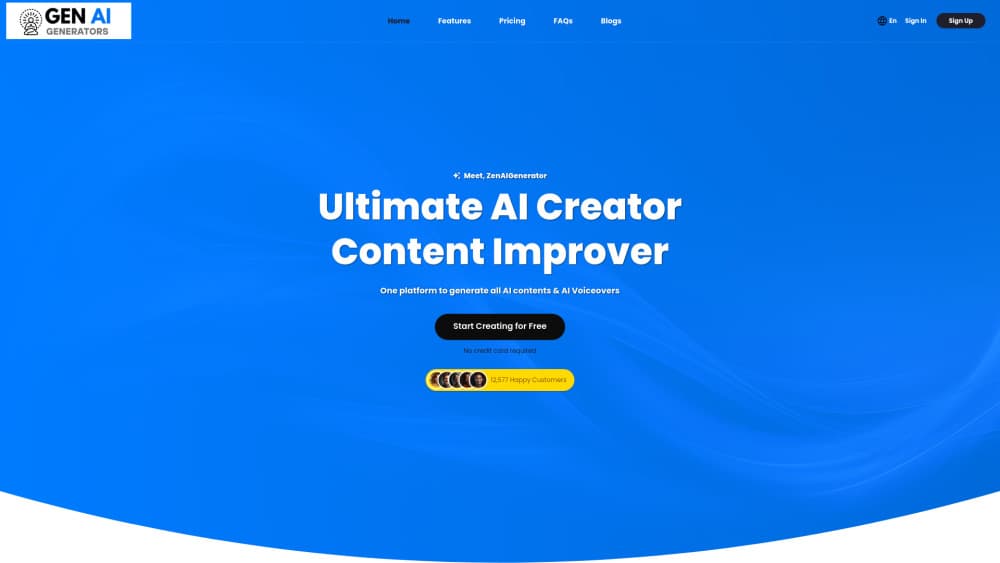
About Zen AI Generator
What Is Zen AI Generator
Zen AI Generator is a browser-based AI content generator from SWOT Solutions, an India-based tech company that runs the product as one of its divisions. It pitches itself as an all-in-one AI platform for writing, images, voice and code, with one login replacing three or four separate subscriptions.
Most of the work happens inside a template library, the part of the AI writing tool that most users touch first. You pick a task such as a blog intro, ad headline or product description, answer a short brief, and the tool returns a draft you can edit on the spot. An open chat window sits next to the templates for jobs that don't fit a form.
Pricing runs on monthly allowances instead of per-seat fees. The Starter plan lists 10,000 words, 10 images and 30 voice characters a month for $10; the top plan raises that to 50,000 words, 50 images and 10,000 characters for $49. There's no public API, which matters if you want to connect generation to your own software.
Getting Started
- Sign up at zenaigenerator.com with an email address. The free account needs no card.
- Choose a template from the library, or open the chat box and describe the job in plain language.
- Fill in the brief: subject, tone, language and length for text, or a prompt and style for images.
- Generate the draft, edit it in the built-in editor, then copy or download the output.
Product Information
A quick look at Zen AI Generator's pricing, supported platforms, and performance.
Best for
The users, tasks, and scenarios where this tool fits best.
Users
- Solo bloggers and content marketers
- Small marketing teams
- Social media managers
- Beginner programmers
Tasks
- Drafting a blog post from a title and outline
- Writing ad copy variants
- Turning a script into a voiceover
- Transcribing interviews
Scenarios
- Running a small campaign with no design budget
- Clearing a content backlog
- Publishing in several languages
Key features
70+ Writing Templates
The template library sorts tools by job: ads, blog posts, general content, email, website copy and more. Each one asks for a short brief and returns a draft. Custom templates let you save a repeated format, which helps if your team writes the same kind of page every week.
AI Chat Assistant
A chat window handles requests that don't fit a template, from brainstorming to rewriting a paragraph you paste in. The assistant keeps the conversation in context, so you can refine an answer over several turns instead of starting again.
AI Image Generator
The image tool turns a text prompt into artwork or stock-style visuals. It's the lightest part of the package: plans allow 10 to 50 images a month, so it works for blog headers and social posts rather than a full design workflow.
AI Voiceover Studio
This is the deepest tool in the set. You get 540+ neural voices across 144+ languages and dialects, can mix up to 20 voices in one file, and can adjust delivery with SSML tags and tone settings. Character allowances vary a lot by plan, from 30 to 10,000 a month.
Speech to Text Transcription
Upload an audio file and the tool returns a written transcript. It accepts several formats and can translate non-English audio into English, which covers interview notes and meeting recordings.
AI Code Generator
Describe what the code should do and the tool writes a snippet in Python, JavaScript, PHP, Flutter, Ruby and other languages. It suits small utilities and learning exercises.
Team Workspace and Custom Templates
Paid plans add team seats, 2FA and a shared template library. Custom templates are trained on your own examples, which keeps output closer to your house style than a generic prompt does.
Pros and cons
Pros
- One subscription covers text, images, voiceover and code, which removes several smaller bills.
- The free account needs no credit card, so you can test output quality before paying.
- Plan allowances are published in words, images and voice characters, which makes cost easy to estimate.
- The voiceover studio goes further than most rivals at this price, with 540+ voices, SSML and multi-voice mixing.
- Paid plans include team seats, 2FA and 24/7 support.
Cons
- Image and voice quotas are small on the entry plan: 10 images and 30 voice characters a month run out fast.
- There's no public API, so developers can't call the models from their own apps.
- Templates produce generic drafts when the brief is thin, and every output needs an editing pass.
- The newest blog post on the site dates from August 2024, so public signs of active development are sparse.
Frequently asked questions
It writes text, makes images, produces voiceovers, transcribes audio and generates code from prompts. Most users come for the writing templates and stay for the image and voice tools.
Related content
Explore related tools, skills, and articles for Zen AI Generator.
Zen AI Generator Alternatives

Odyssey 3
Odyssey · OtherOdyssey-3 is Odyssey's foundation world model. It simulates physics in real time, turns a prompt into an interactive environment, and adapts to robots, cars and games.

JarvisCore
Prescott Data · Coding · Productivity · OtherJarvisCore is an open source Python runtime where AI agents work as equal peers on an agent mesh, claim tasks from a shared ledger, and reach external services through a zero-trust broker.
Clef
Cloudflare · Business · OtherClef is Cloudflare's open-source decision model for Workers AI. It returns calibrated probabilities for typed questions, not generated text, so agents can classify, route, and act fast.