

ZenCtrl
Fotographer AI, Inc. · Other
ZenCtrl is an open-source AI image toolkit from Fotographer AI that regenerates a single subject image from any angle or scene without extra training.
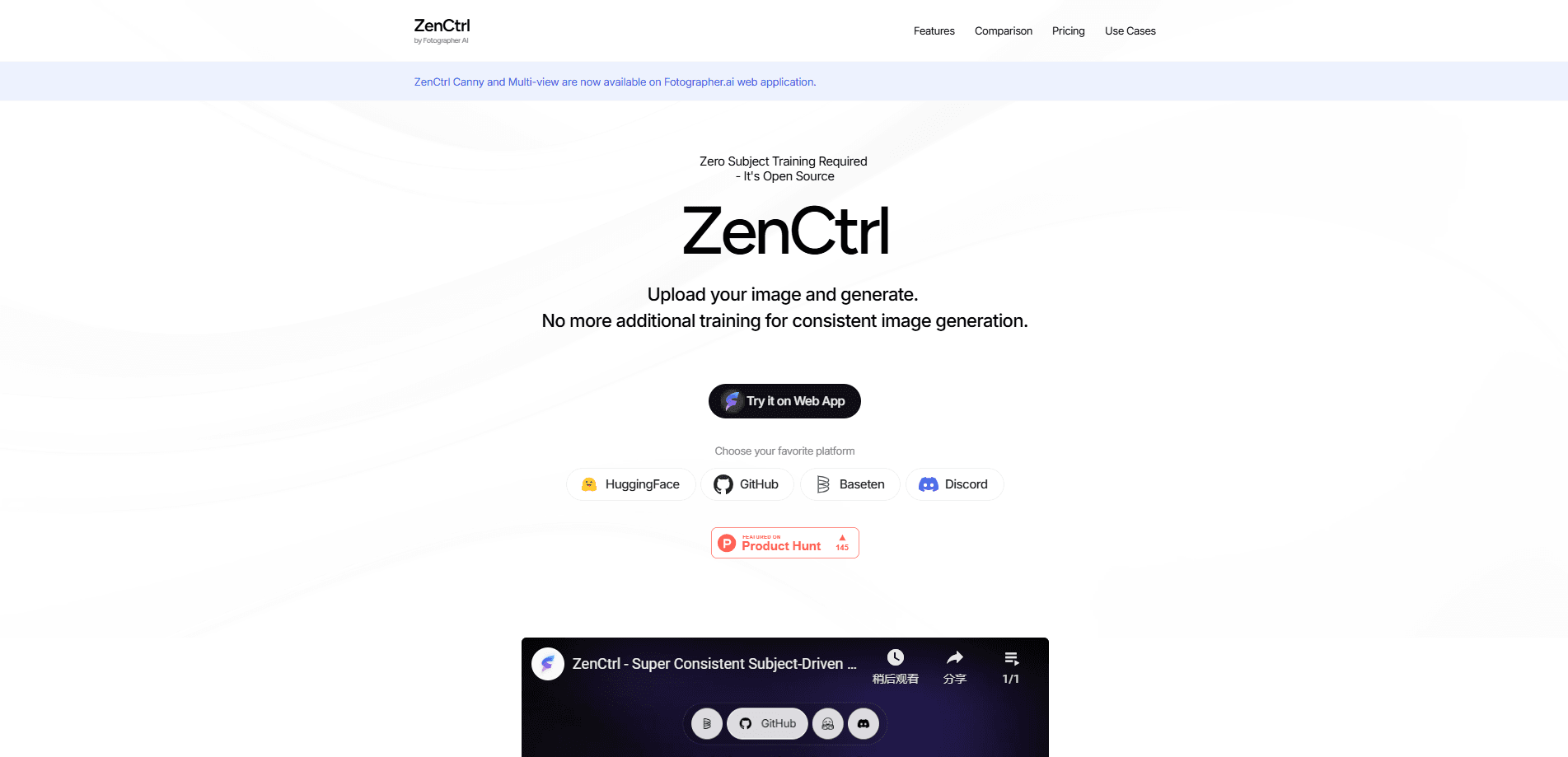
About ZenCtrl
What Is ZenCtrl
ZenCtrl is a control framework for AI image generation and an AI image generation toolkit built by Fotographer AI, Inc. It takes one reference photo of a subject and produces new images of that same subject from fresh angles, backgrounds, and lighting conditions. The core promise is subject-driven image generation that stays consistent: the thing you uploaded still looks like the thing in the output, even after the scene around it changes.
Most image models struggle with this. Keeping a product, a person, or a character looking the same across dozens of shots usually means collecting a big training set and running a fine-tuning job. ZenCtrl skips that step. It builds on OminiControl and adds finer control over shape, pose, and camera view, so you can drive the result with a prompt plus a handful of structural guides.
The toolkit runs two ways. The open-source side lives on GitHub and Hugging Face under an Apache 2.0 license, and you download the weights and run them locally. The managed side lives in the Fotographer AI web app and API, where extra modules like Canny edge control, inpainting, and multi-view generation are switched on. That split matters: the free path is powerful but expects some setup, while the paid path trades money for convenience.
Getting Started
- Decide which path you want. Grab the code and weights from GitHub and Hugging Face for local use, or sign up on the Fotographer AI dashboard for the hosted app and API.
- If you run it locally, clone the repo, install PyTorch with CUDA support, then install the requirements and download the model weights.
- Launch the bundled Gradio interface, or wire the model into your own pipeline through the Python code.
- Upload one clear image of your subject and write a prompt that describes the new scene, angle, or background you want.
- Add optional controls such as Canny edges, depth, or pose, generate the result, and refine the prompt until the subject and setting line up.
Product Information
A quick look at ZenCtrl's pricing, supported platforms, and performance.
Best for
The users, tasks, and scenarios where this tool fits best.
Users
- Product photographers and e-commerce sellers
- Marketing and advertising teams
- Indie developers and AI hobbyists
- Digital artists doing character work
Tasks
- Multi-view product shots
- Background and scene swapping
- Virtual try-on
- Inpainting and removal
- Pose and depth control
Scenarios
- Refreshing an old product catalog
- Running lean on photo budgets
- Prototyping ad concepts
Key features
Zero-training subject consistency
The headline feature is consistent image generation: ZenCtrl holds a subject steady across new images without any fine-tuning. You supply one image, not a dataset, which removes the data-collection and training time that other consistency methods demand. For anyone who has waited on a LoRA to finish training, this is the part that changes the workflow most.
Multi-view generation
Multi-view image generation lets ZenCtrl regenerate a subject from different camera angles and viewpoints. Product listings and fashion previews benefit most, since a single reference suddenly yields a full spread of views. The web app turns this on directly, and the project notes the model works best with objects and, to a lesser degree, people.
Shape, pose, and camera control
Beyond a text prompt, you can guide output with structural signals: Canny edges, HED and Scribble outlines, depth maps, OpenPose and DensePose skeletons, plus mask and camera control. Stacking these gives far tighter results than a prompt alone. This layered approach is where ZenCtrl separates itself from plain text-to-image tools.
Background swapping and controlled generation
The toolkit separates a subject from its surroundings and builds a new background around it, either freely or under structural control. That covers seasonal campaign swaps, virtual staging, and mood changes without a reshoot. A dedicated background-plus-Canny model handles the controlled case.
Editing and post-processing modules
ZenCtrl bundles a wide set of cleanup tools: background removal, matting, reshaping, segmentation, inpainting for removal and replacement, outpainting, relighting, deblurring, and color fixing. Because these share the same model family, you can chain several edits in one pass instead of hopping between tools and losing the subject's identity along the way.
Open-source weights and API access
The open-source image model weights ship under an Apache 2.0 license, available on Hugging Face, so developers can run, modify, and embed them for free. When you'd rather not manage GPUs, the same capabilities are reachable through the Fotographer AI web app, the API dashboard, and the Baseten deployment. You pick the trade-off between cost and convenience on your own terms.
Pros and cons
Pros
- No fine-tuning required, so one reference image replaces a full training set and the wait that comes with it.
- Layered controls for shape, pose, depth, and camera give precision that a text prompt alone can't reach.
- Open-source weights under Apache 2.0 let developers run it locally, modify it, and embed it in their own products.
- A broad module set covers generation plus cleanup, cutting the number of separate tools in a typical workflow.
- Same capabilities are reachable through a hosted web app and API, so you can skip the GPU setup entirely.
Cons
- The open-source path expects real setup work, and running it locally means a capable GPU and comfort with Python.
- Output is capped at 1024x1024 for now, which is tight if you need large prints or high-resolution assets.
- Results are strongest with objects and weaker with stylized illustrations, so artists working in illustrated styles may hit quality limits.
- Multi-view, Canny, and inpainting controls are only available through the paid app and API, not the free weights.
Frequently asked questions
ZenCtrl generates new images of a subject you already have, keeping it consistent while changing its angle, background, or lighting. You start with one reference image and end up with fresh views of the same thing without training a custom model.
Related content
Explore related tools, skills, and articles for ZenCtrl.
ZenCtrl Alternatives

Odyssey 3
Odyssey · OtherOdyssey-3 is Odyssey's foundation world model. It simulates physics in real time, turns a prompt into an interactive environment, and adapts to robots, cars and games.

JarvisCore
Prescott Data · Coding · Productivity · OtherJarvisCore is an open source Python runtime where AI agents work as equal peers on an agent mesh, claim tasks from a shared ledger, and reach external services through a zero-trust broker.
Clef
Cloudflare · Business · OtherClef is Cloudflare's open-source decision model for Workers AI. It returns calibrated probabilities for typed questions, not generated text, so agents can classify, route, and act fast.