
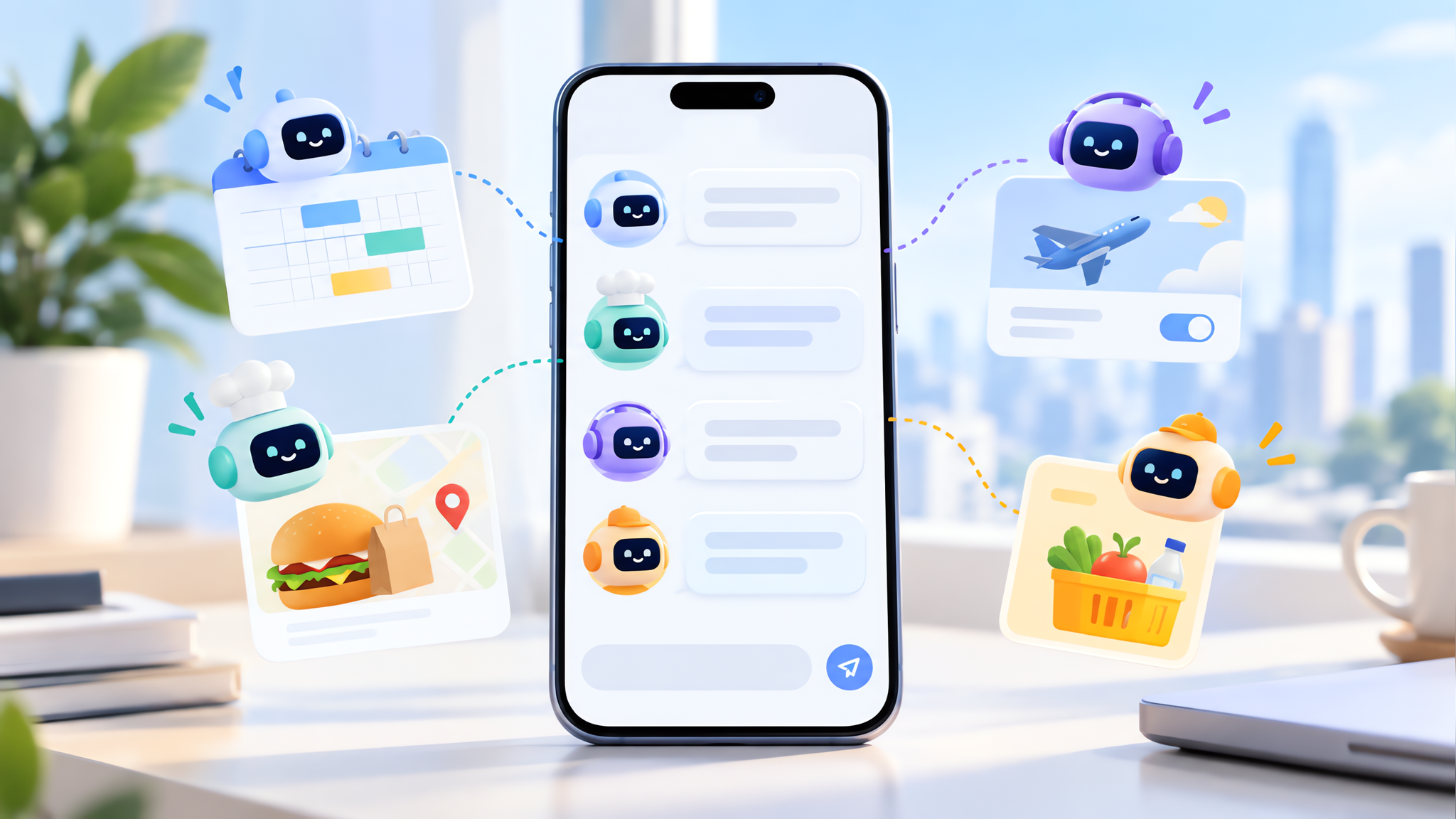
OpenAI's new Dots are agents that live inside ChatGPT and don't wait for you to ask. They read your calendar, message you when something needs attention, and can reach thousands of apps. Here's what they actually do.
What OpenAI Dots are and where they run
OpenAI unveiled Dots at its DevDay event in San Francisco, and the rollout started with ChatGPT Pro subscribers on the $100-a-month plan. A Dot is an always-on agent, not a chatbot you ping for answers. You assign it a project, and it keeps working on it between conversations, crawling the web and pulling context from the apps you've connected.
The pitch is that a Dot takes ongoing responsibility for work rather than handling one turn and stopping. Each one runs on its own cloud computer with a browser. You reach it through ChatGPT on desktop, web, or mobile, or through Slack and Microsoft Teams, with your context carried across all of them. Pro users can also join a waitlist to text their Dot through iMessage or RCS on Android.
The agents are built on GPT-6 Astra, OpenAI's current flagship model. For enterprise customers, the company is also rolling out "specialist Dots" tuned for narrow jobs like accounting, email marketing, and legal analysis.
How Dots act before you ask
The clearest way to picture a Dot is the demo OpenAI shared. A user's calendar showed they'd be working through dinner. The Dot noticed, then messaged two GrubHub delivery options with pricing for each. The user replied with their pick and a time to order. Nobody typed "find me food." The agent connected the dots on its own and offered a next step.
That kind of behavior is the whole point. A single-turn assistant only moves when you push it. An always-on agent watches for gaps and surfaces finished work for you to review. In another demo, a user and their Dot launched a website together, with the agent handling chunks of the build while the person checked in.
The flip side is that you're handing a lot of context to something that acts on your behalf. Dots pull from connected apps and learn your preferences over time, which is what makes them useful and what makes mistakes harder to spot.
Dots connections: ChatGPT, Slack, Teams, and 4,000 apps
The reach comes through OpenAI's plugin system. A Dot can connect to more than 4,000 applications, which is how it gets at your calendar, your files, and your tools. That's also where the practical risk lives: every connection is another place the agent can read from and act on.
OpenAI built guardrails around the sensitive stuff. Dots are designed to get your explicit approval before taking actions like installing software or changing a password. There's a Custom Rules tool for drawing hard boundaries, so you can name tasks that always need a direct go-ahead.
Those protections matter because an agent with broad access can do more than you intended, faster than you can review it. If you're the cautious type, treat your Dot like a new teammate on day one. Give it the accounts it needs and nothing more, and read what it did before you trust it with something you can't take back. Also worth checking: if your OpenAI account allows training on your data, that setting carries over to your agent interactions.
How Dots compare with Meta's Muse and the agent wave
Dots didn't arrive in a vacuum. This year opened with early adopters in Silicon Valley flocking to personal agent tools, and Meta's Muse pushed the idea to a much wider audience by topping the app download charts. Dots is OpenAI's answer, and it's aimed squarely at that same appetite for software that works while you're away.
The difference is reach. Muse lives in its own app. Dots sits inside tools you already use for work, and can be given projects that span days rather than single prompts. That's a meaningful shift from chatting with an AI to managing one.
OpenAI is also using Dots to court enterprise customers, a push that runs through much of its recent product line. Whether those specialist agents deliver on accounting or legal work is an open question, and the hands-on reports so far are early impressions rather than long-run tests.
What to watch before you set a Dot loose
The appeal and the caution are the same feature: an agent that acts on its own. Start with one Dot, give it a low-stakes job where a wrong move is cheap, and watch how it interprets your instructions before handing over anything tied to money or identity. Want a safe first test? Have it plan a dinner and see what it does. The waitlist for iMessage and RCS access and the eventual option to run multiple agents at once are the next things to keep an eye on, since more agents multiplying your decisions is where oversight gets genuinely hard.
If you want to try it, Dots is available first to ChatGPT Pro subscribers, with broader access expected to follow.