

2-b.ai
2-b.ai · Productivity
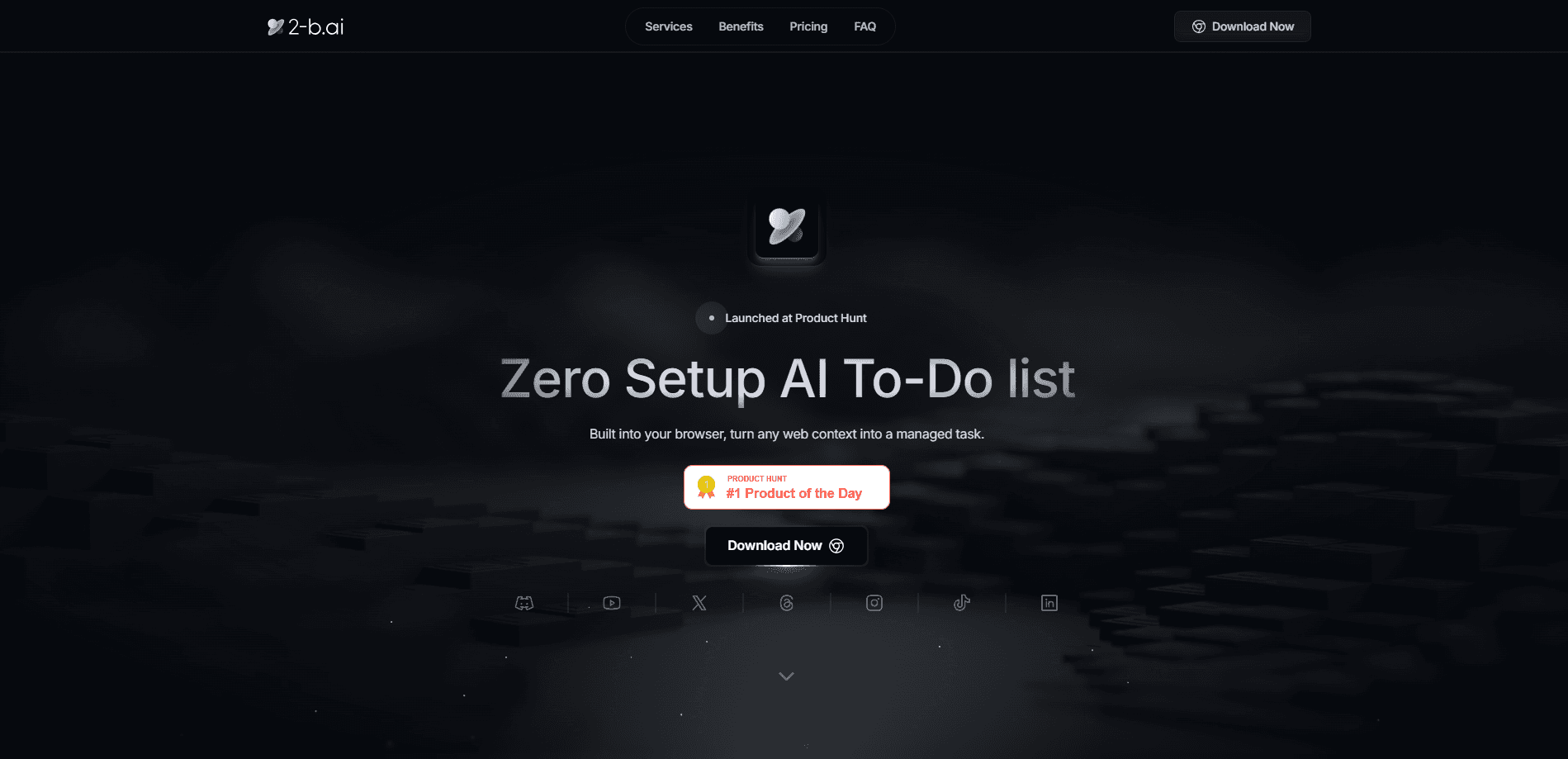
2-b.ai is a browser-based AI to-do list manager that turns the page you're already looking at into a task. Instead of opening a separate app and retyping what you see, you drag a link, a snippet, or a chunk of text into the task manager extension and it becomes a managed to-do. It runs as a Chrome extension on top of sites like Gmail, Google Docs, and Notion, so there's no dashboard to set up and no account to build before you start. The pitch is simple. Capture what matters the moment you notice it. Then let AI break it down.
About 2-b.ai
What Is 2-b.ai
2-b.ai is a to-do list that lives inside your browser instead of standing next to it. The product calls itself a "zero setup AI to-do list," and that's the honest description: you install a Chrome extension, and from then on any web context you highlight can become a task with a single drag. There's no import wizard, no onboarding form, and no second window to keep open.
The problem it targets is real. Most tasks get lost between noticing them and writing them down. That gap is small and constant. A zero setup task app closes it by design. You're reading an email and you owe someone a reply. You're in a doc and there's a follow-up buried in paragraph six. 2-b.ai closes that gap by making capture part of the page itself. Link a task to Google Calendar and it joins your schedule; ask the built-in AI Chat to reword, split, or organize a task and it does that too.
The catch is scope. Because it ships as a Chrome extension, it can't reach the Google main search page or anything inside a desktop app, and some sites block extension access entirely. That's a browser limitation, not a bug. Not ideal, but it's honest about it. A desktop app is on the roadmap but not out yet. If your work lives entirely in native apps, this isn't the tool for you yet.
Getting Started
- Install the 2-b.ai extension from the Chrome Web Store, then pin it to your toolbar.
- Create an account and confirm the light free plan is active (it allows 50 AI calls before you upgrade).
- Open any web page and drag the text, link, or snippet you want to remember into the extension panel.
- Use AI Chat to reword the task, split it into steps, or link it to another task.
- Connect Google Calendar if you want tasks to show alongside your schedule, then close the tab and move on.
Product Information
A quick look at 2-b.ai's pricing, supported platforms, and performance.
Best for
The users, tasks, and scenarios where this tool fits best.
Users
- People who live in the browser
- Note-takers who lose their notes
- Light task managers
Tasks
- Saving an email reply you owe someone before the thread scrolls away.
- Turning a line in a document into a follow-up task without leaving the page.
- Letting AI Chat split a vague item like "plan the trip" into smaller steps.
Scenarios
- Working through a long doc and flagging pieces you need to act on later.
- Triaging an inbox where half the messages hide a request.
- Planning a day where tasks and calendar events should sit together.
Key features
One-Drag Task Capture
The core move is a drag. Highlight anything on a page and pull it into the extension, and 2-b.ai stores it as a task with the source link attached. The company describes it as compatible with most browsers, with the extension turning your context into a to-do in a single gesture. That beats copy, switch tab, paste, and save by a wide margin, which is the whole reason people stick with it.
AI Task Breakdown
Basic AI models can reword a task or split one item into a set of smaller steps. It helps when you've written something broad and need to see what it actually involves. The free plan caps this at 50 calls, and Pro lifts the cap on the basic model and adds access to advanced models. Smarter breakdown and reasoning are listed as coming soon rather than shipping today.
AI Chat for Task Management
AI Chat is the control surface. Through it you can create, delete, and refine tasks, link one task to another, and reorganize how they sit in your list. You don't need a separate GPT or OpenAI account, since the AI features are bundled into the product. It's handy for cleaning up a messy backlog without clicking through menus. Why bother with menus at all?
Google Calendar Sync
You can link tasks to Google Calendar so your to-dos and your schedule line up in one view. Importing your Google Calendar schedule is part of the Pro tier. The company says more integrations are coming as the tool expands, so calendar support is the start rather than the ceiling. For now, calendar is the main outside connection.
Privacy-Oriented AI
The AI runs on models the company says follow EU AI regulations, with what it describes as verified copyright protection. That matters if you're feeding work content into an assistant and would rather not wonder where it ends up. It won't satisfy someone who needs a full data-handling audit, but the stance is stated up front.
Pros and cons
Pros
- Works inside the page you're already on, so capture takes one drag instead of a tab switch.
- No setup beyond installing the extension and confirming an account.
- No separate GPT or OpenAI account needed for the AI features.
- Free tier covers basic use, with a 50-call cap on the basic model.
- Google Calendar sync keeps tasks and events in the same view.
Cons
- Limited to a Chrome extension, so the Google main search page and desktop apps don't work.
- Some sites block extension access, which means capture can fail without warning.
- The free plan's 50 AI calls run out fast if you rely on breakdown and chat daily.
Frequently asked questions
Yes, there's a free plan, but it's limited. You get basic access to the AI model capped at 50 calls. Unlimited AI task creation, unlimited breakdown, calendar import, and advanced models sit behind the Pro plan, which is priced at $5.99 per month for founding members (listed at $10.99 normally).
Related content
Explore related tools, skills, and articles for 2-b.ai.
2-b.ai Alternatives

Base Code
Base44 (Wix) · Coding · ProductivityBase Code is a shared cloud development environment from Base44. Teammates describe changes to an existing GitHub codebase in chat, preview them live and send them back as pull requests.

Knocket
Knocket (Tencent RTC team) · Productivity · Business · ChatbotKnocket is a free live chat and contact page tool that lets visitors message you from your website, app, or a shareable link, with every reply handled from Telegram or one inbox.

FloorGen
Vinit Kumar (FloorGen) · Productivity · China AIFloorGen is a browser-based floor plan maker that turns a sentence or a sketch into an editable 2D plan and a 3D walkthrough. Export to PDF, DXF or video, and draw without an account.