

3Flow AI
3Flow AI · Image
3Flow AI is a browser-based design workspace built for furniture and home brands. It works as a furniture design tool and a 3D model generator in one window. Type a prompt and it returns realistic AI rendering of your product. Upload one photo and it builds a web-ready mesh. The pitch is simple. You get the visuals a studio shoot would produce, without booking the studio.
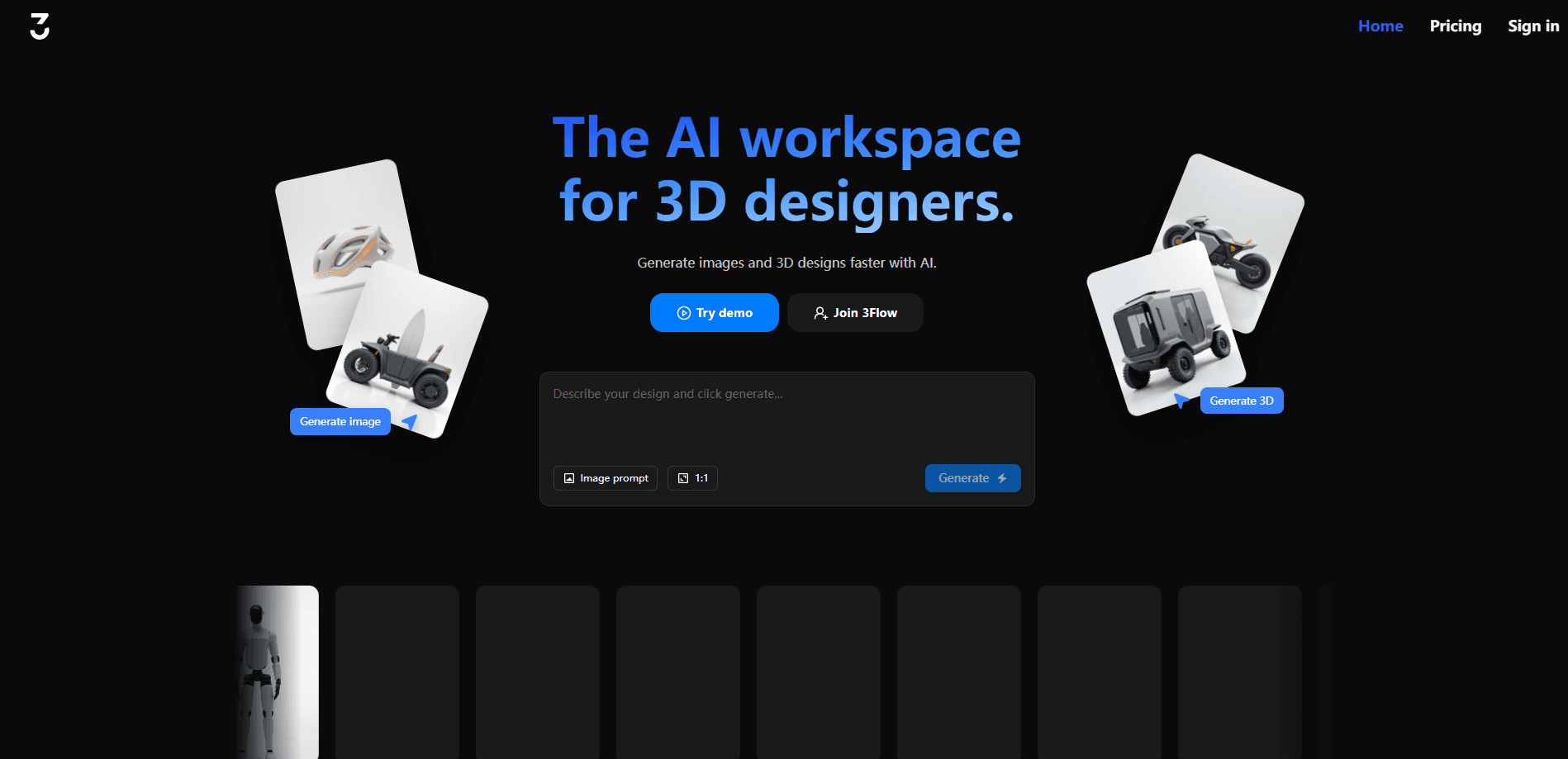
About 3Flow AI
What Is 3Flow AI
3Flow AI is an online workspace, not an install. You open it in a browser, describe what you want, and it generates product images or 3D assets in seconds. There's nothing to render on your own machine, and you don't need modeling software.
It's aimed at people selling physical products: furniture makers, interior brands, and small design teams. The workflow covers three jobs in one place, and the logic is that a single product deserves a steady stream of visuals across ads, listings, and social posts without a fresh photo shoot for every campaign. You create images, edit them, then push the same product into an interactive 3D view customers can rotate.
The catch is scope. It's tuned for furniture and home goods, so the results look best when your product fits that world. Credit limits also cap how much you can generate each month, and 3D meshing uses more credits than plain images.
Getting Started
- Sign up with an email or a Google account at 3flow-ai.com, then confirm your address.
- Pick a plan. Basic starts at €5/month, and the Designer tier unlocks commercial use.
- Open the Image workspace, type a prompt or drop in a product photo, then click generate.
- Refine the result with variations or background swaps until it matches your brand.
- Switch to the 3D workspace to turn an approved image into a rotatable model for your site.
Product Information
A quick look at 3Flow AI's pricing, supported platforms, and performance.
Best for
The users, tasks, and scenarios where this tool fits best.
Users
- Furniture and home brand owners
- Interior designers
- Small e-commerce teams
Tasks
- Generating product listing images
- Creating image variations
- Converting photos to 3D models
- Replacing backgrounds
Scenarios
- Launching a new furniture line
- Refreshing social media
- Building a 3D product page
- Testing a design before production
Key features
Prompt-to-Image Generation
You describe a product or scene in plain language, and 3Flow AI generates realistic images. It acts as a product image generator for a bare product shot or a styled room. The same AI rendering covers catalog photos and lifestyle content. The output aims for the polished look of a studio render.
Image Variations
Once you have an image you like, the tool produces multiple versions in different contexts and styles. Home brands use this to test which setup resonates before committing budget to a campaign. It replaces the slow loop of briefing a photographer and waiting for edits.
Image Editing
You can swap backgrounds, change materials, and refine details without leaving the workspace. That means a single product photo can become a seasonal scene, a neutral listing shot, or a moodier ad visual. The editing step sits between generation and final export.
Image-to-3D Models
This is the part that separates 3Flow AI from a plain image generator. Upload a product photo and it builds a 3D model optimized for the web. No modeling skills needed. You can then embed a rotatable view on a product page so customers inspect the item from any angle. That's the whole point.
Brand-Focused Workflow
The whole workspace is organized around one product, one brand, many visuals. The aim is consistency across social media, ads, and your website. So what does that look like day to day? Instead of juggling separate tools for images and 3D, you generate everything in one place and keep the look steady.
Commercial Use Tiers
The Designer plan and above grant commercial use, so you can put generated images into ads and storefronts. Basic is limited to personal use. That split matters if you're running a business rather than experimenting.
Pros and cons
Pros
- Runs entirely in the browser, so there's no software to install or GPU to manage.
- Combines image generation and 3D modeling in one subscription instead of two tools.
- Credit-based plans scale from a €5 Basic tier up to custom enterprise pricing.
- The 3D meshing outputs are optimized for the web, which keeps product pages fast.
Cons
- There's no free plan, so you can't test the output quality before paying.
- It's built for furniture and home goods, which means it's a poor fit for other product categories.
- 3D meshing burns far more credits than image generation, so heavy 3D use drains a plan quickly.
- Several features, including prompt extraction from images and product visual variation, are still marked coming soon.
Frequently asked questions
It's an online workspace that generates product images and 3D models for furniture and home brands. Write a prompt or upload a photo. It returns finished visuals for listings, ads, and product pages.
Related content
Explore related tools, skills, and articles for 3Flow AI.
3Flow AI Alternatives

Google EmbeddingGemma 2
Google DeepMind · Writing · Image · CodingGoogle EmbeddingGemma 2 is a 740M-parameter open model that turns text, code, images, audio, and video frames into vectors in one 768-dimension space, running on phones and laptops.

Tractionwave
TractionWave · Image · MarketingTractionWave is an AI attention heatmap tool for static ads. Upload a PNG or JPG and it returns predicted attention, ranked hotspots, and fixes before you spend budget.

Imejis.io
Imejis.io · Image · MarketingImejis.io is an AI design studio for agents and marketing teams. Describe an image in plain words, and it writes the copy, builds the layout, reflows it to every size, then exports a finished file.