
AccountingSolverAI
Accounting Solver AI · Business
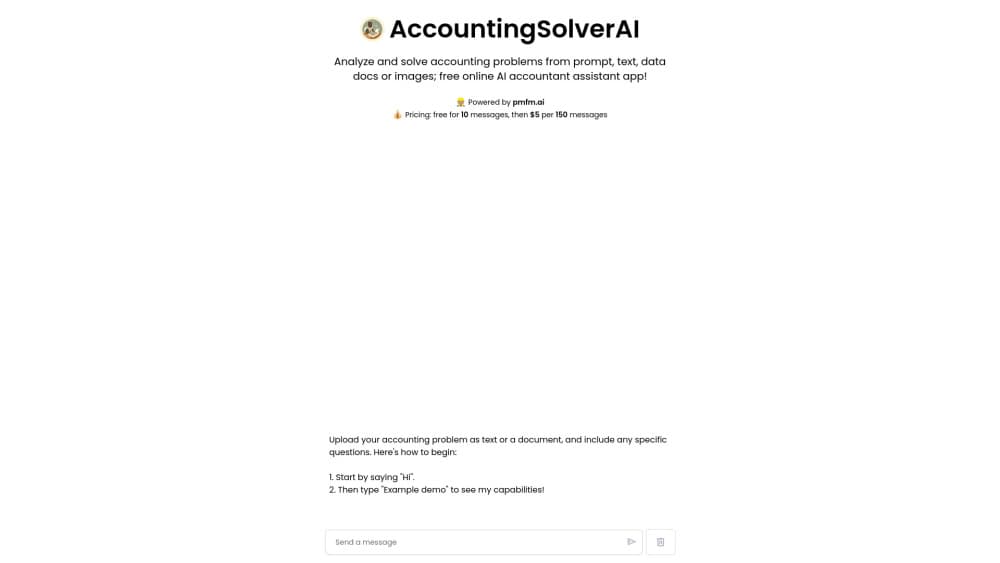
Accounting Solver AI is a web based AI accounting assistant that automates bookkeeping, builds financial reports such as income statements and balance sheets, and sorts expenses. It targets small businesses and people without an accounting background.
About AccountingSolverAI
What Is Accounting Solver AI
Accounting Solver AI is a web application that uses artificial intelligence to take over routine accounting chores. Instead of typing every entry into a spreadsheet, you feed it transactions, invoices or bank statements, and it categorizes expenses, prepares financial statements and points out where the numbers look off. The pitch is simple: fewer hours on data entry, fewer mistakes, and a clearer picture of how a business is doing.
The tool is aimed at the people who usually get stuck with the books, owners of small and midsize businesses, freelancers and staff who handle finances on the side. Its makers stress that no accounting background is needed, because the interface walks you through each step. AI bookkeeping tools like this one compete on how much of the repetitive work they absorb, and on how well they fit the software you already use.
Its strongest hook is integration. The platform connects to QuickBooks, Xero and FreshBooks, so it can sit on top of tools a business already pays for rather than forcing a switch. The main caveat is transparency. Accounting Solver AI does not publish a fixed price list or a public API, and details such as supported currencies and country specific tax rules are thin on the site. For a small business that wants help with the day to day books, that tradeoff may be fine. For a developer or a multinational, it is worth asking before you commit.
Getting Started
- Go to the Accounting Solver AI website and create an account for your business.
- Connect the tools you already use, such as QuickBooks, Xero or FreshBooks.
- Upload your transactions, invoices or bank statements so the AI can read them.
- Let the platform categorize expenses and generate reports, then review the flagged items.
- Set a routine, weekly or monthly, to check the numbers and export the statements you need.
Product Information
A quick look at AccountingSolverAI's pricing, supported platforms, and performance.
Best for
The users, tasks, and scenarios where this tool fits best.
Users
- Small business owners who handle their own books
- Freelancers and sole proprietors
- Finance staff at small and midsize firms
Tasks
- Categorizing expenses for tax season
- Producing monthly financial statements
- Spotting errors and odd entries
Scenarios
- A shop owner closing the month
- A founder preparing for an investor chat
- A one person business tracking cash
Key features
Automated Bookkeeping
This is the core of the product. You hand over transactions, invoices or bank statements and the platform handles the day to day entry work that would otherwise eat an afternoon. The value is in the routine, not the one off: recurring bills, regular invoices and repeat vendors get processed the same way every time.
Financial Report Generation
Accounting Solver AI acts as a financial report generator for the standard statements a small business needs, including income statements, balance sheets and cash flow statements. You generate them from the data you have loaded rather than building each one manually. The output is a starting point for review, not a signed off set of accounts.
Expense Categorization
Expenses get sorted into categories automatically, which makes tax preparation less of a scramble. Instead of tagging receipts one by one at the end of the year, the classification happens as data comes in, so the books stay closer to current.
Smart Financial Insights
Beyond the numbers, the platform surfaces observations about cash flow and profitability. These are directional signals meant to prompt a question, such as whether a cost is creeping up, rather than a formal management report. Treat them as a prompt to look closer.
Integrations With QuickBooks, Xero and FreshBooks
Rather than replacing the accounting software you already run, Accounting Solver AI connects to it. The platform lists QuickBooks, Xero and FreshBooks among its integrations, so a business can keep its familiar system and add AI on top. That matters if you have years of history in one of those tools.
Security and Compliance Claims
The vendor says it uses end to end encryption and secure data storage, and states compliance with GDPR and SOC 2. Those are the company's own claims, and financial data is sensitive, so it is reasonable to ask for the details behind them before you upload bank statements.
Pros and cons
Pros
- Automated bookkeeping handles the repetitive entry work, which is where most of the time goes for a small business.
- One click financial reports cover income statements, balance sheets and cash flow statements.
- Automatic expense categorization makes tax prep less painful.
- QuickBooks integration and Xero integration, plus FreshBooks, let you keep the accounting software you already use.
- Support is offered through email, chat and phone, plus a knowledge base and tutorial videos for self guided learning.
Cons
- The site does not publish a fixed price list, so you cannot compare costs without asking or starting a trial.
- Feature descriptions stay at a high level, so it is hard to judge depth, such as payroll or multi entity handling, before signing up.
- There is no public API listed, which limits how far a developer or a larger team can automate it.
- Guidance on supported currencies and country specific tax rules is limited, so cross border users should check before relying on it.
Frequently asked questions
It handles routine accounting tasks for a business. You load transactions, invoices or bank statements, and it categorizes expenses, generates financial statements and highlights issues in the books, so you spend less time on manual entry.
Related content
Explore related tools, skills, and articles for AccountingSolverAI.
AccountingSolverAI Alternatives
Liveplan
Palo Alto Software · BusinessLivePlan is business plan software that helps founders and small business owners turn an idea into a funder-ready plan. It combines AI-assisted writing, market research with cited sources, and connected financial forecasting so your income statement, cash flow, and balance sheet move together when you change one number. Over 1.5 million businesses have used it to plan, forecast, and track performance against real accounting data. That's a lot of founders. It's also a signal the tooling survived contact with real lenders.

Swms
Swms AI · Writing · Productivity · BusinessSwms is an AI safety compliance tool that turns a plain description of a job into ready-to-use safety documents. Describe your project, trade, and known hazards, and it writes a safe work method statement, job hazard analysis, safe work procedure, RAMS, or safety data sheet in seconds. It also ships with Oscar, a chat assistant that answers workplace safety questions in any language. Teams in construction, mining, transport, and warehousing use it to cut the paperwork that usually eats into a workday.

Rows
Rows (Superhuman) · Productivity · BusinessRows is an AI spreadsheet and data analysis tool that imports live data from more than 50 sources, then lets you work with it using plain language instead of SQL queries or nested formulas. You can pull numbers out of PDFs, connect ad platforms, databases, and bank accounts, and ask the AI to build reports, merge datasets, or set up models that recalculate themselves. It runs in the browser, works like a spreadsheet, and now sits under the Superhuman umbrella.