
Acti: Agentic Keyboard
Acti · Productivity
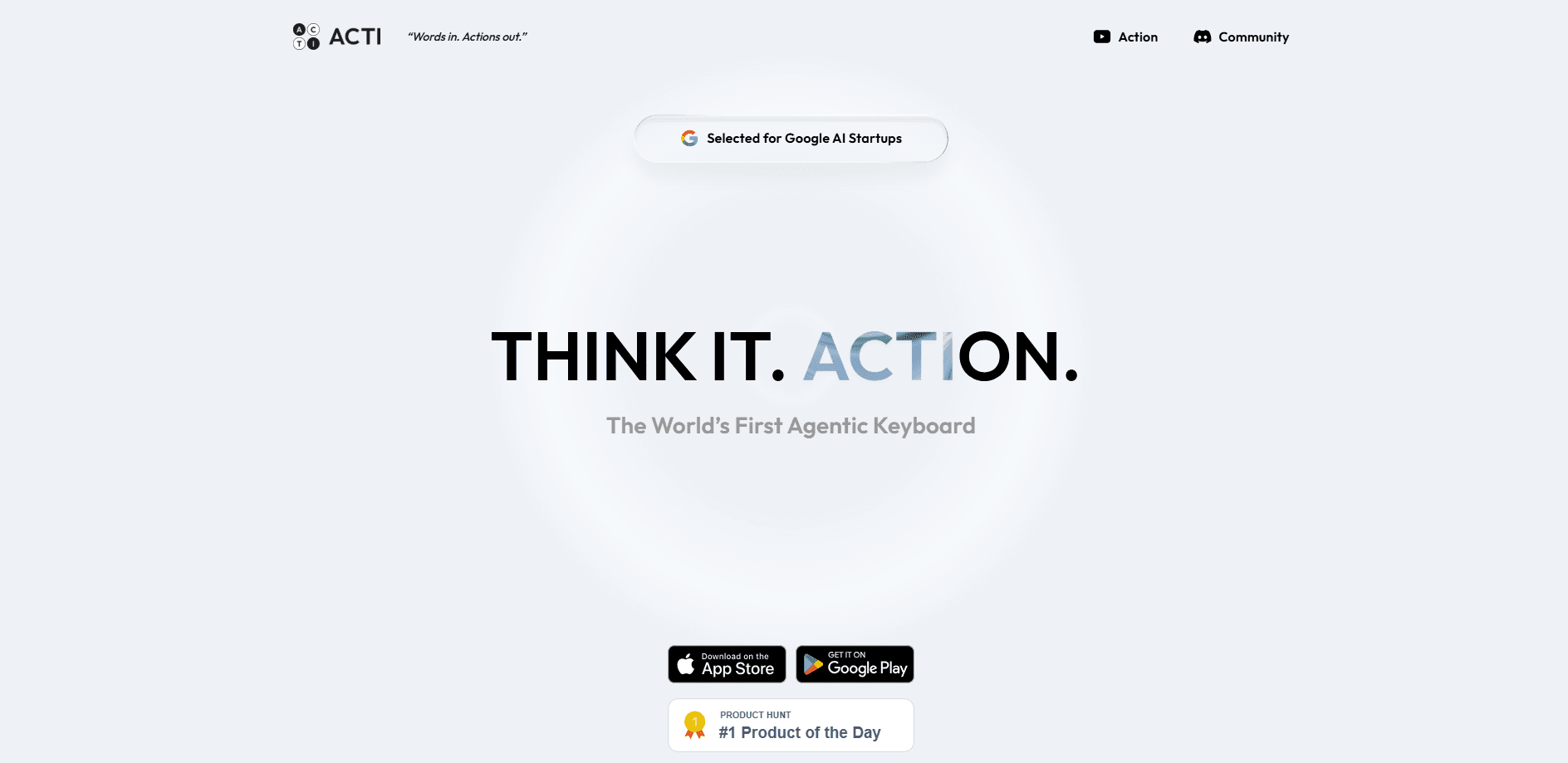
Acti is an agentic keyboard for iOS and Android that turns the text field you're already typing in into an action layer. Instead of predicting your next word, it runs the next action: long-press the Acti Bar and your typed intent becomes a booked restaurant search, a shared location link, or a dropped schedule. The keyboard ships with ready-made Skills and a builder for wiring your own apps and APIs together.
About Acti: Agentic Keyboard
What Is Acti
Acti is a third-party AI keyboard that sits on top of any app on your phone. The pitch is simple enough: the place where you express intent should also be where that intent gets executed. You type a request in Messages, email, or a social app, hold the Acti Bar, and Acti goes off and does the thing rather than just finishing your sentence.
That's a real shift from the usual autocorrect-and-prediction model. Most smartphone keyboards help you write. Acti wants to help you act. That means it has to reach outside the keyboard itself into calendars, maps, and other services. The company calls this a "unified command layer" for apps and APIs, and it's exactly why Acti sells itself as something much closer to a working assistant than a plain old typing tool.
The catch worth knowing up front is that the good stuff depends on Skills. A Skill is a small bundle that knows how to carry out one kind of task, and Acti ships with a set of them plus a builder for making your own. No Skill, no action. If a Skill doesn't exist for what you want, you either build it or you don't get that action. Acti handles the personal context it needs locally, but acting across apps still means handing off to whatever API sits behind them.
Getting Started
- Install Acti from the App Store or Google Play, then open the app and create your account.
- Enable Acti as a keyboard in your phone's settings, following the in-app setup steps for iOS or Android.
- Browse the Skill Hub and add the Skills you want, such as quick location sharing or schedule lookups.
- In any text field, type your intent and long-press the Acti Bar to fire the action.
- Build your own Skill in the Skill Builder if the built-in set doesn't cover what you need.
Product Information
A quick look at Acti: Agentic Keyboard's pricing, supported platforms, and performance.
Best for
The users, tasks, and scenarios where this tool fits best.
Users
- People who live in messaging apps
- Productivity tinkerers
Tasks
- Sharing a live location link instantly, without opening a maps app and copying a URL.
- Pulling schedules, recommendations, or quick facts and dropping them straight into a conversation.
- Turning a typed request into a multi-step action, like looking something up and then pasting the result.
Scenarios
- Replying to a friend who asks for a dinner suggestion while you're already typing in the chat.
- Coordinating plans in a group thread where you need to send a location and a time in one go.
- Handling repetitive outreach, where the same type of message goes out several times a day.
Key features
The Acti Bar
The Acti Bar replaces the familiar space bar with an action trigger, which is a small change on paper but a big one in daily use. Press it and you type like normal; hold it and Acti reads what you've written and starts working on it. That single gesture is the whole design, and it keeps the keyboard feeling ordinary until you actually want something done. No app switching, no copy-paste detour.
Skill Keys
Skills get their own keys on the keyboard, so a common action is one tap away. Think of them as shortcuts bound to a specific job, like a weather-based message or a location share. You choose which Skills earn a key. That keeps the layout from turning into a mess of buttons you'll never touch.
Skill Builder
For anything the built-in set misses, the Skill Builder lets you mash up APIs and applications into a custom Skill. The company frames this as extending the Acti library, and it's clearly aimed at people comfortable describing what they want in plain language rather than writing code. Precision still matters, so expect some trial and error on your first builds.
Skill Hub
The Skill Hub is where you find and install Skills other people have made. Handy ones surface quickly, and seeing what others built is the fastest way to understand what the keyboard can actually do beyond the demo. Popular creators have their Skills downloaded in the tens of thousands, which gives you a rough signal of what's worth trying.
Local-First Privacy
Acti keeps your personal context on-device instead of shipping it all to a server. That matters. A keyboard sees everything you type, and a keyboard that also acts on what you type sees even more. The local-first approach is the company's answer to the obvious privacy worry. Just know the limit: any action that calls an outside service still leaves the device.
Built for iOS and Android
Acti runs on both major mobile platforms, with the same core idea: the keyboard as the point where intent becomes action. iPhone and Android users get the Acti Bar, Skills, and the builder, which means the experience doesn't split by platform. You're downloading a keyboard, not a separate assistant app you have to remember to open each time you want it.
Pros and cons
Pros
- The Acti Bar gesture is genuinely clever. Press to type, hold to act. One keyboard doing two jobs without extra clutter.
- Skills make the keyboard extendable, and the Skill Hub means you're not stuck with only what shipped in the box.
- Local-first handling of your personal context is a sensible answer to the privacy question every keyboard faces.
- Available as an AI keyboard for iOS and Android, so the concept isn't locked to one phone.
- Free to start, with premium tiers planned rather than required.
Cons
- Skills are the bottleneck. If no Skill exists for your task, the keyboard can't fall back on improvising an answer for you the way a chatbot might.
- The Skill Builder assumes you're comfortable describing API behavior in enough detail that the pieces actually connect, which will lose casual users fast.
- Acting across apps means handing requests to outside services, so the local-first promise only stretches so far.
- It's a young product. Features and pricing are still moving, so anything you read today may shift within months.
Frequently asked questions
An agentic keyboard does more than help you type. Acti interprets what you've entered and carries out the action, like finding a place or sharing a link, instead of only suggesting the next word. What's the difference? The keyboard becomes the tool that gets the task done.
Related content
Explore related tools, skills, and articles for Acti: Agentic Keyboard.
Acti: Agentic Keyboard Alternatives

Base Code
Base44 (Wix) · Coding · ProductivityBase Code is a shared cloud development environment from Base44. Teammates describe changes to an existing GitHub codebase in chat, preview them live and send them back as pull requests.

Knocket
Knocket (Tencent RTC team) · Productivity · Business · ChatbotKnocket is a free live chat and contact page tool that lets visitors message you from your website, app, or a shareable link, with every reply handled from Telegram or one inbox.

FloorGen
Vinit Kumar (FloorGen) · Productivity · China AIFloorGen is a browser-based floor plan maker that turns a sentence or a sketch into an editable 2D plan and a 3D walkthrough. Export to PDF, DXF or video, and draw without an account.