

Adject
Adject · Image · Productivity
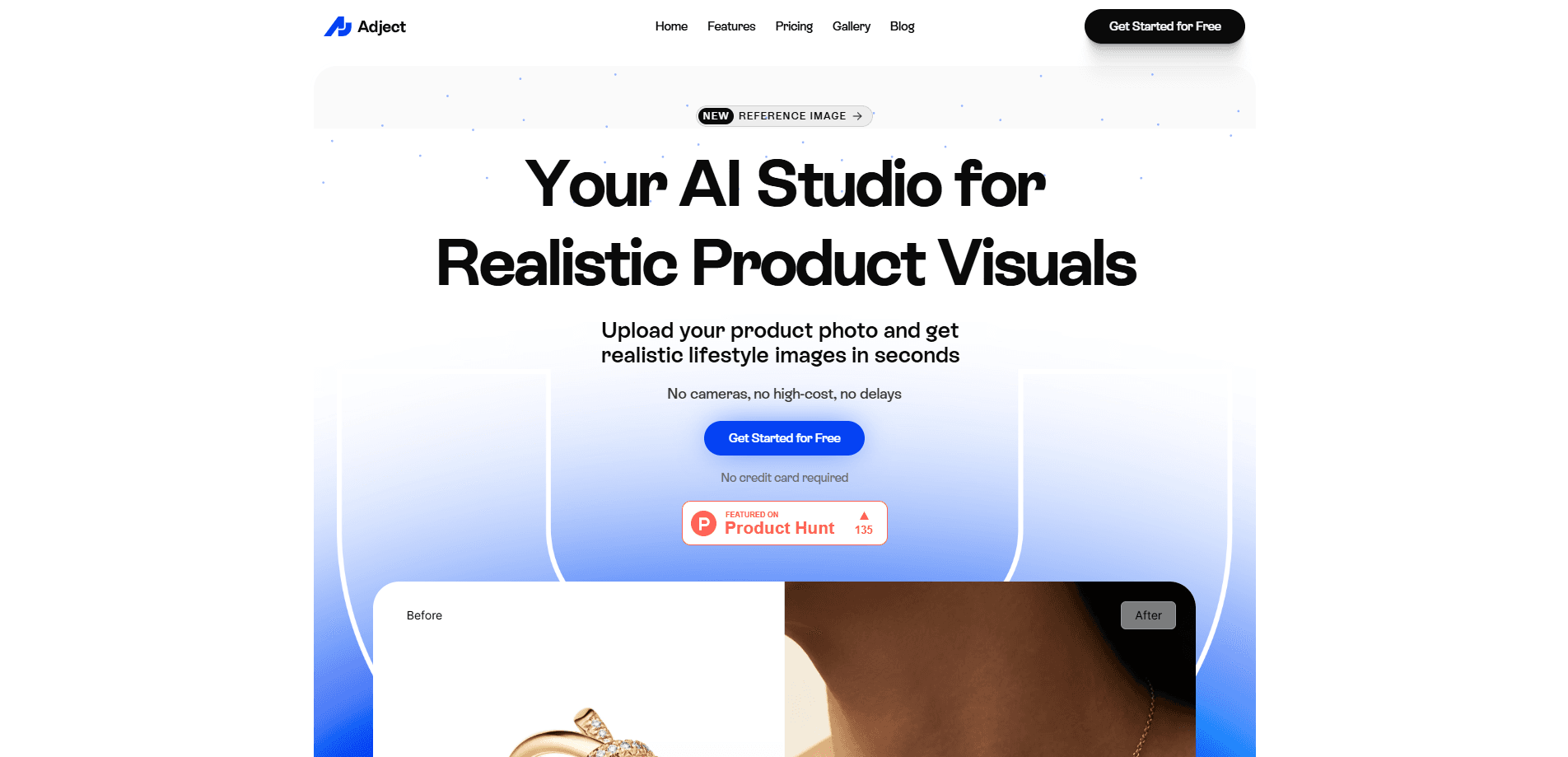
Adject is an AI product photo studio that turns plain product shots into polished, ad-ready lifestyle images and videos. E-commerce sellers upload a photo, pick a scene or template, and the platform generates campaign visuals in minutes instead of booking a studio, models, and a shipping schedule. It targets small brands and growing stores that need volume without the cost of traditional photoshoots. Think of it as an AI product photo generator built for sellers, not designers.
About Adject
What Is Adject
Adject is a web-based studio built around a single problem: producing good-looking product visuals costs too much time and money. Instead of renting a studio, hiring models, and shipping samples, you feed the platform a product photo and let it generate lifestyle scenes, backgrounds, and short video clips.
The tool sits somewhere between a background remover and a full AI image generator. It handles the basics like cutouts and scene swaps, but it also creates full campaign assets, so a single product can appear in multiple settings without a second shoot. That range is the point. Most sellers start with one backdrop and one hero image, then expand once they see how the output holds up next to a real photo.
The catch is that everything runs on credits. Each image or second of video burns a set number of them, so heavy users need to watch usage or move to a higher tier. Results also depend on how clean your source photo is, and a blurry input still produces a weak output.
Getting Started
- Sign up for a free account on the Adject site. You start with 12 credits and no credit card.
- Upload a clear product photo, ideally shot against a plain background with even lighting.
- Pick an image model and a template or scene, then adjust the prompt to match your brand look.
- Generate the image or video, review the variations, and download the ones you want to use.
- Upgrade to Basic or higher when you need a commercial license and more credits.
Product Information
A quick look at Adject's pricing, supported platforms, and performance.
Best for
The users, tasks, and scenarios where this tool fits best.
Users
- E-commerce sellers
- Small brand teams
- Agencies
Tasks
- Creating product lifestyle images
- Generating product video
- Keeping listings fresh
- Removing and replacing backgrounds
Scenarios
- A store preparing a seasonal sale needs dozens of banner images in a few days.
- A seller testing different backdrops wants to compare looks before committing to a shoot.
- A brand running paid ads needs multiple creative angles to test against each other.
- A marketplace listing needs clean, consistent shots across a whole product line.
Key features
AI Product Image Generation
Upload a product photo and Adject builds full lifestyle scenes around it, from styled interiors to outdoor settings. You choose from image models like Nano Banana 2 and GPT Image 2, and the higher-resolution options cost more credits per image. This is the core of the tool, and it's where most sellers spend their time. Adject leans on AI product photography to replace the studio entirely.
AI Product Video
Adject turns stills into short video clips using models such as Kling 3.0 and Seedance 2.0, with options for audio on or off. Video eats credits fast. Kling with audio can run 20 credits per second, so a five-second clip costs 100 credits. Is it worth it? For a paid social campaign where motion stops the scroll, sure. For a quick listing update, a still image does the job for a fraction of the cost.
Templates and Canvas
A built-in template library and canvas let you lay out assets without leaving the browser. The free tier gets a limited selection while paid plans open up full access. It saves a round trip to separate design software for simple layouts.
Background Removal and Scene Swap
The platform strips out a messy background and drops the product into a new scene, which means you don't need a clean studio backdrop to start. It's the first step that makes rough phone photos usable in a campaign image. A seller who shoots inventory on a kitchen table can still end up with a product sitting on a marble counter or against a sunlit wall, all without renting a single prop.
Credit-Based Usage
Every plan runs on credits, and each model has its own rate. A 1K image costs 8 credits, while a 4K image costs 18. You can estimate output before you commit: the Basic tier's 2,000 credits translate to roughly 250 to 500 images depending on resolution. No guessing. The math is upfront, and that makes planning a campaign budget a lot easier.
Multi-Brand Profiles
Pro and Ultra plans support multiple brand profiles, aimed at teams handling more than one product line. The feature is still rolling out, so check current availability before you build a workflow around it.
Commercial Licensing
Paid plans include a commercial license and remove watermarks, which matters if you're using the output in real ads. The free tier is fine for testing, but you can't ship its images without upgrading.
Pros and cons
Pros
- Cuts visual production cost sharply. The company claims savings up to 95.3% versus traditional shoots, and skipping studio time is the obvious draw.
- Fast turnaround. Images come back in minutes rather than the days or weeks a photoshoot needs, which matters when a promotion is already live and you still need fresh creative to feed the ad account.
- Combines images and video in one workspace, so you don't juggle separate tools.
- Commercial license and watermark removal on paid plans make output usable in ads.
- Free tier with 12 credits lets you test the workflow before paying.
Cons
- Credits burn quickly on video. Audio-enabled Kling clips run 20 credits per second, and free users only get 12 credits total.
- Output quality hinges on your source photo. A blurry or low-contrast input limits what the models can do, and no amount of prompt tweaking fully rescues a source image that was shot in bad light.
- Multi-brand profiles are listed as coming soon, so agencies can't fully rely on them yet.
- No public API, so teams that need to plug visuals into an automated pipeline are stuck with manual uploads.
Frequently asked questions
Adject creates product images and videos for e-commerce. You upload a product photo and it generates lifestyle scenes, new backgrounds, and short clips you can use in listings, ads, and social posts.
Related content
Explore related tools, skills, and articles for Adject.
Adject Alternatives

Google EmbeddingGemma 2
Google DeepMind · Writing · Image · CodingGoogle EmbeddingGemma 2 is a 740M-parameter open model that turns text, code, images, audio, and video frames into vectors in one 768-dimension space, running on phones and laptops.

Tractionwave
TractionWave · Image · MarketingTractionWave is an AI attention heatmap tool for static ads. Upload a PNG or JPG and it returns predicted attention, ranked hotspots, and fixes before you spend budget.

Imejis.io
Imejis.io · Image · MarketingImejis.io is an AI design studio for agents and marketing teams. Describe an image in plain words, and it writes the copy, builds the layout, reflows it to every size, then exports a finished file.