

Adobe Express
Adobe · Image · Coding
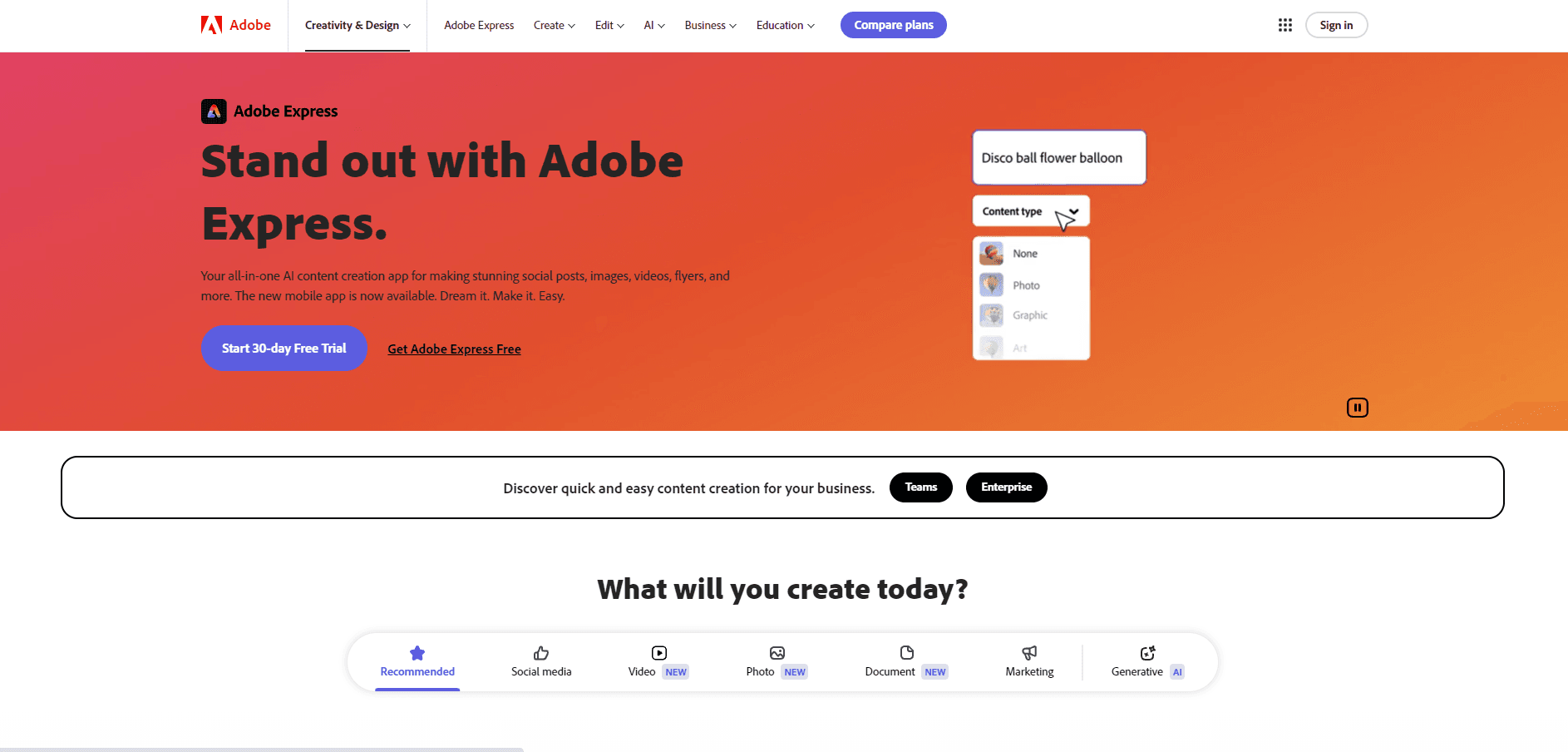
Adobe Express is Adobe's browser and mobile design app. It combines ready-made templates with Firefly AI tools for social media graphics, flyers, and short videos.
About Adobe Express
What Is Adobe Express
Adobe Express is a web-first content creation app for people who need finished material today. Most graphic design software expects you to build from an empty canvas and know your way around layers. Adobe Express starts from a template and keeps the editing surface small: text, images, colors, a few effects, and an export button.
As an AI design tool, it sits next to Photoshop and Illustrator rather than replacing them. Designers use it to turn an approved layout into twenty resized variants. A restaurant owner uses it to fix a menu photo and post the lunch special before noon. The common thread is speed, not precision.
The limits show up once a project gets complicated. Layer control is shallow compared with Adobe's desktop apps, the AI features draw on a monthly credit allowance, and some assets need a paid plan. Brand setup for multiple brands is also web-only, which matters if you work mostly from a phone.
Getting Started
- Sign in at express.adobe.com with a free Adobe ID, or install the iOS or Android app.
- Pick a format or a template: Instagram post, story, flyer, poster, presentation, or video.
- Replace the placeholder text and media, apply your brand kit, and generate images with a Firefly prompt when you need something original.
- Resize the finished design for other channels, then download it as PNG, PDF, or MP4, or schedule it to a connected social account.
Product Information
A quick look at Adobe Express's pricing, supported platforms, and performance.
Best for
The users, tasks, and scenarios where this tool fits best.
Users
- Small business owners and solo marketers
- Students and club organizers
- Social media managers in larger teams
Tasks
- Weekly social media graphics
- Flyers, posters, and event invites
- Short promo videos
- Routine photo cleanup
Scenarios
- A campaign asset is due in an hour and the designer is offline
- A five-person team keeps drifting off brand
- You want to test three visual directions before committing budget
Key features
Firefly Image Generation Inside the Canvas
Firefly works as an AI image generator without leaving the editor. You describe a scene, pick an aspect ratio, and place the result straight into the layout. Adobe says the underlying models were trained on licensed and public domain content, which is the basis for its commercial use guidance. Every generation spends credits, and the free plan includes a small monthly allowance.
Templates With One-Click Resize
The template design workflow covers more than 100,000 layouts for social, print, and presentations. Pick one, edit it, then resize the same design for Instagram, Facebook, print, and web without rebuilding it. Layouts reflow automatically. Dense custom arrangements sometimes need manual cleanup after a resize.
Brand Kits and Creative Cloud Libraries
A brand kit stores logos, fonts, color codes, and approved imagery in one place. Anyone on the team can apply it with one click, which is the main reason small teams pick Adobe Express over a generic design app. Creative Cloud Libraries connect the same assets to Photoshop and Illustrator, so an edited product shot stays in sync.
Quick Actions for Repeat Edits
Quick Actions handle the small jobs that eat time: remove a background, trim a video, convert to GIF, compress a PDF, or generate a QR code. Each runs as a single operation on a file you upload, with no project setup. Results are good enough for web use, and the video background removal is the standout.
Video Editing and Animate From Audio
Adobe Express includes a lightweight video editor with trimming, captions, music, and scene transitions. Animate From Audio turns a recorded voice clip into a moving character with lip sync, which is handy for short explainers. It won't replace Premiere Pro for multicam work, but for a 30-second vertical clip it's faster.
Content Scheduler and Team Collaboration
Paid plans let you schedule posts to Facebook, Instagram, and other connected accounts from inside the app. Teams can comment, share folders, and lock brand assets. The scheduling queue is basic compared with dedicated social tools, and some networks require a business account before they'll connect.
Pros and cons
Pros
- Fast path from template to export, with resize handled in the same file.
- Firefly generation is built into the canvas, so you don't juggle a separate AI tool.
- Brand kits keep a small team's fonts, colors, and logos consistent.
- The free plan is usable for real work, not just a demo.
- Files move between Adobe Express, Photoshop, and Illustrator through Creative Cloud Libraries.
Cons
- Layer and typography control is limited, so detailed layouts hit a ceiling quickly.
- AI credits run out on heavy months, and extra credits cost money.
- Multiple brand setups are web-only, which is awkward for mobile-first users.
- Scheduling and admin features sit behind business plans, so solos pay more for team tooling they may not need.
Frequently asked questions
Yes, there's a free plan with core templates, basic editing, and a small monthly allowance of generative credits. It includes 5GB of cloud storage and access to the template library.
Related content
Explore related tools, skills, and articles for Adobe Express.
Adobe Express Alternatives

Google EmbeddingGemma 2
Google DeepMind · Writing · Image · CodingGoogle EmbeddingGemma 2 is a 740M-parameter open model that turns text, code, images, audio, and video frames into vectors in one 768-dimension space, running on phones and laptops.

Tractionwave
TractionWave · Image · MarketingTractionWave is an AI attention heatmap tool for static ads. Upload a PNG or JPG and it returns predicted attention, ranked hotspots, and fixes before you spend budget.

Imejis.io
Imejis.io · Image · MarketingImejis.io is an AI design studio for agents and marketing teams. Describe an image in plain words, and it writes the copy, builds the layout, reflows it to every size, then exports a finished file.