

Adobe Firefly
Adobe · Image
Adobe Firefly is Adobe's generative AI studio for making and editing images, video, audio, and vectors from text prompts, with commercially safe models and credit-based plans.
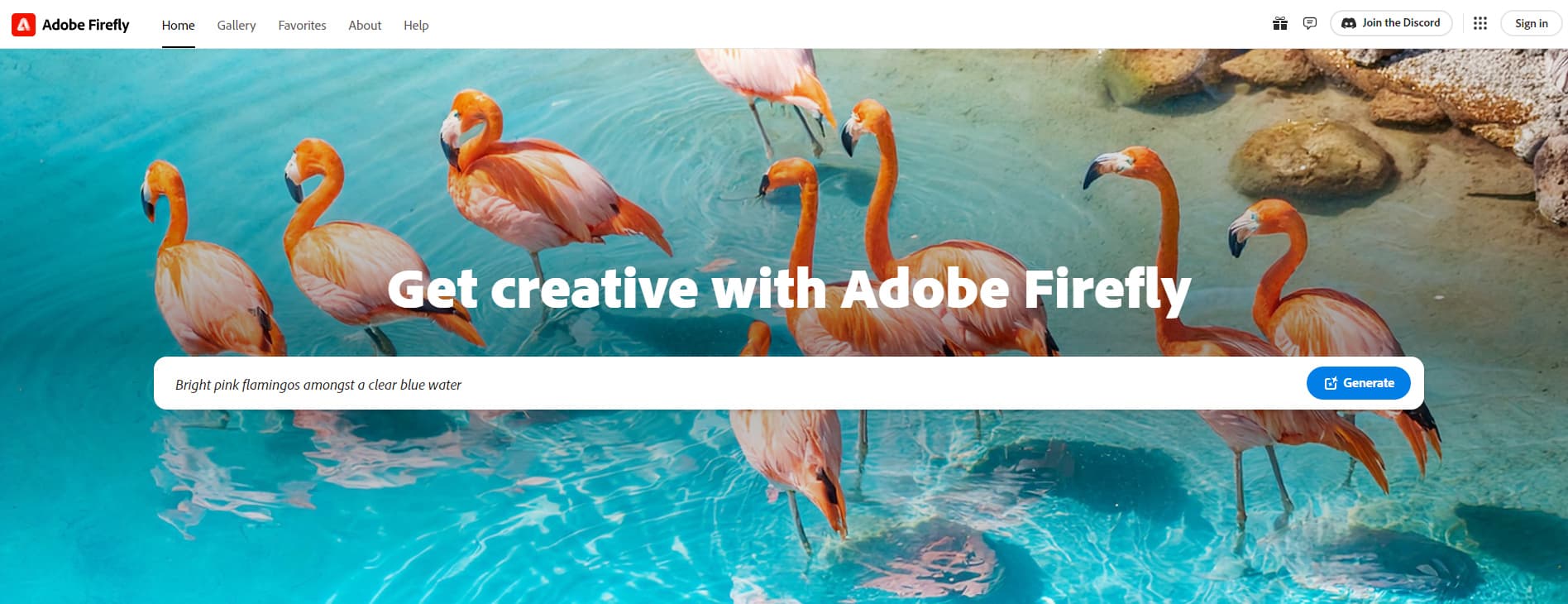
About Adobe Firefly
What Is Adobe Firefly
Adobe Firefly started in 2023 as a text to image tool bolted onto Adobe's creative apps. Since a relaunch in late 2025 it works as a standalone studio at firefly.adobe.com, with mobile apps for iOS and Android. One login now reaches image, video, audio, and vector generation, plus a set of editing tools built for people who already work in Photoshop or Premiere.
The product sits between a chat-style generator and a full editing suite. Adobe's own models handle the core work, and partner models from Google, OpenAI, ElevenLabs, Luma AI, Runway, and Topaz Labs fill the gaps in style and motion. That mix matters for anyone who has been paying for three separate subscriptions to get one campaign finished.
Firefly's selling point is control. There are more than 20 settings for style, lighting, color, composition, and camera angle, and generated files carry Content Credentials that record how they were made. Adobe trains its own models on licensed and public domain material, which is why the company calls the output commercially safe AI rather than fair use guesswork.
The limits show up once you use it for real work. Credits disappear quickly on video, partner models differ by plan, and a few headline features still carry beta labels. The free tier is a test drive, not a production budget.
Getting Started
- Sign in at firefly.adobe.com with an Adobe ID. A free account opens the studio with a small monthly credit allowance.
- Pick a workspace: Generate image, Generate video, Generate audio, or Boards for mood boards and storyboards.
- Write a prompt, then set aspect ratio, model, style reference, and camera controls before you generate. Each run spends Firefly credits.
- Send a finished asset to Photoshop, Premiere, or Adobe Express for retouching, or download it with its Content Credentials attached.
Product Information
A quick look at Adobe Firefly's pricing, supported platforms, and performance.
Best for
The users, tasks, and scenarios where this tool fits best.
Users
- Marketing and social teams
- Designers already in Adobe apps
- Small studios and solo creators
Tasks
- Building a campaign from one brief
- Retouching a photo without a reshoot
- Turning a product still into motion
- Localizing video and audio
Scenarios
- A launch week with a fixed budget
- Pitching a concept to a client
- Clearing legal review
Key features
Text to Image With Adobe's Own Models
Firefly Image Model 5 turns a written prompt into a still image and accepts a reference image for style or composition. You can lock the camera angle, choose an aspect ratio, and generate variations without rewriting the prompt. The same engine powers AI image generator features across Adobe apps, which keeps results consistent between the studio and Photoshop.
Video From Text or a Still Image
The Firefly Video Model works as an AI video generator: it creates short clips from a prompt, and image to video animates a frame you already approved. Camera controls add pans, pushes, and orbit moves, while keyframe options let you set how a shot begins and ends. Clip length is short by design: these are B-roll and social assets, not scenes for a feature film.
Generative Fill and Prompt to Edit
Generative Fill adds, removes, or replaces parts of an image using a brush and a text prompt. Generative Expand stretches the canvas past its original borders and fills the new space. Prompt to Edit goes further and changes lighting, color, or an object across the whole frame in plain language, which cuts the number of layers a retoucher has to build by hand.
Audio, Dubbing, and Translation
Sound effects come from a text description or a short voice sample you record. Generate Soundtrack builds a licensed music bed for a cut, and the dubbing tools translate audio and video into more than 20 languages while keeping the speaker's tone. For a team shipping the same ad in six markets, this removes a separate voiceover booking for each version.
Firefly Boards and the Timeline Editor
Boards is an infinite canvas where a team pins references, generates options, and arranges a storyboard in the same view. A timeline-based video editor sits next to it for assembling clips, audio, and titles without exporting to another program. The editor is still in beta, so treat it as a fast first cut rather than a replacement for Premiere.
Partner Models, Automations, and the API
Firefly runs third-party models next to Adobe's own, including Google's Veo and Imagen, OpenAI's image models, Luma's Ray, Runway, and ElevenLabs voices. Node-based Automations chain generation, editing, and export steps into a repeatable workflow. Developers can reach the same models through the Firefly Services API, which is why API availability is a real answer here and not a marketing line.
Pros and cons
Pros
- Commercially safe AI models trained on licensed and public domain content, with Content Credentials attached to each file.
- Deep hooks into Adobe Creative Cloud, so generated assets open in Photoshop, Illustrator, Premiere, or Express without a round trip through downloads.
- More than 20 style and camera controls before generation, which saves the retouching that loose prompt-only tools create.
- Partner models from Google, OpenAI, Luma, Runway, and ElevenLabs sit in the same subscription, which replaces several separate bills.
Cons
- Firefly credits are consumed per generation, and video eats them fast. A Premium plan exists because the cheaper tiers run dry on a single campaign.
- Feature access depends on your plan, and some partner models are limited to Pro or higher, so the $9.99 tier feels narrower than the marketing suggests.
- The built-in video editor and several audio tools are in beta. Crashes and missing controls are still part of the experience.
Frequently asked questions
Yes, there is a free tier. A free Adobe account gets a small monthly allowance of generative credits and access to a limited set of models, with the balance refreshing over time. Heavy image work or any serious video output needs a paid plan.
Related content
Explore related tools, skills, and articles for Adobe Firefly.
Adobe Firefly Alternatives

Google EmbeddingGemma 2
Google DeepMind · Writing · Image · CodingGoogle EmbeddingGemma 2 is a 740M-parameter open model that turns text, code, images, audio, and video frames into vectors in one 768-dimension space, running on phones and laptops.

Tractionwave
TractionWave · Image · MarketingTractionWave is an AI attention heatmap tool for static ads. Upload a PNG or JPG and it returns predicted attention, ranked hotspots, and fixes before you spend budget.

Imejis.io
Imejis.io · Image · MarketingImejis.io is an AI design studio for agents and marketing teams. Describe an image in plain words, and it writes the copy, builds the layout, reflows it to every size, then exports a finished file.