

Adobe Photoshop App
Adobe · Image
Adobe Photoshop App is Adobe's free mobile and web photo editor. It combines images, removes unwanted objects, swaps backgrounds, and applies AI edits on iPhone, Android, or the web.
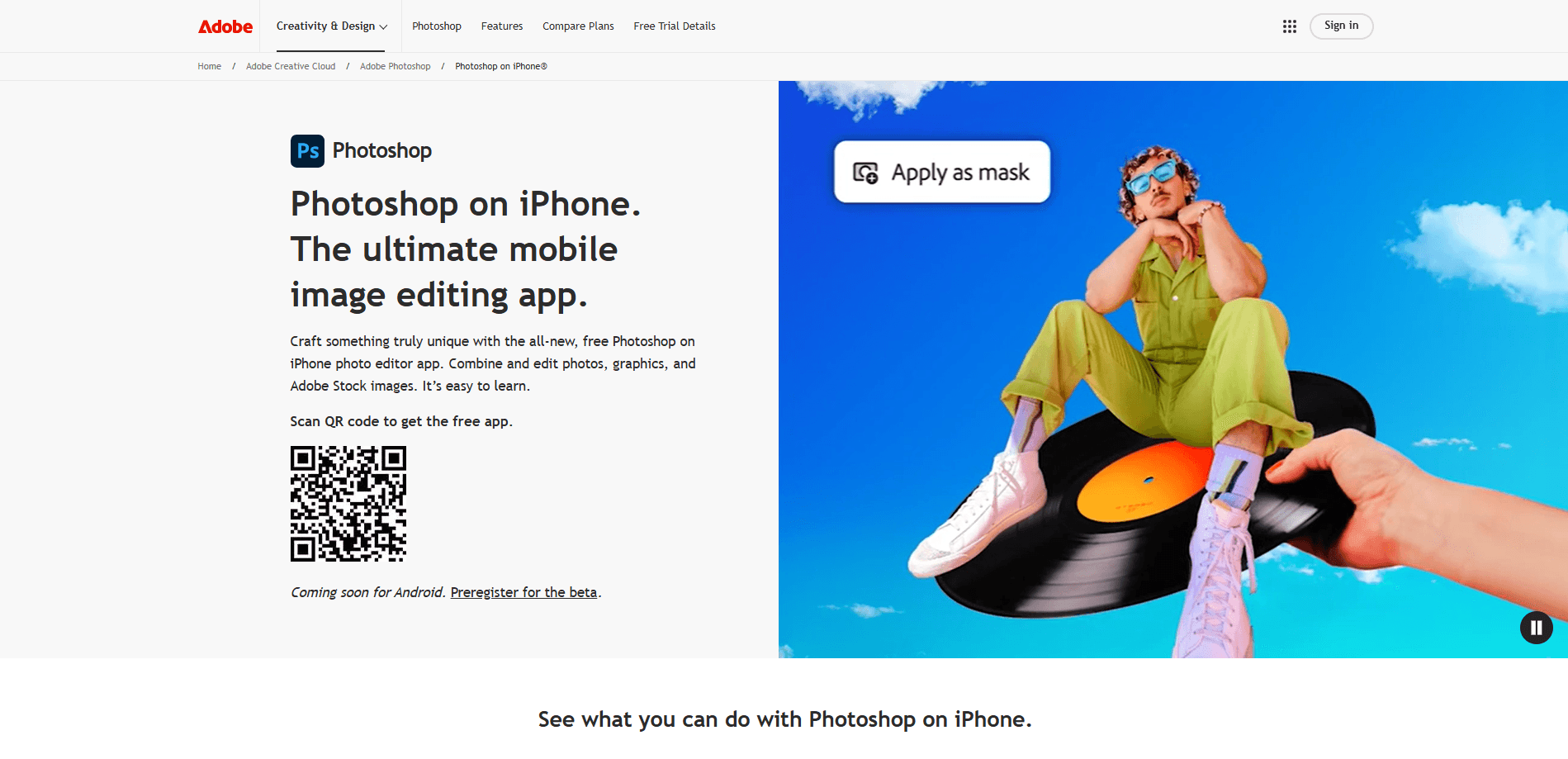
About Adobe Photoshop App
What Is Adobe Photoshop App
Adobe Photoshop App is a mobile and web version of Photoshop built for phones and browsers. Adobe released it first on iPhone in February 2025 and brought it to Android later that year, then added a web version. It keeps the familiar Photoshop tools but trades the layered desktop workspace for a touch-first interface.
The app solves a common problem: most people edit photos on their phone, but full desktop editors stay tied to a computer. Photoshop App lets you add or remove objects, change backgrounds, adjust color, and blend elements without opening a laptop. It also pulls in Adobe Stock images and graphics so you can build composites on the go.
The main limit is depth. This isn't the desktop Photoshop. Advanced tools like complex masking, full layer management, and print-grade color workflows stay on the desktop and iPad versions. On mobile, some premium features sit behind a paid Photoshop Mobile and Web plan, which you buy through the App Store.
Getting Started
- Download the app from the Apple App Store or Google Play, or open Photoshop on the web in a browser.
- Sign in with your Adobe account, then create a free account if you don't have one.
- Import a photo, or pick an Adobe Stock asset to start a composite.
- Tap a tool to remove an object, swap a background, or adjust color and lighting.
- Export your finished image or save it back to your library.
Product Information
A quick look at Adobe Photoshop App's pricing, supported platforms, and performance.
Best for
The users, tasks, and scenarios where this tool fits best.
Users
- Social media creators
- Casual photographers
- Ecommerce sellers
Tasks
- Removing unwanted objects
- Swapping backgrounds
- Building composites
Scenarios
- Editing a photo right after you take it, before you post or send it.
- Preparing a listing image while away from a computer.
- Testing an edit idea on your phone before refining it on the desktop.
Key features
Remove Tool
The Remove tool deletes unwanted people, objects, and blemishes from a photo. Its distraction detection finds things like power lines or background figures and clears them without you brushing them out by hand. Results fill the empty area using the surrounding image, so the retouch blends into the scene.
Harmonize
Harmonize blends a person or object into any background by matching the lighting, shadows, and color. You place the subject, then the feature reads both elements and adjusts the tones so the composite looks like one photo. It saves the manual color work that compositing usually demands.
Generative Fill and Expand
Generative Fill adds objects or replaces areas from a text prompt, and Generative Expand stretches the frame beyond its original edges. Both run on Adobe's Firefly models, which Adobe says now produce higher resolution and cleaner edges. The tools let you change a photo's content or canvas size without leaving the app.
Background and Subject Selection
The selection tools pick out complex subjects and remove backgrounds with more precision than earlier mobile versions. Adobe rebuilt them for better quality both online and offline. Once a subject is selected, you can drop in a new background or apply edits to just that area.
Adjustment Layers
Adjustment layers for Clarity, Dehaze, Grain, temperature, and tint let you tune texture, atmosphere, and sharpness without destroying the original pixels. You can mask each adjustment for control over where it applies. The Layers panel brings non-destructive editing to the mobile app.
Adobe Stock Library Access
The app connects to the Adobe Stock library, so you can pull in licensed photos and graphics while you edit. Combined with photos from your camera roll, that gives you the raw material for posters, social graphics, and product images. It keeps a separate asset search from breaking your editing flow.
Pros and cons
Pros
- Free to download and use, with premium features sold separately through a mobile plan.
- Brings core Photoshop tools like Remove, Generative Fill, and Harmonize to a phone.
- Works across iPhone, Android, and the web, so edits follow you between devices.
- Includes Adobe Stock assets for composites without a desktop.
- Touch-first interface is easier to learn than the full desktop workspace.
Cons
- Lacks the depth of desktop Photoshop, so complex masking and layered projects need a computer or iPad.
- Some high-value AI features require the paid Photoshop Mobile and Web plan.
- Android support arrived later than iOS, so early releases were iPhone-only.
- No public API, which rules out automated or programmatic editing workflows.
Frequently asked questions
It's Adobe's free photo editor for phones and the web. As an AI photo editing tool, an iPhone photo editor, and an Android photo editor, it brings Photoshop tools like Remove, Generative Fill, and Harmonize to phones and browsers, without the full desktop software.
Related content
Explore related tools, skills, and articles for Adobe Photoshop App.
Adobe Photoshop App Alternatives

Google EmbeddingGemma 2
Google DeepMind · Writing · Image · CodingGoogle EmbeddingGemma 2 is a 740M-parameter open model that turns text, code, images, audio, and video frames into vectors in one 768-dimension space, running on phones and laptops.

Tractionwave
TractionWave · Image · MarketingTractionWave is an AI attention heatmap tool for static ads. Upload a PNG or JPG and it returns predicted attention, ranked hotspots, and fixes before you spend budget.

Imejis.io
Imejis.io · Image · MarketingImejis.io is an AI design studio for agents and marketing teams. Describe an image in plain words, and it writes the copy, builds the layout, reflows it to every size, then exports a finished file.